









Image Tools
Generate & Create
Portraits & Characters
Edit & Retouch
Design & Graphics
-bf9bafc5-3ac8-43e2-8eb6-f619a0d03fae.webp)
-1dc2502e-806b-4816-9fa8-104718da6796.webp)
Models
Inspirations
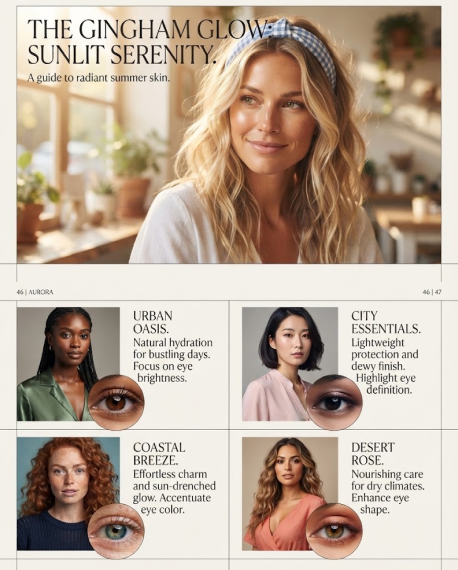
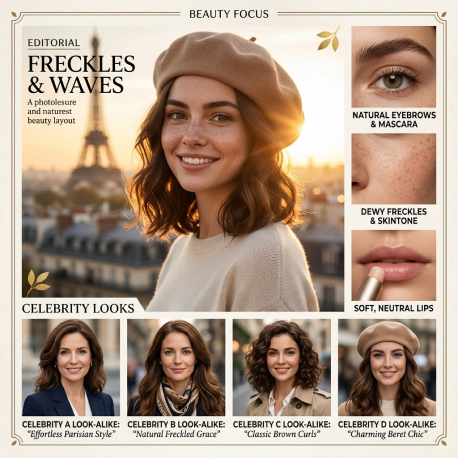
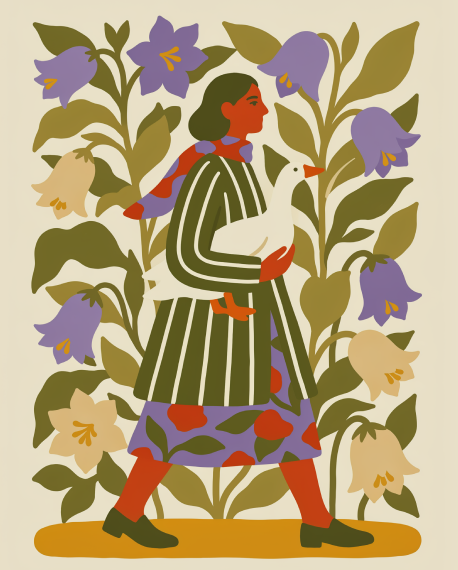
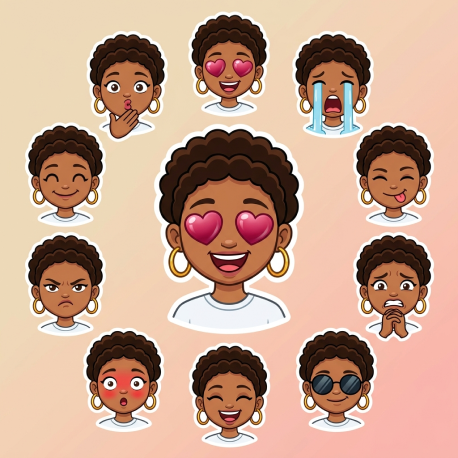
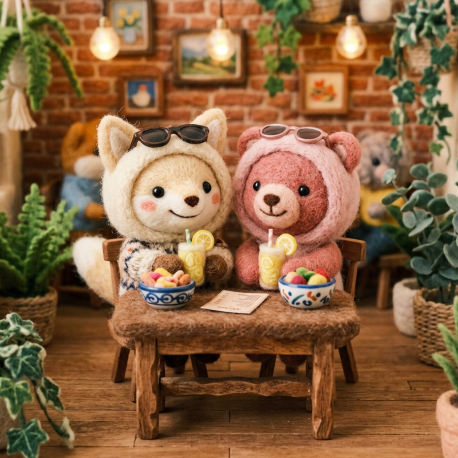
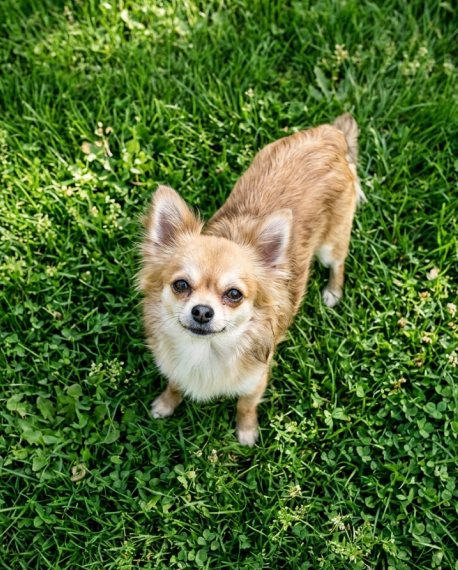
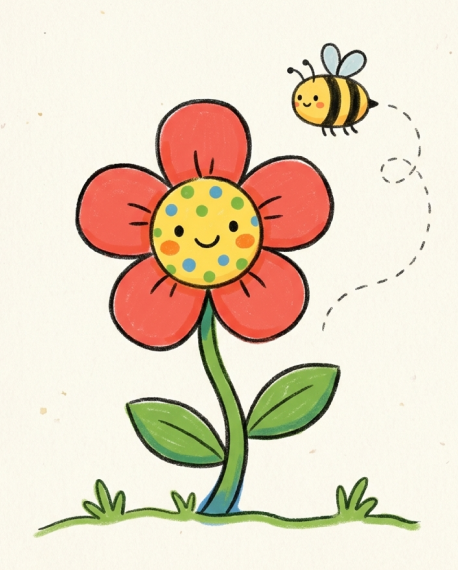
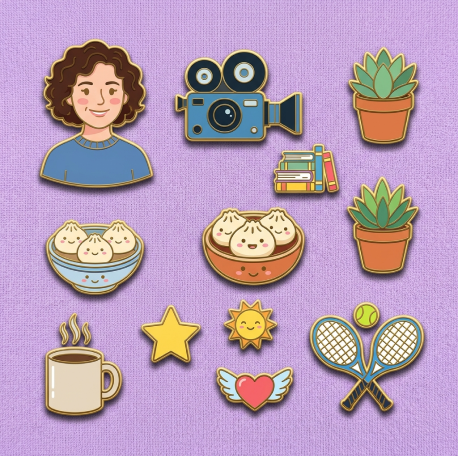
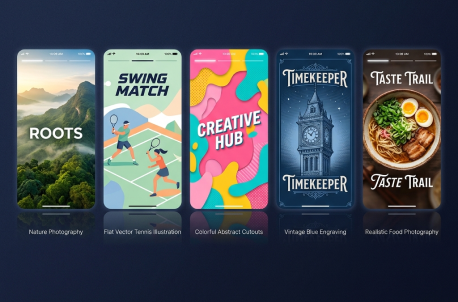
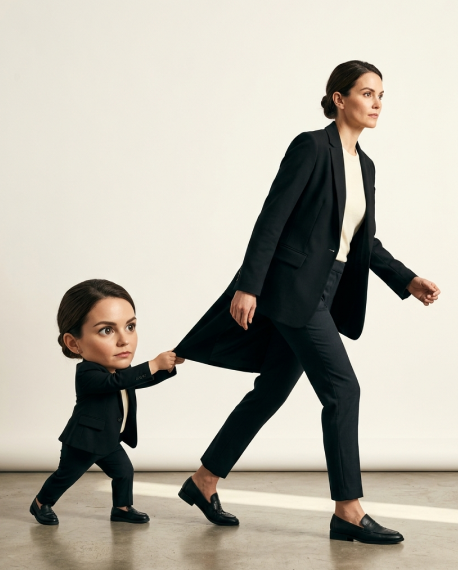
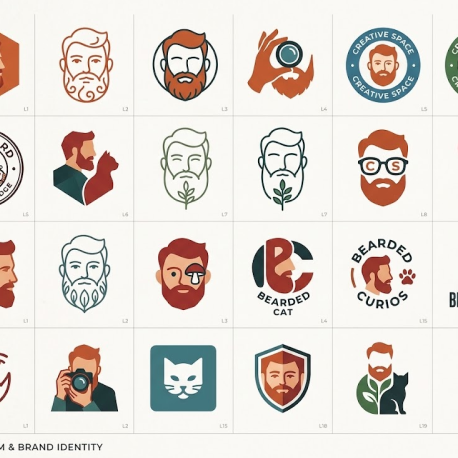
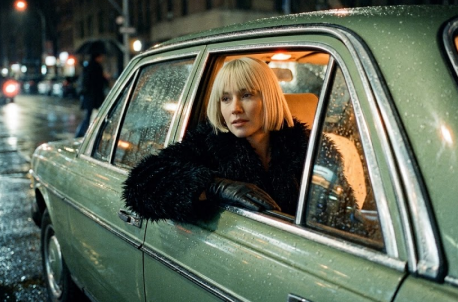
Why Choose AI Image Generator in ChatGOAT AI
Bring an idea, a photo, or a few visual references. ChatGOAT AI helps you create and refine images with AI, whether you need a fresh concept, an edit to an existing picture, or a visual for a specific project. Describe what you want, choose your settings, and generate an image ready to review and use.
Turn a Written Idea into an Image
Describe the subject, setting, mood, lighting, and style, then let the AI create a visual interpretation. Start with a short prompt or add more detail to guide the result. It is useful for exploring concepts, creating illustrations, and making original visuals for posts and projects.
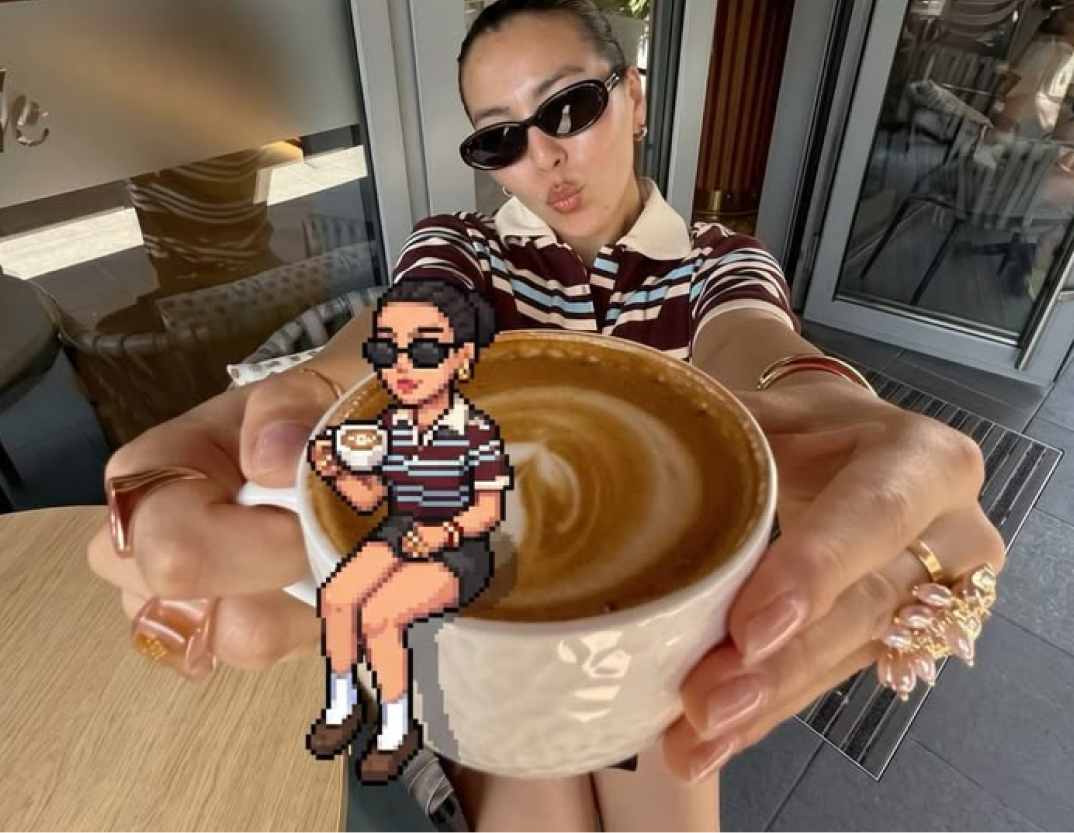

Modify Image to Image in Plain Language
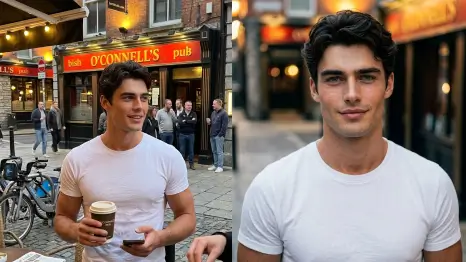
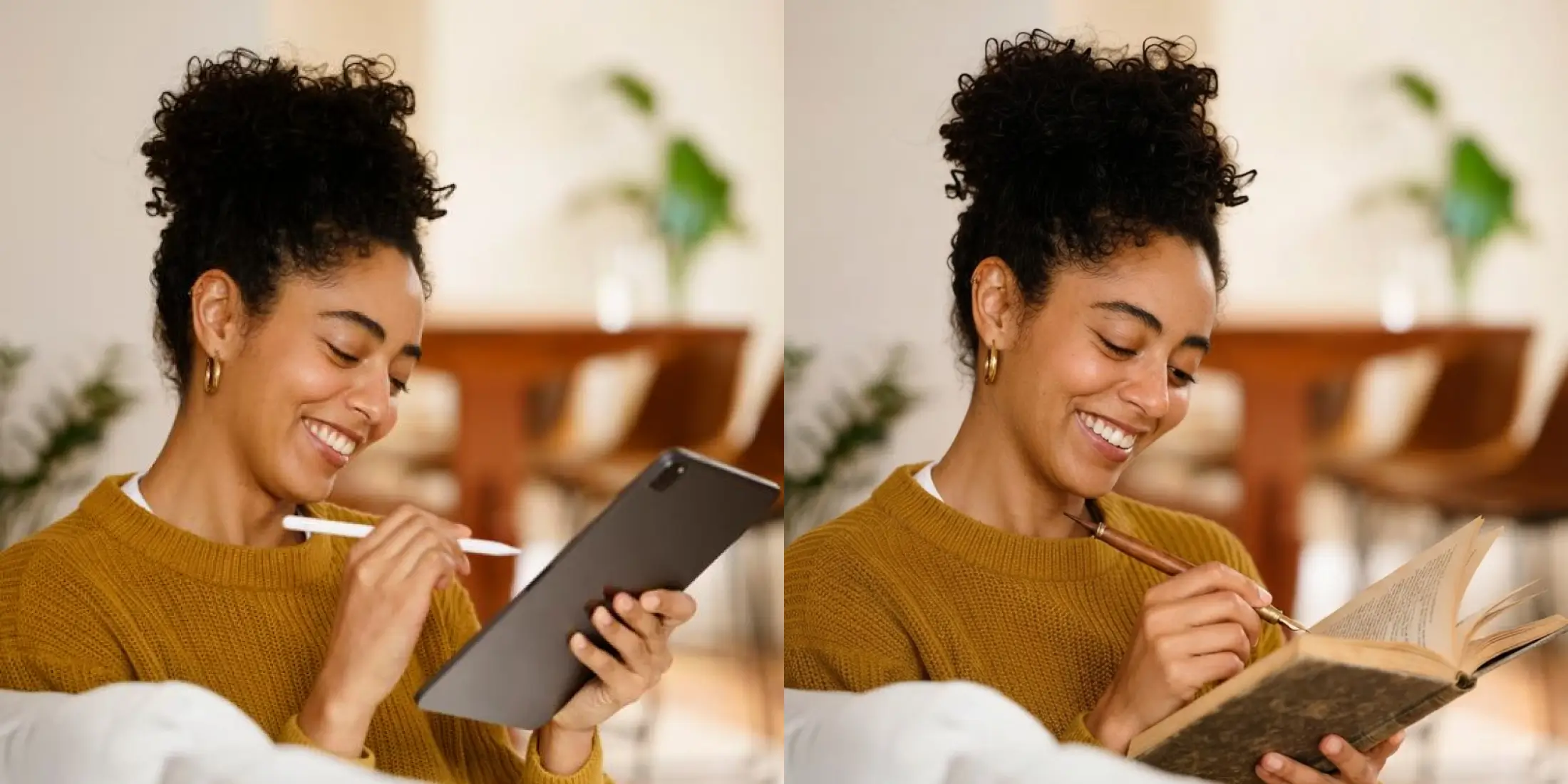
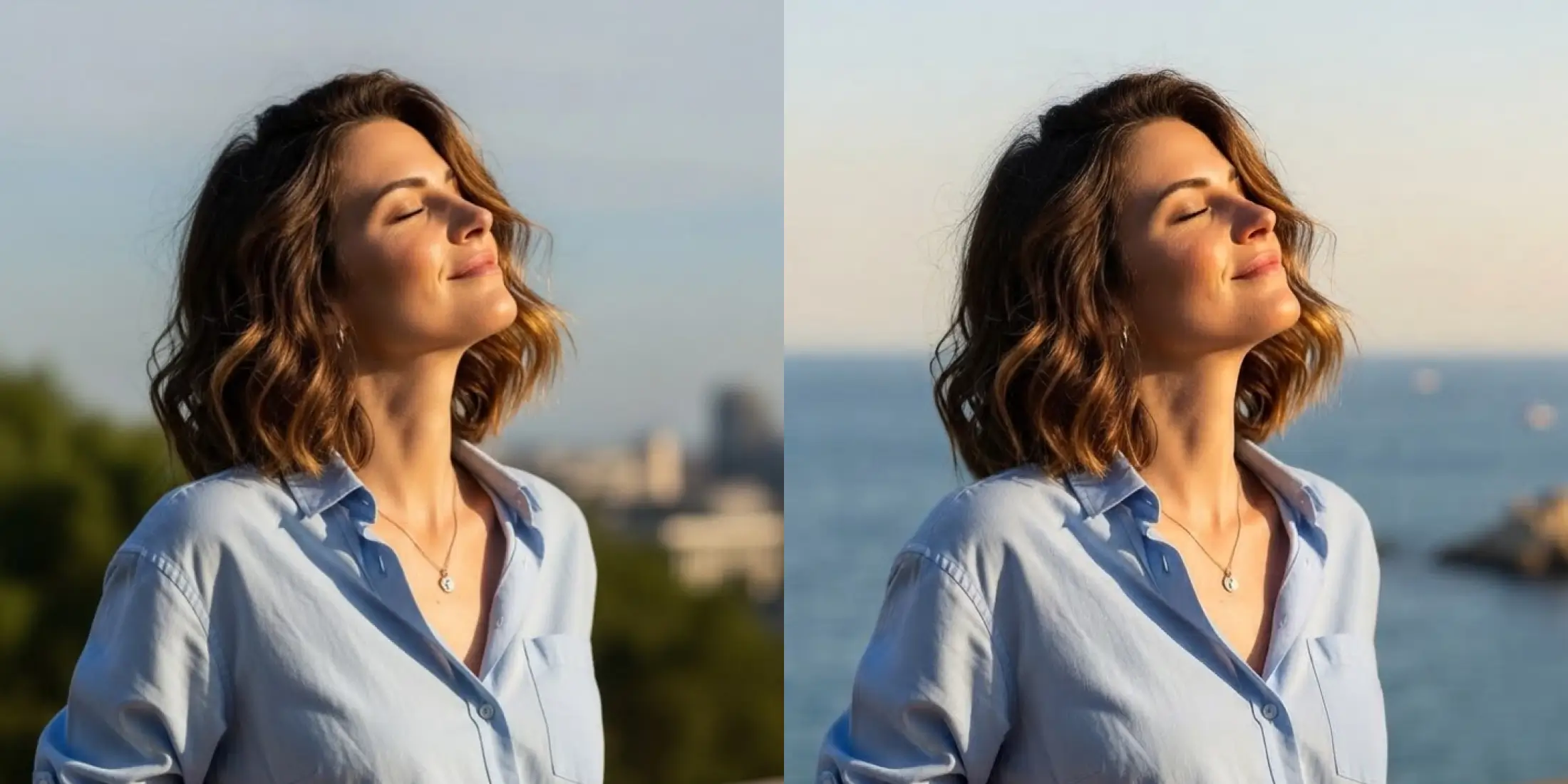
Use an existing image as the starting point for a new version. Change the background, colors, lighting, composition, art style, or other visual details while keeping the elements you want. Add a reference image and describe the edits in plain language to explore variations without rebuilding the image from scratch.

Combine Multiple Reference Images
Bring together several references to guide a single creation. Use one image for the subject, another for the setting, and another for colors or style. ChatGOAT AI uses your prompt and references to create a new image inspired by the direction you provide.

High-Resolution Images in Multiple Aspect Ratios
Choose an aspect ratio to suit where the image will appear, such as a square post, a portrait story, or a widescreen banner. Generate high-resolution images for clearer details across common sharing and publishing formats.
Best AI Image Generator for Multiple Scenarios
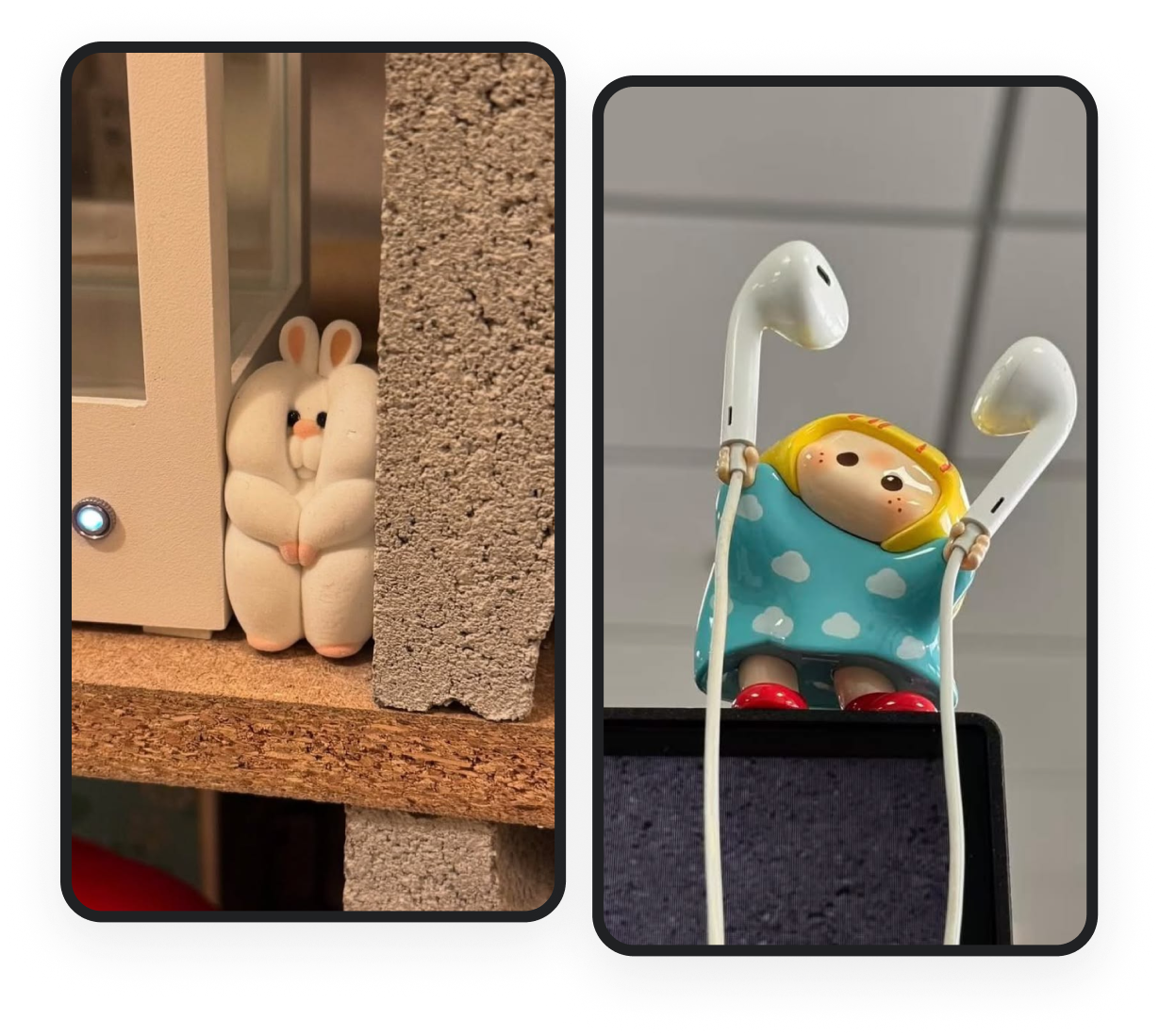
Create Campaign Visuals Without Starting From Scratch
Explore product concepts, social graphics, and campaign visuals from a text prompt or product reference. Generate different creative directions to review with your team or adapt for a campaign.
- Create visuals for product launches and promotions
- Explore alternative styles and compositions for campaign testing
Your All-in-One AI Image Generator
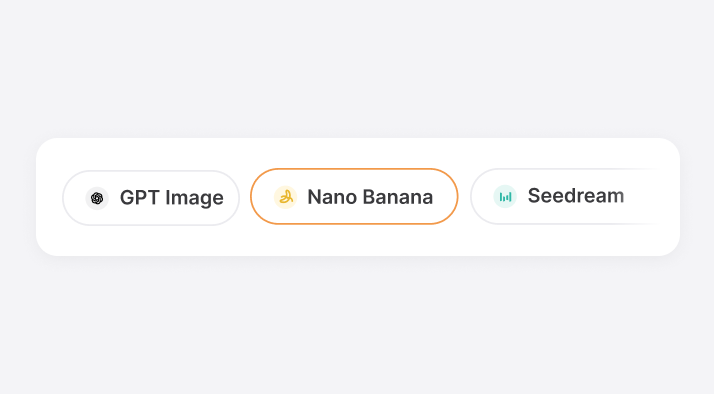
Multiple AI Image Models
Choose from available image models to suit different prompts and creative goals. Compare results and find an approach that works for your image.
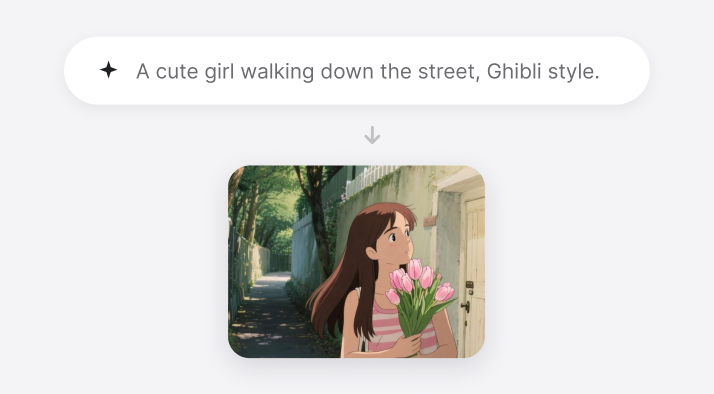
Text-to-Image Creation
Describe a scene, subject, or visual idea in your own words. Generate an image from a prompt without needing to start with an existing picture.
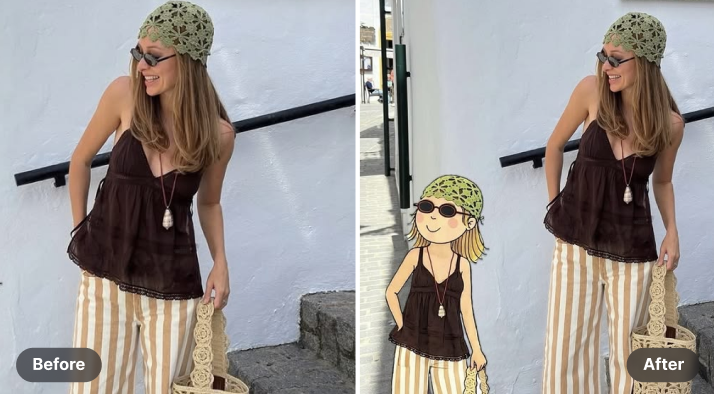
Image Editing with AI
Make changes to an uploaded image by describing what you want to adjust. Explore new backgrounds, styles, colors, lighting, and compositions.
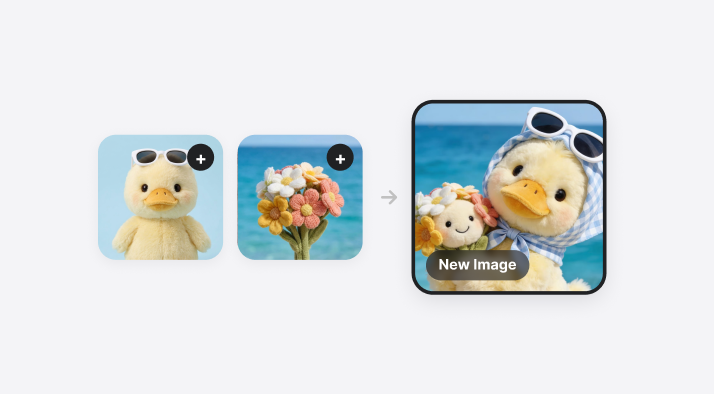
Multiple Reference Images
Provide several visual references to help guide a new image. Bring together inspiration for subjects, settings, colors, and styles in one creation.
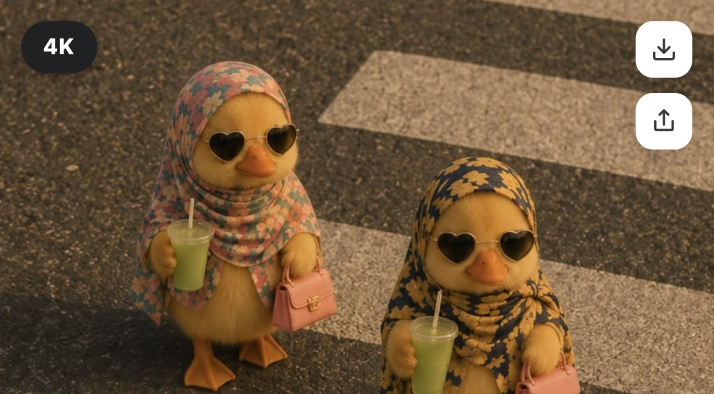
High-Resolution Downloads
Generate detailed images for digital projects and sharing. Download options depend on the model and settings selected.
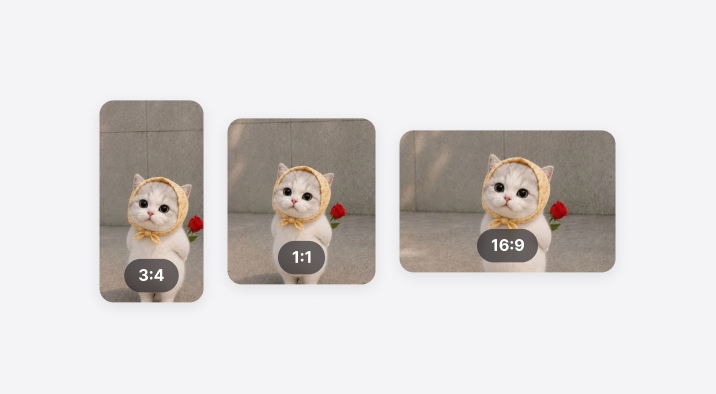
Aspect Ratios for Different Uses
Choose a format that fits your intended layout, including square, portrait, and landscape images. Create visuals suited to social feeds, banners, and other common placements.
What Users Say About ChatGOAT AI Image Generator
Real feedback from creators, marketers, and designers.

“I can explore several campaign directions from one product photo instead of rebuilding every concept manually. It makes early reviews much easier.”

“I can explore several campaign directions from one product photo instead of rebuilding every concept manually. It makes early reviews much easier.”
“The image edits are straightforward. I describe the background and lighting I want, then compare a few versions before choosing one.”

“The image edits are straightforward. I describe the background and lighting I want, then compare a few versions before choosing one.”
“It’s useful for getting a visual starting point from a written idea. I can try different styles and references before I spend time polishing a final concept.”

“It’s useful for getting a visual starting point from a written idea. I can try different styles and references before I spend time polishing a final concept.”
FAQs of ChatGOAT AI Image Generator
What is an AI image generator?

How do I generate an image from text?
Can I edit an existing image with AI?
Can I use multiple reference images?
How can I get better results from my prompt?
What image styles can I create?
Can I choose the image aspect ratio?
Can I use generated images for commercial purposes?
Is the AI image generator free?