



Click on any featured showcase below to choose your favorite style, then enter a new name to seamlessly inherit the image structure for generation.
 Featured Examples (Click to Enter Smart Swap Directly)
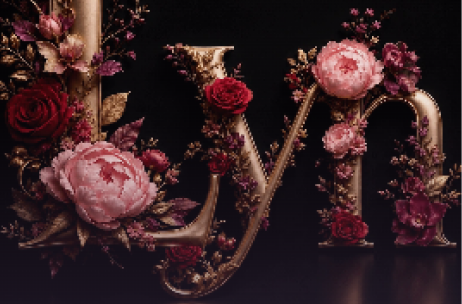
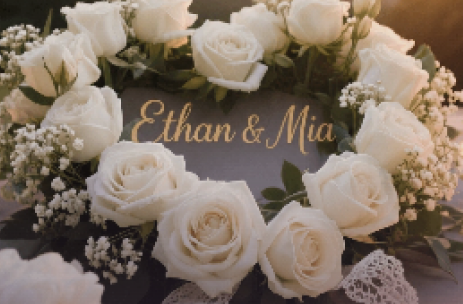
Top-tier AI models, one-stop drawing
Seamlessly use cutting-edge models like Nano Banana 2 Lite, Nano-Banana 2, Seedream 5.0 Lite without switching applications. From initial sketches to final masterpieces, realize limitless creativity on one platform.



Trusted by millions of users worldwide




Name Into Flowers Generator – Custom Floral Typography Art
Turn any name into personalized flower‑style artwork online with ChatGOAT's AI name‑into‑flowers generator. Make custom floral‑letter visuals for wallpapers, handmade gifts, party invitations and social‑media content.
Turn Any Name Into Beautiful Flower Art
ChatGOAT's name into flowers generator can build letters made up of petals, foliage and flower stems, or embed readable text within an ornate bouquet. Input your name or short phrase, then customise flower varieties, colour scheme, backdrop and artistic aesthetic. Skip tedious manual arrangement and quickly test out multiple floral layouts from romantic roses to lively wildflowers.
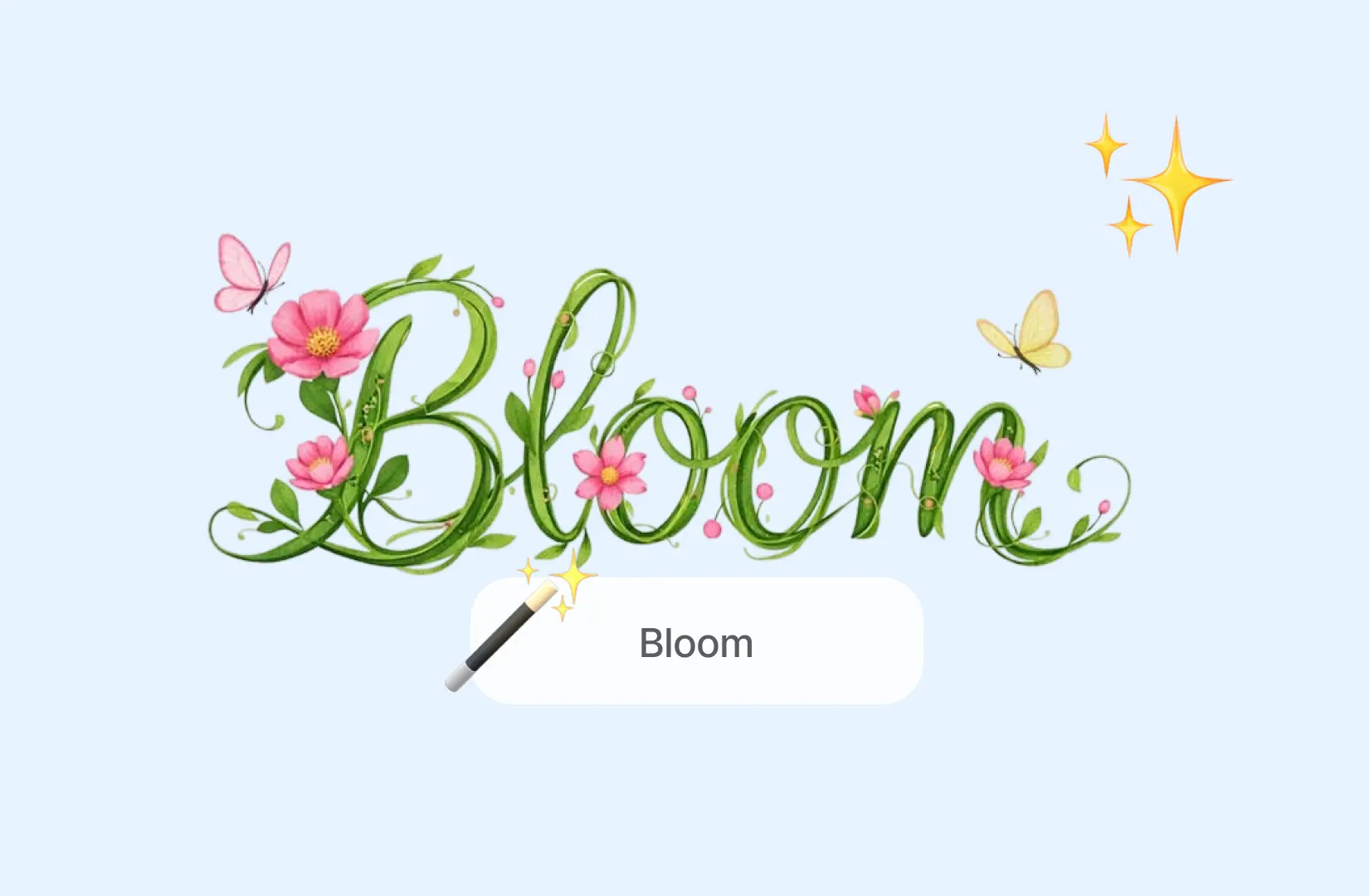
Create Personalized Flower Name Art
Generate bespoke floral typography using your own name, loved‑one names, pet monikers or meaningful words. Every letter can be constructed from botanical components. Export your finished creation for keepsakes, profile photos, digital greeting cards and printable wall decor.
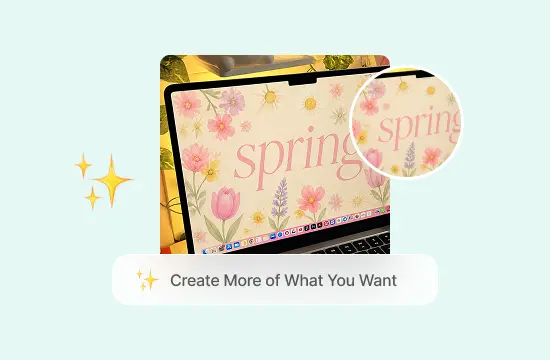
Design Flower Name Wallpapers
Tailor floral‑name wallpapers for mobile phones, desktop screens and social‑media banners. Customise layout, background, colour palette and atmosphere, and pick square, portrait or landscape canvas ratios. Opt for muted pastel blooms, bright spring blossoms or moody dark‑toned rose compositions.
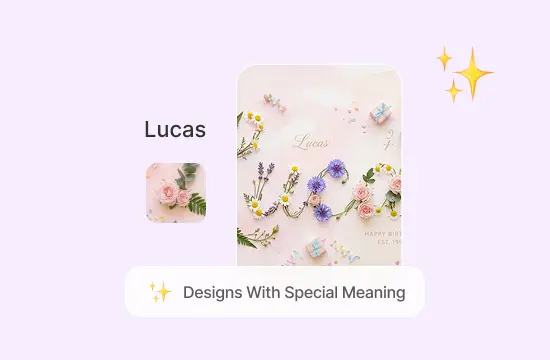
Make Floral Gifts And Celebration Designs
Produce floral‑themed artwork suited for birthdays, wedding ceremonies, anniversaries, baby showers, graduation ceremonies and holiday celebrations. Adapt the visuals for invitation cards, gift tags, party signage and framed home decorations by picking meaningful blooms and custom colours.
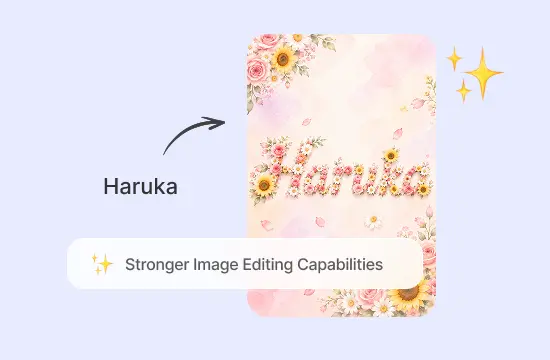
Why Use ChatGOAT's Name Into Flowers Generator
Build flower‑text art that fits your preferred atmosphere and aesthetic, and explore the wide‑ranging practical benefits of our ChatGOAT flower‑name creator.
.png)
Match Flowers With Meaning And Style
Select roses, lilies, daisies, peonies, sunflowers, tulips and wildflower mixes. Align your bloom selection with personal memories, birthday symbolism, romantic bonds and special‑event sentiment. Set your desired tone including romance, gratitude, remembrance, hope or celebration, alongside water‑colour, photorealistic, hand‑drawn, vintage, minimalist or fantasy‑based visual styles.
.png)
Create Without Design Experience
Zero drawing, typography or photo‑editing know‑how is necessary. Describe your vision in plain‑language prompts and tweak bloom arrangement, backdrop and character spacing whenever you require revised artwork.
.png)
Customize Flowers, Colors, And Mood
Break away from rigid preset templates. Adjust blossom types, seasonal flora, colour combinations, lighting settings and backgrounds. Craft romantic peony graphics, peaceful white‑lily memorial artwork and playful daisy illustrations for children‑focused designs.
.png)
Create Art For Gifts, Weddings, Babies, Pets, And Brands
Generate wedding‑anniversary couple‑name graphics, soft nursery‑ready newborn artwork, pet‑name bouquets and botanical‑styled brand visuals for social‑media postings, seasonal marketing campaigns and packaging drafts. Use the built‑in AI image editor to fine‑tune colours, blooms, lighting and text placement.
How To Turn A Name Into Flowers
Generate custom flower‑name artwork through three straightforward, beginner‑friendly operating steps.
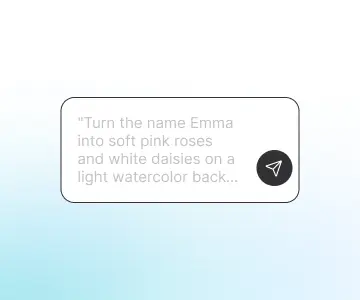
Step 1: Enter A Name And Describe The Flowers
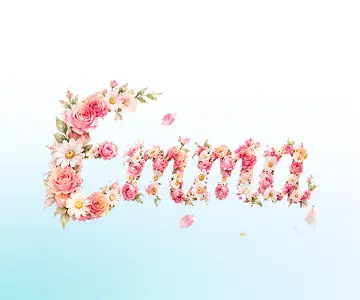
Enter your full name, initials or short phrase. Specify flower species, colour scheme, symbolic connotation, background design and art style. Choose square, portrait or landscape aspect ratios according to your intended usage, such as "Turn the name Emma into soft pink roses and white daisies on a light watercolor background."
Step 2: Generate And Review Your Flower Name Image
Configure your picture parameters and commence generation. The AI produces a balanced floral composition according to your prompt. Inspect text legibility, letter spacing and flower placement. Enclose your name inside quotation marks, cut overlapping blossoms and boost contrast if characters are hard‑to‑read.
Step 3: Download And Use Your Design
Save your finished high‑resolution graphic and deploy it as wallpaper, social‑media post, invite, printable artwork or personalised gift graphic. The AI background‑changing tool can swap the backdrop without remaking your floral lettering.
Enhance Your Creative Workflow
Use advanced AI tools for image editing, content creation, productivity tasks, and creative projects - all within one streamlined experience.
See Why Users Love Our Name Into Flowers Generator
Authentic feedback from creators who use our name‑to‑flowers AI tool
.png) Emily R.
Emily R.I created my daughter's name with pink peonies and small white flowers for her nursery. It gave me a lovely starting point for a framed wall print.
.png) Sophie M.
Sophie M.I wanted a personal anniversary image without using a standard card template. I combined our names with the flowers from our wedding bouquet.
.png) Haruka T.
Haruka T.The vertical layout worked well for a phone wallpaper. I used purple flowers and a dark background, then adjusted the prompt until the letters were easy to read.
.png) Lucas A.
Lucas A.I made a floral version of my mother's name for her birthday. Choosing her favorite sunflowers made the image feel much more personal.
.png) Amelia W.
Amelia W.I needed a soft botanical design for a baby shower invitation. The generator helped me test different flowers and colors before choosing the final direction.
.png) Daniel H.
Daniel H.I used my shop name with green leaves and white flowers to explore ideas for a seasonal social media campaign.
Name Into Flowers FAQ
Common questions regarding the AI flower‑name maker
What Does Name Into Flowers Mean?

How Does The Name Into Flowers Generator Work?
Can I Choose Specific Flowers For My Name?
Can The Flowers Represent The Meaning Of A Name?
What Can I Create With A Flower Name Generator?
Can I Create Wedding, Baby, Or Pet Name Flowers?
Can I Turn More Than One Name Into Flowers?
How Can I Make The Name Easier To Read?
Can I Create A Flower Name Wallpaper?
Can I Use A Reference Image?