





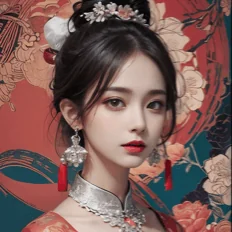
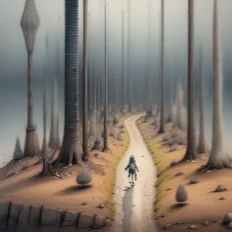
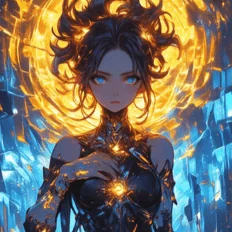
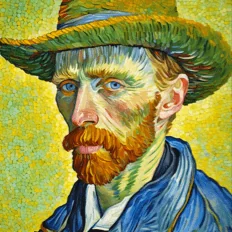
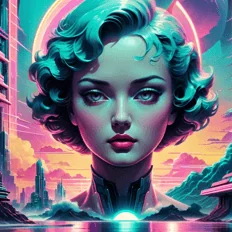
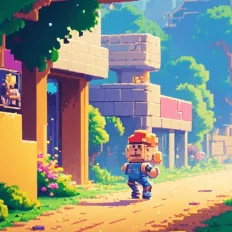
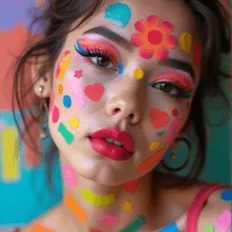
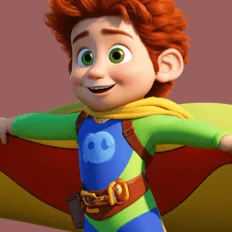
Top-tier AI models, one-stop drawing
Seamlessly use cutting-edge models like Nano Banana 2 Lite, Nano-Banana 2, Nano-Banana 2.1 without switching applications. From initial sketches to final masterpieces, realize limitless creativity on one platform.



Trusted by millions of users worldwide




Free Image to Image AI Generator
Turn an existing image into a new visual with our free image to image AI generator. Upload a photo, illustration, product image, or other reference, then describe how you want to transform it. ChatGOAT AI can restyle your image, change the background, adjust visual details, or create new variations while using your original image as a reference.
Build on Existing Images
Start with a photo, illustration, sketch, product image, or other visual you already have. Image to image AI lets you use that existing image as a reference, so you can build on the subject, composition, or visual direction instead of recreating the concept from scratch.
Explore Creative Directions Faster
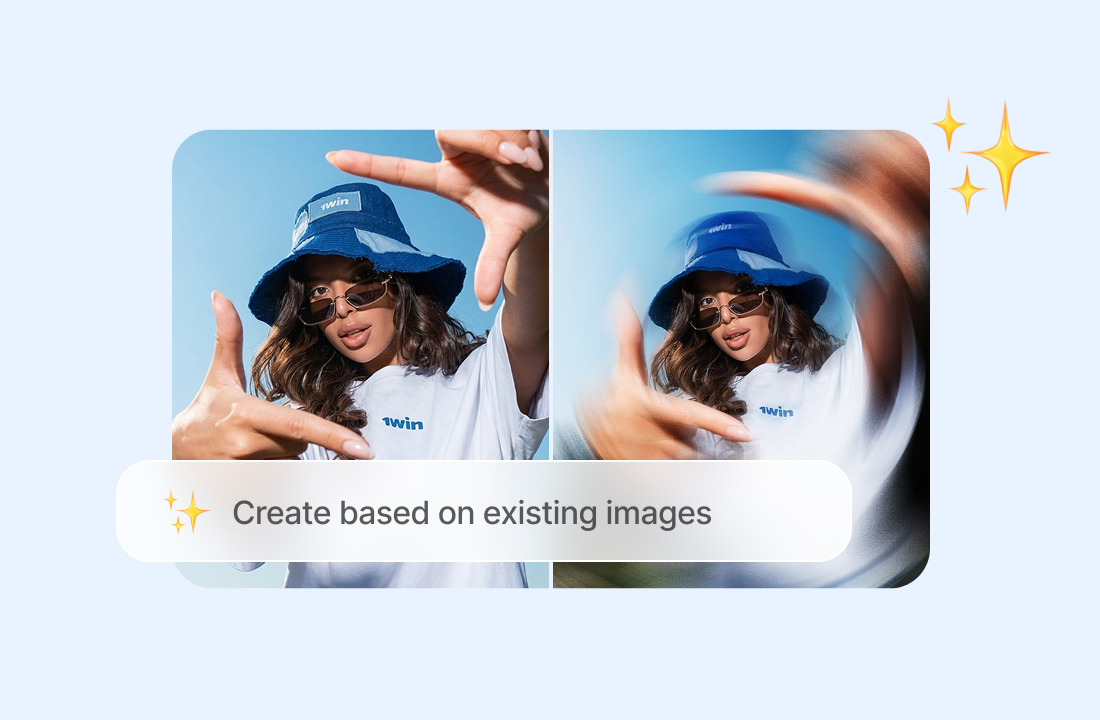
Explore different visual ideas without committing to one approach. With image restyle AI, you can change the style, mood, lighting, setting, colors, or overall look and see how the same source image could work in different creative directions. If you want to create a new image from a text description instead, try the AI image generator.
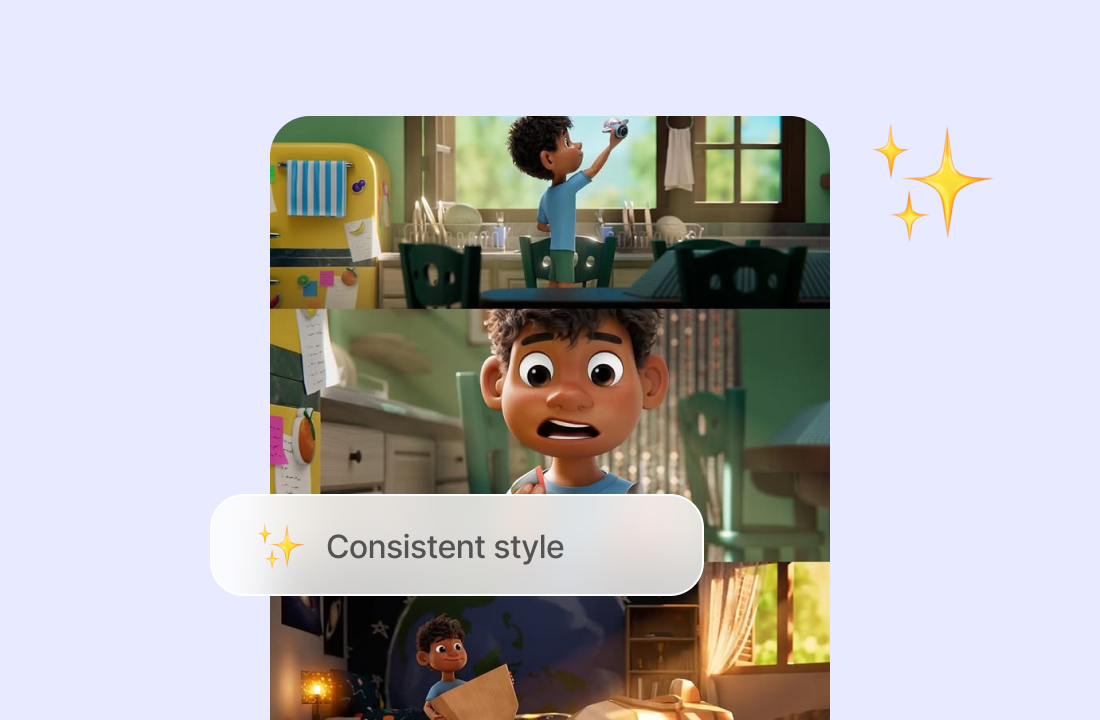
Create Consistent Visual Variations
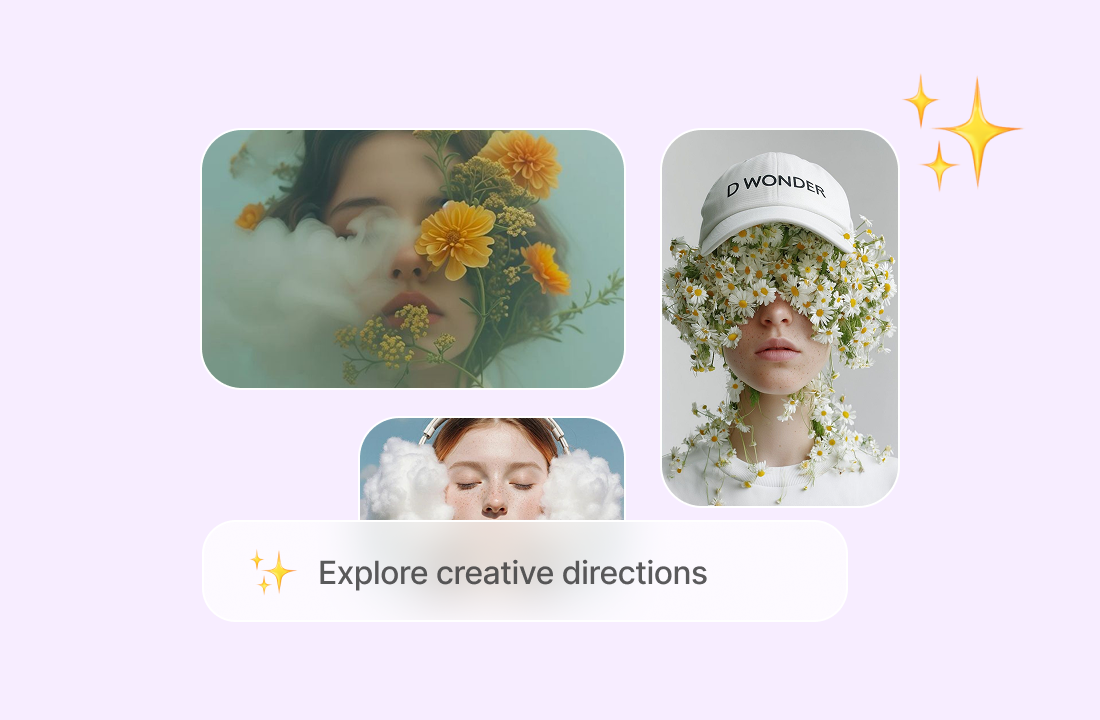
Turn one source image into a set of related visuals while keeping a shared subject or overall visual direction. This is useful for creating different versions of a product image, campaign visual, social media post, or other content.
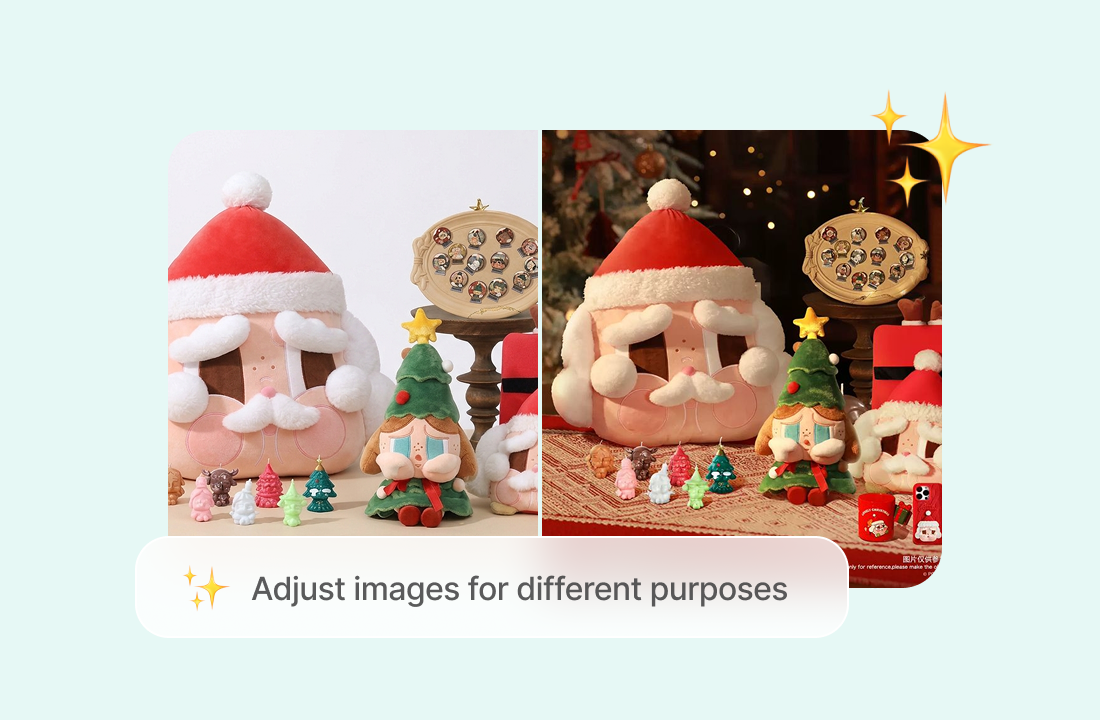
Adapt Images for Different Uses
Create versions of an existing image for different audiences, platforms, or creative requirements. You can adjust the visual direction while keeping the core subject or concept, making it easier to reuse existing assets across marketing, content, presentations, and other projects.
Why Choose ChatGOAT AI for Image to Image
ChatGOAT AI makes image to image generation easier to control with reference images and natural-language prompts. Upload an image, describe the changes you want, and continue refining the result through a conversational workflow. Instead of rebuilding your idea from scratch, you can guide the transformation step by step.

Natural-Language Control
Describe the changes you want in plain language instead of working through complicated editing controls. Tell ChatGOAT AI what to change, preserve, add, or explore, and refine your instructions as you go.

Context-Aware Generation
Use an existing photo, illustration, product image, or other visual to give ChatGOAT AI useful context for the transformation. Your reference image helps guide the result while your prompt controls the direction.

Easy AI Iteration
Keep refining the result through follow-up prompts. Ask for another variation, adjust a specific detail, or change the overall direction without starting the entire process over. For more targeted edits to specific parts of an image, try the AI image editor.

Multiple AI Models
Explore different approaches to image generation with models like Nano Banana 2, Nano Banana 2 Lite, and Seedream 5.0 Lite in one platform. Switch between available models to compare results and find the approach that works best for your creative project.
How to Use the Image to Image AI Generator
How to use image to image AI with ChatGOAT AI? Just 3 steps.
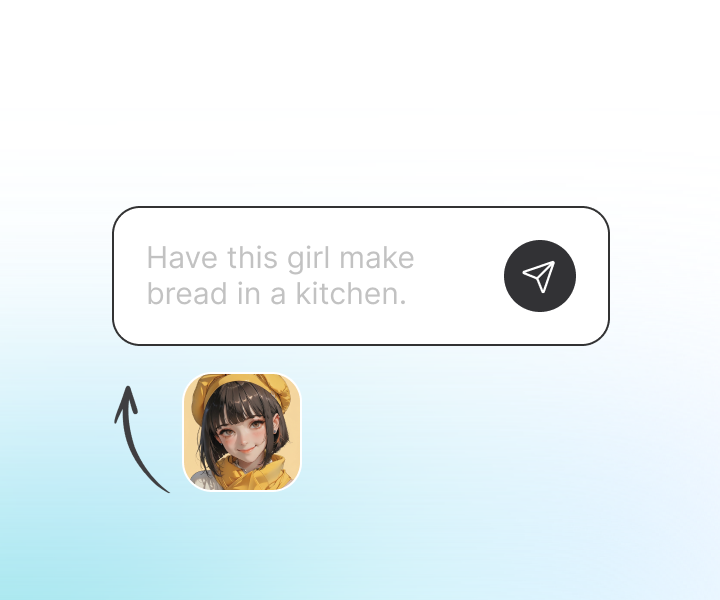
Step 1: Upload Your Image
Upload the photo, illustration, product image, character design, or other visual you want to transform. Use a clear image that gives ChatGOAT AI enough visual context to understand the subject and composition.
Step 2: Describe the Transformation
Tell ChatGOAT AI what you want to change and what you want to keep. Describe the style, background, lighting, outfit, setting, or other visual details you want to adjust in plain language. For dedicated background edits, you can also use the AI background changer.
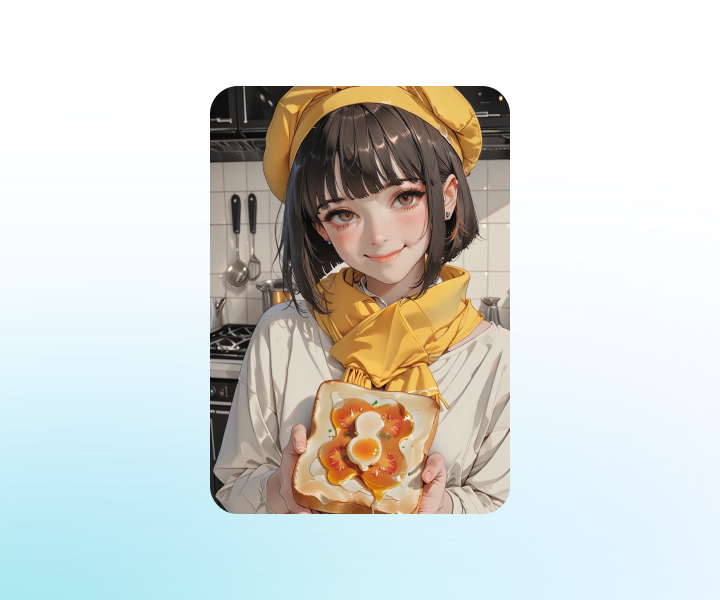
Step 3: Generate and Refine
Generate your new image and review the result. If you want to make further changes, use follow-up prompts to explore another direction or create a new variation as part of the AI image transformation process.
Ready to Transform Your Images with Image to Image AI?
Upload a photo, illustration, product image, or other reference, describe the changes you want, and use ChatGOAT AI to create a new visual. Explore different styles, backgrounds, and moods while keeping the core of your original image.
See What Users Can Create with Image to Image AI
What our users are saying
A product photographer needed several campaign backgrounds for the same item. Using one reference image made it easy to explore different settings without reshooting the product.
A product photographer needed several campaign backgrounds for the same item. Using one reference image made it easy to explore different settings without reshooting the product.
For a digital artist, turning one portrait into different visual styles was a quick way to explore new directions while keeping the original pose recognizable.

For a digital artist, turning one portrait into different visual styles was a quick way to explore new directions while keeping the original pose recognizable.
A game designer used an existing character illustration to test different outfits, environments, and visual styles before finalizing the character design.
A game designer used an existing character illustration to test different outfits, environments, and visual styles before finalizing the character design.
A small business owner wanted to place product photos in different settings. Describing the new backgrounds was much simpler than rebuilding each image manually.
A small business owner wanted to place product photos in different settings. Describing the new backgrounds was much simpler than rebuilding each image manually.
A social media manager created several versions of the same visual by changing the colors, lighting, and overall mood to fit different campaigns.
A social media manager created several versions of the same visual by changing the colors, lighting, and overall mood to fit different campaigns.
For a content creator, follow-up prompts made it easy to adjust specific details and keep refining an image until the result matched the original idea.
For a content creator, follow-up prompts made it easy to adjust specific details and keep refining an image until the result matched the original idea.
Image to Image AI FAQ
Everything you need to know about transforming existing images with AI.
What is image to image AI?

What is an image generator from image?
How does an image to image AI generator work?
What is the difference between image to image and text to image?
What is image to image editing?
What should I include in an image to image prompt?
Can I keep the original subject or composition?
Can I create multiple variations from one image?
Can I use image to image AI for product and marketing images?
Can I use image to image AI for character and creative projects?
Is ChatGOAT AI's image to image generator free?