





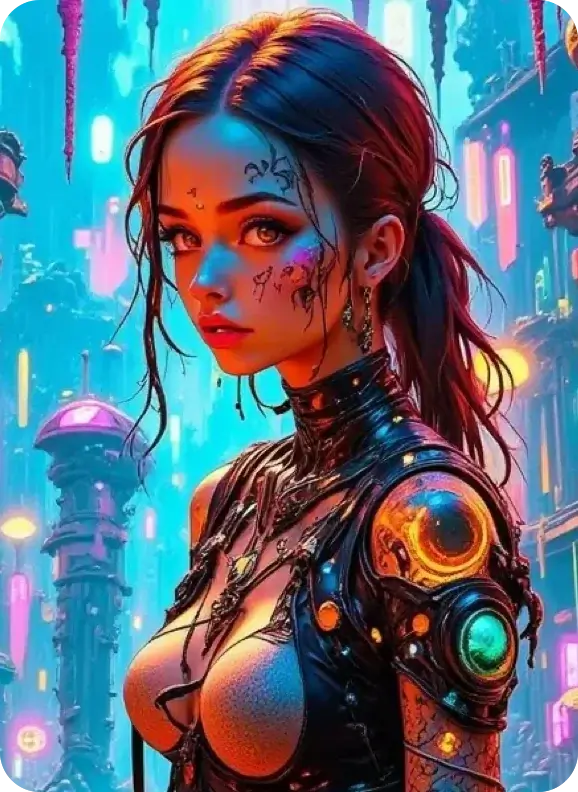
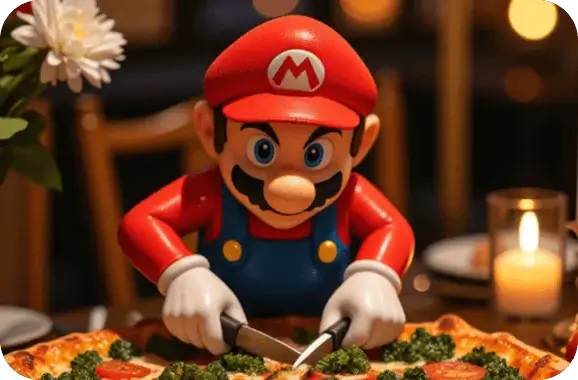
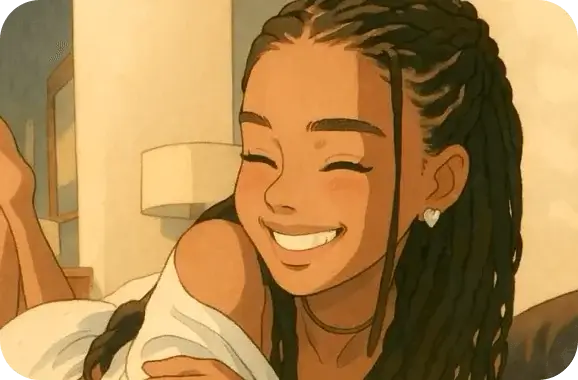
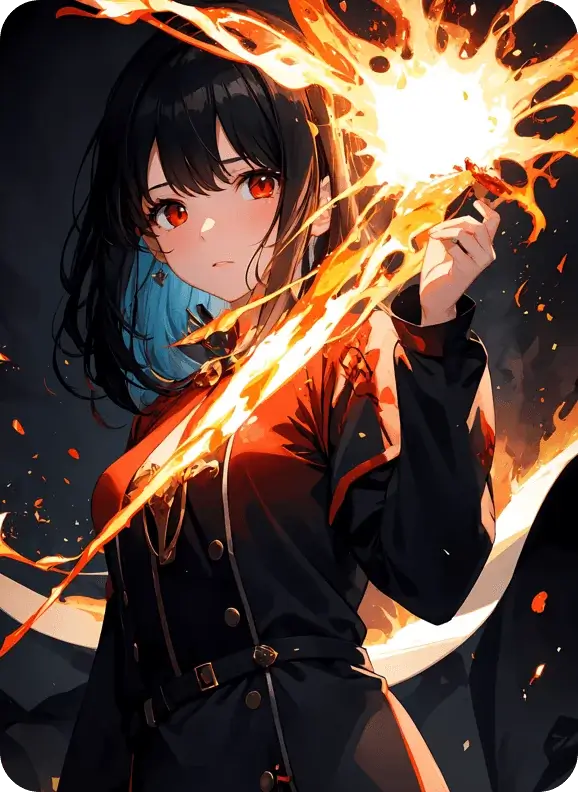
Top-tier AI models, one-stop drawing
Seamlessly use cutting-edge models like Nano Banana 2 Lite, Nano-Banana 2, Seedream 5.0 Lite without switching applications. From initial sketches to final masterpieces, realize limitless creativity on one platform.



Trusted by millions of users worldwide




Nano Banana 2: The Gemini Image Model That Knows What Things Actually Look Like
Nano Banana 2: Google's AI Image Generator with Real‑World Accuracy, and you can use it right here on ChatGOAT AI. Type a prompt, pick a size, and generate accurate visuals powered by Gemini's real‑time world knowledge. Free to start, no setup required.
Real‑Time World Knowledge
Most image models guess at what something looks like based on training data that stops at a fixed point in time. Nano Banana 2 works differently: it can draw on Gemini's up‑to‑date knowledge and search understanding, so a prompt about a specific landmark, dish, product, or current event comes out looking like the real thing instead of a generic approximation.
.png)
Flash Speed With Pro‑Level Output
Nano Banana 2 was built to close the gap between "fast" and "good." It carries over the reasoning and creative control that made Nano Banana Pro popular, but runs at the speed of Gemini Flash - so quick edits, iteration, and back‑and‑forth refinement don't feel like a chore.
Characters and Products That Stay Consistent
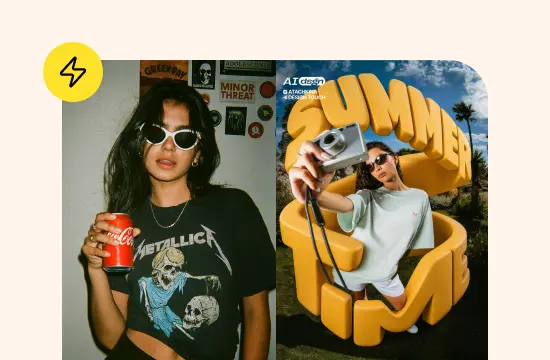
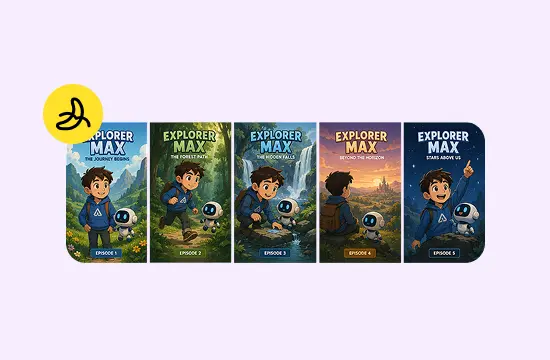
Ask for the same character, mascot, or product across several images, and Nano Banana 2 works to keep the face, outfit, colors, and proportions matching from one generation to the next. You can also feed it two images and have it merge them into one composed scene — useful for combining a subject with a new background or blending two references into a single visual.
Text That's Actually Legible
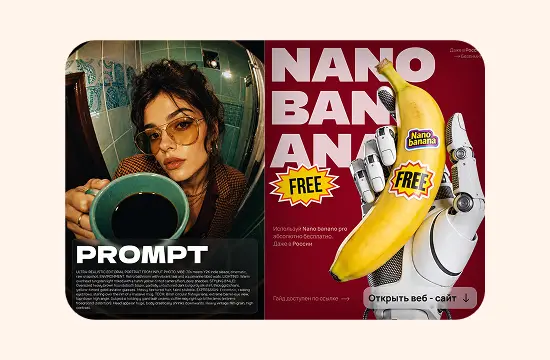
In‑image text has historically been a weak point for AI generators. Nano Banana 2 renders labels, signage, and typography clearly enough to use in real layouts - posters, product mockups, infographics - and it supports multiple languages, not just English.
Edit With a Sentence, Not a Redo
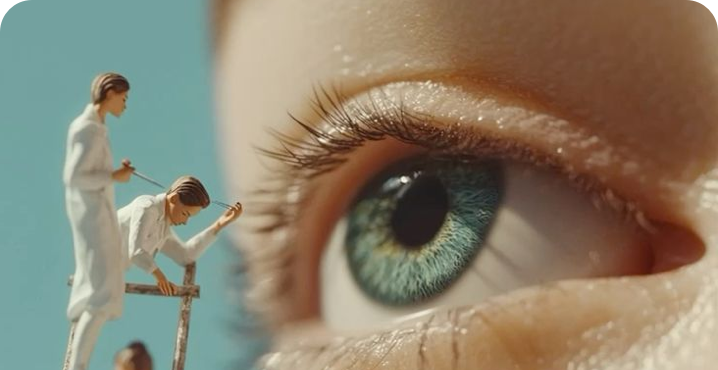
You don't need to regenerate an entire image to change one thing. Point at what you want changed - a background, an outfit, the lighting - and describe the change in plain language. Nano Banana 2 updates that part while leaving the rest of the composition untouched.
.png)
Why Run Nano Banana 2 on ChatGOAT
You could access this model through Google's developer console, but that route means API keys and a billing account. ChatGOAT AI gives you the same model in a plain web page, alongside a few things the raw API doesn't offer.
.png)
No Separate Google Account or API Setup
You don't need a Gemini subscription or developer credentials to use Nano Banana 2. Sign in to ChatGOAT and it's ready to use immediately, alongside the other AI models on the platform.
.png)
Built for Real Production Work
Because the model holds character and brand details steady across a run of images, it's practical for anything that needs a consistent look - a set of product shots, a comic sequence, a batch of social posts, or a full ad campaign.
.png)
Follows Detailed, Multi‑Part Prompts
Nano Banana 2 is noticeably better at holding onto every requirement in a longer prompt - subject, pose, lighting, background, style - instead of dropping details as the instruction gets more complex. That means fewer regenerations to get a usable result.
.png)
No Design Background Required
A clear sentence, or a sentence plus one or two reference images, is enough to get a solid first draft. You can then keep refining with follow‑up instructions instead of starting over.
How to Generate Images With Nano Banana 2 on ChatGOAT
Three steps, no learning curve.
.png)
Step 1: Open Nano Banana 2
Log into ChatGOAT and select Nano Banana 2 from the model list.
.png)
Step 2: Describe or Upload
Type what you want to see, or upload one or two reference images if you want to guide the style, character, or composition.
.png)
Step 3: Generate and Refine
Review the output and send follow‑up instructions to adjust specific details - a color, an object, the framing - until it matches what you had in mind, then download the final image.
All‑in‑One AI Image Editing & Creation Tools
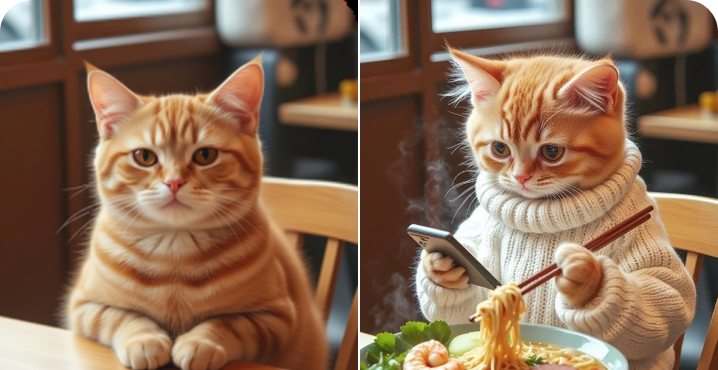
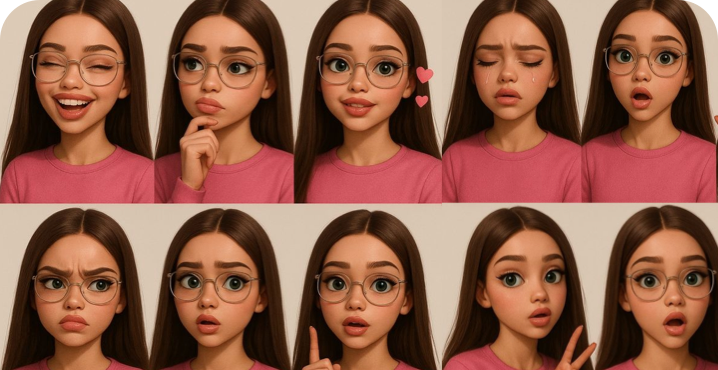
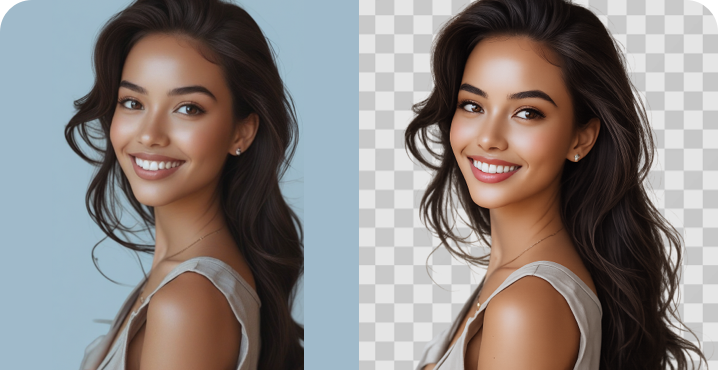
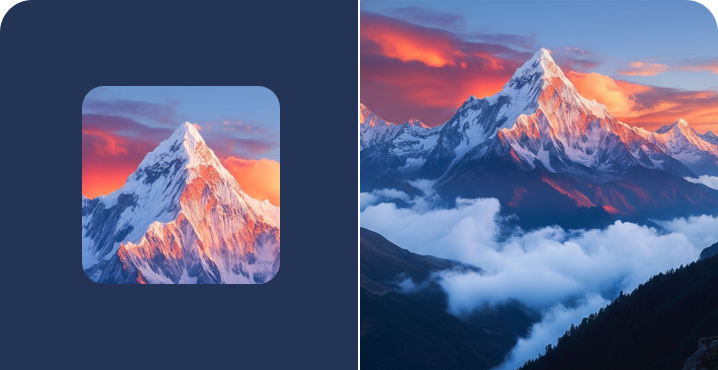
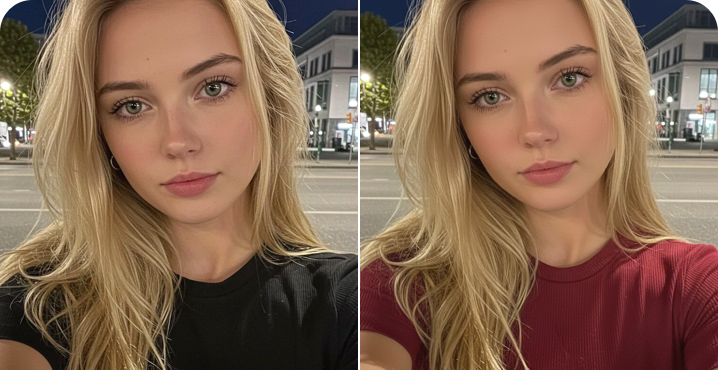
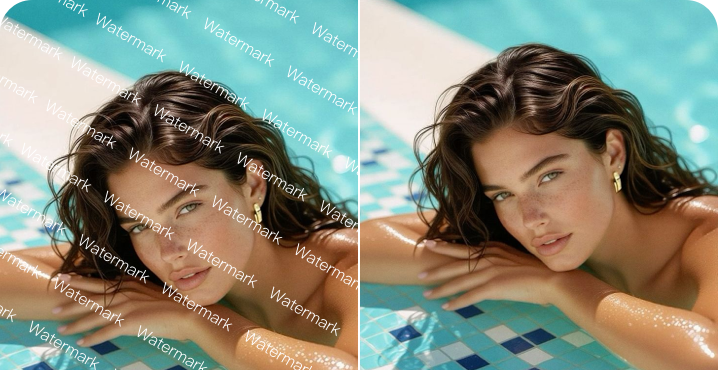
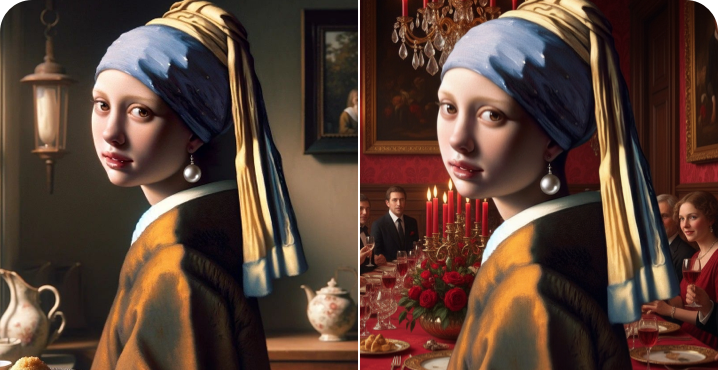
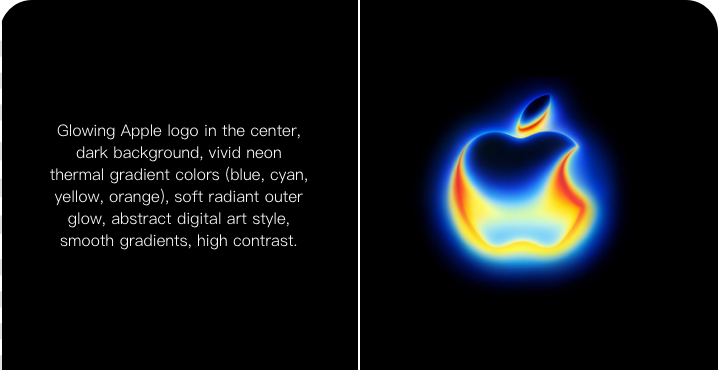
Create avatars, change outfits, remove backgrounds, and design logos—all with one powerful AI platform.
What People Are Saying
User reviews of Nano Banana 2
.png) Renata
RenataI generate product shots for our online store now instead of scheduling a photoshoot every time we add a new item. The consistency between shots is what sold me.
.png) Tomas
TomasThe multilingual text rendering is the reason we switched. We ship creative in three languages and I was tired of fixing garbled captions by hand.
.png) Yuki
YukiI run a small comic on Instagram and keeping my main character's face consistent used to eat up half my editing time. Nano Banana 2 mostly handles that on its own now.
.png) Marcus
MarcusClient asked for a landmark‑accurate mockup for a tourism campaign and it actually looked like the real building, not a generic stand‑in.
.png) Aditi
AditiI'm not a designer. I describe what I need in a couple of sentences and get something I can actually use, which was not true of the tools I tried before this.
 Felix
FelixBeing able to say 'change the background to warm lighting' instead of starting over saves me a genuine amount of time every week.
FAQ
Everything you need to know about Nano Banana 2
What is Nano Banana 2?

How is Nano Banana 2 different from the original Nano Banana?
Can Nano Banana 2 edit an image I already have?
Does Nano Banana 2 support languages other than English?
Is Nano Banana 2 free to use on ChatGOAT?
What can I make with Nano Banana 2?
Are Nano Banana 2 images watermarked?