





Top-tier AI models, one-stop drawing
Seamlessly use cutting-edge models like Nano Banana 2 Lite, Nano-Banana 2, Nano-Banana 2.1 without switching applications. From initial sketches to final masterpieces, realize limitless creativity on one platform.



Trusted by millions of users worldwide




Free Text to CAD AI Generator - Turn Ideas into CAD Designs Online
Turn a written description into a CAD-style design with our free text to CAD generator. Describe the object, dimensions, shape, and key features, then use ChatGOAT AI as an AI CAD design tool to visualize your idea.
Turn Plain Text into CAD Concepts
Describe a part in plain language instead of starting from a blank CAD workspace. Include dimensions, holes, openings, or other key features, and ChatGOAT AI turns your design brief into a visual CAD concept.
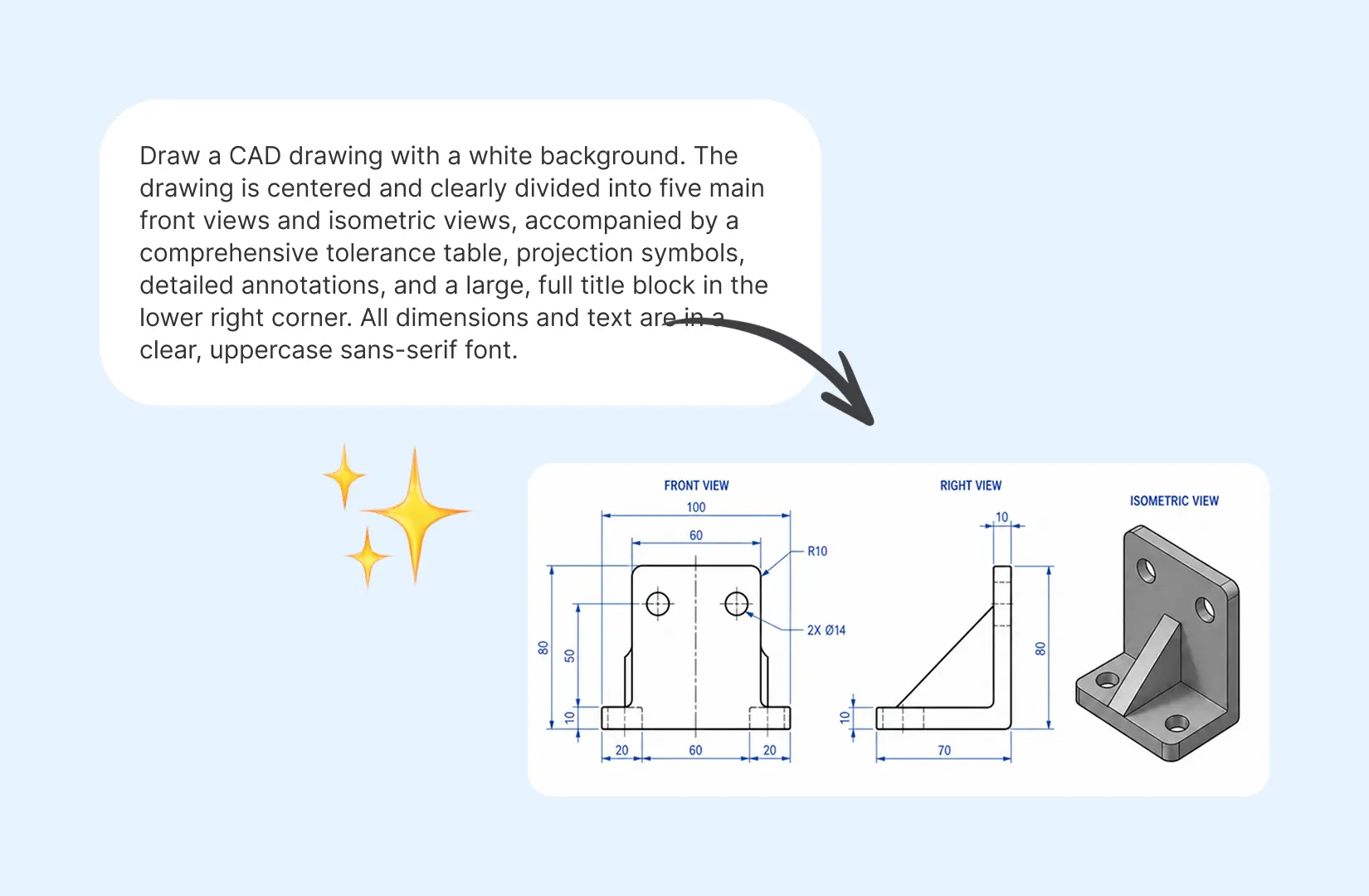
Explore Mechanical Parts and Product Ideas
Visualize brackets, enclosures, gears, mounts, and other product concepts before developing them in dedicated CAD software. Quickly explore different shapes and functional ideas as you develop a new design.
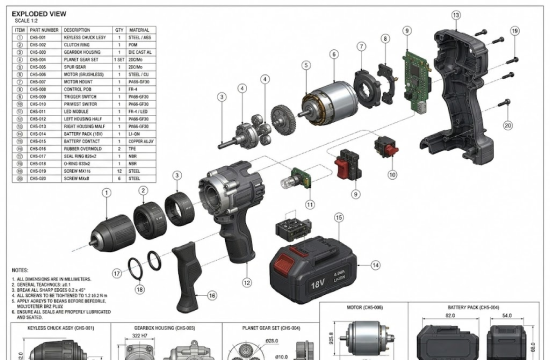
Test Design Ideas Before Modeling
Have a design idea but want to see how it might look before building it in CAD? Use text to CAD to explore different dimensions, shapes, and configurations, helping you compare concepts before committing to detailed modeling.
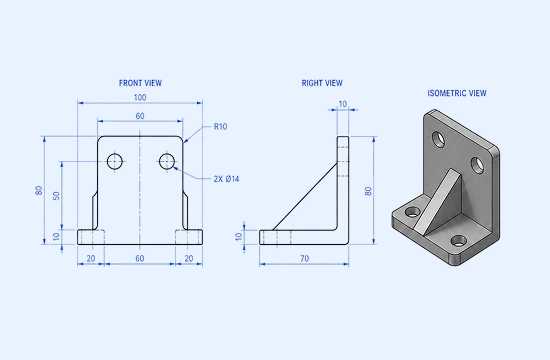
Communicate Design Concepts Clearly
Turn written specifications into visual design concepts that are easier to discuss with engineers, designers, clients, or teammates. Use generated CAD concepts to communicate the intended shape, structure, and key features more clearly. If you need to clean up text from a reference image, try remove text from image.
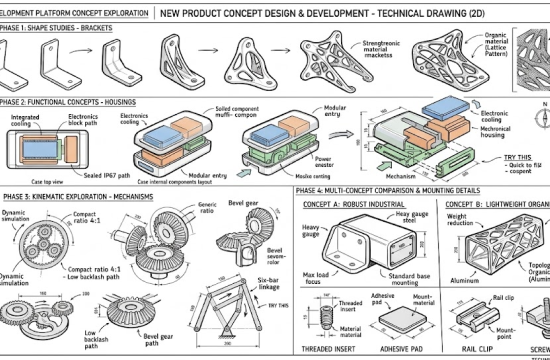
Why Choose ChatGOAT AI Text to CAD
Turn your written design ideas into CAD-style concepts with ChatGOAT AI. Describe what you need, add the technical details you know, and refine the result through AI.

Plain-Language Input
Describe your design in natural language instead of translating your idea into complex CAD commands. Include the part type, dimensions, geometry, and key requirements in the way you would normally explain them.

Precise Specifications
Add measurements and structural details such as width, thickness, hole diameter, spacing, angles, and cutouts. More specific requirements help communicate your intended geometry more clearly.

Easy Iteration
Refine your concept through follow-up prompts. Ask ChatGOAT AI to change dimensions, move features, add or remove elements, or create another variation without rewriting the entire design brief. For broader visual adjustments, you can also use the AI image editor.

Faster Concepting
Move from written requirements to a visual CAD concept without building everything from scratch. Use ChatGOAT AI as a CAD design generator to explore shapes, proportions, and features before further CAD development.
How to Make CAD Designs with ChatGOAT AI
How to make a CAD design with ChatGOAT AI? Just 3 steps.
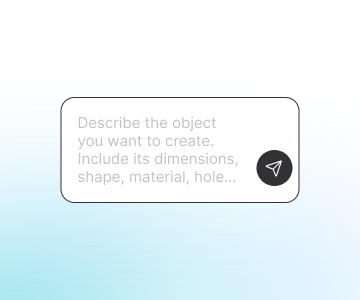
Step 1: Enter the Prompt
Describe the object you want to create. Include its dimensions, shape, material, holes, openings, and other key features to give ChatGOAT AI a clear prompt to CAD.
Step 2: Generate the Design
Click Confirm and let ChatGOAT AI turn your description into a CAD-style design concept. Start simple and add technical details as needed.
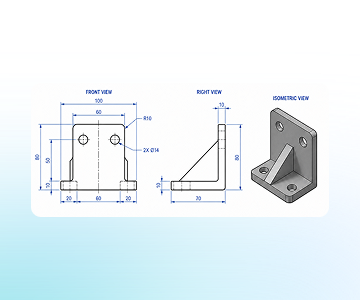
Step 3: Refine Your Design
Review the result and continue the conversation to make changes. Adjust dimensions, add or remove features, change proportions, or explore another design direction.
Ready to Turn Text into CAD Designs?
Have a part or product idea in mind? Describe it in plain language and use ChatGOAT AI to explore the design. Start with the dimensions and features you already know, then refine the concept as your idea develops. For additional image cleanup, you can also use AI watermark remover.
See What Users Can Create with Text to CAD
What our users are saying
I needed a mounting bracket for a prototype and wanted to test the dimensions before modeling it properly. The generated concept gave me a quick starting point.

I needed a mounting bracket for a prototype and wanted to test the dimensions before modeling it properly. The generated concept gave me a quick starting point.
Several enclosure ideas needed to be compared before choosing a direction. ChatGOAT AI made it easy to explore different shapes and layouts during the early design stage.

Several enclosure ideas needed to be compared before choosing a direction. ChatGOAT AI made it easy to explore different shapes and layouts during the early design stage.
For someone who doesn't use CAD every day, describing dimensions and features in plain language feels much easier than starting from a blank workspace.

For someone who doesn't use CAD every day, describing dimensions and features in plain language feels much easier than starting from a blank workspace.
A simple gear concept came together quickly by specifying the tooth count, bore, and overall dimensions. It was a useful way to visualize the geometry early on.

A simple gear concept came together quickly by specifying the tooth count, bore, and overall dimensions. It was a useful way to visualize the geometry early on.
Follow-up prompts made iteration much faster. Changes to dimensions, hole placement, and overall shape could be made without rewriting the entire description.

Follow-up prompts made iteration much faster. Changes to dimensions, hole placement, and overall shape could be made without rewriting the entire description.
A visual CAD concept makes early product discussions much easier. It gives clients and teammates something concrete to look at when discussing a new idea.

A visual CAD concept makes early product discussions much easier. It gives clients and teammates something concrete to look at when discussing a new idea.
Text to CAD FAQ
Everything you need to know about creating CAD designs from text with AI.
What is text to CAD?

How does a text to CAD AI generator work?
What should I include in a text to CAD prompt?
What can I create with text to CAD?
Can I use text to CAD without CAD experience?
Can I refine a CAD design after generating it?
What is the difference between text to CAD and text to 3D?
Is text to CAD the same as traditional CAD software?
Can AI-generated CAD designs be used directly for manufacturing?
Is ChatGOAT AI's text to CAD tool free?