


Grok 4.7 is Ready





 AI Chat
 AI Image
 AI Writing
 AI Study
 AI Work
 AI Translate





One Platform. Multiple AI Models.
Meet, chat, and create with leading AI models like GPT 6 Luna, Claude Haiku 5.5, Grok-4.1 Fast and more — all in a single, simple platform.



Trusted by millions of users worldwide




Grok 4.7 Online for Writing, Coding & Study
Grok 4.7 - Bring Your Questions and Ideas to ChatGOAT AI. An unfinished draft, an unfamiliar piece of code, or a topic you cannot quite understand can all be starting points for an AI conversation. Use Grok 4.7 on ChatGOAT AI to explore a question, work through material you provide, and develop an answer through follow-up prompts. Describe your goal, add the context that matters, and ask for a result that fits the task in front of you.
Turn Rough Ideas into Clearer Writing
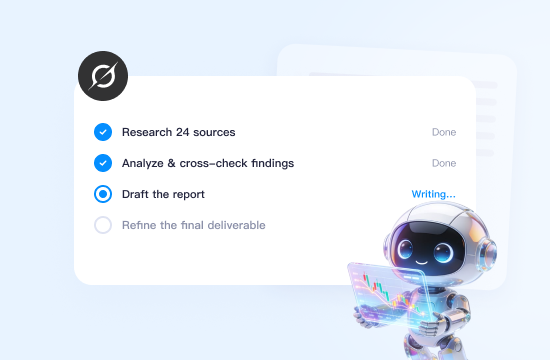
Start with a few bullet points, a working headline, or a paragraph that needs attention. Ask Grok 4.7 to develop an outline, suggest alternative wording, or revise a draft for a particular audience. For emails, articles, and product copy, include the purpose, tone, and facts you want preserved. You can then review the result and refine individual sections without starting the whole piece again.
Work Through Coding Questions with Context
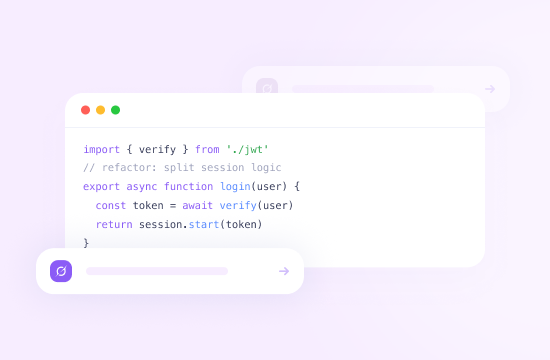
Bring a code snippet, an error message, and a description of what you expected to happen. Ask Grok 4.7 to explain the logic, identify possible causes, or suggest a change you can test. You can also request examples, compare implementation approaches, and explore edge cases. Providing the language, framework, and relevant constraints makes the conversation more useful; any suggested code should still be checked in your own environment.
Make Difficult Topics Easier to Study
Use Grok 4.7 to approach a topic from several angles. Ask for a plain-language explanation, a worked example, or practice questions based on notes you paste into the chat. If one part remains unclear, focus the next prompt on that step. You can also request a short revision outline or ask the model to quiz you one question at a time, giving you space to think before reviewing an explanation.
Organize Material for Research and Review
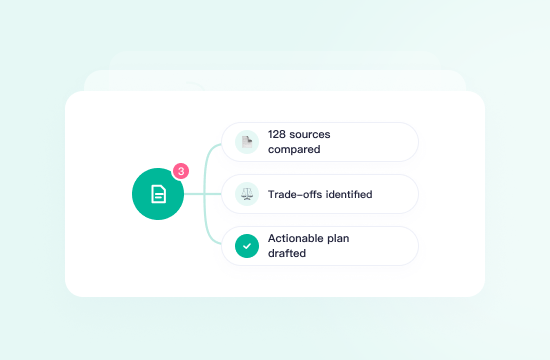
When you have excerpts, notes, or competing arguments to examine, ask Grok 4.7 to organize the material around a specific question. Request a comparison of claims, a list of assumptions, or a summary that separates the supplied evidence from unanswered questions. For work that depends on current facts or citations, check the original sources and confirm whether live search is available in your selected chat mode.
Explore Options Before Making a Plan
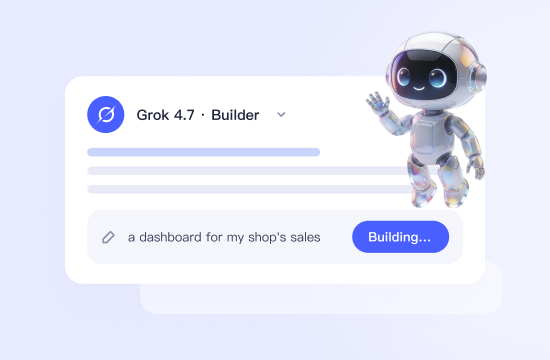
Use the chat to turn an open-ended decision into a set of practical considerations. Describe your objective, budget, deadline, and constraints, then ask for options with their trade-offs. Whether you are outlining a project or planning a learning schedule, follow up with changes that reflect your situation. A useful prompt is: “Which assumptions would change this recommendation, and what should I check first?”
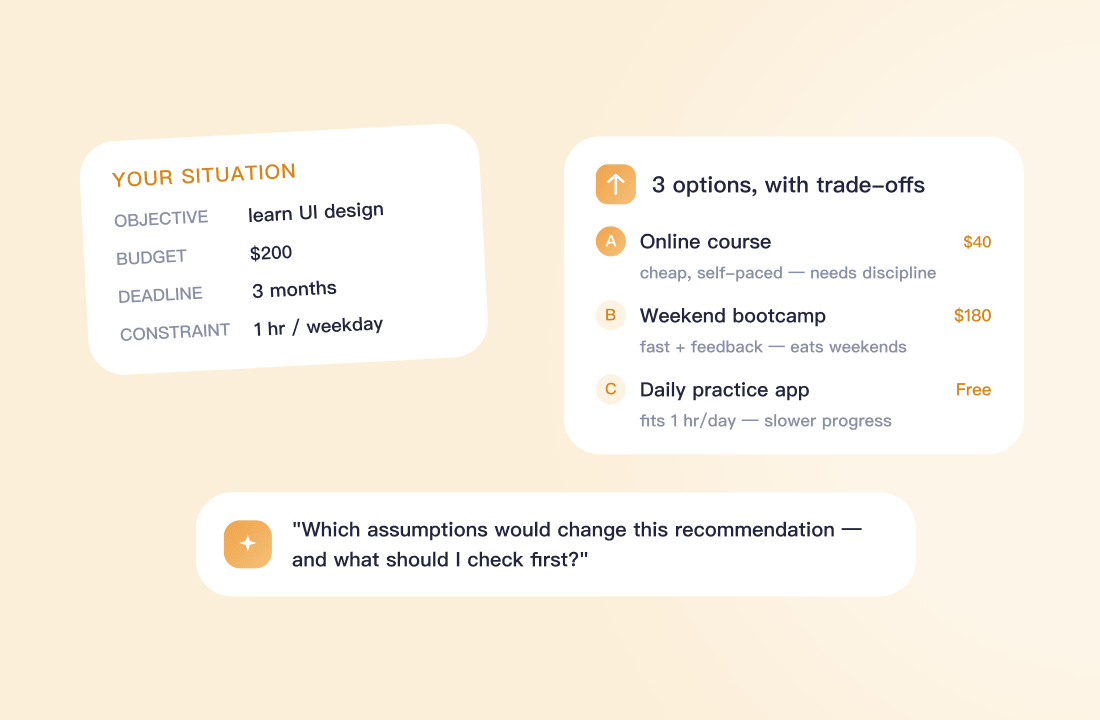
Why Choose Grok 4.7 on ChatGOAT AI
Why Choose Grok 4.7 on ChatGOAT AI?

A Direct Way to Start a Conversation
Open ChatGOAT AI, select the available model, and begin with the task you already have. A question, draft, or code excerpt gives the conversation a clear starting point without requiring you to design a complicated prompt.

An Interface for Different Everyday Tasks
Move between writing, learning, coding questions, and planning through a familiar chat format. Give each task the context it needs, whether that means defining your audience, sharing an error message, or explaining what you already understand.

Follow-Up Prompts That Keep You in Control
The first answer can be a starting point for further work. Ask for a shorter explanation, challenge an assumption, request another example, or revise a specific paragraph. You decide which suggestions to use and what needs another pass.

Output Formats That Fit Your Next Step
Ask for a checklist, comparison table, outline, or concise draft before generating the response. Specifying the format and level of detail helps you produce material that is easier to review and adapt for your own work.
How to Use Grok 4.7 on ChatGOAT AI
How to Use Grok 4.7 on ChatGOAT AI
Step 1: Open ChatGOAT AI and Select Grok 4.7
Visit the ChatGOAT AI chat interface and look for Grok 4.7 in the model selector. Check any access requirements and usage limits shown for your account before starting.
Step 2: Add Your Task and Relevant Context
Type your question or paste the material you want help with. Explain the goal, include important constraints, and specify your preferred response format. For example: “Review this email for clarity, keep the tone friendly, and shorten it to under 150 words.”
Step 3: Review the Answer and Refine It
Read the response, check important details, and ask follow-up questions where needed. You can request a different approach, add missing context, or focus on one part of the answer until the result meets your needs.
Try Grok 4.7 on ChatGOAT AI
Bring a task you want to move forward: a paragraph to improve, a coding question to investigate, or a topic to understand. Open Grok 4.7 on ChatGOAT AI, explain what a useful result would look like, and build on the response with follow-up questions.
Why Users Love Grok 4.7
Why Users Love Grok 4.7
I brought in a rough draft and asked for a clearer introduction without changing my main point. What I liked was being able to revise one paragraph at a time and keep the tone consistent with the rest of my writing.

I brought in a rough draft and asked for a clearer introduction without changing my main point. What I liked was being able to revise one paragraph at a time and keep the tone consistent with the rest of my writing.
I shared a code snippet, the error message, and what I expected to happen. The explanation gave me a few specific things to investigate, and the follow-up conversation helped me understand the suggested changes before testing them.

I shared a code snippet, the error message, and what I expected to happen. The explanation gave me a few specific things to investigate, and the follow-up conversation helped me understand the suggested changes before testing them.
When an explanation felt too abstract, I asked for a simpler example and then a practice question. That back-and-forth fit the way I study, especially when I needed to spend more time on one step.

When an explanation felt too abstract, I asked for a simpler example and then a practice question. That back-and-forth fit the way I study, especially when I needed to spend more time on one step.
I pasted excerpts from my reading and asked it to organize the main arguments. Having them side by side made my review easier. I still checked the original sources, but I had a clearer idea of what to look for.

I pasted excerpts from my reading and asked it to organize the main arguments. Having them side by side made my review easier. I still checked the original sources, but I had a clearer idea of what to look for.
I had a project deadline and a list of tasks that felt overwhelming. I asked for a weekly plan, then adjusted it around the time I actually had available. The revised schedule gave me a manageable place to start.

I had a project deadline and a list of tasks that felt overwhelming. I asked for a weekly plan, then adjusted it around the time I actually had available. The revised schedule gave me a manageable place to start.
I used Grok 4.7 on ChatGOAT AI to work on an email draft. After the first response, I asked for a shorter version with a more relaxed tone. Being able to make those small adjustments in the conversation was useful.

I used Grok 4.7 on ChatGOAT AI to work on an email draft. After the first response, I asked for a shorter version with a more relaxed tone. Being able to make those small adjustments in the conversation was useful.
Grok 4.7 FAQ
Everything you need to know about Grok 4.7
What is Grok 4.7?

How do I access Grok 4.7 on ChatGOAT AI?
Is Grok 4.7 free to use on ChatGOAT AI?
Do I need to sign up to use Grok 4.7?
What can I ask Grok 4.7 to help with?
Can Grok 4.7 search the web or access live X posts?
Can I upload images or documents?
How can I get more useful responses?
How does Grok 4.7 compare with other AI models?
Should I verify answers from Grok 4.7?