





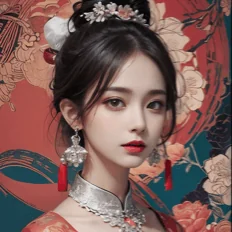
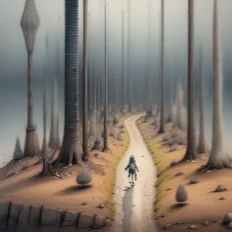
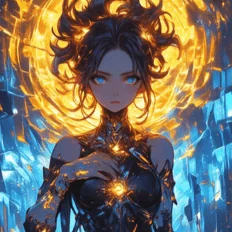
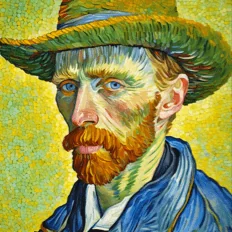
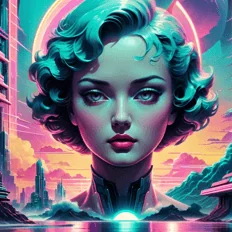
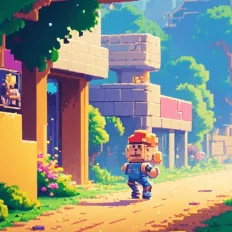
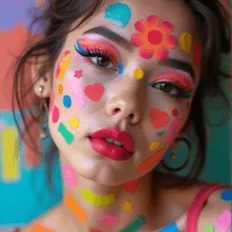
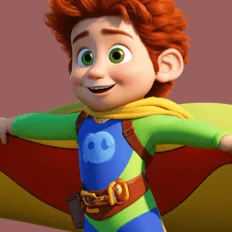
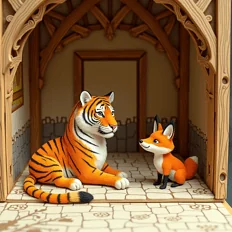
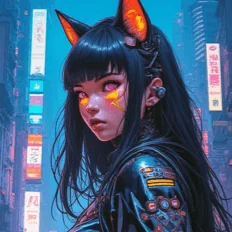
Top-tier AI models, one-stop drawing
Seamlessly use cutting-edge models like Nano Banana 2 Lite, Nano-Banana 2, Nano-Banana 2.1 without switching applications. From initial sketches to final masterpieces, realize limitless creativity on one platform.



Trusted by millions of users worldwide




Create Images with Text to Image AI
Bring ideas to life by describing what you want to see in natural language. ChatGOAT AI helps transform a simple prompt into images for creative projects, marketing concepts, social content, presentations, and more.
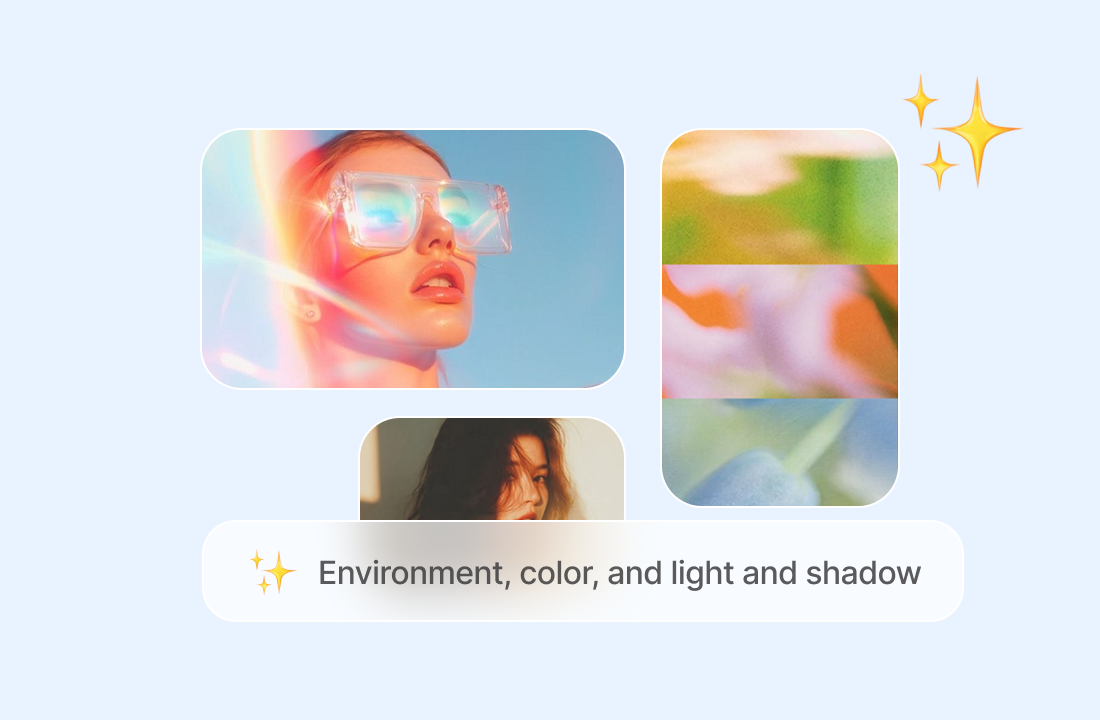
Turn Simple Prompts into Detailed Images
Describe the main subject, environment, colors, lighting, and composition you have in mind. ChatGOAT AI interprets the details in your prompt and creates an image based on the visual direction you provide.
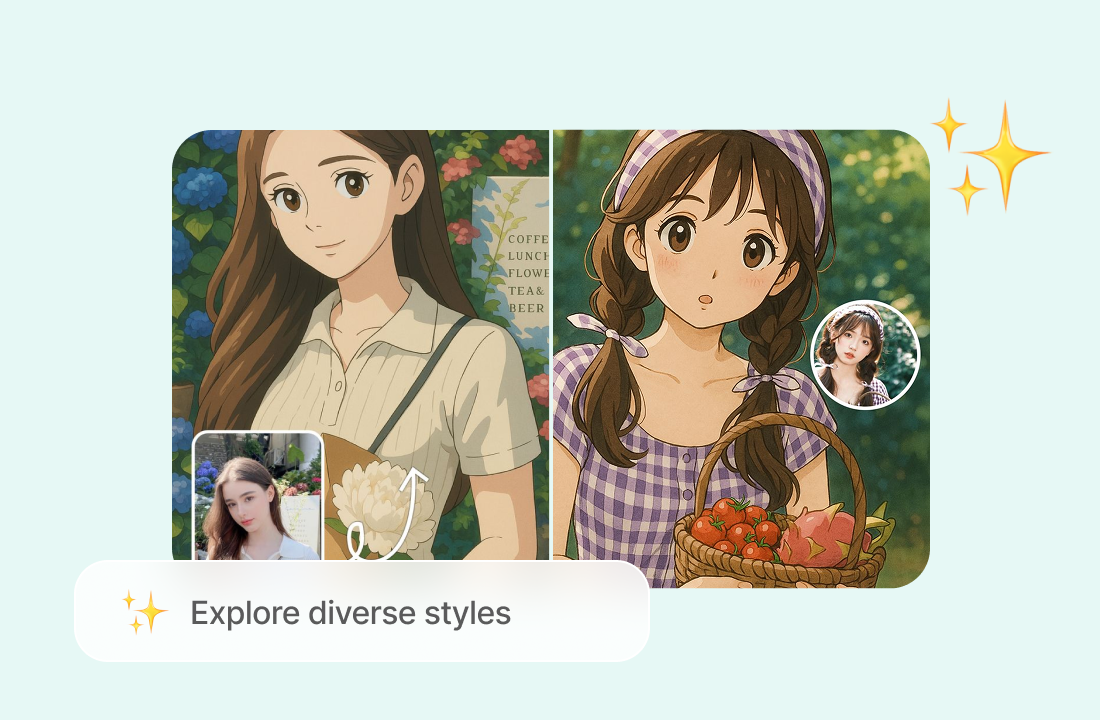
Explore Different Styles from One Idea
Test the same concept in different visual directions. Create realistic photography, digital artwork, cinematic scenes, illustrations, 3D renders, editorial visuals, and other styles by adjusting the language in your prompt.
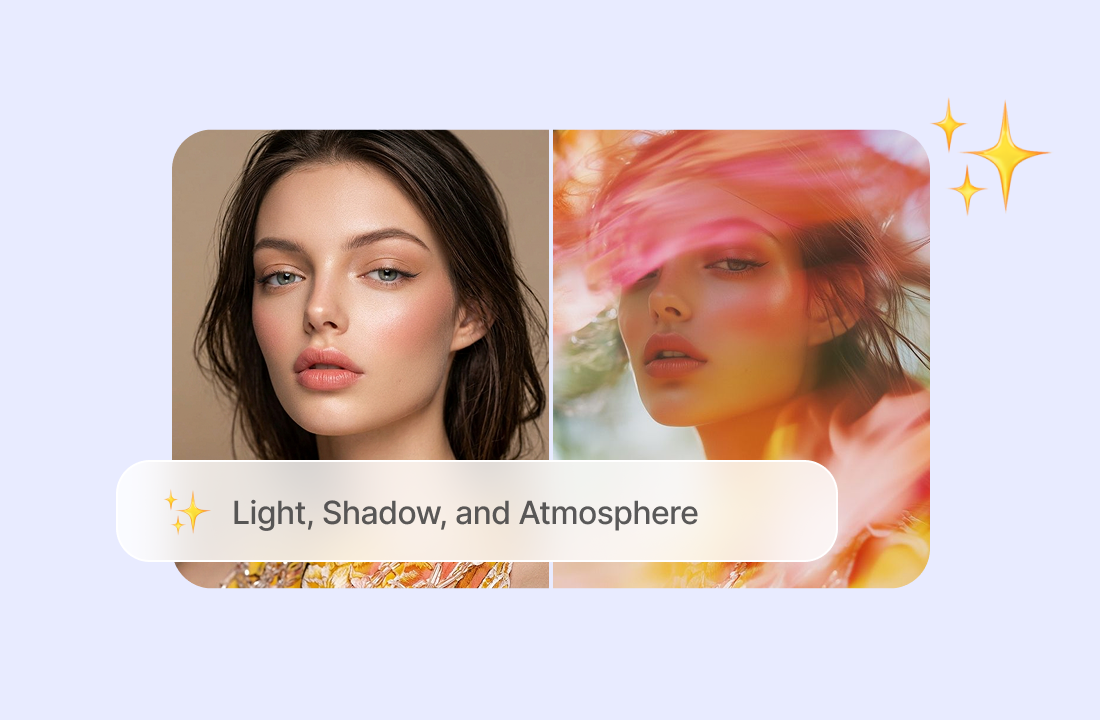
Control Composition, Lighting, and Mood
You can request a close-up portrait, a wide editorial composition, a minimal product layout, or a dramatic scene with controlled lighting. More specific instructions can help the generated result stay closer to your original idea.
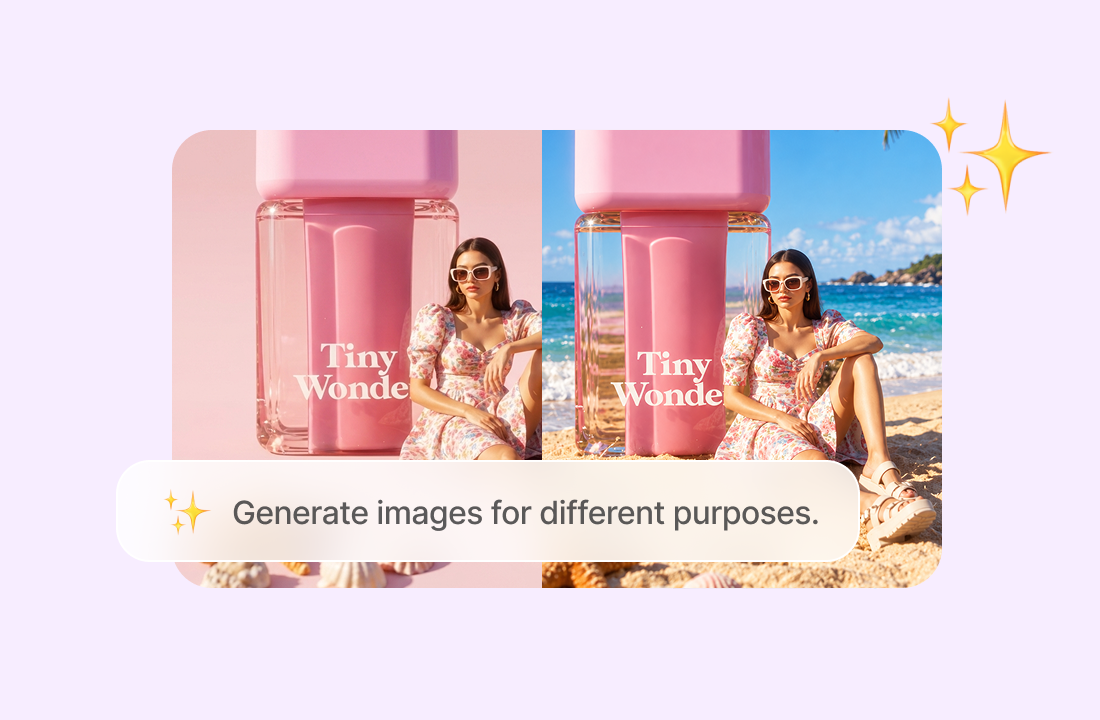
Create Images for Different Formats
Choose an image format that fits the way you plan to use the visual. Generate portrait images for social media, landscape compositions for presentations and websites, or square visuals for product displays and online posts.
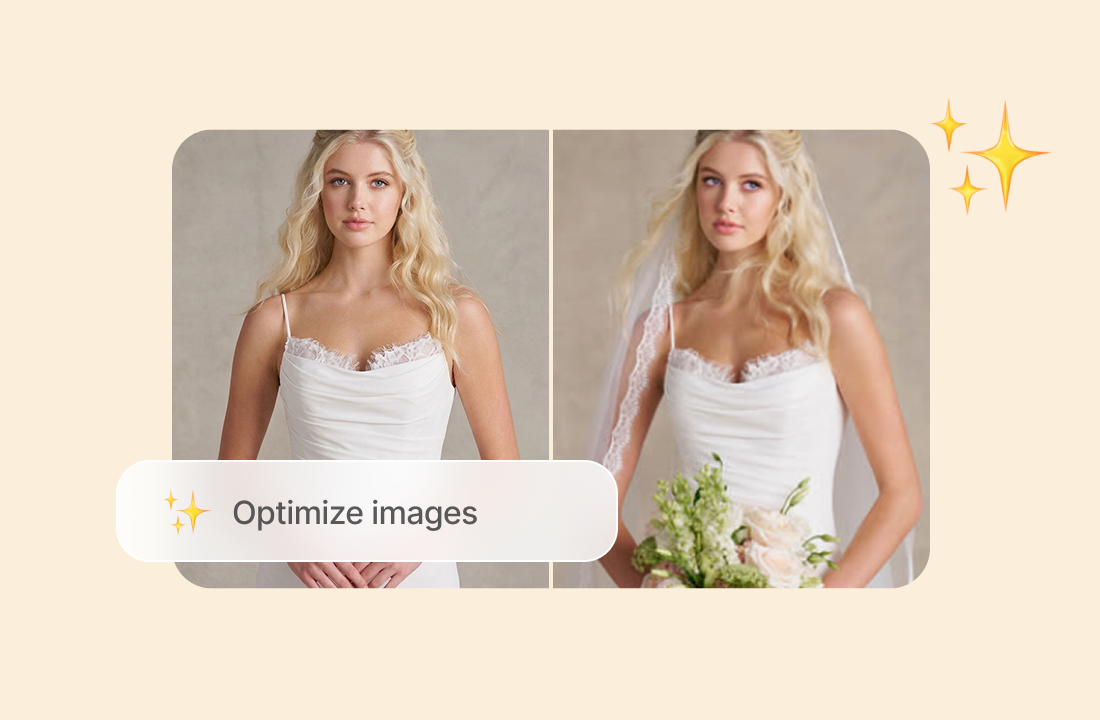
Refine Images with Clearer Instructions
Your first result can help reveal which parts of the idea need more direction. Adjust the subject, background, style, colors, expression, or composition and generate another version.
Why ChatGOAT AI Stands Out Among Text to Image Generators
ChatGOAT AI brings prompt writing, image generation, creative exploration, and visual refinement into one workflow.

Describe Visual Ideas in Everyday Language
You do not need to write technical commands to get started. Explain what you want to create in ordinary language, then add more detail as your idea becomes clearer.

Compare Different Creative Directions
A single idea can work in several visual styles. Explore different versions by changing the tone, materials, environment, lighting, or artistic approach.

Create Original Visuals Without Stock Searches
Generate images based on your own concepts instead of spending time searching through stock libraries. You can test unusual combinations, fictional environments, visual metaphors, and early-stage ideas that may not exist as ready-made assets.

Build Supporting Assets in the Same Workspace
An image project may require more than one visual. Create alternate compositions, background concepts, campaign images, product scenes, or supporting artwork while keeping the broader creative direction in one place.
How to Use a Text to Image Generator
Follow three simple steps to turn an idea into a generated image.
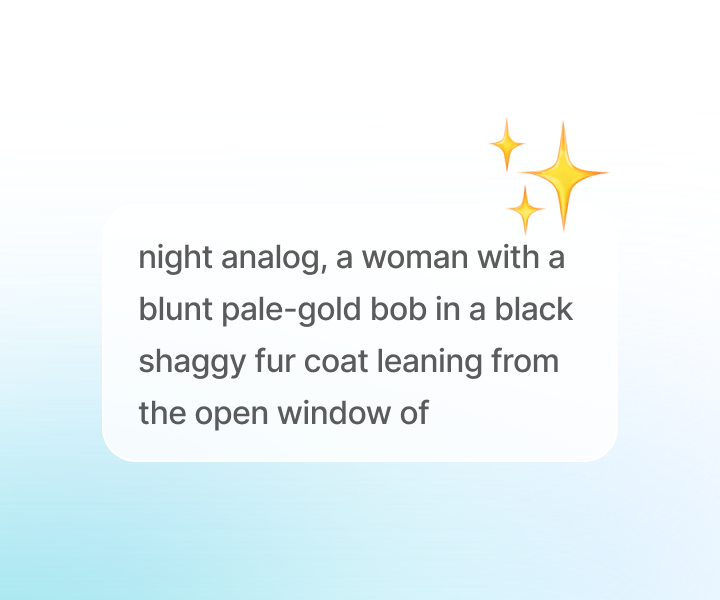
Step 1: Describe the Main Idea
Start with the subject and the action or visual situation. Explain what should appear in the image and identify the details that matter most.
Step 2: Add Style and Composition Details
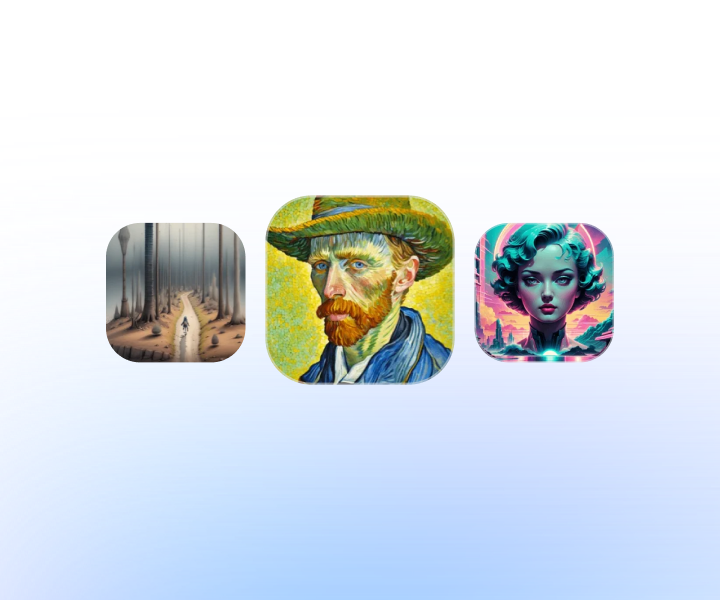
Improve the prompt by describing the visual style, lighting, color palette, camera angle, framing, and mood.
Step 3: Generate, Review, and Refine
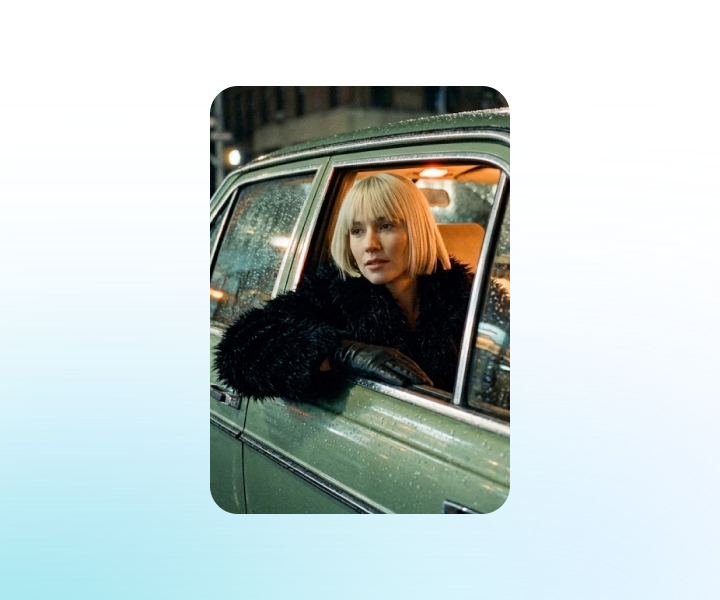
Create the image and review the result carefully. If the image does not match your direction, revise one or two specific parts of the prompt and generate another version.
Ready to Create Images with Text to Image AI?
Describe the subject, setting, visual style, composition, and mood you have in mind, then use ChatGOAT AI to turn the idea into a generated image. Explore different directions and refine your favorite result.
See Why Users Choose Our Text to Image AI
What creators value when developing visual ideas with ChatGOAT AI.
I had a clear idea for a campaign image but couldn’t find the right stock photo. Describing the setting, colors, and lighting gave me a visual starting point that was much closer to the concept I had in mind.
I had a clear idea for a campaign image but couldn’t find the right stock photo. Describing the setting, colors, and lighting gave me a visual starting point that was much closer to the concept I had in mind.
I tried the same product concept in a photographic style and as an illustration. Seeing both versions made it easier to choose a direction before spending time on the final design.

I tried the same product concept in a photographic style and as an illustration. Seeing both versions made it easier to choose a direction before spending time on the final design.
I use text to image to explore locations for my stories. Adding details about the architecture, weather, and time of day helps me turn a rough setting into something I can actually picture.

I use text to image to explore locations for my stories. Adding details about the architecture, weather, and time of day helps me turn a rough setting into something I can actually picture.
My first image had a background that felt too busy. I simplified the prompt and described where I wanted the subject positioned. The next version worked better for my presentation.
My first image had a background that felt too busy. I simplified the prompt and described where I wanted the subject positioned. The next version worked better for my presentation.
I don’t have a design background, so starting with a written description feels natural. I can test an idea, review the image, and adjust the wording as I figure out what I want.
I don’t have a design background, so starting with a written description feels natural. I can test an idea, review the image, and adjust the wording as I figure out what I want.
I needed a few visual directions for a social media project. Changing the lighting and color palette helped me compare different moods while keeping the main concept the same.
I needed a few visual directions for a social media project. Changing the lighting and color palette helped me compare different moods while keeping the main concept the same.
Text to Image AI FAQs
Find answers about writing prompts, choosing visual styles, refining results, and using AI-generated images.
What Is Text to Image AI?

How Does a Text to Image Generator Work?
What Should I Include in a Text to Image Prompt?
Can I Create Both Realistic Images and Illustrations?
Do I Need an Existing Image to Get Started?
How Can I Make the Result Match My Idea More Closely?
Can AI Generate Accurate Text Inside an Image?
What Can I Create with a Text to Image Maker?
Is ChatGOAT AI’s Text to Image Generator Free?