




Top-tier AI models, one-stop drawing
Seamlessly use cutting-edge models like Nano Banana 2 Lite, Nano-Banana 2, Nano-Banana 2.1 without switching applications. From initial sketches to final masterpieces, realize limitless creativity on one platform.



Trusted by millions of users worldwide




Free AI Head Swap - Replace Heads in Photos Online
Replace an entire head in a photo with our AI head swap online tool. Upload a source image and a target photo, then use ChatGOAT AI to transfer the face, hair, and head shape while keeping the target body, pose, clothing, and background.
Create Artistic Portraits
Experiment with different looks and visual styles for portraits, illustrations, and personal art projects. Combine your own reference images to explore creative head and body combinations. You can also change the setting behind a subject with the AI background changer.
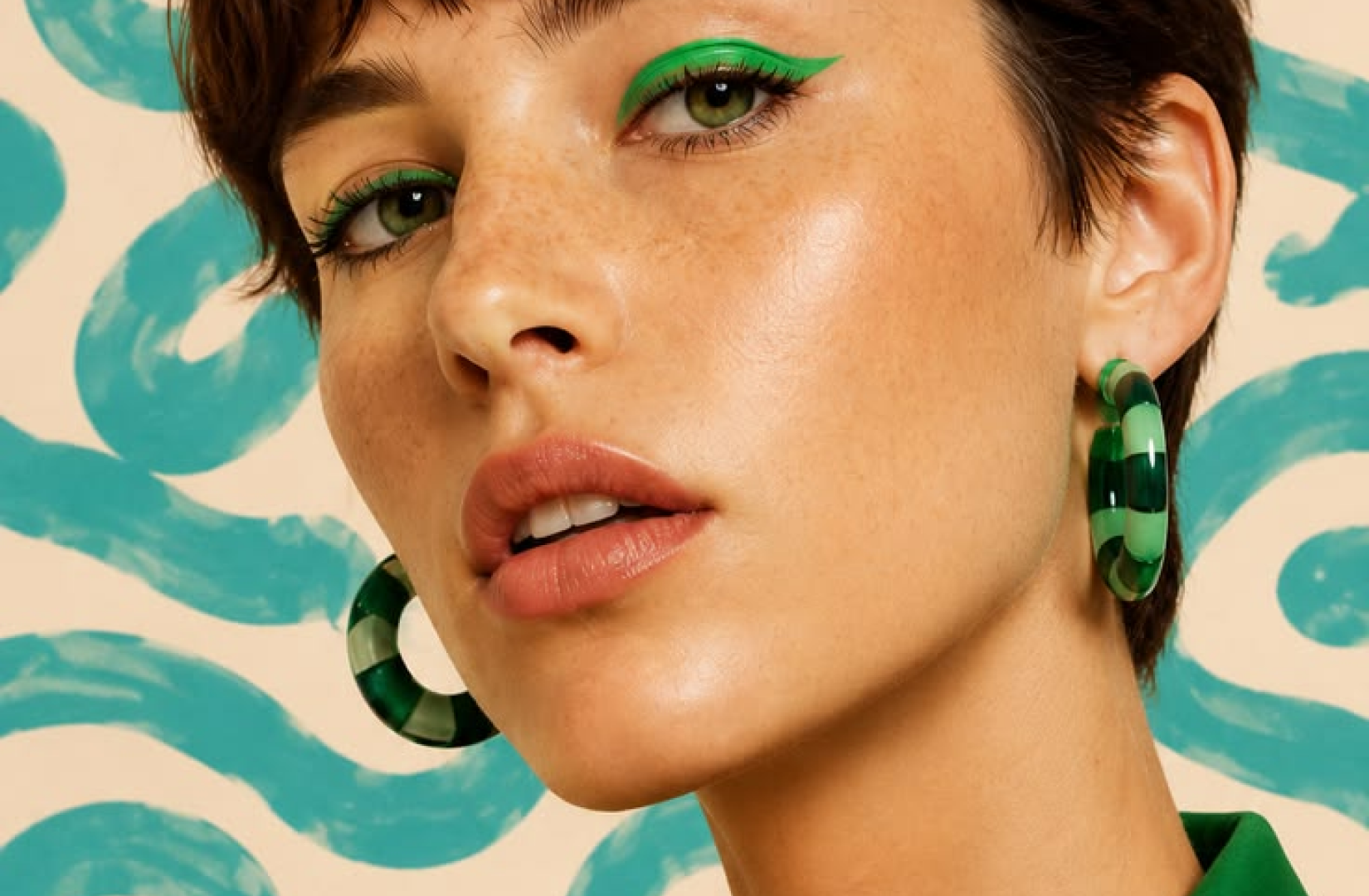
Develop Creative Visuals
Experiment with unexpected combinations of appearances, clothing, and settings for illustrations, mood boards, and other creative projects. Try different directions quickly as your concept takes shape.
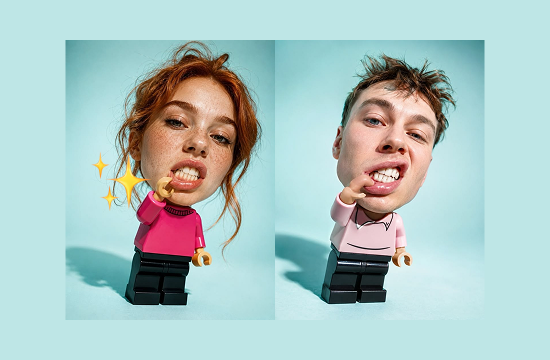
Remix Existing Photos
Rework an existing portrait or group photo by replacing one head while keeping the original composition, clothing, and setting. Create alternative versions without rebuilding the entire image.
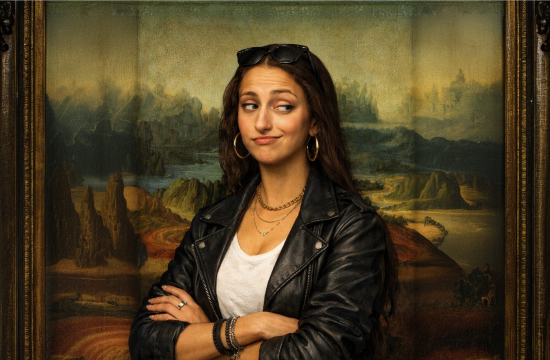
Explore Photography Ideas
Test different hairstyles, expressions, and appearances when developing a portrait concept or photo edit. Head swap lets you explore alternative looks without reshooting the entire scene. For polished professional portraits, you can also use the AI headshot generator.
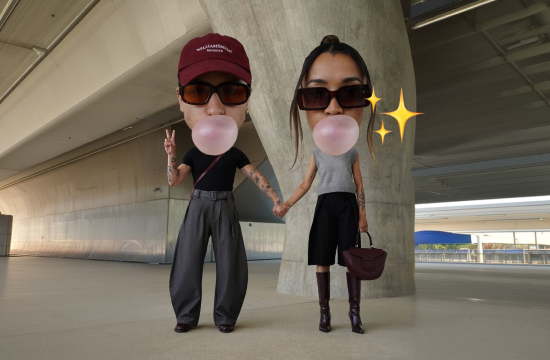
Why Choose ChatGOAT AI Head Swap
Swap an entire head with ChatGOAT AI's head swap AI instead of manually masking and editing individual parts. Upload your images, describe the result you want, and refine the image through AI.

Full Head Replacement
Replace the face, hair, hairline, and head shape together instead of limiting the edit to the facial area. This gives you more control when the original hairstyle or head shape needs to change.

Natural Blending
ChatGOAT AI helps match the new head to the target image by considering proportions, lighting, skin tone, and surrounding details for a more natural-looking transition.

Multiple Source Options
Use different source images with the same target photo to explore different hairstyles, appearances, and visual directions.

Easy Refinement
If the first result needs adjustment, continue the conversation to refine the head position, hairstyle, proportions, or overall appearance without starting the edit from scratch. For broader photo adjustments, you can also use the AI image editor.
How to Swap a Head with ChatGOAT AI
How to Use AI Head Swap Online with ChatGOAT AI
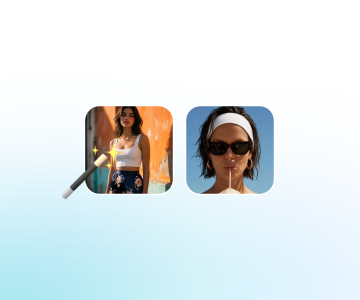
Step 1: Upload Two Images
Upload a target image and a source image. The target provides the body, outfit, pose, and background, while the source provides the head you want to use.
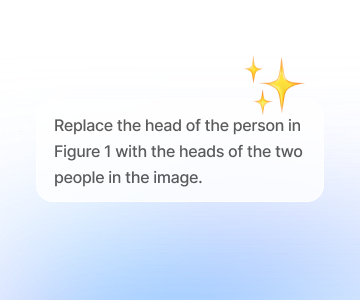
Step 2: Describe the Swap
Tell ChatGOAT AI which head to transfer and how you want the result to look. The AI replaces the target head while preserving the main elements of the original image.
Step 3: Refine Your Result
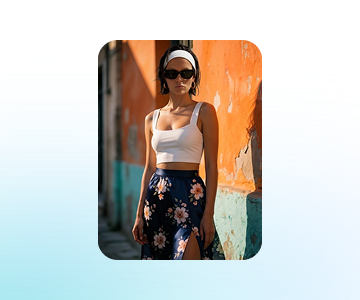
Review the result and continue the conversation if needed. Adjust the head position, hair, proportions, lighting, or other details to create another version.
Ready to Swap Heads with AI?
Have a photo you want to transform? Upload a source head and a target image to ChatGOAT AI, then create a natural-looking head swap in just a few steps. Try different looks, hairstyles, and creative combinations, or use AI chat to develop ideas for your next edit.
See What Users Can Create with Head Swap
What our users are saying
The right outfit and background were already there, but the original head didn't fit the concept. The swap provided a much better starting point.

The right outfit and background were already there, but the original head didn't fit the concept. The swap provided a much better starting point.
A creative portrait project called for several hairstyle options. Testing different source heads made it easy to compare the looks without changing the composition.

A creative portrait project called for several hairstyle options. Testing different source heads made it easy to compare the looks without changing the composition.
For someone without Photoshop experience, uploading two photos and describing the desired change was much simpler than manual editing.

For someone without Photoshop experience, uploading two photos and describing the desired change was much simpler than manual editing.
A group photo needed one person's head adjusted while keeping everyone else unchanged. The original setting and composition stayed intact.

A group photo needed one person's head adjusted while keeping everyone else unchanged. The original setting and composition stayed intact.
The hairstyle and head shape mattered just as much as the face. A full head swap gave the final image a more complete transformation.

The hairstyle and head shape mattered just as much as the face. A full head swap gave the final image a more complete transformation.
Testing multiple source portraits against the same target image made it easier to compare different creative directions before choosing a final look.

Testing multiple source portraits against the same target image made it easier to compare different creative directions before choosing a final look.
Head Swap FAQ
Everything you need to know about swapping heads in photos with AI.
What is head swap?

How does head swap AI work?
What is the difference between head swap and face swap?
Can I do a head swap with hair?
Can I use head swap without Photoshop?
Can I refine a head swap after generating it?
Can head swap change the entire person?
Is ChatGOAT AI's head swap tool free?