


Top-tier AI models, one-stop drawing
Seamlessly use cutting-edge models like Nano Banana 2 Lite, Nano-Banana 2, Nano-Banana 2.1 without switching applications. From initial sketches to final masterpieces, realize limitless creativity on one platform.



Trusted by millions of users worldwide



Remove Background AI
Whether you need to remove distractions from your images, change a plain white background to something more dynamic, or achieve transparent backgrounds for your images, ChatGOAT AI satisfies your needs.
Remove Background with AI Precision
Our free AI background remover accurately detects the main subject in your image and cleanly separates it from the background. Whether it’s a product for Amazon, a person for a profile picture, or a pet with complex fur, the AI ensures smooth edges and natural cutouts.
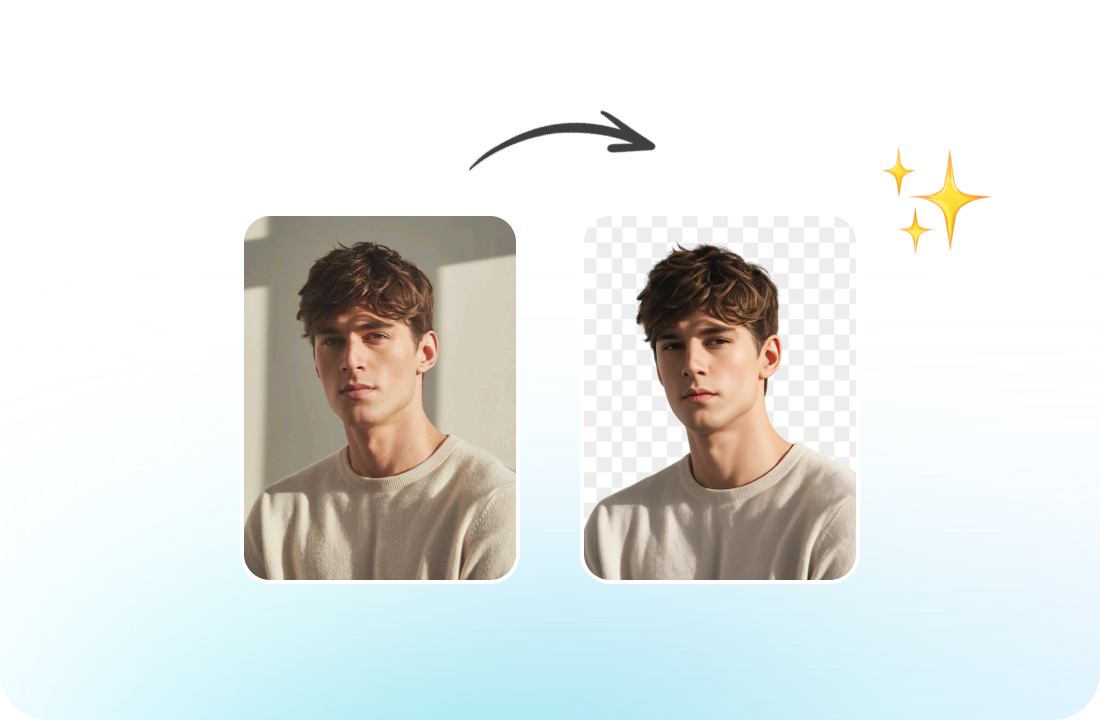
Make Background Transparent
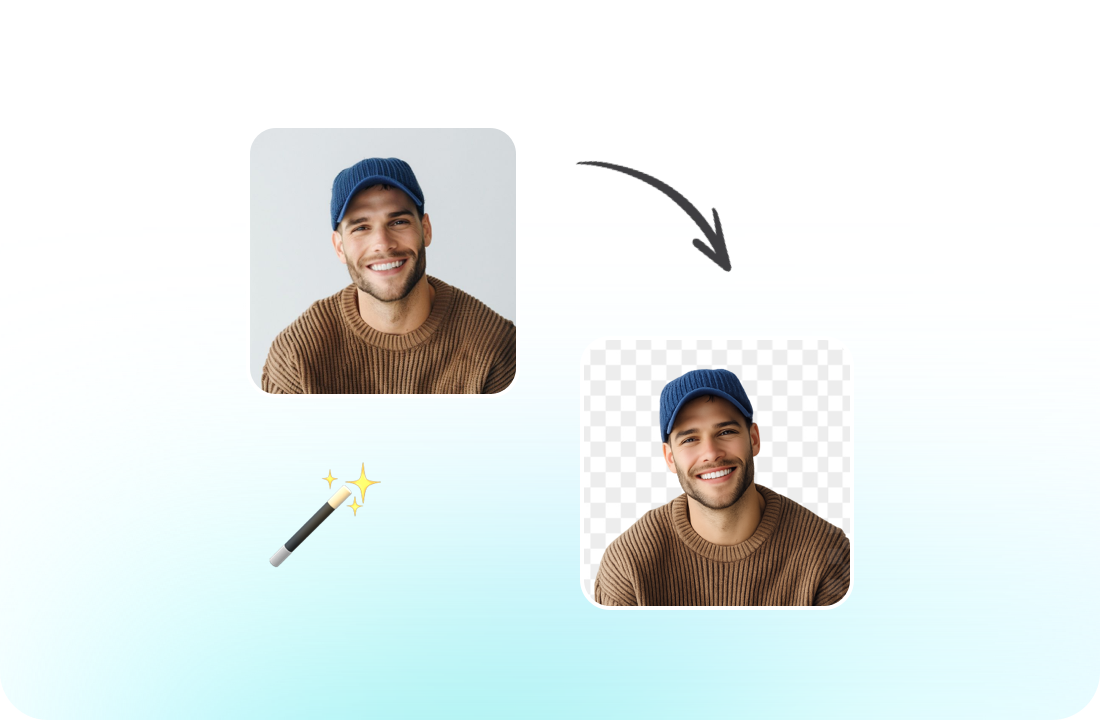
Annoyed by images claiming a transparent background, only to be disappointed? ChatGOAT AI has your back! With just one click, you can make your background truly transparent. Download HD transparent PNGs in seconds - perfect for eCommerce and professional design.
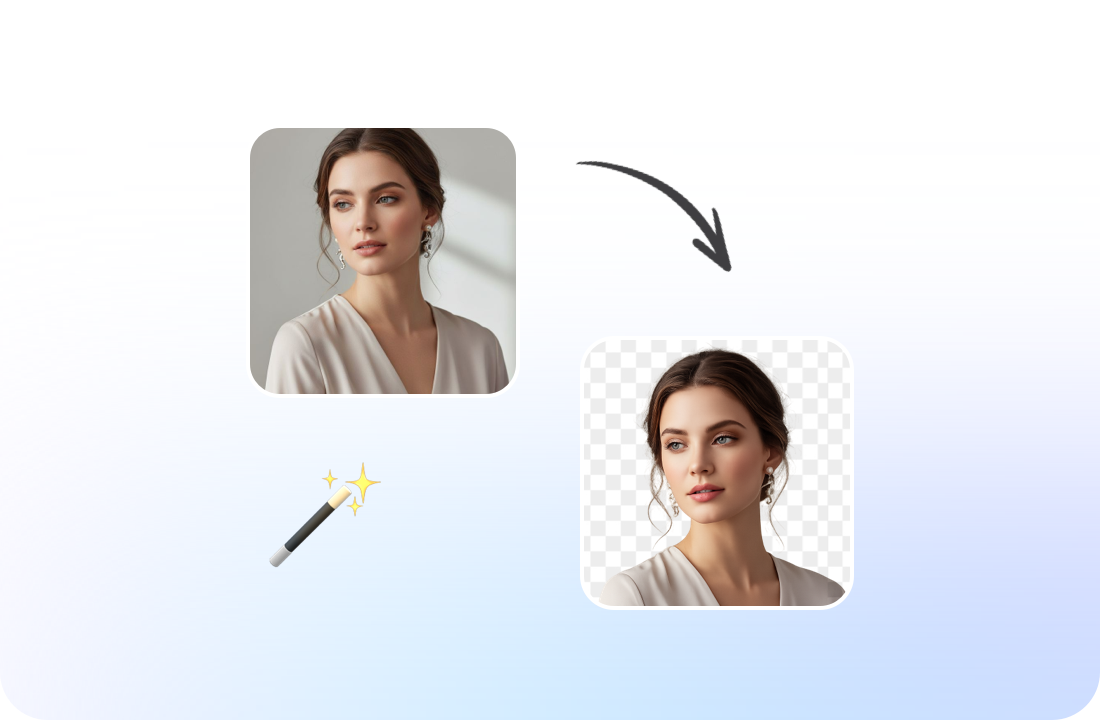
Create Clean Visuals Instantly
A cluttered background can ruin a product photo. Clean cutouts help your subject stand out and improve conversion rates on your website, ads, or social media. With our free AI background remover, you can maintain a studio-quality look without hiring photographers or learning complex editing software.
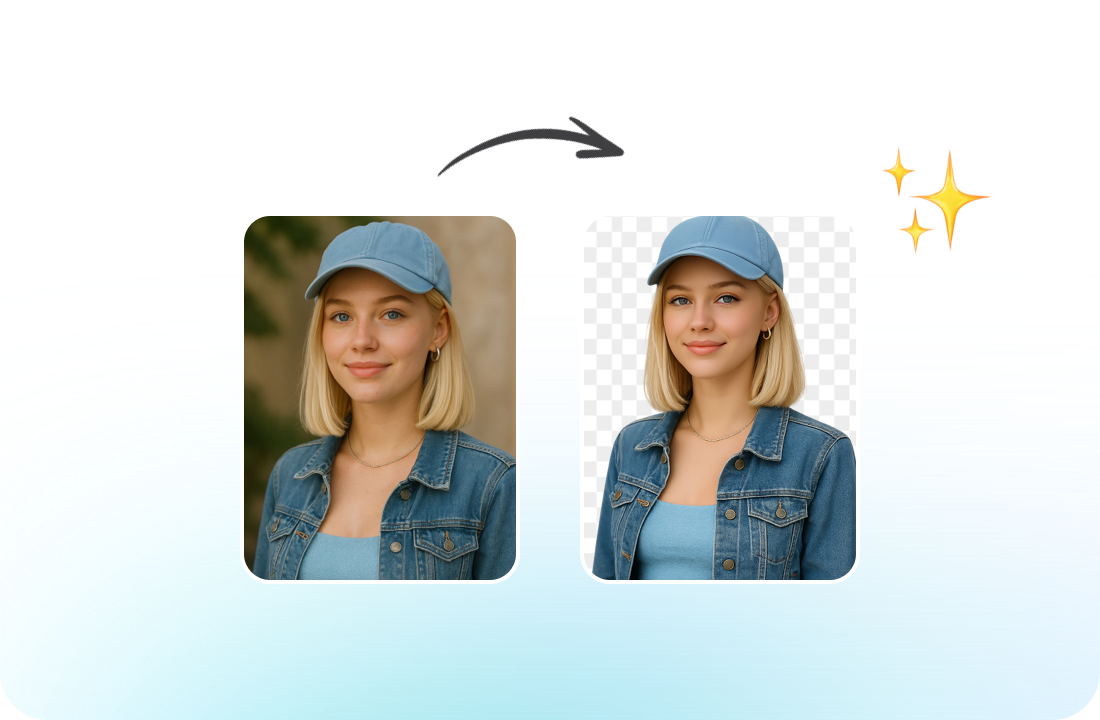
Free & Easy to Use For Everyone
Start removing backgrounds immediately without downloads or sign-ups. ChatGOAT AI background remover works directly in your browser on any device. The simple interface means anyone can create professional images in minutes. Try it free to see how easy background removal can be.
Why Choose Our Remove Background
Designed for accuracy, speed, and reliable performance across different image types.

Precise Subject Detection
Advanced AI identifies people, cars, products, and animals - even in complex scenes. It acts as an automatic magic eraser for backgrounds.

Clean & Smooth Edges
The algorithm maintains fine details such as hair strands, fur, and soft shadows, avoiding rough, jagged edges.

HD Transparent PNG Output
Download images with a transparent background in high resolution, ready to be placed on any backdrop or design template.

Fast & Fully Online
No installation required. Edit directly in your browser and download your background-free image in seconds.
How to Remove a Background from an Image
Transform ordinary photos into clean, professional cutouts in just a few steps.
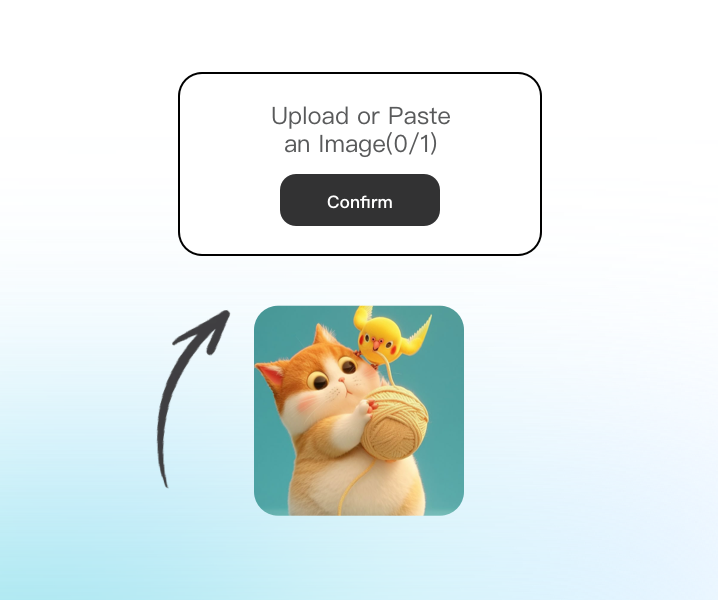
Step 1: Upload Your Image
Select and upload the image you want to edit. The AI automatically scans and detects the primary subject with high accuracy.
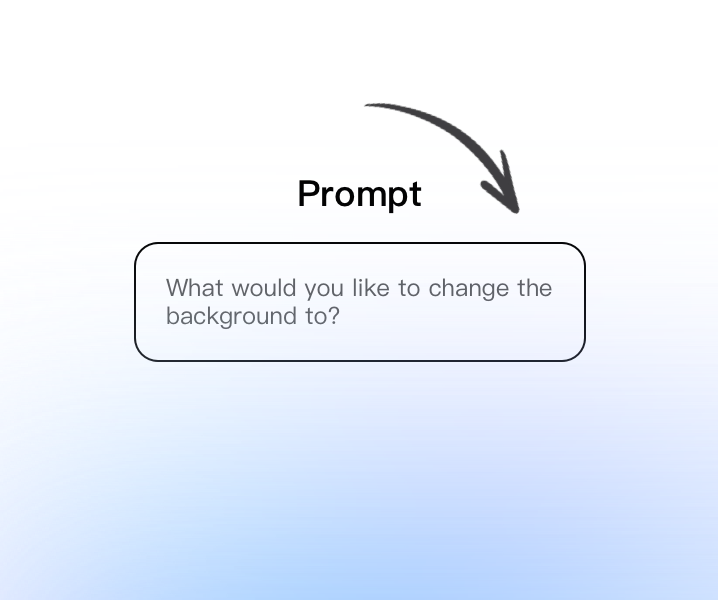
Step 2: Automatic Remove Background
Click Generate. The system removes the background instantly while preserving edges, textures, and subtle details.
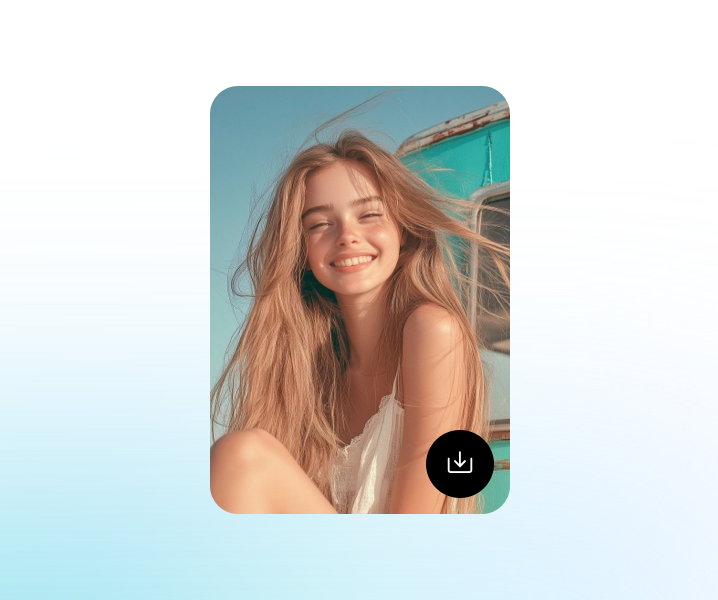
Step 3: Download Your Edited Image
Preview the result and download your high-resolution transparent PNG, ready for use in Canva, Photoshop, or your website.
Enhance Your Creative Workflow
Use advanced AI tools for image editing, content creation, productivity tasks, and creative projects - all within one streamlined experience.
See Why Users Love Remove Background
What Our Users Are Saying
Perfect for my online store. I need consistent images for my Shopify store. This tool creates perfect transparent cutouts that I can easily put on a white background.
Perfect for my online store. I need consistent images for my Shopify store. This tool creates perfect transparent cutouts that I can easily put on a white background.
Great for profile pictures. I removed my messy room background and used the cutout for my LinkedIn profile. The edges look natural and professional.
Great for profile pictures. I removed my messy room background and used the cutout for my LinkedIn profile. The edges look natural and professional.
Faster than manual masking. I used to manually trace images in Photoshop. Now it’s done instantly and with better accuracy on hair details.
Faster than manual masking. I used to manually trace images in Photoshop. Now it’s done instantly and with better accuracy on hair details.
Excellent for marketing materials. We use it to create ad creatives. Having a transparent logo and product image makes design work much easier.
Excellent for marketing materials. We use it to create ad creatives. Having a transparent logo and product image makes design work much easier.
Handles hair details surprisingly well. Hair is always tricky, but this tool keeps it smooth without jagged lines or halos.

Handles hair details surprisingly well. Hair is always tricky, but this tool keeps it smooth without jagged lines or halos.
Reliable for daily content creation. I use it regularly for YouTube thumbnails. It keeps my visuals polished and helps me work faster.

Reliable for daily content creation. I use it regularly for YouTube thumbnails. It keeps my visuals polished and helps me work faster.
Remove Background FAQ
Everything you need to know about AI background removal
What is AI background remover used for?

Do I need editing experience?
Can I export with a transparent background?
Does it work with detailed edges like hair or fur?
Is the cutout quality suitable for commercial use?
How long does removing the background take?
Can it handle complex or busy backgrounds?
Is the tool browser-based?
Can I use the cutout in other design software?
What images work best?