





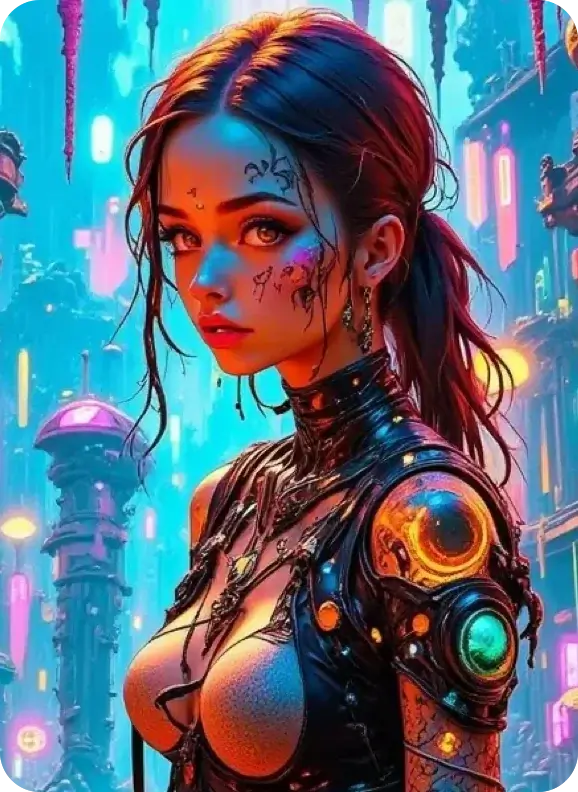
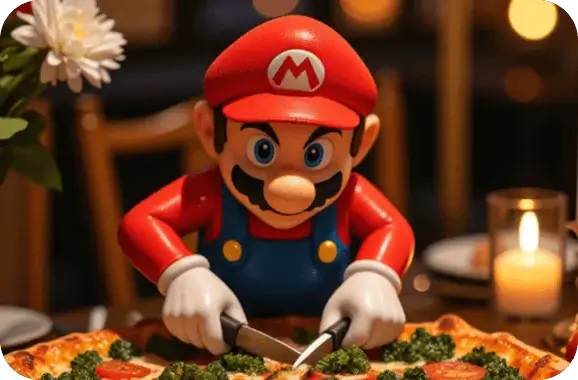
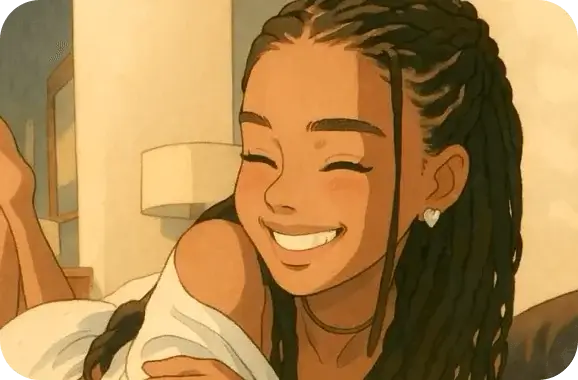
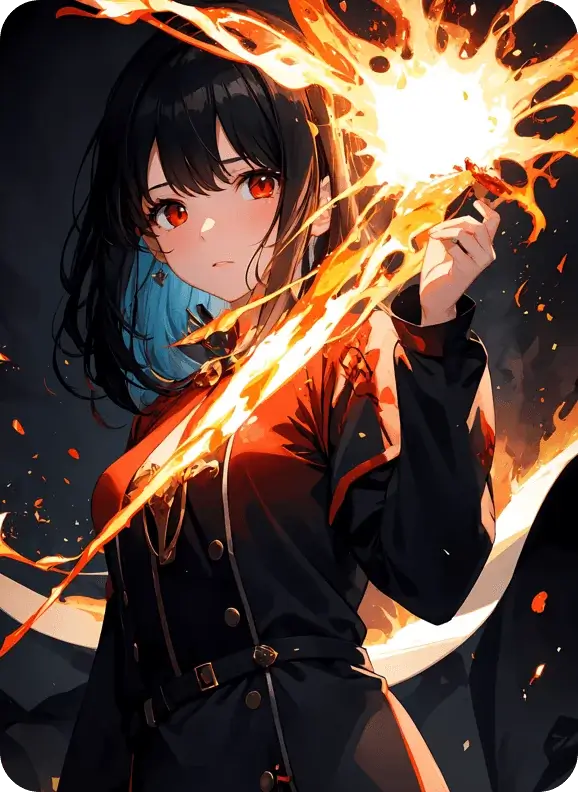
Top-tier AI models, one-stop drawing
Seamlessly use cutting-edge models like Nano Banana 2 Lite, Nano-Banana 2, Seedream 5.0 Lite without switching applications. From initial sketches to final masterpieces, realize limitless creativity on one platform.



Trusted by millions of users worldwide




Generate Fast, High-Quality Visuals with GPT Image 2
GPT Image 2 is OpenAI's newest AI image generation model, available instantly on ChatGOAT AI. Input text prompts or upload reference photos, and get polished, precise visuals in seconds. Free trial access with zero complex setup required.
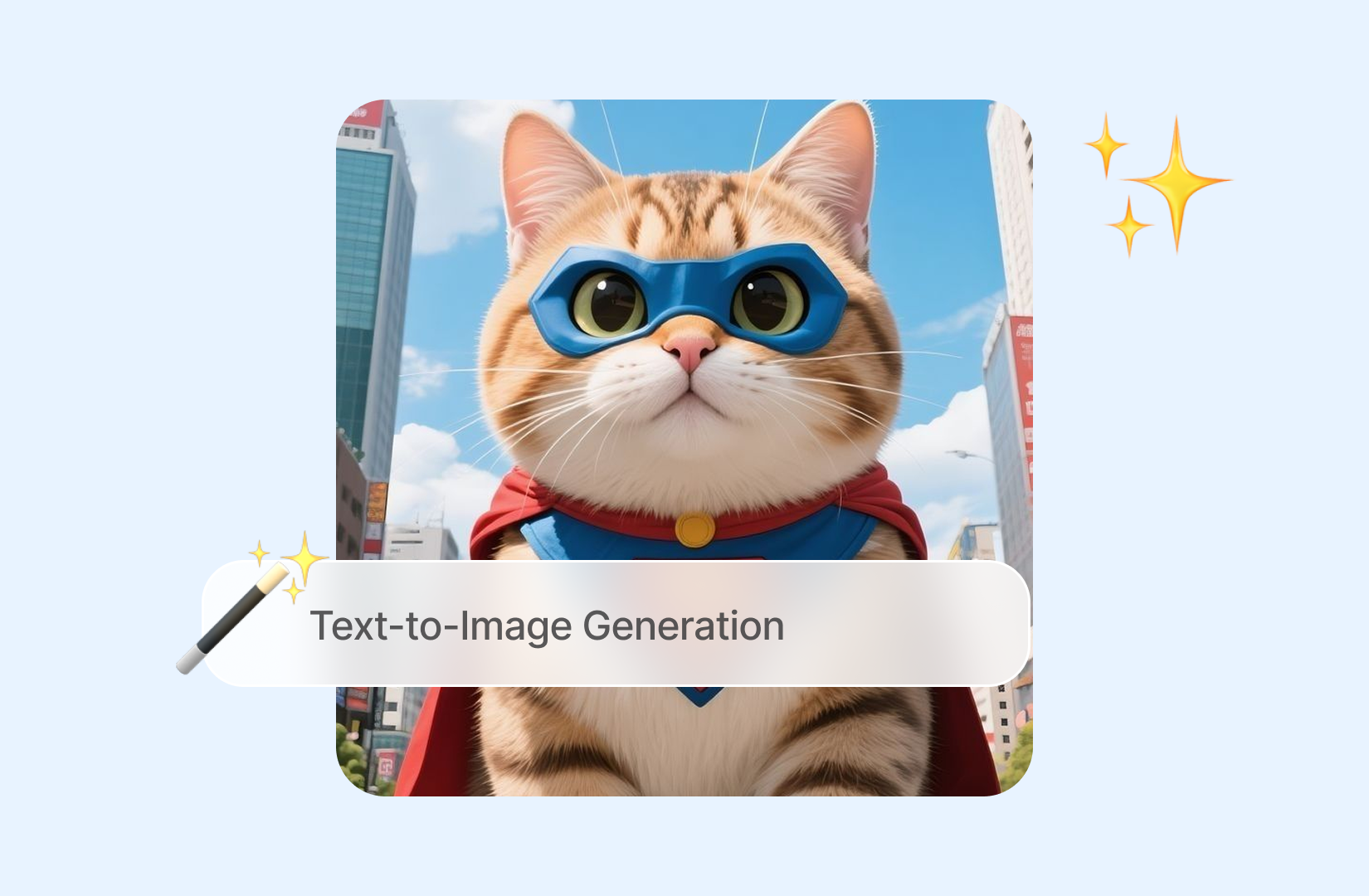
Advanced Text-to-Image Generation
Transform ordinary text descriptions into rich, detailed artwork. The model strictly follows multi-layer prompt instructions; the more specific your wording, the closer the output matches your creative vision.
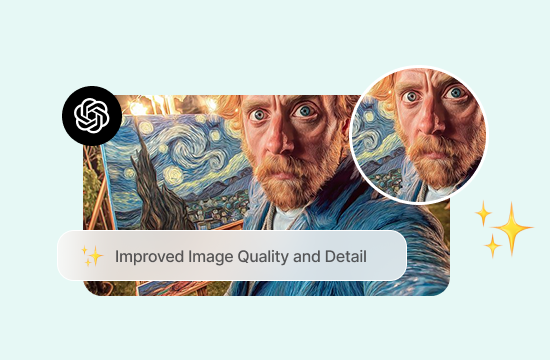
Improved Image Quality and Detail
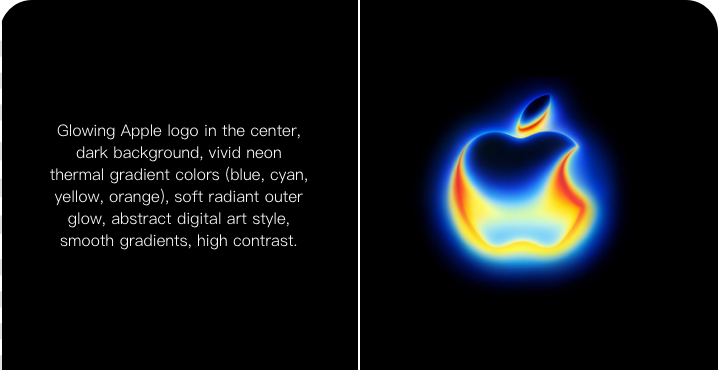
Produces sharper, more cohesive visuals with balanced composition. Text embedded in logos, labels and graphic layouts renders clearly without distorted garbled characters, cutting down manual post-editing work drastically.
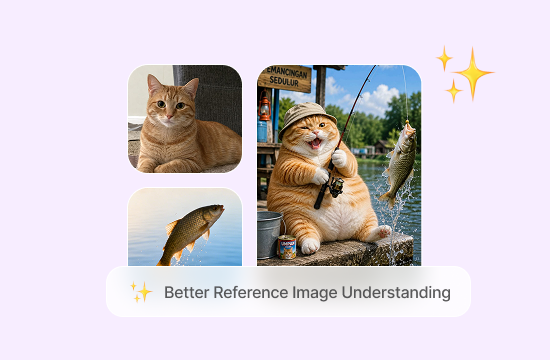
Better Reference Image Understanding
Upload one or multiple reference images to lock art style, character features and object shapes. GPT Image 2 reads reference content with high fidelity and preserves your key visual elements across new renders.
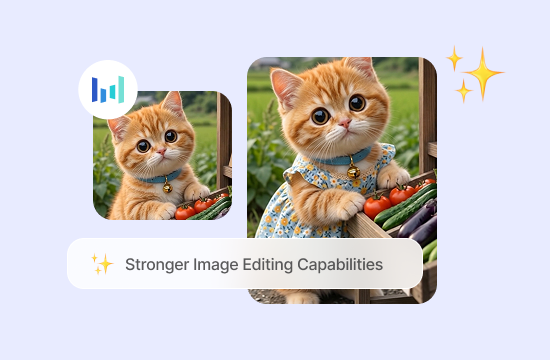
Stronger Image Editing Capabilities
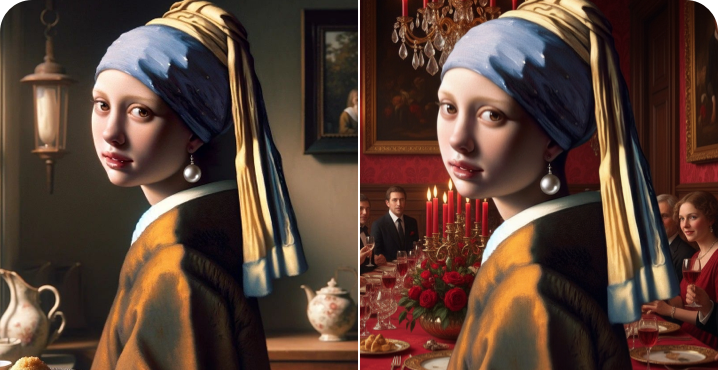
Beyond full image creation, execute targeted edits via simple text commands. Swap objects, alter colors or adjust lighting while leaving all unrelated parts of the original picture untouched.
Why Use GPT Image 2 on ChatGOAT AI?
Direct official access to GPT Image 2 requires developer registration, API key setup and billing configuration. ChatGOAT AI hosts the native model on a simple web page, bundled with exclusive auxiliary tools unavailable via raw OpenAI APIs.

Free Access, No API Key
Log in and start generating right away with complimentary free credits for testing. Paid plans only activate for bulk production needs. No software downloads, technical setup or API credentials required.

One Workspace for Every Image Task
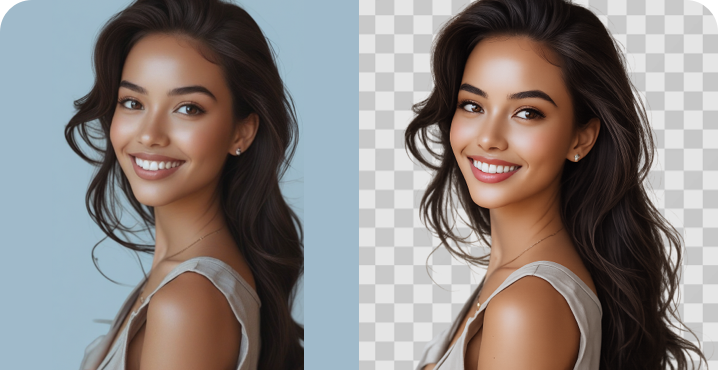
No back-and-forth downloading/uploading between separate tools. Refine renders with the built-in AI Editor or strip backgrounds for product shots all within the same unified workspace.

Prompts in Chinese or English
Write prompts naturally in Chinese or English. The model fully understands bilingual requests and prints clean, legible Chinese and English text directly onto generated graphics, fixing common text corruption flaws.

Made for Everyone, Not Just Designers
Built for every creator, from students and small shop owners to marketing teams. Advanced prompt engineering knowledge is unnecessary; plain descriptive language delivers professional-grade results.
How to Use GPT Image 2 on ChatGOAT AI
Three streamlined steps with zero learning curve for all users.
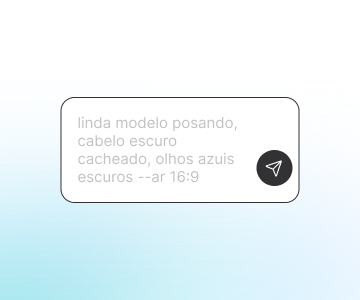
Step 1: Describe Your Image & Upload References
Fill out the prompt box with your creative vision, or upload reference images to control style, characters and layout. Specific descriptive details yield far more accurate outputs than vague short keywords.
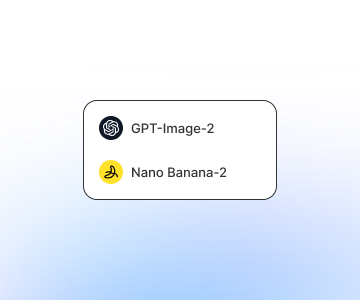
Step 2: Choose Model and Size
Select GPT Image 2 from the model dropdown, then pick an aspect ratio matched to your use case: square for social feeds, wide for banners, vertical for short-form story graphics.
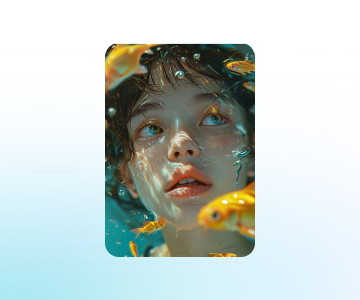
Step 3: Generate, Refine and Download
Hit Generate to render your artwork instantly. Download instantly if satisfied; tweak your prompt or reference assets and re-render for fine-tuning. Fast iteration minimizes wasted time on repeated attempts.
All-in-One AI Image Editing & Creation Tools
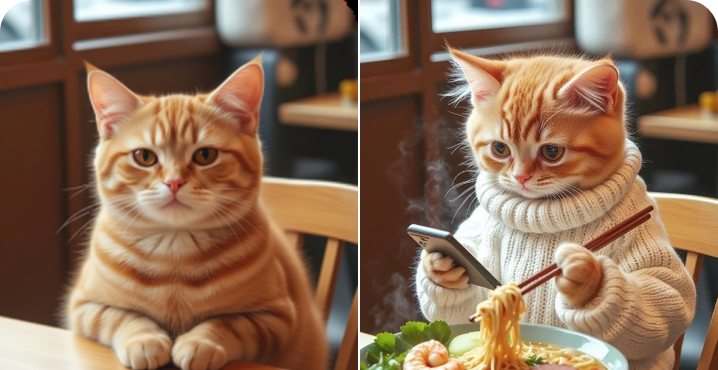
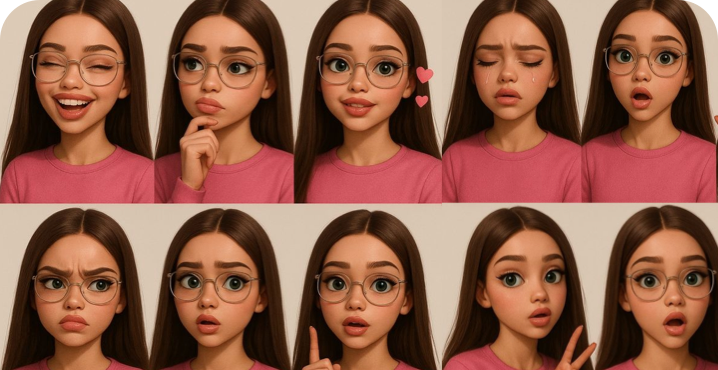
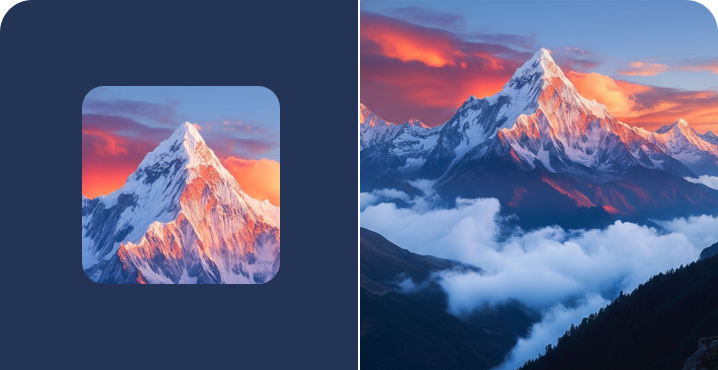
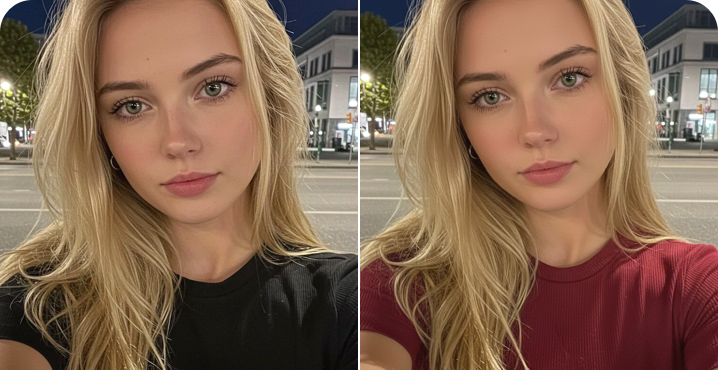
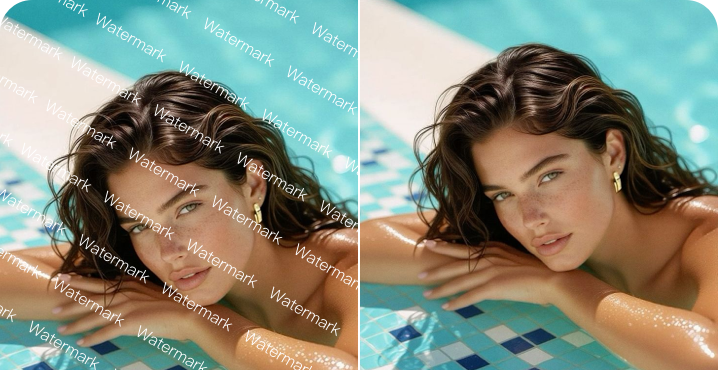
Create avatars, change outfits, remove backgrounds, and design logos—all with one powerful AI platform.
Why Users Love GPT Image 2
User reviews of GPT Image 2
 Maria
MariaI use GPT Image 2 for client mockups, and the text rendering finally holds up. Logos and labels come out clean instead of warped.
 Daniel
Our team needed fast turnaround on ad creatives, and GPT Image 2 gets us usable drafts on the first or second try. It's cut our review cycles down a lot.
 Priya
PriyaI post daily, so speed matters. GPT Image 2 keeps my visual style consistent from post to post without extra editing.
 Chen
ChenProduct photography used to be a whole separate expense. Now I generate clean mockups for my store listings directly with GPT Image 2.
 Jake
JakeI'm not a designer, but GPT Image 2 made it easy to put together visuals for a class project. I just described what I needed.
 Sofia
SofiaEditing existing images without redoing the whole thing has been the biggest time-saver. I can swap one detail and keep everything else the same.
GPT Image 2 FAQ
Everything you need to know about GPT Image 2
Is GPT Image 2 free to use on ChatGOAT AI?

How is GPT Image 2 different from previous GPT Image models?
Can I use the images commercially?
Does GPT Image 2 support Chinese prompts?
How many images can I generate per day?
What image sizes and formats does it support?
Can GPT Image 2 edit existing images?
How does GPT Image 2 work?
What is GPT Image 2?
What can I create with GPT Image 2?