


South Park Creator

Configure the parameters on the left and click 'Generate Now' to start creating.
 Featured Examples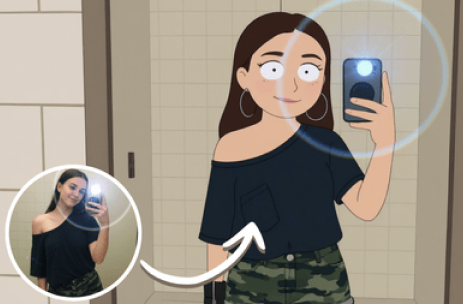
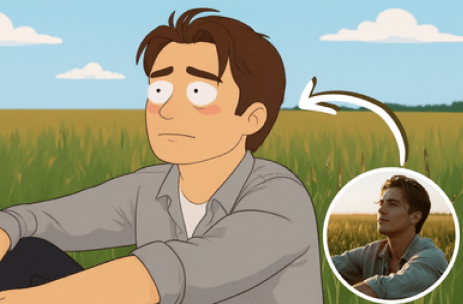
Top-tier AI models, one-stop drawing
Seamlessly use cutting-edge models like Nano Banana 2 Lite, Nano-Banana 2, Seedream 5.0 Lite without switching applications. From initial sketches to final masterpieces, realize limitless creativity on one platform.



Trusted by millions of users worldwide




Make Your Own South Park Character
ChatGOAT's South Park creator can transform a reference photo or written idea into an original cutout-style cartoon. Describe the appearance, outfit, expression, pose, and setting you want while keeping the result suitable for fan art, avatars, and humorous personal projects.
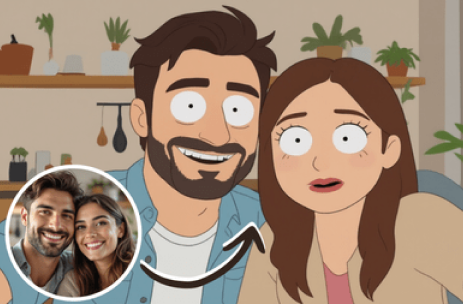
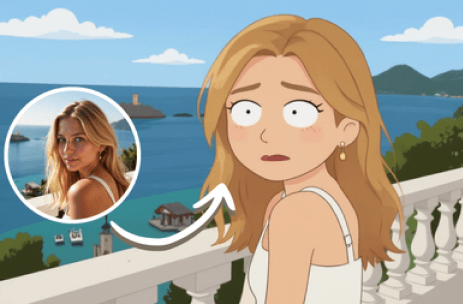
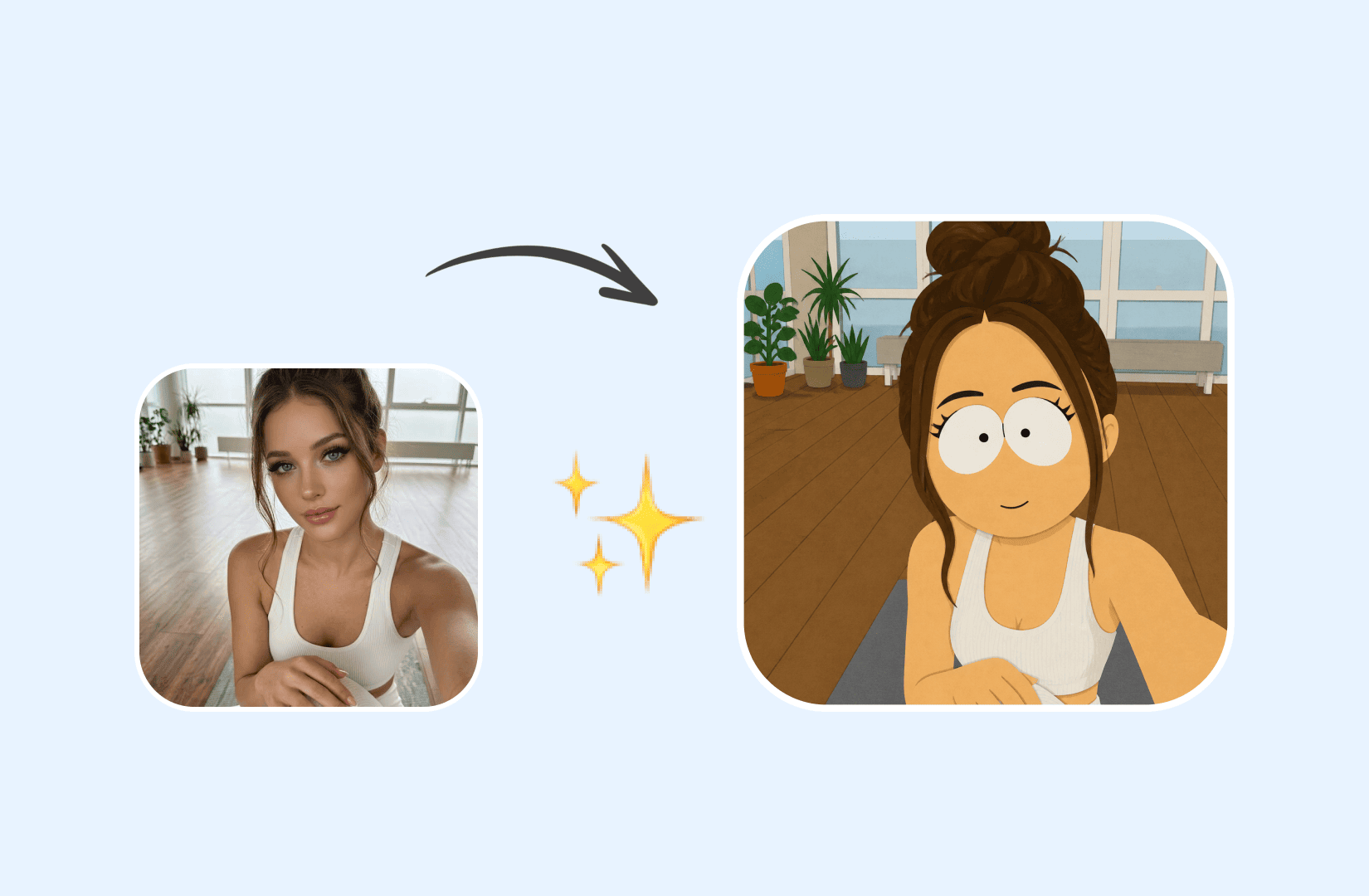
Turn A Photo Into A Cutout-Style Character
Upload a clear portrait and ask for simplified shapes, bold outlines, flat colors, dot eyes, and minimal shading. The AI can adapt recognizable hair, glasses, clothing, or facial features into a compact cartoon design.
Create Original Characters From Text
Describe an original student, teacher, tourist, gamer, pet, or fictional town resident without uploading a photo. Add hairstyle, skin tone, outfit, accessories, expression, and personality cues.
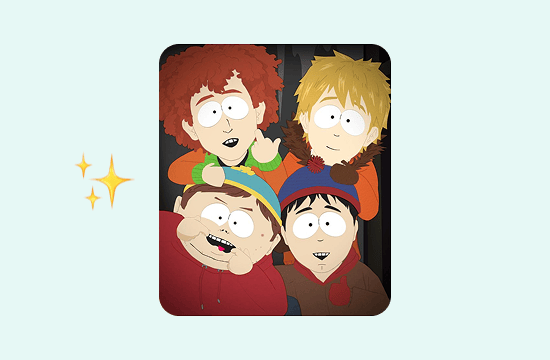
Make Avatars, Memes, And Cartoon Scenes
Create square profile pictures, Discord avatars, gaming icons, reaction images, humorous memes, classroom scenes, snowy-town backgrounds, band posters, or parody-style personal artwork.
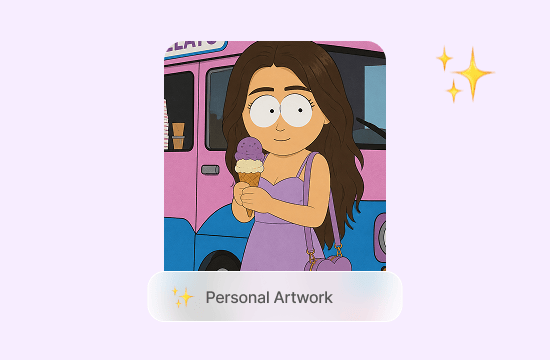
Explore More Cartoon And Fan-Art Styles
Try different flat cartoon directions, expressions, and visual treatments while keeping the character original. For broader character and illustration ideas, use the AI art generator.
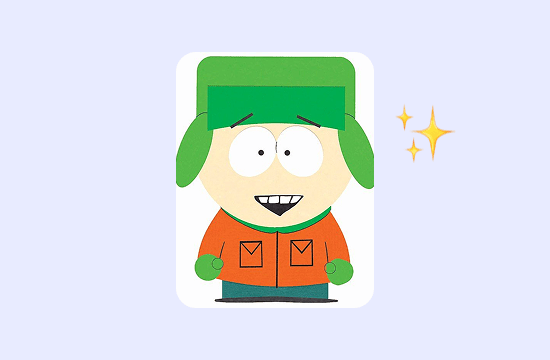
Create South Park-Inspired Characters Your Way
ChatGOAT's South Park character creator combines photo input, text prompts, and multiple AI image models in one place. Create a recognizable avatar or original character without relying on fixed faces, outfits, poses, and scenes.

Multiple AI Models
Compare how different AI models interpret the South Park-inspired look, including flat colors, bold outlines, compact shapes, dot-like eyes, and limited shading.

Free, No Registration
Use free daily credits to explore character ideas online. Start from a photo or prompt without creating an account or downloading software.

More Creative Freedom
Describe custom clothes, expressions, props, pets, group scenes, classrooms, stages, or snowy streets. Generate different versions instead of choosing only from preset parts.

Easy Character Editing
Change an outfit color, replace a prop, correct a facial feature, or clean up the background with the AI image editor.
How To Make A South Park-Inspired Character
Create a cutout-style cartoon character in three steps.
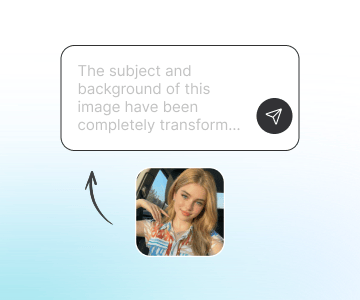
Step 1: Upload A Photo Or Describe A Character
Use a clear front-facing portrait or write a description of an original character. Include hair, clothes, accessories, expression, and any traits that should remain recognizable.
Step 2: Generate And Review The Cartoon
Ask for flat colors, bold outlines, simple geometric shapes, minimal shading, and a paper-cutout look. Review the face, clothing, pose, and overall resemblance.
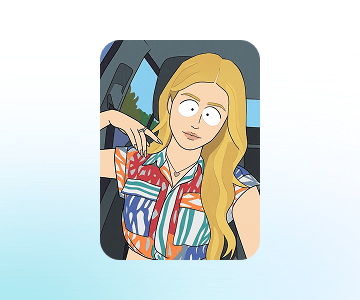
Step 3: Adjust The Scene And Download
Refine the character or create alternate reactions and backgrounds. If the character is right but the location needs work, move it into a classroom, snowy street, stage, or another setting with the AI background changer.
Enhance Your Creative Workflow
Use intelligent AI tools for local editing, object adjustments, background changes, and image refinement—all within a streamlined online editing experience.
How Users Create With Our South Park Creator
Authentic feedback from creators who use our South Park creator
 Maya R.
I made a square avatar from a photo and kept my round glasses and green jacket. The simplified style still felt recognizable.
 Daniel K.
I created an original gamer character with a headset and an annoyed expression for a Discord profile.
 Sophie M.
Our friend group used separate portraits to make matching cartoon avatars for a private chat. Keeping the same background color tied them together.
 Leo T.
I made a reaction image with a surprised expression and a snowy street behind the character. It worked well as a personal meme.
 Amina S.
The first result had too much detail, so I asked for flatter colors and fewer shadows. That made the cutout look much clearer.
 Oliver P.
I turned my dog into a quirky cartoon town resident with a tiny winter hat. It was a fun profile image for the holidays.
South Park Creator FAQ
Common questions regarding the South Park creator
What Is A South Park Creator?

Can I Turn Myself Into A South Park-Inspired Character?
Can I Create A Character Without A Photo?
What Photos Work Best?
Can I Customize Clothes And Expressions?
Can I Make A South Park-Style Avatar?
Can I Create Memes And Backgrounds?
Can I Create Pets Or Groups?
What Defines The Cutout Cartoon Look?
Is This An Official South Park Tool?
Can I Use Generated Characters Commercially?