


AI Pet Portrait

Select your favorite template from our curated collection below, or start from scratch. We will intelligently replace the subject with your uploaded pet.
 Featured Examples (Click to Set as Composition Reference)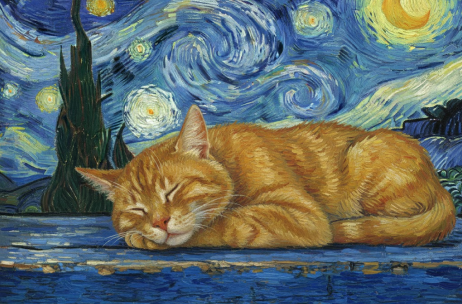
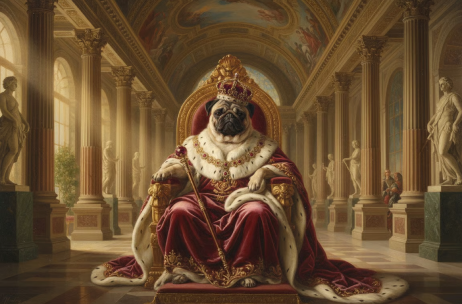
Top-tier AI models, one-stop drawing
Seamlessly use cutting-edge models like Nano Banana 2 Lite, Nano-Banana 2, Seedream 5.0 Lite without switching applications. From initial sketches to final masterpieces, realize limitless creativity on one platform.



Trusted by millions of users worldwide




Turn Pet Photos Into Personalized Portraits
ChatGOAT's AI pet portrait generator uses your photo and written instructions to reimagine your pet as a custom artwork. Preserve recognizable features such as fur patterns, eye color, ears, and expression while changing the style, outfit, or scene.
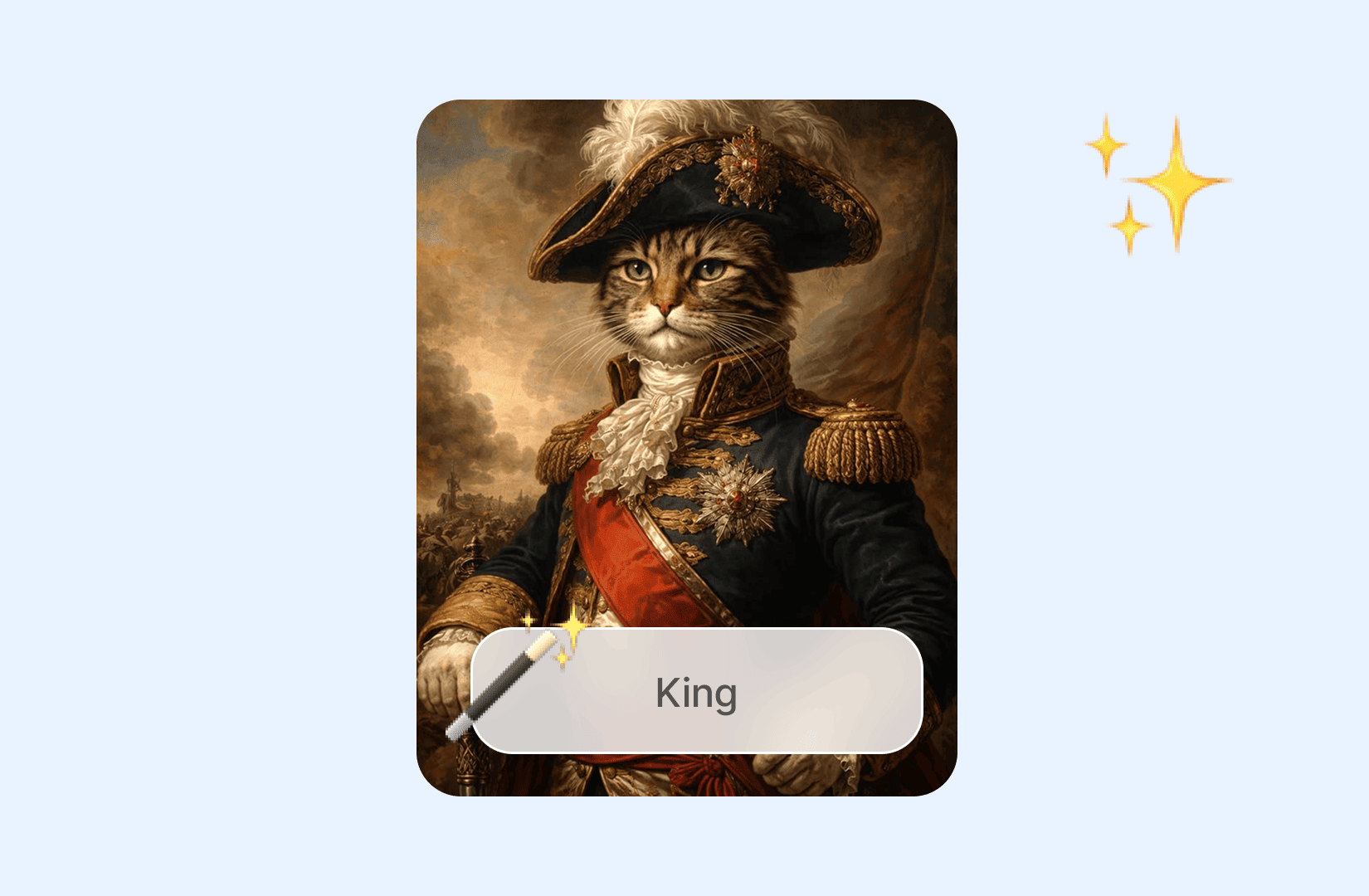
Create Royal And Historical Pet Portraits
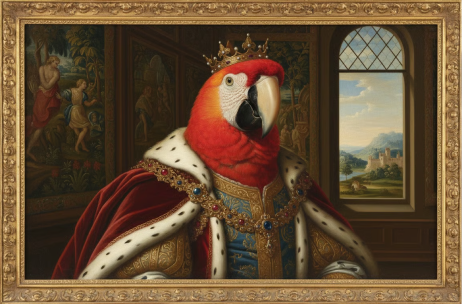
Dress your pet as a king, queen, noble, knight, or Renaissance subject. Add a crown, ruff collar, velvet jacket, palace interior, painted canvas texture, or museum-style lighting.
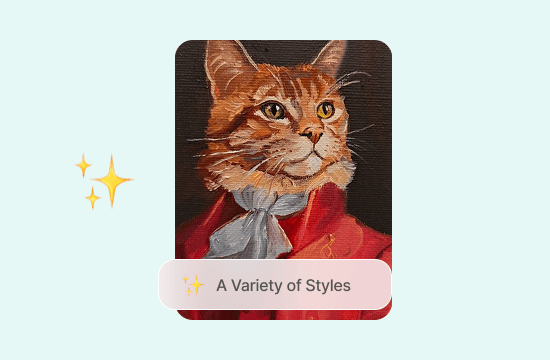
Explore Cartoon, Painting, And Fantasy Styles
Turn a pet photo into watercolor, oil painting, pencil sketch, 2D cartoon, 3D animation, pop art, neon noir, fantasy warrior, astronaut, wizard, or another imaginative style.
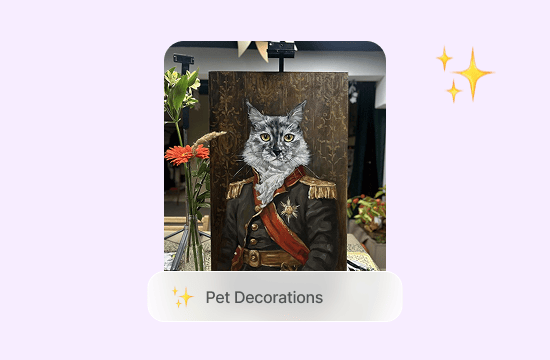
Make Pet Gifts, Cards, And Home Decor
Create portraits for framed wall art, birthday cards, adoption anniversaries, holiday greetings, phone wallpapers, social posts, or personal memorial keepsakes.
Edit The Portrait While Keeping Your Pet Recognizable
Refine accessories, colors, lighting, or the background while keeping the pet as the central subject. Continue adjusting the image with the AI image editor.
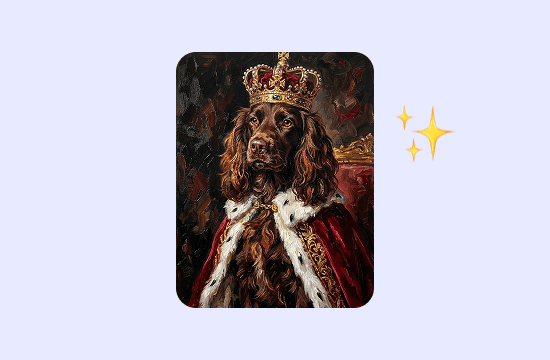
Create Pet Portraits Faster With ChatGOAT
Create a pet portrait from photo with free daily credits, no sign-up steps, and multiple AI image models. Upload a clear picture, describe the result you want, and turn your pet into personalized art online.

Choose From Advanced AI Image Models
Try models such as Nano Banana 2 and GPT Image 2 in one place. Compare how different models handle fur, facial features, lighting, clothing, and artistic styles.

Start Free Without Signing Up
Use free daily credits to create pet portrait ideas online. You can begin without registering or downloading additional software.

Generate And Refine In One Place
Create portraits in seconds, then adjust the style, outfit, accessories, or setting without starting over. If the background needs work, continue with the AI background changer.

Create Without Design Skills
Upload a pet photo and explain the style you want in everyday language. ChatGOAT handles the visual creation, so you do not need drawing, painting, or photo-editing experience.
How To Create An AI Pet Portrait Easily
Turn a pet photo into artwork in three steps.
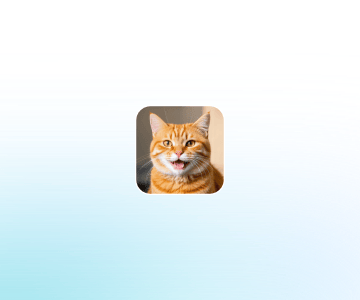
Step 1: Upload A Clear Pet Photo
Choose a well-lit image where the face, eyes, ears, and important markings are visible. A forward-facing or three-quarter angle with little obstruction usually gives the AI clearer visual information.
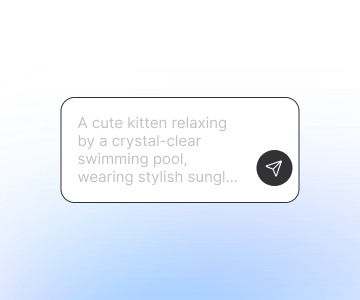
Step 2: Describe The Portrait Style
Choose an art style, outfit, background, mood, lighting, and image ratio. Mention the pet type or breed and repeat any feature that must remain unchanged.
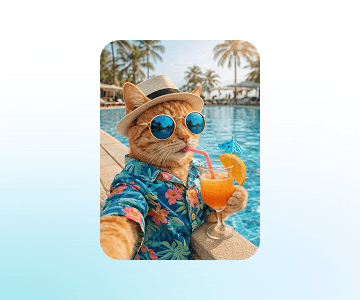
Step 3: Generate, Review, And Download
Check likeness, fur pattern, eye color, paws, accessories, and background. Refine the prompt if needed, then save the preferred result. For original animal scenes without a reference photo, try the AI image generator.
Enhance Your Creative Workflow
Use intelligent AI tools for local editing, object adjustments, background changes, and image refinement—all within a streamlined online editing experience.
See Why Users Love Our AI Pet Portrait Generator
Authentic feedback from creators who use our AI pet portrait generator
 Emma R.
I turned a clear photo of my cat into a Renaissance portrait with a dark green coat. Her white nose marking was still easy to recognize.
 Mateo S.
I made a birthday portrait of my dog with a party hat and confetti. It felt much more personal than using a standard card image.
 Chloe M.
The watercolor version worked well for a small framed print. I kept the background light so the fur and eyes remained the focus.
 Hana K.
I used an older photo to make a gentle memorial portrait. Asking for soft lighting and a quiet garden gave it the mood I wanted.
 Oliver T.
My rabbit became a tiny fantasy knight. The result was funny, but the ears and brown markings still looked like him.
 Sofia L.
I created square portraits of both dogs for social profiles. Using separate photos first gave me cleaner results for each pet.
AI Pet Portrait FAQ
Common questions regarding the AI pet portrait generator
What Is An AI Pet Portrait?

What Photo Works Best?
Can I Create Dog And Cat Portraits?
What Pet Portrait Styles Can I Try?
Can I Add Clothes And Accessories?
How Do I Keep My Pet Recognizable?
Can I Put Two Pets In One Portrait?
Can I Make A Memorial Pet Portrait?
Can I Print The Portrait?
Do I Need Art Or Editing Skills?
Can I Use AI Pet Portraits Commercially?