






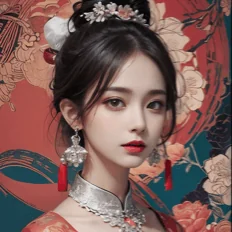
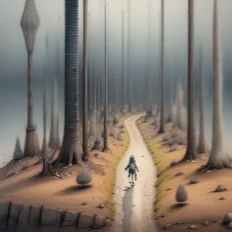
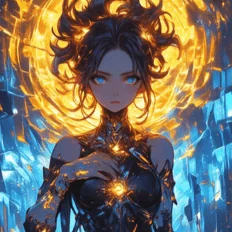
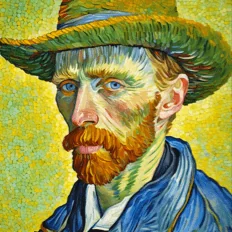
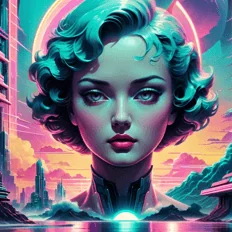
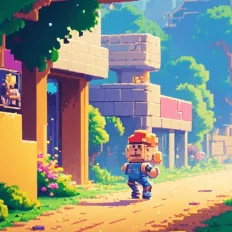
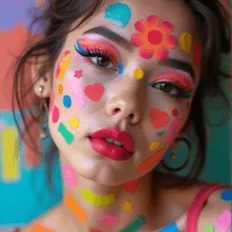
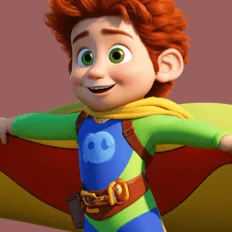
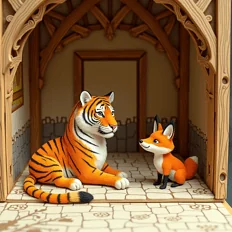
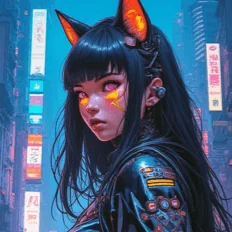
Top-tier AI models, one-stop drawing
Seamlessly use cutting-edge models like Nano Banana 2 Lite, Nano-Banana 2, Nano-Banana 2.1 without switching applications. From initial sketches to final masterpieces, realize limitless creativity on one platform.



Trusted by millions of users worldwide




Meet GPT Image 2.5: Turn Ideas into Visuals Faster
GPT Image 2.5 is presented as a next‑generation image creation experience for people who want more control than a one‑shot prompt can provide. Try the available GPT Image experience on ChatGOAT AI for product concepts, campaign visuals, social content, creative exploration, and everyday design work.
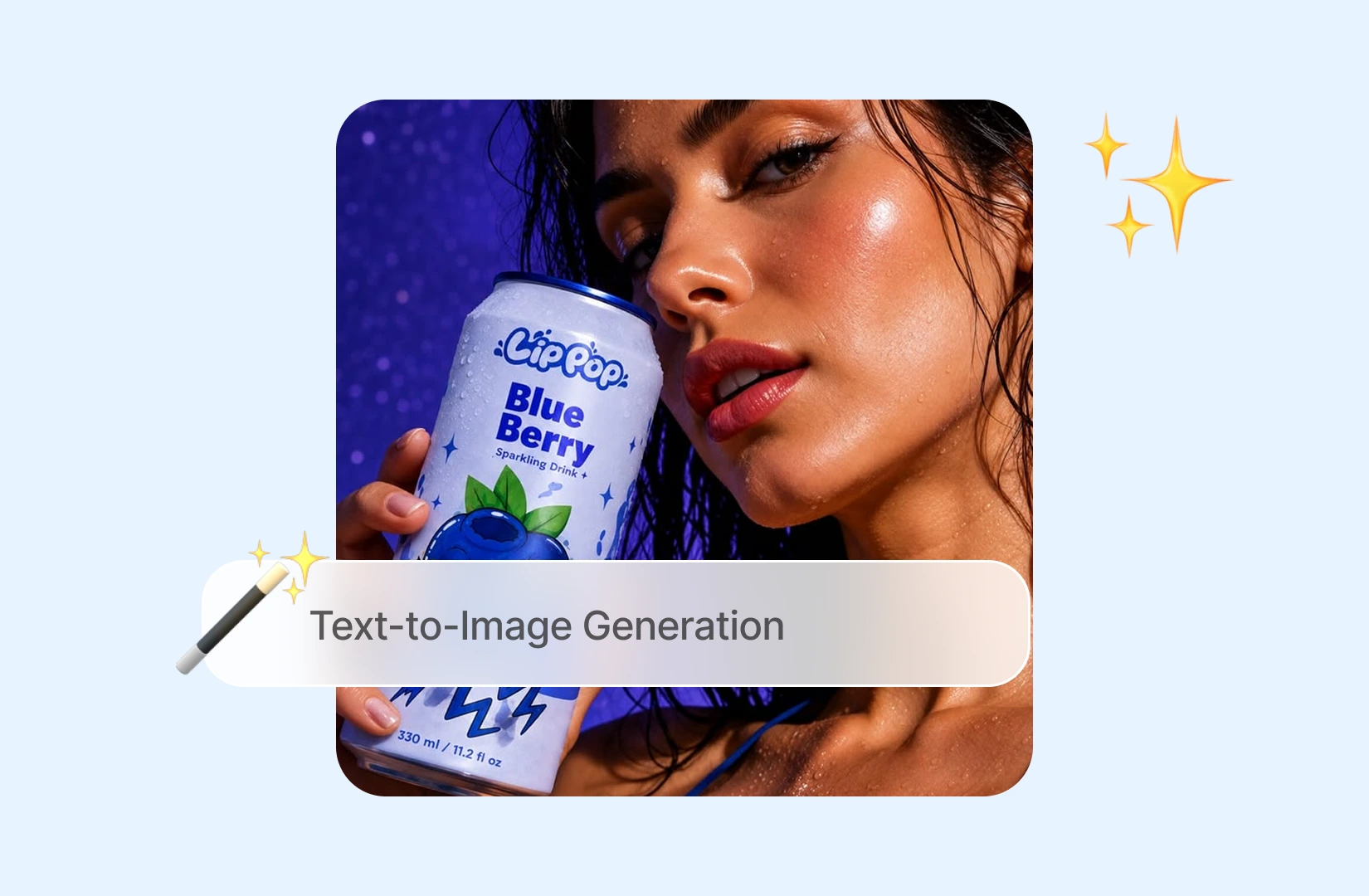
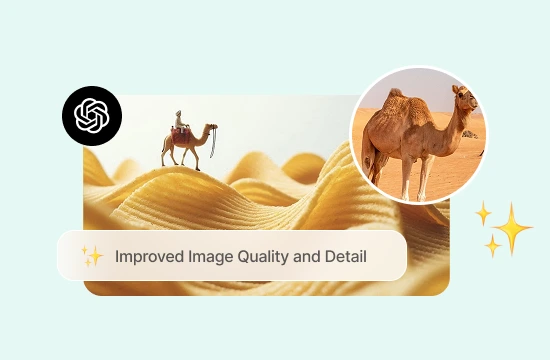
Sharper Detail for Product and Editorial Visuals
GPT Image 2.5 is associated with cleaner edges, clearer small elements, and more controlled treatment of products, surfaces, and materials. Use it to explore packaging concepts, studio product scenes, fashion visuals, website heroes, and editorial artwork. Describe the camera angle, lighting, palette, and space needed for copy, then refine the visual direction in the same conversation.
More Reliable Multi‑Turn Editing
Creative work rarely ends with the first generation. The expected advantage of GPT Image 2.5 is a steadier editing loop: change one part while preserving the approved subject, lighting, or composition. Ask to replace only the background, adjust the crop, or move the subject without rebuilding the entire brief from scratch.
Better Understanding of Layout and Constraints
A useful image model needs to understand relationships, not just keywords. GPT Image 2.5 is described as being better suited to prompts that combine object count, relative position, camera direction, typography space, style, and aspect ratio. This makes it useful for posters, thumbnails, landing‑page banners, presentation covers, and campaign moodboards.
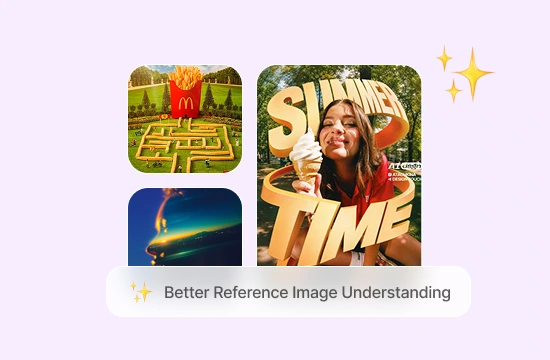
More Natural Faces, Textures, and Fine Details
Hair, hands, skin, fabrics, reflections, labels, and product geometry can determine whether an AI image feels ready for review. GPT Image 2.5 is expected to improve the stability of these details across variations. Use it for portraits, lifestyle scenes, product photography directions, character concepts, and branded visuals, then manually review every important detail before publishing.
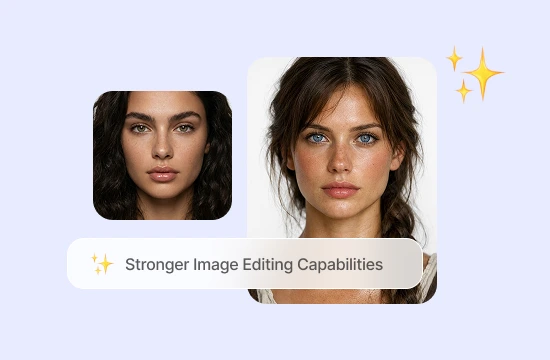
Why Choose GPT Image 2.5 on ChatGOAT AI?
Why Choose GPT Image 2.5 on ChatGOAT AI?

Start with a Brief, Not a Complicated Setup
Explain the subject, mood, audience, format, and intended use in ordinary language. You can begin with a rough idea and turn it into a visual direction without learning a professional design application first.

Generate and Edit in One Workspace
A project may require more than a new image. You may need to remove a background, adjust a scene, clean up text, or compare variations. Keeping these tasks close together reduces unnecessary downloads and tool switching.

Explore Concepts Through Conversation
Ask for a different crop, brighter lighting, more negative space, a calmer palette, or a more editorial look. Focused follow‑up instructions make it easier to compare directions and improve the image step by step.

Work Alongside Other AI Models
ChatGOAT AI is designed as a multi‑model workspace for work, study, writing, research, and creation. You can discuss a campaign, generate a visual, refine the copy, and organize next steps in one place. Always confirm the GPT Image 2.5 option and usage limits in your current account.
How to Use GPT Image 2.5 on ChatGOAT AI
How to Use GPT Image 2.5 on ChatGOAT AI. Getting started is simple when the model is available in your account.
Step 1: Select the Available Image Model
Open the model selector and look for GPT Image 2.5. If it is marked as coming soon or is not listed, choose the image model currently provided by ChatGOAT AI instead. Do not describe another model as GPT Image 2.5 without checking its name.
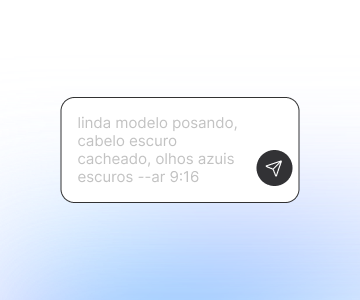
Step 2: Write a Clear Prompt
Include the purpose, subject, setting, composition, style, lighting, aspect ratio, text area, and elements to preserve or avoid. For example: create a 4:5 ecommerce visual with one amber skincare bottle on warm stone, soft side lighting, clean negative space in the upper‑right corner, and no duplicate products or watermark.
Step 3: Refine and Export
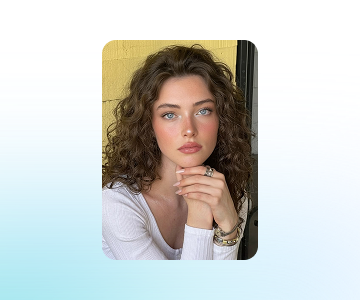
Review the composition, object count, text, anatomy, reflections, branding, and unwanted elements. Then request one focused change at a time, such as “replace only the background” or “keep the label area blank.” Export the result only after completing the required quality, legal, and brand review.
All-in-One AI Image Editing & Creation Tools
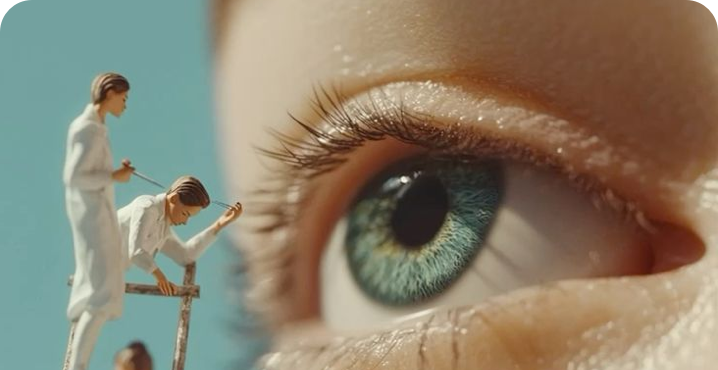
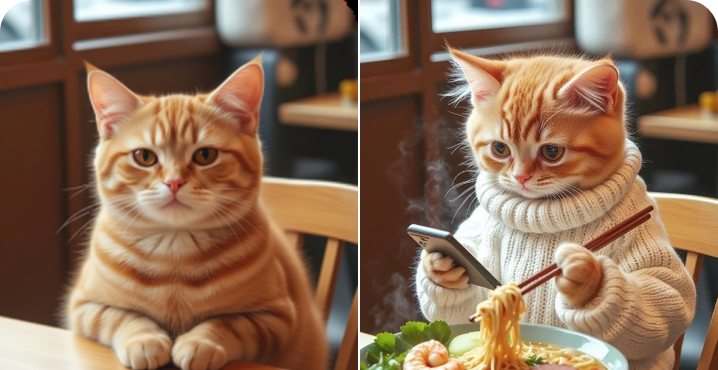
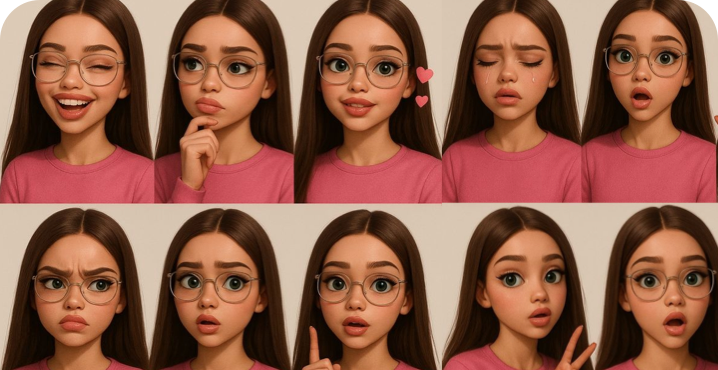
Create avatars, change outfits, remove backgrounds, and design logos—all with one powerful AI platform.
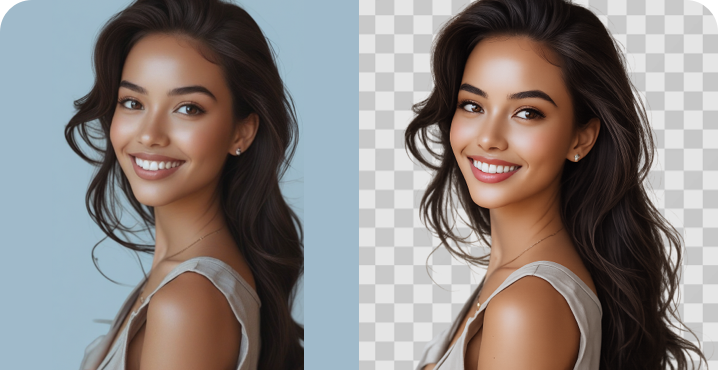
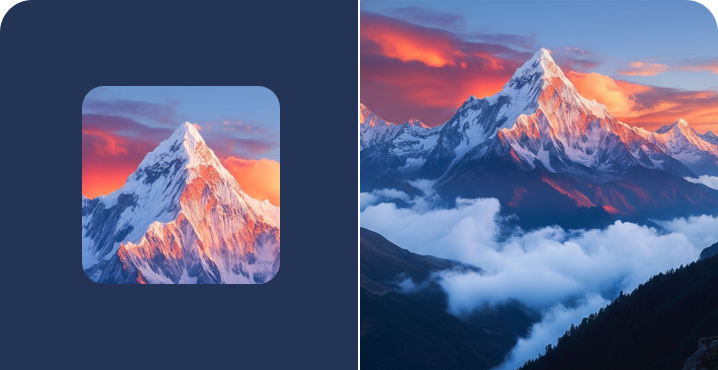
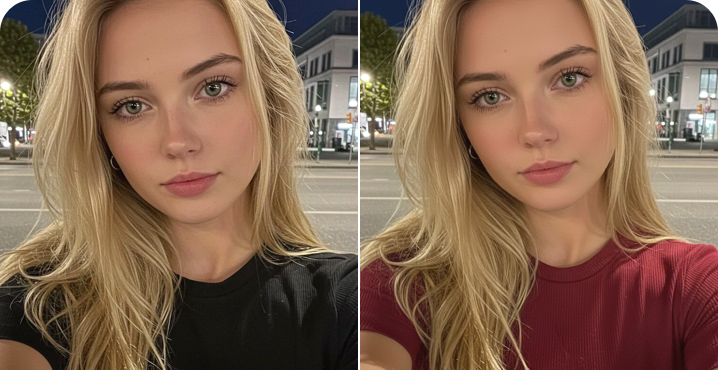
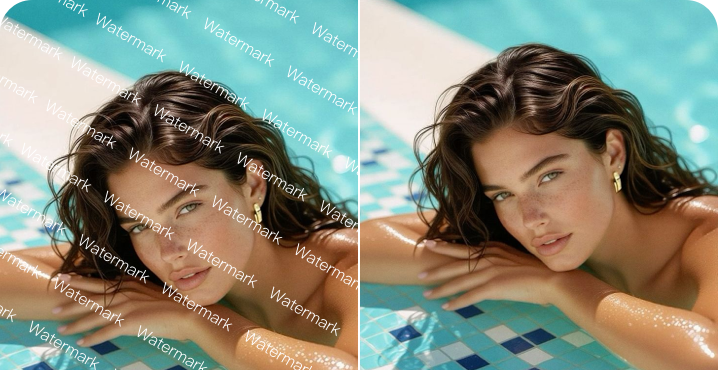
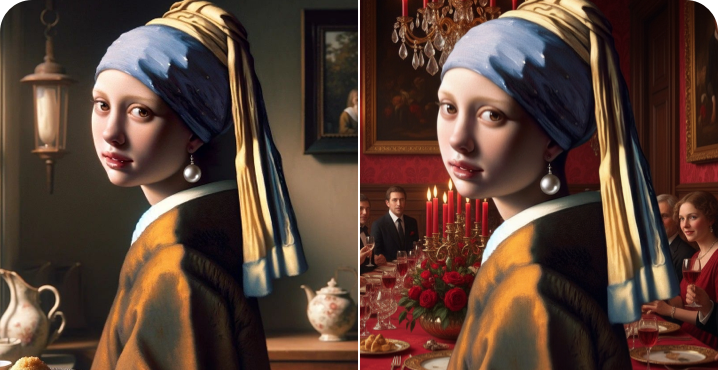
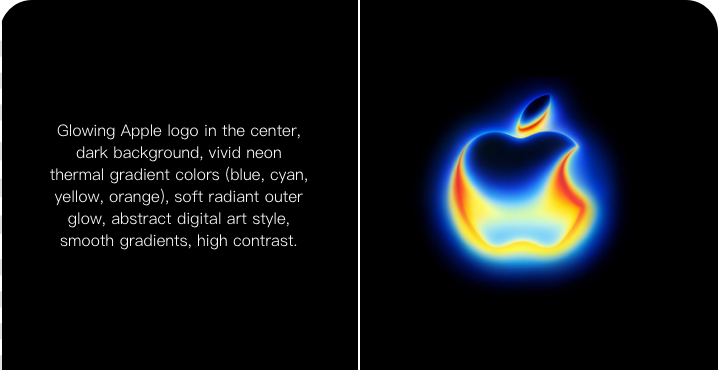
Why Users Choose GPT Image 2.5 on ChatGOAT AI
Why Users Choose GPT Image 2.5 on ChatGOAT AI
I can turn a rough product idea into several visual directions without opening a full design suite. The follow‑up edits make comparison much easier.

I can turn a rough product idea into several visual directions without opening a full design suite. The follow‑up edits make comparison much easier.
I use it for campaign concepts before the team commits to a final shoot. I can explain what should stay and what should change.

I use it for campaign concepts before the team commits to a final shoot. I can explain what should stay and what should change.
Changing the crop, background, or copy space is faster than rewriting the entire brief everytime.

Changing the crop, background, or copy space is faster than rewriting the entire brief everytime.
I am not a trained designer, but I can describe the mood and audience in plain English and get something concrete to review.

I am not a trained designer, but I can describe the mood and audience in plain English and get something concrete to review.
Reference images help me explore different environments while keeping the product direction consistent.

Reference images help me explore different environments while keeping the product direction consistent.
Having image tools and other AI workflows together saves time during the workday.

Having image tools and other AI workflows together saves time during the workday.
GPT Image 2.5 FAQ
Everything you need to know about GPT Image 2.5
Is GPT Image 2.5 officially released by OpenAI?

What can GPT Image 2.5 create?
Can I edit an existing image?
Is text inside generated images accurate?
Can I use the images commercially?
Is GPT Image 2.5 free on ChatGOAT AI?
Can I switch between models?