





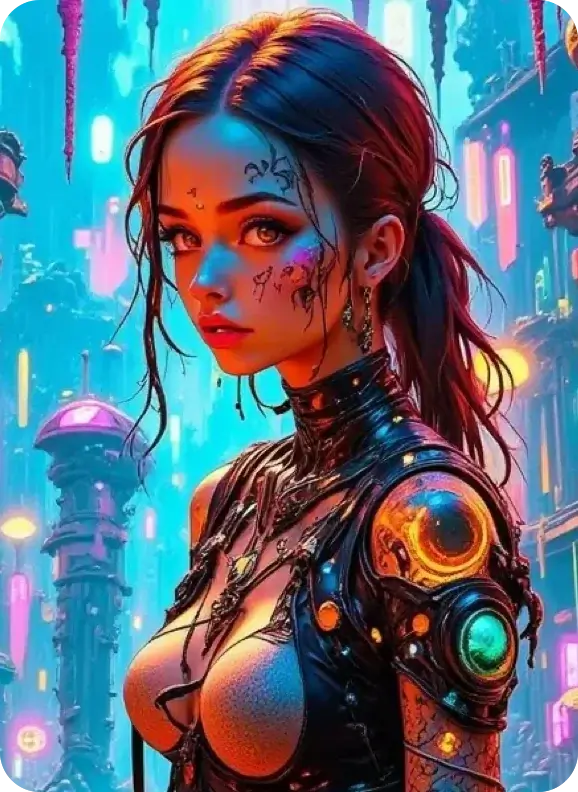
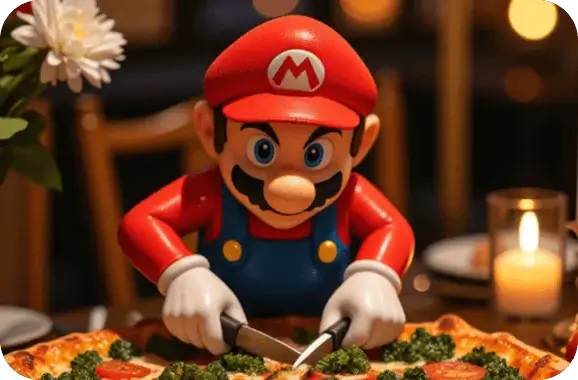
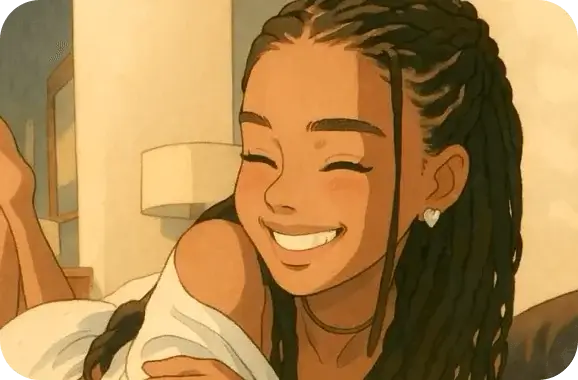
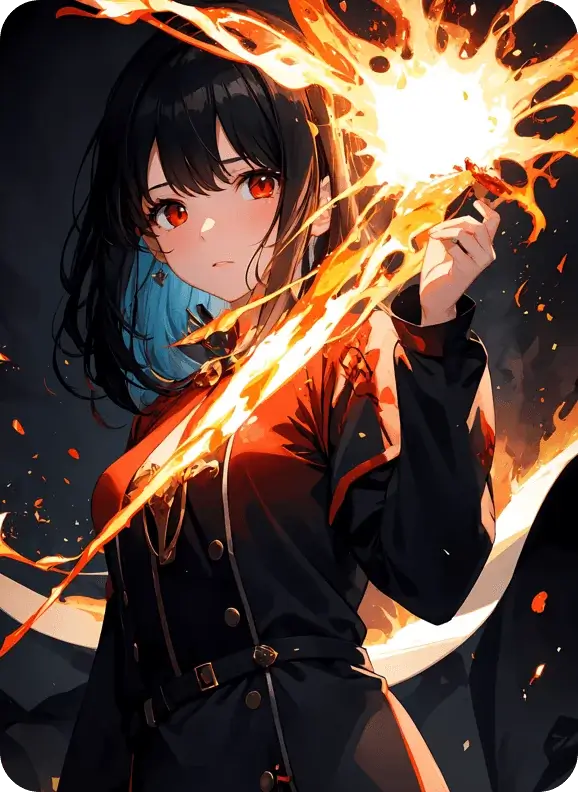
Top-tier AI models, one-stop drawing
Seamlessly use cutting-edge models like Nano Banana 2 Lite, Nano-Banana 2, Seedream 5.0 Lite without switching applications. From initial sketches to final masterpieces, realize limitless creativity on one platform.



Trusted by millions of users worldwide




Generate Precise Detailed Images with Seedream 5.0 Lite
Seedream 5.0 Lite is ByteDance’s sophisticated web-aware AI image generation model available directly on ChatGOAT AI. Input text prompts, upload reference pictures or use both ways to generate exquisite pictures with precise details. Get started freely without complicated configuration.
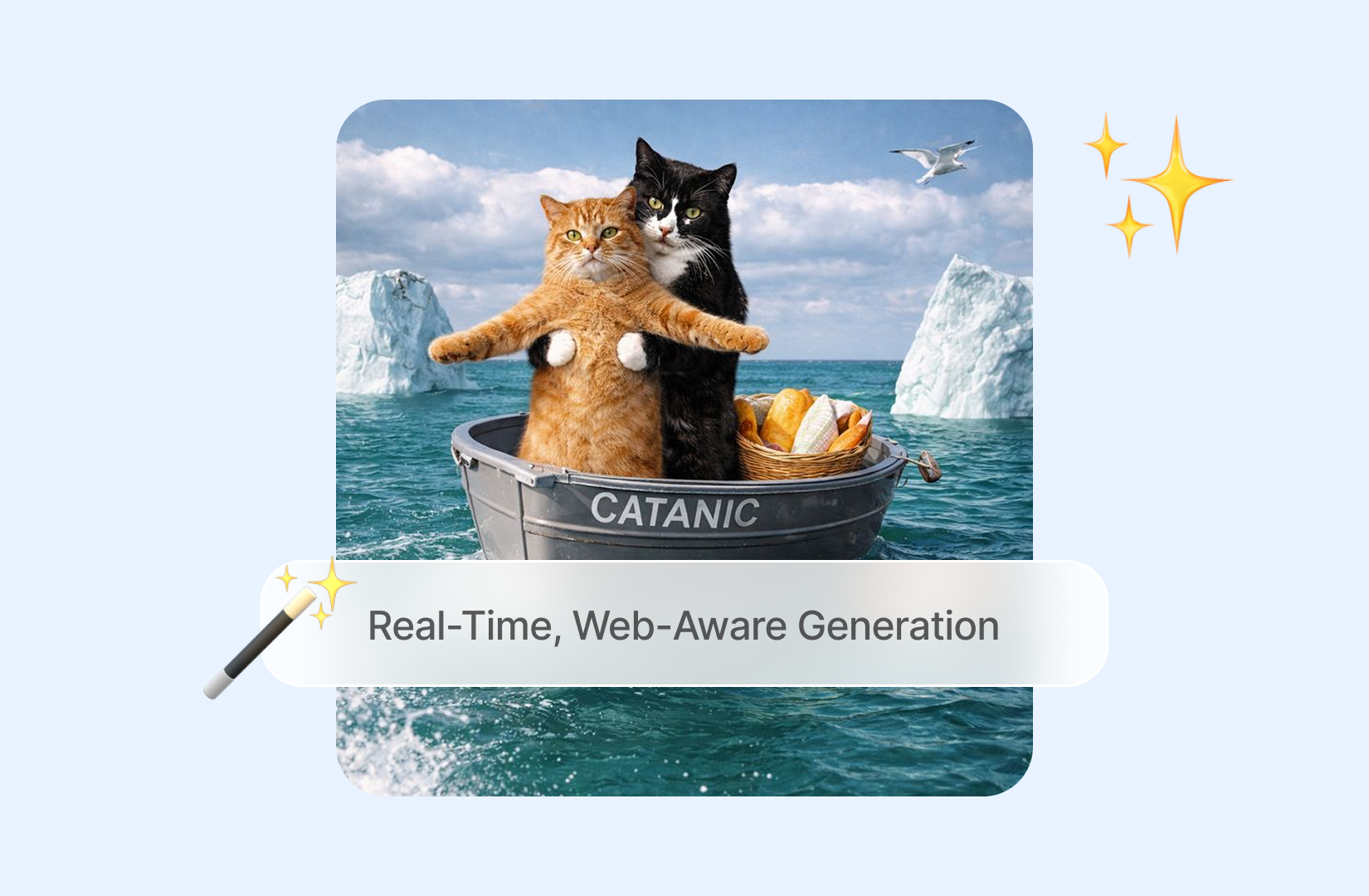
Real-Time, Web-Aware Generation
Equipped with real-time web perception capability, Seedream 5.0 Lite accesses up-to-date network data during image creation. Generated content for hot topics, latest commodities and real-world events will not be restricted by outdated training datasets, perfectly fitting time-sensitive marketing materials and social media posts.
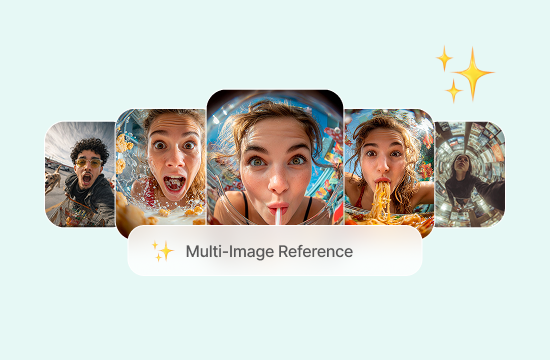
Multi-Image Reference Composition
Support importing multiple reference images at one time. The model intelligently fuses characters, visual styles and scene elements from different reference materials into a single complete artwork. Complex scene synthesis work that originally requires repeated manual editing can be finished in one generation.
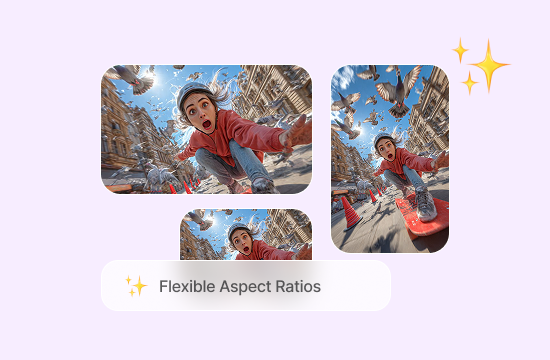
Flexible Resolution and Aspect Ratios
No fixed picture size limitation. Multiple built-in aspect ratios are provided to match diverse usage scenarios, including square social media posts, horizontal advertising banners and vertical long graph content. No extra cropping or repeated regeneration is needed after output.
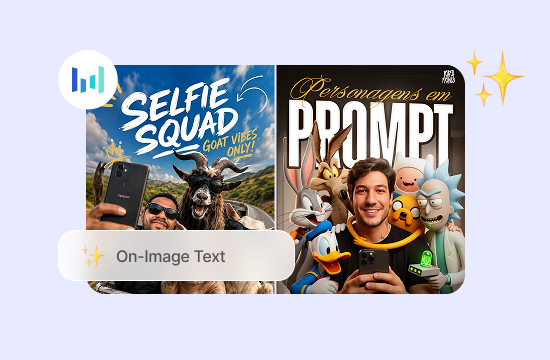
Clean Typography and On-Image Text
Optimize the text rendering effect inside pictures. Words on posters, product labels and information charts can be displayed clearly with correct spelling. Greatly reduce manual revision work for graphic texts and improve the practicability of official visual design works.
Why Use Seedream 5.0 Lite on ChatGOAT AI?
You can deploy Seedream 5.0 Lite via ByteDance developer platform with tedious API authorization and account billing settings. ChatGOAT AI integrates this native model into a clean web page, together with a full set of auxiliary practical functions that official original APIs do not provide.

Free Access, No API Key
Open the webpage and start creation immediately. Free generation quota is available for new users, and paid packages are only required when you need mass production. No software download, no parameter configuration and no complicated access authentication.

One Workspace for Every Image Task
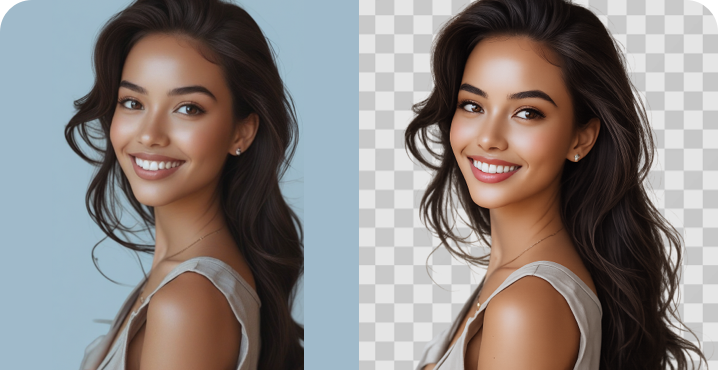
Finished images do not need to be downloaded and uploaded repeatedly. You can seamlessly use the built-in AI picture editor to adjust details or one-click remove image background for commodity main pictures in the unified platform workspace.

Prompts in Chinese or English
Freely write prompts in your daily language habits. The model perfectly recognizes Chinese and English prompt content, and stably generates standard Chinese and English text patterns inside pictures, solving the common text distortion problem of most mainstream image generators.

Made for Everyone, Not Just Designers
Whether you are an e-commerce seller making product pictures, students producing presentation materials or ordinary users making social works, professional prompt engineering knowledge is not compulsory. Direct plain language description can generate satisfactory pictures, lowering the threshold of visual creation.
How to Use Seedream 5.0 Lite on ChatGOAT AI
Three straightforward operation steps, zero learning cost for all users.
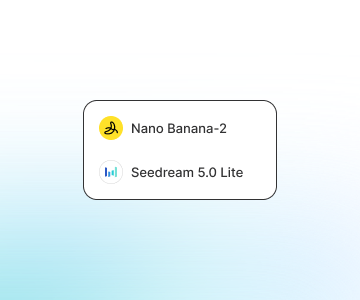
Step 1: Describe Your Image & Upload References
Input your creation demand in the prompt input box, or upload one or more reference pictures to control the picture style, characters and layout. Specific descriptive information can let the model better restore your creative conception rather than vague simple keywords.
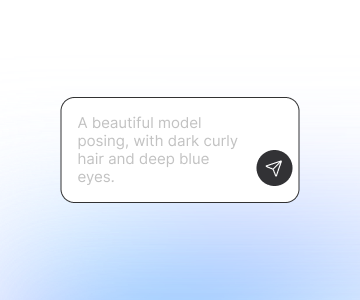
Step 2: Choose Model and Size
Pick Seedream 5.0 Lite from the model selection list, then match the corresponding picture aspect ratio according to your usage scenario: square for social feeds, wide proportion for advertising banners, vertical size for short video cover stories.
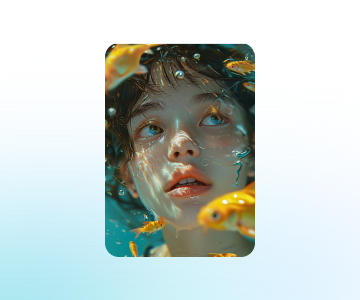
Step 3: Generate, Refine and Download
Click the generate button to get high-quality images quickly. Download the file directly if the effect meets your requirements; if there are unsatisfactory details, optimize the prompt or reference materials for secondary generation. Fast generation greatly reduces the trial cost of repeated revision.
All-in-One AI Image Editing & Creation Tools
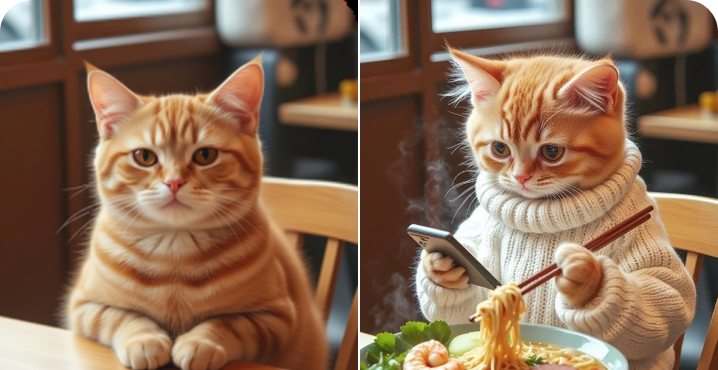
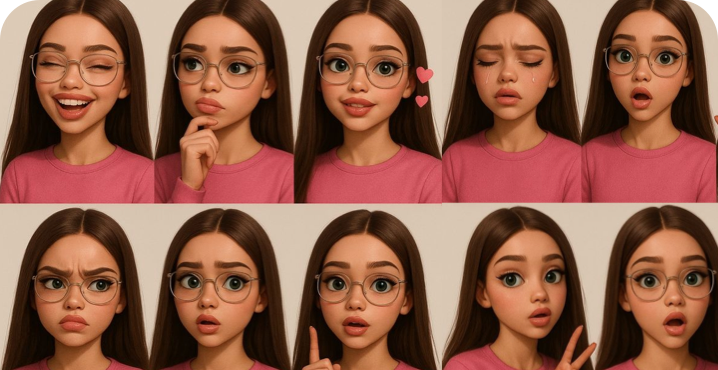
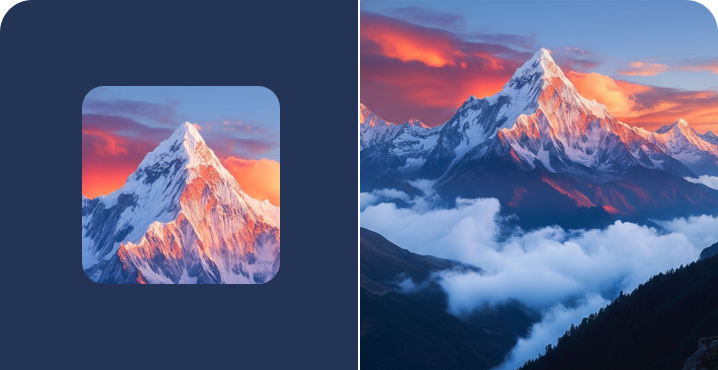
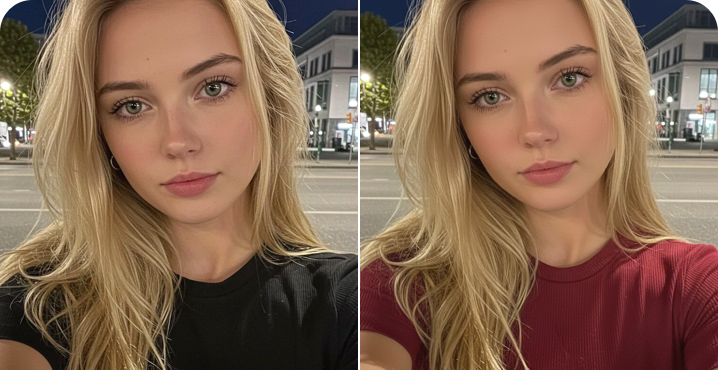
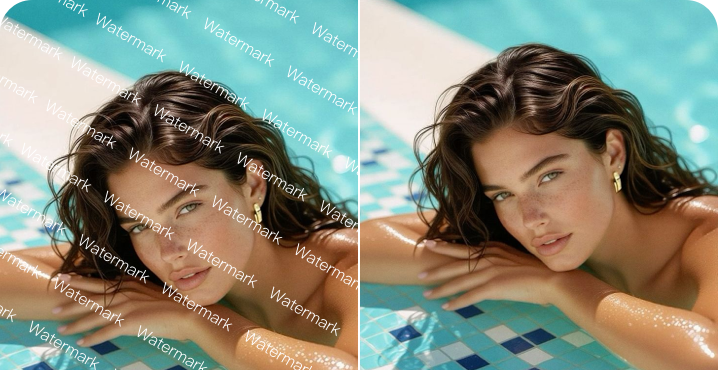
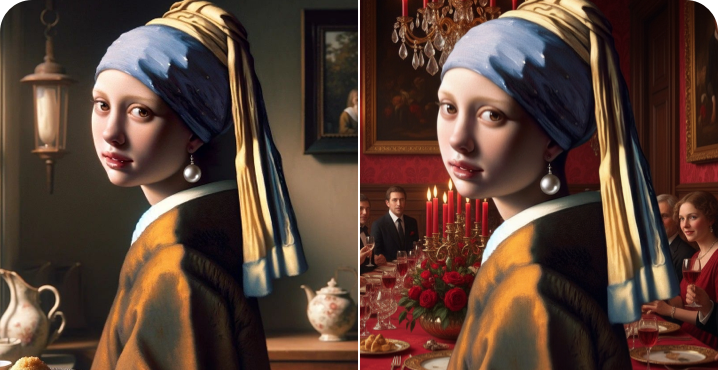
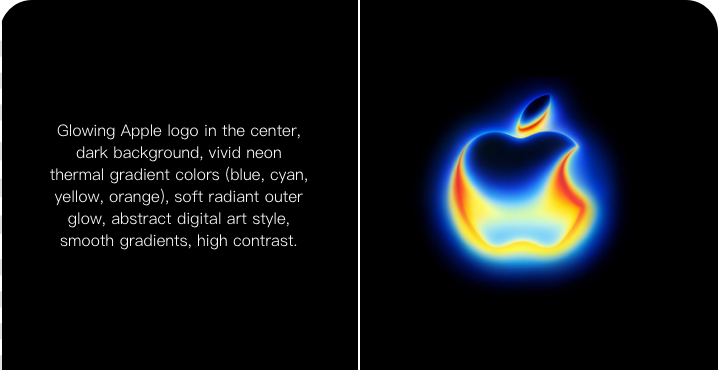
Create avatars, change outfits, remove backgrounds, and design logos—all with one powerful AI platform.
Why Users Love Seedream 5.0 Lite
User reviews of Seedream 5.0 Lite
 Naomi
NaomiI needed a visual tied to a trending topic and didn't want it to look dated. Seedream 5.0 Lite actually picked up on the current context.
 Devon
DevonCombining a few reference photos into one clean composite used to take me forever. Now it's one generation.
 Priya
PriyaThe text on my poster designs finally renders correctly. That alone saved me so much cleanup time.
 Marcus
I run an online shop and needed a consistent set of product shots. The batch results actually looked like they belonged together.
 Yui
YuiAs a student with zero design background, I can describe what I need and get something presentation-ready.
 Theo
TheoShowing it a before-and-after example instead of writing out a whole edit description is such a small thing, but it saves real time.
Seedream 5.0 Lite FAQ
Everything you need to know about Seedream 5.0 Lite
Is Seedream 5.0 Lite free to use on ChatGOAT AI?

How is Seedream 5.0 Lite different from previous Seedream models?
Can I use the images commercially?
Does Seedream 5.0 Lite support Chinese prompts?
How many images can I generate per day?
What image sizes and formats does it support?
Can Seedream 5.0 Lite edit existing images?
How does Seedream 5.0 Lite work?
What is Seedream 5.0 Lite?
What can I create with Seedream 5.0 Lite?