


Gemini 4 Argon is Ready





 AI Chat
 AI Image
 AI Video
 AI Writing
 AI Study
 AI Work
 AI Translate







One Platform. Multiple AI Models.
Meet, chat, and create with leading AI models like GPT 6 Luna, Claude Haiku 5.5, Grok-4.1 Fast and more — all in a single, simple platform.



Trusted by millions of users worldwide




Gemini 4 Argon: Google’s Frontier AI Model for Complex Work
Gemini 4 Argon: Google’s Frontier AI Model for Complex Work on ChatGOAT AI. Gemini 4 Argon is Google’s new frontier model for software engineering, professional knowledge work, and cybersecurity defense. Built for complex, multistep tasks, it supports a unified 1M-token context window and long decode up to 1M tokens. Explore Gemini 4 Argon on ChatGOAT AI for free now.
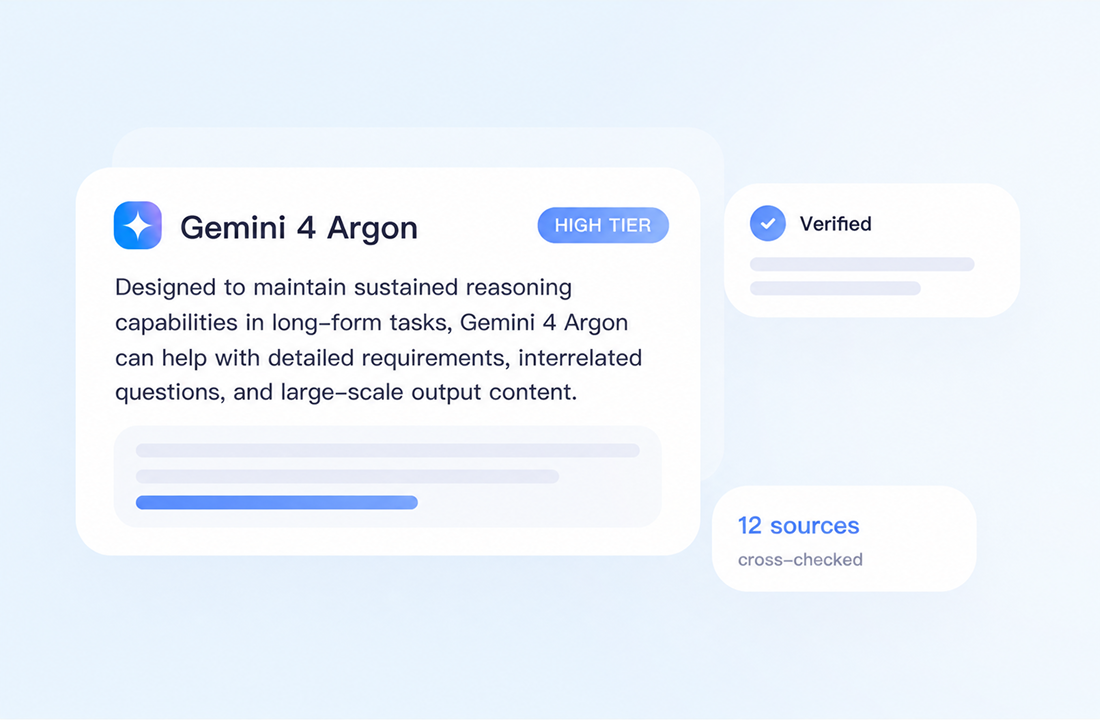
Deep Reasoning for Longer, More Complex Tasks
Some tasks need more than a quick answer. Gemini 4 Argon is designed to sustain reasoning across extended workflows, helping you work through detailed requirements, connected problems, and substantial outputs. You can choose low, medium, or high thinking levels.
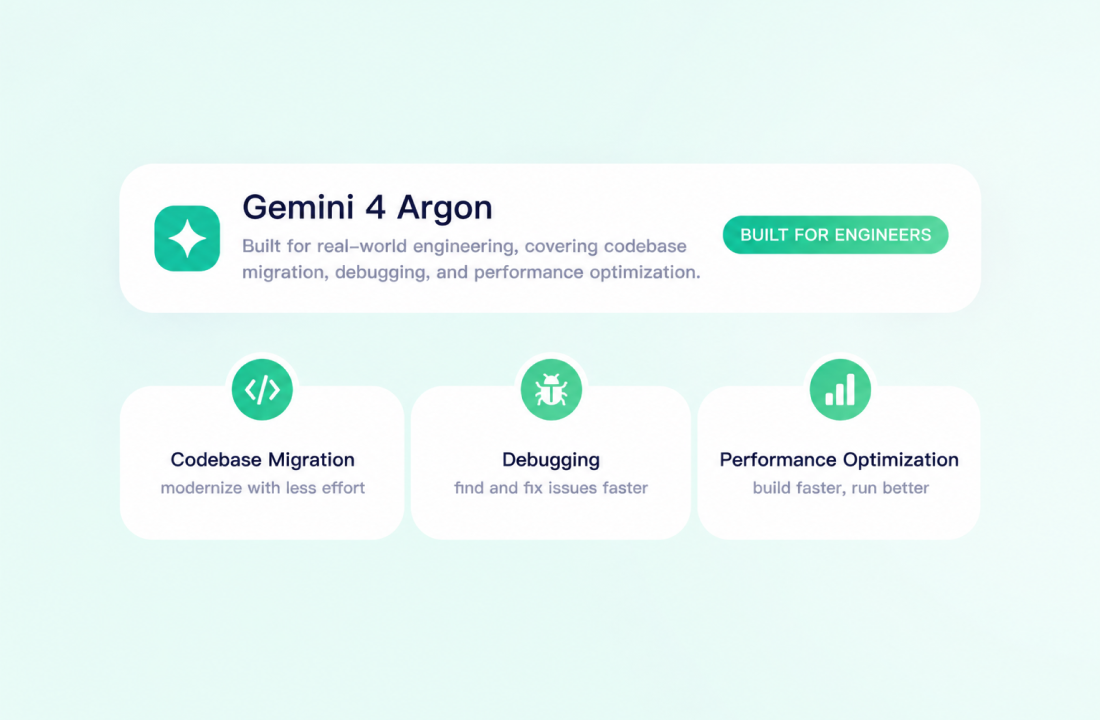
Advanced Coding and Software Engineering
Gemini 4 Argon is built for real-world engineering, including codebase onboarding, debugging, refactoring, optimization, and migrations. Bring your code, requirements, and error messages into a ChatGOAT AI conversation to explore solutions, review tradeoffs, and develop changes you can test.
Research and Defensive Security Support
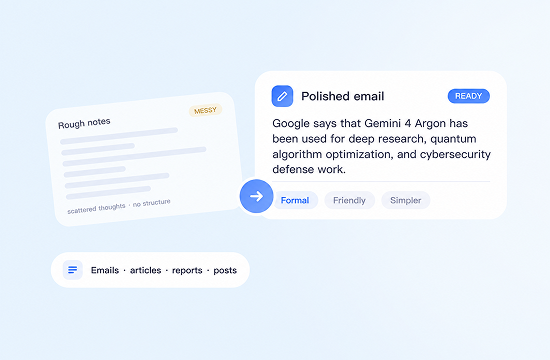
Google reports using Gemini 4 Argon for deeper research, quantum algorithm optimization, and cybersecurity defense. Its capabilities can support technical investigation, code review, vulnerability triage, and remediation planning.
Multimodal Analysis for Documents and Media
Gemini 4 Argon is natively multimodal. Google lists text, images, audio, video, and PDFs as supported inputs, with text output. On ChatGOAT AI, use Argon to cross-reference charts, contracts, technical specifications, screenshots, and research PDFs.
Why Choose Gemini 4 Argon on ChatGOAT AI
Why Choose Gemini 4 Argon on ChatGOAT AI?

Model Access in One Place
Check Gemini 4 Argon availability from your ChatGOAT AI workspace. Access depends on ChatGOAT AI’s confirmed integration and your selected plan.

Clear Account Options
Review the access requirements shown in ChatGOAT AI. Google AI subscription rules do not automatically determine which ChatGOAT AI plans include a model.

Platform-Based Pricing
Check ChatGOAT AI’s current plans and usage limits before starting. Google’s API pricing does not necessarily match what you pay through a third-party platform.

One Unified Workspace
Keep task instructions, model responses, and revisions in one conversation. Move from analysis to drafting and follow-up questions without repeatedly explaining your goal.
How to Use Gemini 4 Argon on ChatGOAT AI
How to Use Gemini 4 Argon on ChatGOAT AI
Step 1: Select Gemini 4 Argon as Your Model
Open a new chat and check the model selector for Gemini 4 Argon or gemini-4-argon. If it is available for your account, select it to begin. Available capabilities and usage limits depend on ChatGOAT AI’s implementation.
Step 2: Describe Your Task in Plain Language
Explain what you need, provide the relevant information, and specify the output format. Whether you are reviewing code, comparing documents, or exploring a technical question, clear requirements help keep the response focused.
Step 3: Review and Refine the Output
Check the result, verify important claims, and request targeted changes. Ask for a shorter summary, a revised approach, or a closer examination of a specific issue. Test generated code before using it in production.
Explore Gemini 4 Argon on ChatGOAT AI
Gemini 4 Argon brings Google’s latest frontier capabilities to complex coding, professional analysis, and defensive security workflows. Open ChatGOAT AI, select Gemini 4 Argon from the model selector, and start with a focused brief - then refine the result in the same workspace.
Why Users Choose Gemini 4 Argon on ChatGOAT AI
Why Users Choose Gemini 4 Argon on ChatGOAT AI
I used it to compare several long documents and pull together the key differences. Having the analysis and follow-up questions in one conversation made the review easier.

I used it to compare several long documents and pull together the key differences. Having the analysis and follow-up questions in one conversation made the review easier.
It helped me understand an unfamiliar codebase and work through a difficult bug. The most useful part was being able to question the proposed fix before testing it.

It helped me understand an unfamiliar codebase and work through a difficult bug. The most useful part was being able to question the proposed fix before testing it.
For technical research, I need more than a summary. I found the discussion of assumptions and tradeoffs useful for deciding what to investigate next.

For technical research, I need more than a summary. I found the discussion of assumptions and tradeoffs useful for deciding what to investigate next.
Our team uses ChatGOAT AI to keep task context and revisions together. That makes it easier to continue a piece of work without explaining everything again.

Our team uses ChatGOAT AI to keep task context and revisions together. That makes it easier to continue a piece of work without explaining everything again.
I brought in a detailed brief and asked for a structured report draft. It gave me a starting point I could review and refine for the intended audience.

I brought in a detailed brief and asked for a structured report draft. It gave me a starting point I could review and refine for the intended audience.
Being able to focus each follow-up on one part of the task helped me improve the result without restarting the whole conversation.

Being able to focus each follow-up on one part of the task helped me improve the result without restarting the whole conversation.
Gemini 4 Argon FAQ
Everything you need to know about Gemini 4 Argon
What is Gemini 4 Argon, and what is it designed for?

How can I access Gemini 4 Argon on ChatGOAT AI?
What is Gemini 4 Argon’s maximum token limit?
How does Gemini 4 Argon differ from earlier Gemini models?
What makes Gemini 4 Argon strong for software engineering?
Can Gemini 4 Argon analyze images, PDFs, audio, and video?
What defensive cybersecurity capabilities does Gemini 4 Argon have?
Do I need a Google AI Ultra subscription or an API key to use it on ChatGOAT AI?