


Qwen Max is Ready




 AI Chat
 AI Image
 AI Writing
 AI Study
 AI Work
 AI Translate




One Platform. Multiple AI Models.
Meet, chat, and create with leading AI models like GPT-5.6 Luna, Grok-4.1 Fast, Claude Haiku 4.5 and more — all in a single, simple platform.



Trusted by millions of users worldwide




Qwen Image 2.1: Fast Text‑to‑Image AI for Creative Visuals
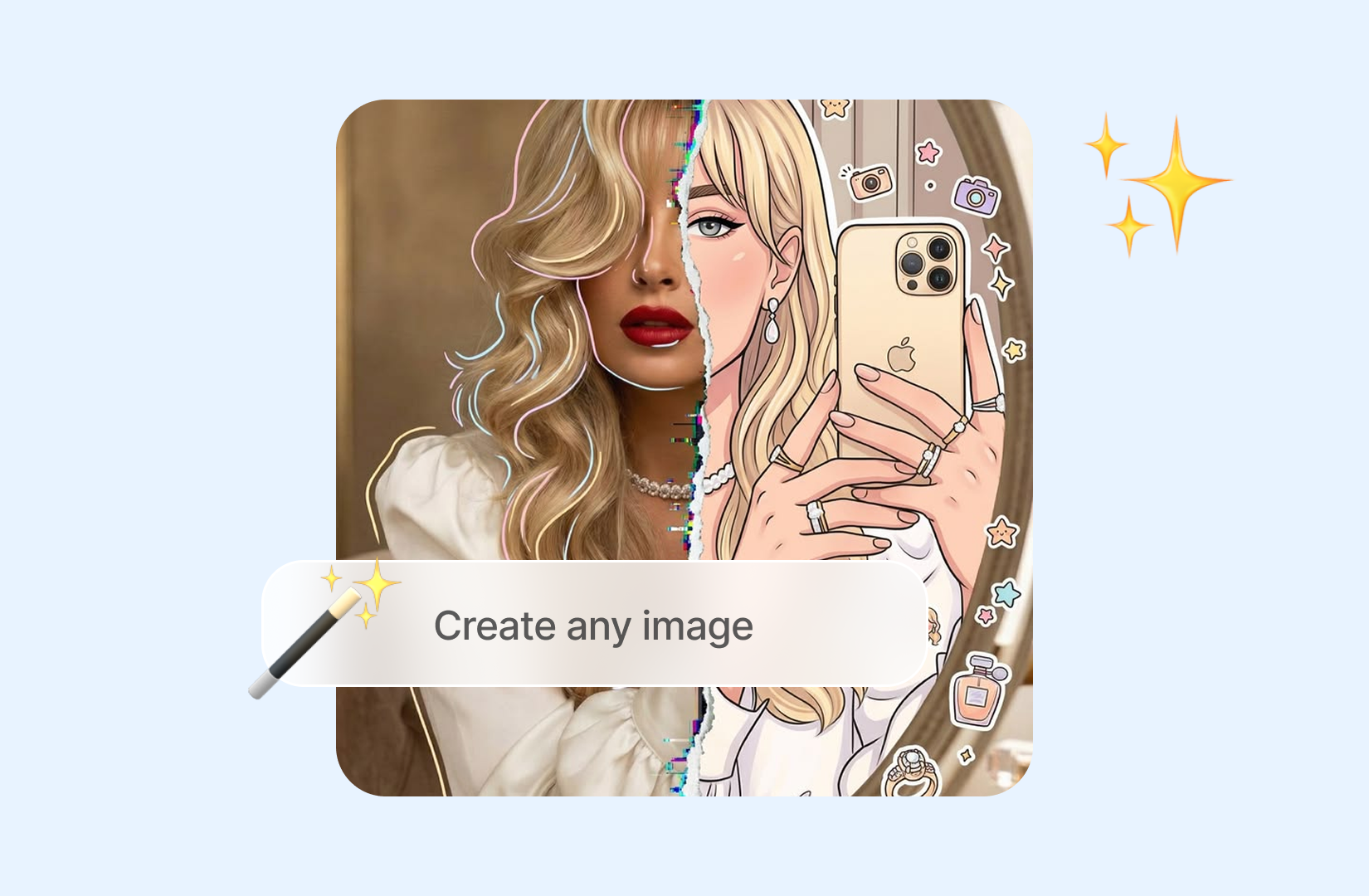
Qwen Image 2.1 AI Image Generator Online - Try It for Free Now. Qwen Image 2.1 is an AI image generation model that turns natural language prompts into detailed visual content. It can help create illustrations, posters, product concepts, social media graphics, editorial visuals, and creative artwork. By combining subjects, environments, styles, lighting, composition, and image text in a single prompt, Qwen Image 2.1 helps users move from an initial idea to a usable visual concept faster. You can try Qwen Image 2.1 online through ChatGOAT without installing additional software.
Generate Images from Natural Language Prompts
Describe the image you want in everyday language, and Qwen Image 2.1 can turn the prompt into a visual concept. You can specify the subject, background, mood, color palette, camera angle, artistic style, and composition to create more precise results.
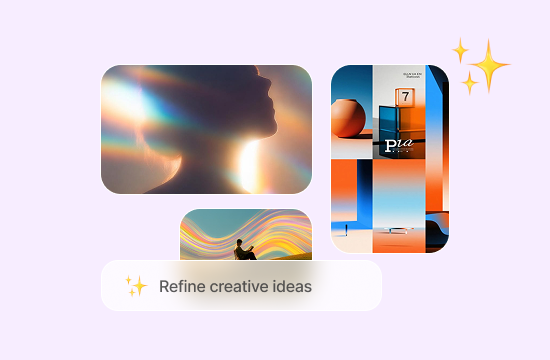
Refine Ideas Through Prompt Iteration
Image generation often improves through small adjustments. Qwen Image 2.1 allows you to refine a visual concept by changing the subject, layout, lighting, style, colors, or text instructions. This makes it easier to compare creative directions and develop a stronger final prompt.
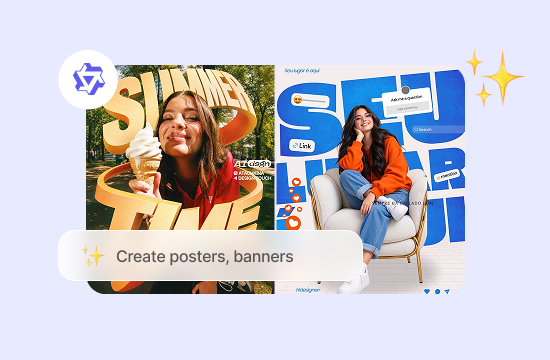
Create Posters, Banners, and Text‑Based Designs
Qwen Image 2.1 is useful for visual designs that include words, titles, labels, and short messages. It can help generate poster concepts, promotional banners, event graphics, thumbnails, and social media visuals where both the image and written content are important.
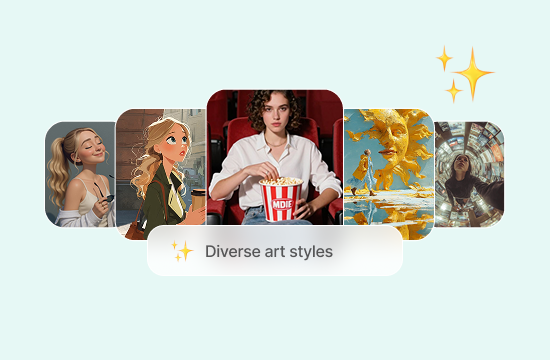
Explore Different Artistic Styles
Use Qwen Image 2.1 to experiment with a variety of visual directions, including realistic scenes, digital illustrations, editorial artwork, concept art, minimal designs, cinematic compositions, and stylized graphics. You can also combine multiple style instructions to explore new creative ideas.
Why Choose Qwen Image 2.1 on ChatGOAT AI?

Browser‑Based Image Generation
Use Qwen Image 2.1 directly in your browser through ChatGOAT. There is no need to download a separate application or configure complex image‑generation software before creating your first image.

Easy Access to Multiple AI Models
ChatGOAT gives you access to multiple AI models in one workspace. You can use Qwen Image 2.1 for visual creation and switch to other models when you need help with writing, brainstorming, research, or prompt development.

A Simple Workflow for Beginners and Creators
The ChatGOAT interface is designed to make AI image generation easier to understand. Enter a prompt, review the result, and adjust your instructions without needing advanced knowledge of design software or machine learning.

Useful for Personal and Professional Projects
Qwen Image 2.1 can support many creative workflows, from social media content and blog graphics to presentation visuals, product concepts, advertising ideas, and personal artwork. It helps reduce the time needed to create an initial visual draft.
How to Use Qwen Image 2.1 on ChatGOAT
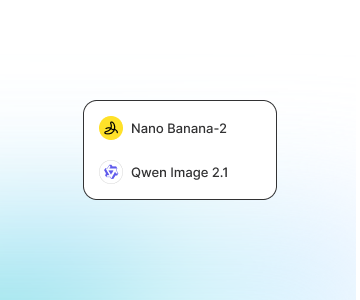
Step 1: Select Qwen Image 2.1
Open ChatGOAT AI Chat and choose Qwen Image 2.1 from the available AI models or image‑generation tools.
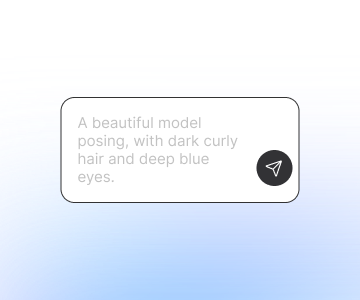
Step 2: Describe the Image You Want
Write a clear prompt describing the subject, setting, style, lighting, colors, composition, and any text that should appear in the image. The more specific your instructions are, the easier it is to guide the result.
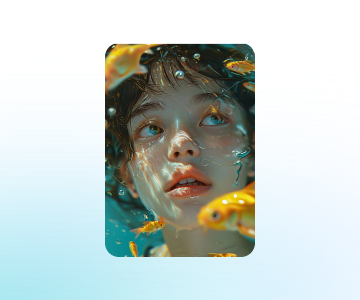
Step 3: Review and Refine the Result
Review the generated image and improve it by adjusting your prompt. You can change the visual style, layout, color scheme, subject details, or wording until the result is closer to your goal.
All‑in‑One AI Image Tools
Create artworks, edit photos, adjust styles, and generate marketing pictures - all with one powerful AI platform.
User Reviews
User Reviews
 Clara Bennett
Qwen Image 2.1 helps me explore several poster concepts before I start the final design. The ability to describe layout, colors, and headline placement makes the early creative process much faster.
 Ethan Brooks
I use it to create visual directions for social media campaigns. Instead of starting with a blank canvas, I can generate multiple ideas and use the strongest ones as a foundation.
 Maya Collins
The text‑to‑image workflow is easy to understand, even when I am working on a new type of project. I can keep refining the prompt until the style feels right for the campaign.
 Adrian Hayes
I use Qwen Image 2.1 for product presentation concepts and advertising ideas. It is useful for showing clients different creative directions before investing time in a complete production.
 Nina Parker
It gives me a practical way to experiment with illustration styles, cinematic lighting, and different compositions. I often use the results as visual references for larger creative projects.
 Owen Mitchell
As a small business owner, I needed a simple way to create images for online promotions. ChatGOAT makes it easy to test ideas without learning complicated design software first.
FAQ
FAQ
What is Qwen Image 2.1?

What can I create with Qwen Image 2.1?
Can Qwen Image 2.1 generate text inside images?
Can I use Chinese prompts with Qwen Image 2.1?
Is Qwen Image 2.1 free to use online?
Do I need design experience to use Qwen Image 2.1?