


GPT 6 Luna is Ready





 AI Chat
 AI Image
 AI Writing
 AI Study
 AI Work
 AI Translate





One Platform. Multiple AI Models.
Meet, chat, and create with leading AI models like GPT 6 Luna, Claude Haiku 5.5, Grok-4.1 Fast and more — all in a single, simple platform.



Trusted by millions of users worldwide



GPT Image 2.6: Create Images, GIFs, and SVGs Faster, Now on ChatGOAT AI
GPT Image 2.6 is a fast and flexible AI image generator designed for creating images, GIF animations, and editable SVG graphics on ChatGOAT AI. With two model options - GPT Image 2.6 Flare for faster generation and GPT Image 2.6 Sunburst for higher-quality visuals. Try it for free now.
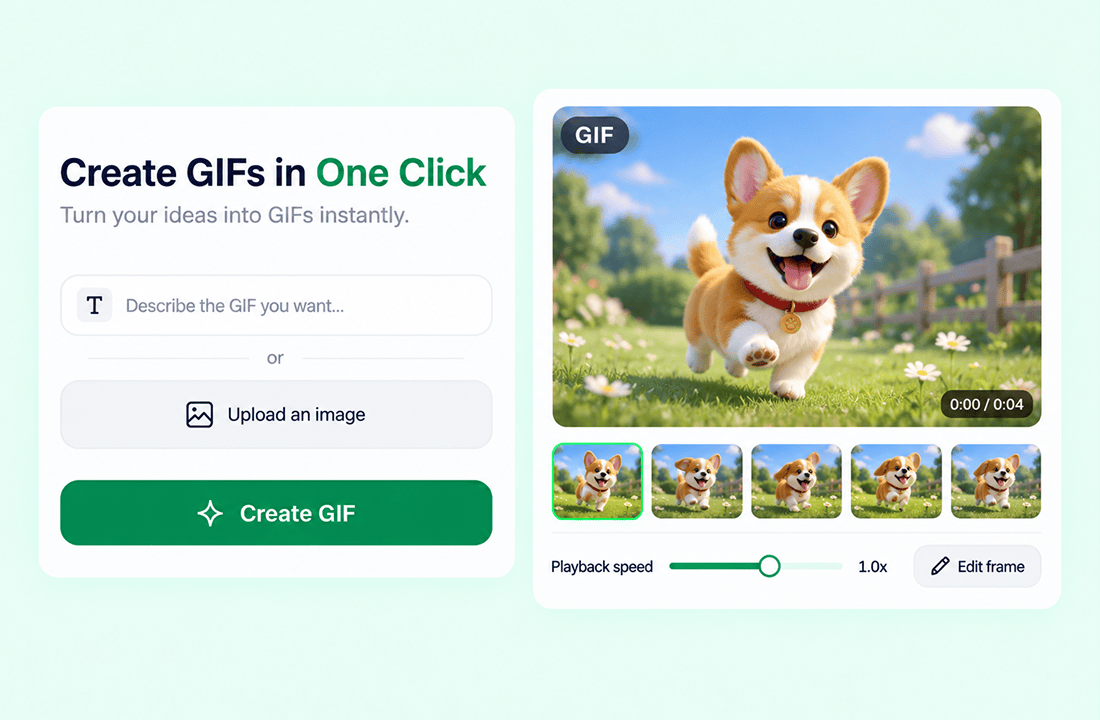
Directly Generate GIF Animations
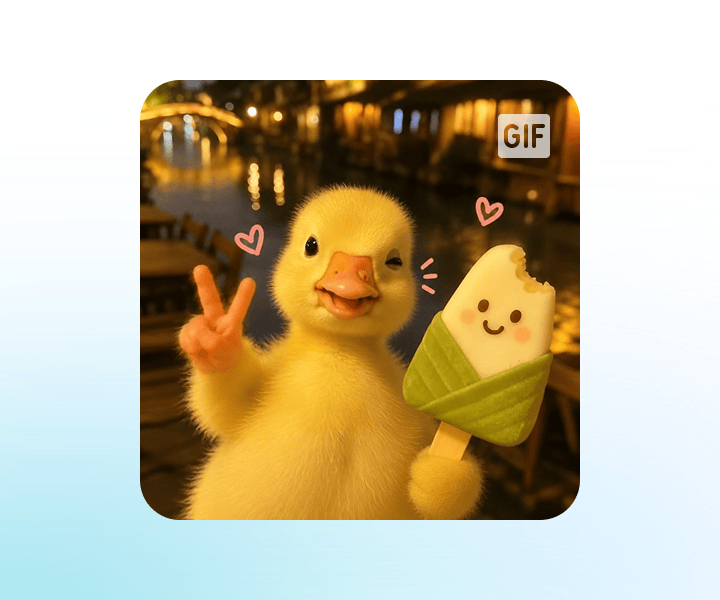
You can create GIF animations from a text description or an uploaded image with one click. GPT Image 2.6 lets you adjust the playback speed, edit individual frames for finer control, and automatically create seamless looping animations for social posts, ads, websites, and creative campaigns.
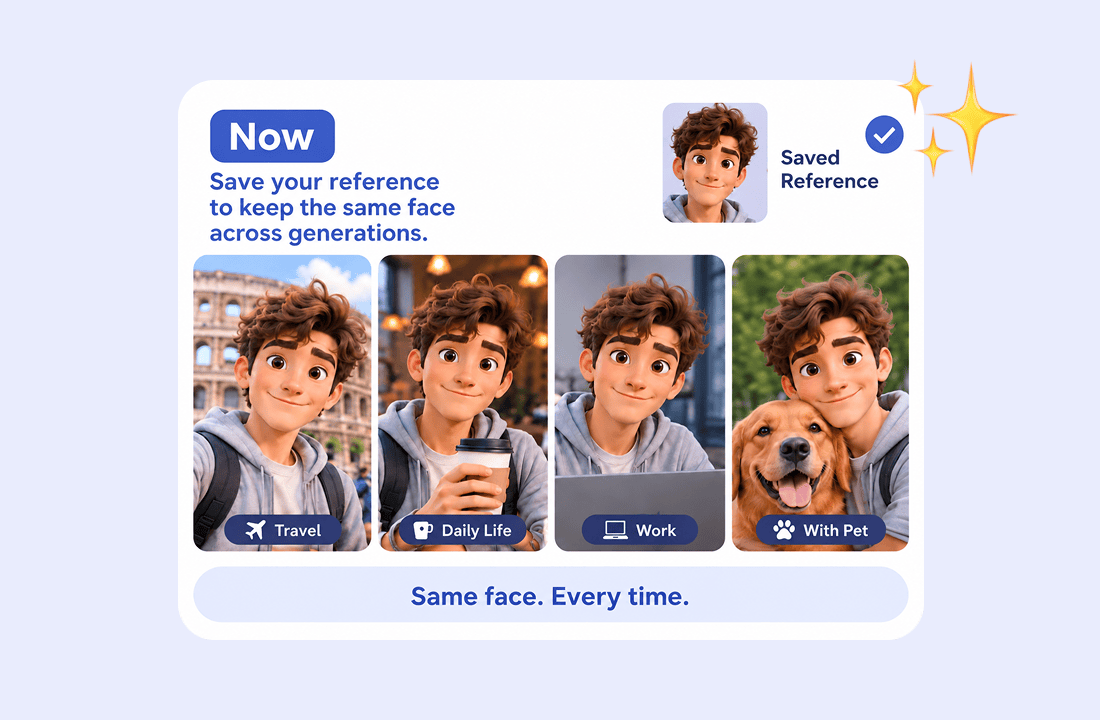
Reference Images for Consistent Characters
“Change the image, lose the face” is now a thing of the past. Save a reference image of yourself, your pet, or a specific character once, then reuse it across future sessions without uploading it again, making it easier to keep faces, products, and characters consistent across multiple generations.
Two Models to Choose From
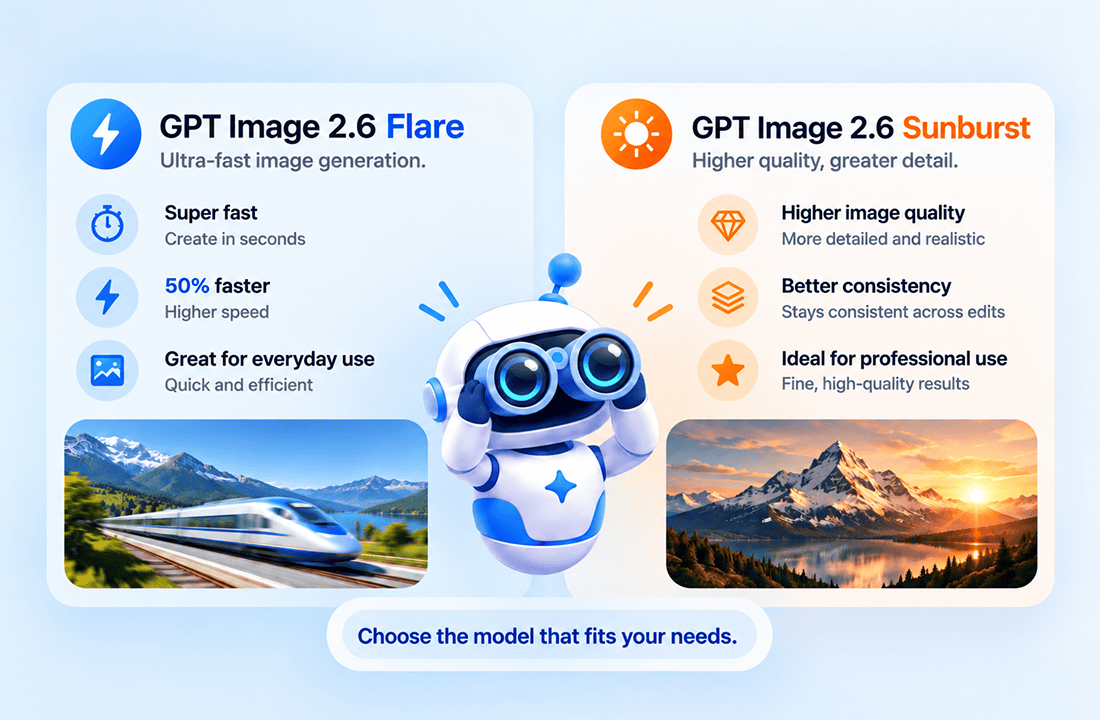
GPT Image 2.6 offers two models for different needs: GPT Image 2.6 Flare is speed-first and can generate images up to 50% faster, with results ready in as fast as 6 seconds, while GPT Image 2.6 Sunburst is quality-first and focuses on higher image quality and better consistency across multiple rounds of editing.
More Export Options
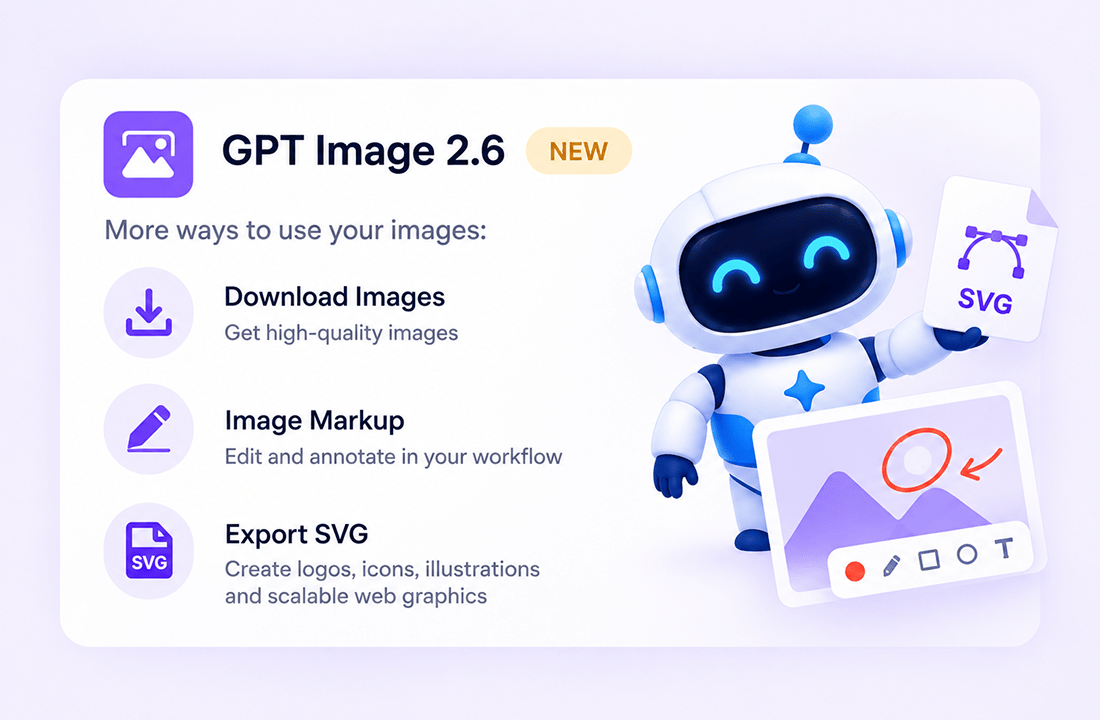
GPT Image 2.6 supports more than standard image downloads, including image markup and SVG vector export. You can export SVG files for logos, icons, illustrations, and scalable web graphics, or use markup to support further editing and annotation in your design workflow.
Why Choose GPT Image 2.6 on ChatGOAT AI?
Why Choose GPT Image 2.6 on ChatGOAT AI?

Close the Loop Between Code and Visual Assets
You can brainstorm, write, code, generate images, and refine visual assets in one connected workflow. Instead of switching between separate tools, create the image you need, continue editing it through chat, and keep working on the surrounding project in the same workspace.

Use Other Image Models
You are not limited to one image model or one visual style. ChatGOAT AI also offers models such as GPT Image 2, Seedream 5.0, and Nano Banana 2.1, so you can compare results and choose the best model for your task.

Go From Image to Video and Keep Editing
GPT Image 2.6 supports a connected creative workflow: generate an image, edit it through conversation, and use it as a starting point for image-to-video workflows. This makes it useful for creators, marketers, designers, developers, and small teams who need visuals, edits, and supporting content in one place.

Free, Fast, and Easy to Access
You can try GPT Image 2.6 for free on ChatGOAT AI without complicated setup. Select the model, enter a prompt or upload a reference image, and start generating in seconds; availability and usage limits may vary based on your account and current platform policy.
How to Use GPT Image 2.6 on ChatGOAT AI
How to Use GPT Image 2.6 on ChatGOAT AI
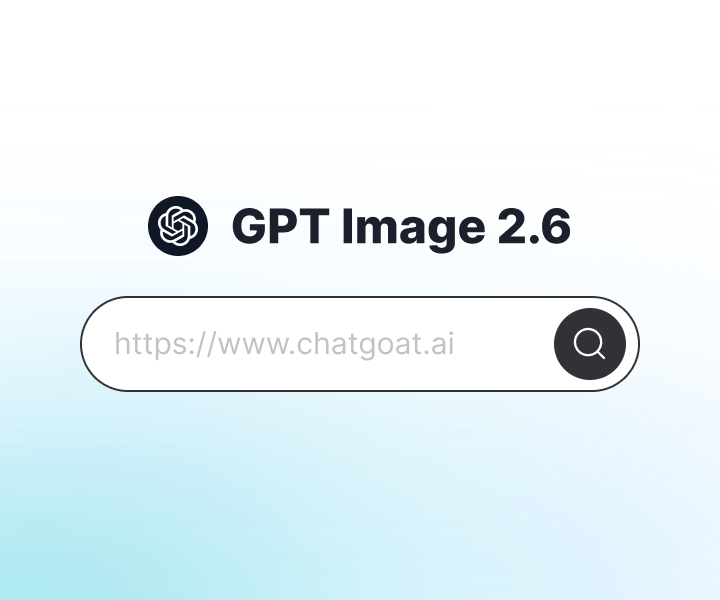
Step 1: Choose GPT Image 2.6 as Your Model
Open ChatGOAT AI and select GPT Image 2.6 from the available image models. Choose GPT Image 2.6 Flare for faster generation or GPT Image 2.6 Sunburst for higher-quality, detail-focused results.
Step 2: Enter Your Prompt or Upload a Reference Image
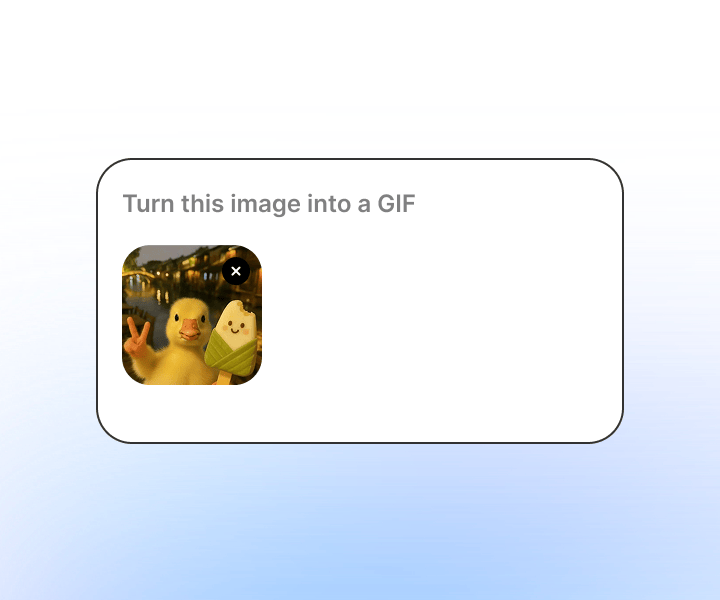
Type a clear description of the image you want to create, or upload a reference image to guide the character, style, product, or composition. You can include details such as the subject, background, lighting, color style, aspect ratio, and any text you want to appear in the image.
Step 3: Generate, Edit, and Export
Click generate to create your image, then continue the conversation to refine it, create a GIF, adjust frames, or make further edits. When you are happy with the result, export it as an image, markup file, or SVG vector graphic.
Try GPT Image 2.6 on ChatGOAT AI Today
Experience GPT Image 2.6 directly on ChatGOAT AI. Whether you need to create social visuals, product images, character art, GIF animations, or scalable SVG graphics, GPT Image 2.6 gives you a fast and flexible way to turn ideas into finished assets. Try it for free now.
Why Users Choose GPT Image 2.6 on ChatGOAT AI
Why Users Choose GPT Image 2.6 on ChatGOAT AI
I used GPT Image 2.6 Flare to create social media visuals quickly, and the speed made it easy to test several ideas without waiting long between generations.

I used GPT Image 2.6 Flare to create social media visuals quickly, and the speed made it easy to test several ideas without waiting long between generations.
The reference image feature saves me a lot of time. I saved my character once and can now reuse it in new scenes without uploading the same image again.

The reference image feature saves me a lot of time. I saved my character once and can now reuse it in new scenes without uploading the same image again.
GPT Image 2.6 Sunburst is great for detailed product images. I can change the background or lighting while keeping the product looking consistent across edits.

GPT Image 2.6 Sunburst is great for detailed product images. I can change the background or lighting while keeping the product looking consistent across edits.
I created a looping GIF for a campaign directly from one prompt. Being able to adjust the speed and edit individual frames made the process much easier.

I created a looping GIF for a campaign directly from one prompt. Being able to adjust the speed and edit individual frames made the process much easier.
The SVG export is very useful for my web design work. I can generate an idea, refine it through chat, and turn it into a scalable graphic faster.

The SVG export is very useful for my web design work. I can generate an idea, refine it through chat, and turn it into a scalable graphic faster.
I like that I can generate an image, edit it, and then try other image models on the same platform. It keeps my whole creative workflow in one place.

I like that I can generate an image, edit it, and then try other image models on the same platform. It keeps my whole creative workflow in one place.
GPT Image 2.6 FAQ
Everything you need to know about GPT Image 2.6
What is GPT Image 2.6?

Is GPT Image 2.6 free?
How do I access GPT Image 2.6?
What is the difference between GPT Image 2.6 Flare and Sunburst?
Can GPT Image 2.6 create GIFs?
Can GPT Image 2.6 export SVG files?
Can I keep the same character across images?
Can I edit an image after generating it?
Can I use GPT Image 2.6 images for commercial projects?