


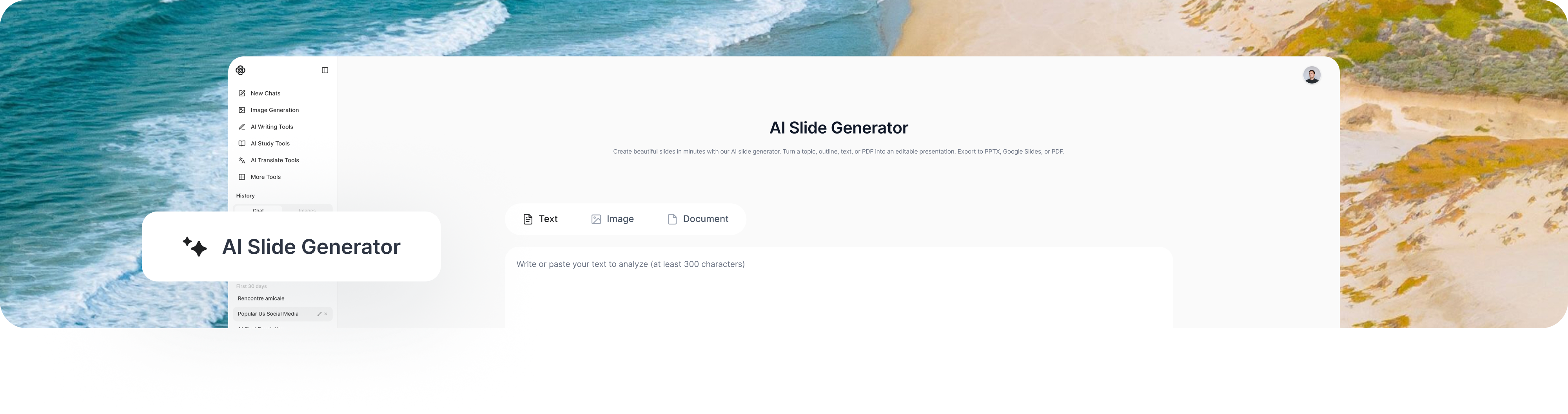
AI Slide Generator
Enter a topic, paste your notes, or upload a PDF. Our AI slide generator creates a clear, editable deck with titles, key points, layouts, and visuals—so you can present sooner.

 Fast
Fast





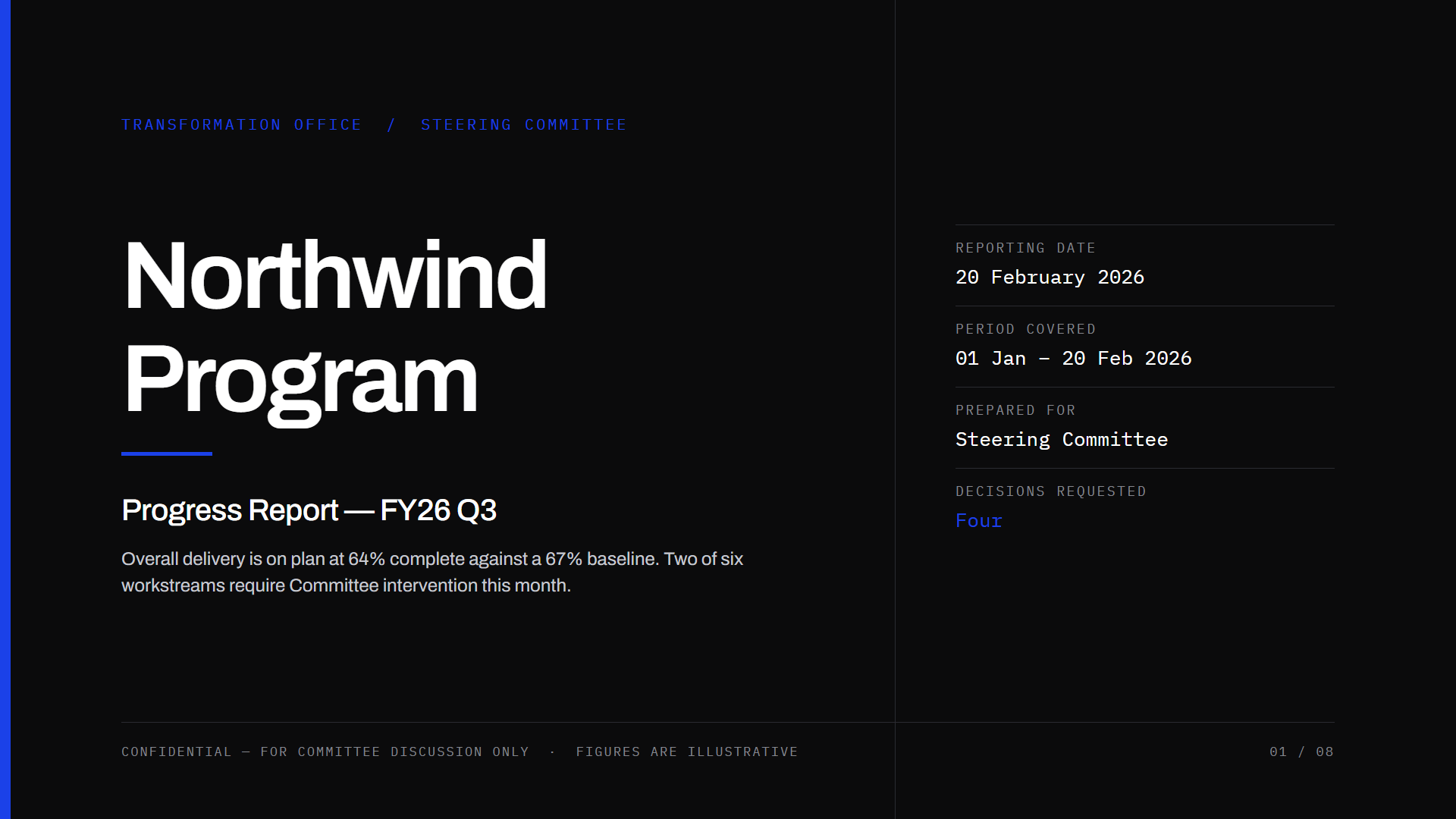
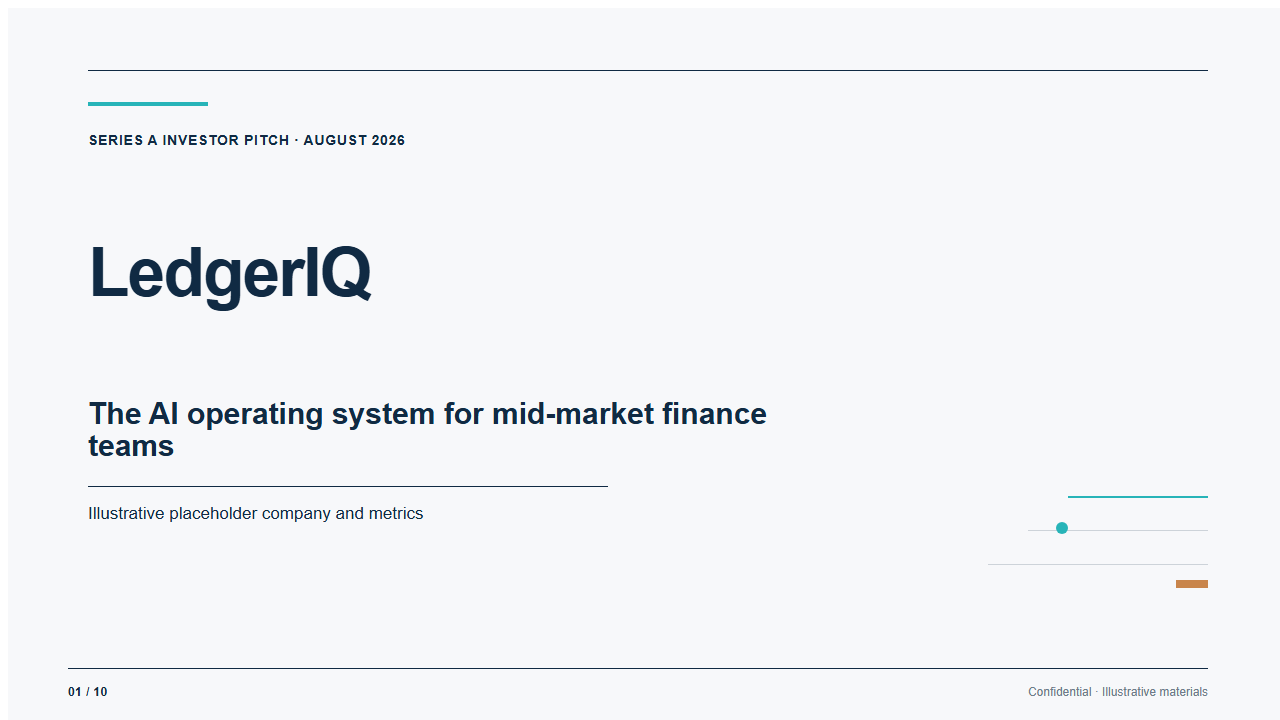
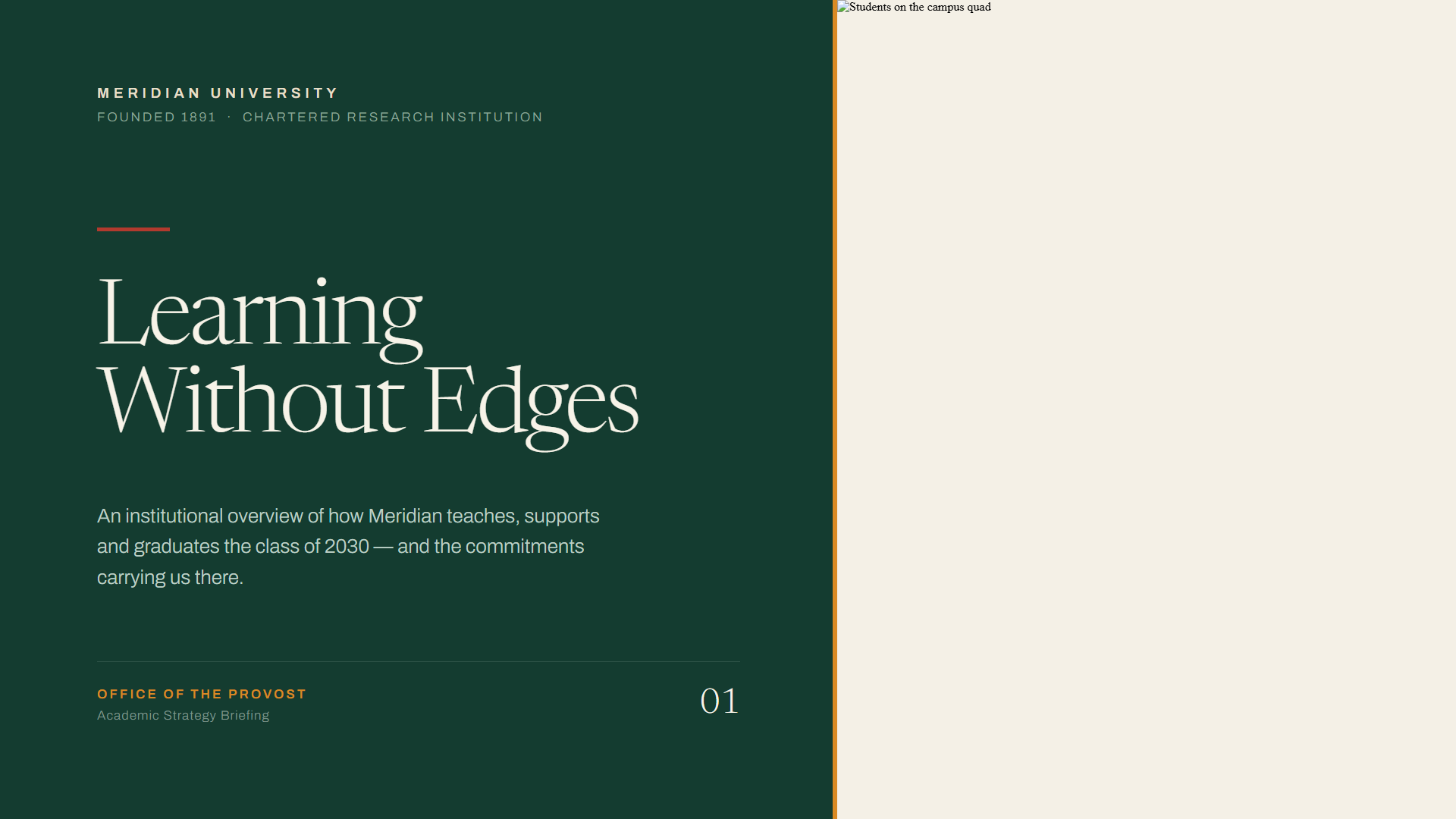

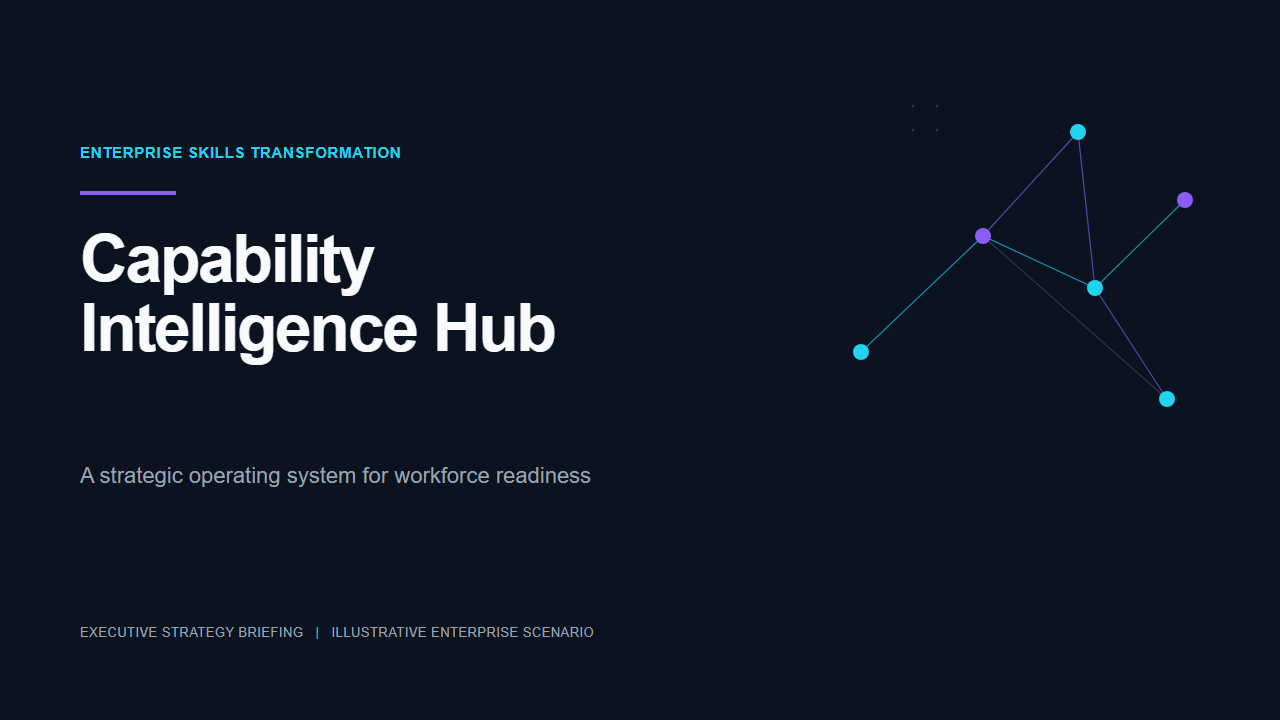



Tired of Wasting Hours Building Slides Manually?
Making good presentations takes more time than crafting your actual message.
You may already have clear ideas, but struggle to organize them into a logical slide flow. Copying key information from papers and notes over to slides is repetitive and slow. Without design experience, it is hard to get clean, consistent templates. When deadlines are tight, you end up rushing out decks that do not look polished. Many other AI slide tools also create slides that break and cannot be edited normally inside PowerPoint.
Our AI slide generator solves these common headaches. You can focus on the message you want to deliver, while the AI handles background research, outline planning, copywriting and layout design.
How to Use ChatGOAT AI Slide Generator in 3 Steps
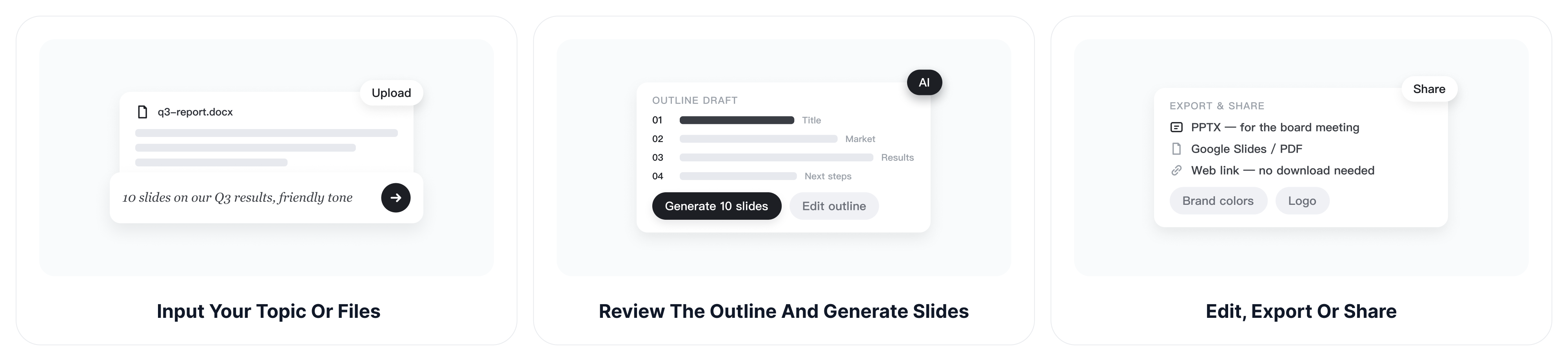
Step 1: Input Your Topic or Files
Type out a prompt, paste your text or upload your documents. You can also tell the AI who your audience is, what tone you want, and roughly how many slides you need for better results.
Step 2: Review the Outline and Generate Slides
The AI will draft an outline for you to look over. Once you are happy with the structure, it will write the content and apply your chosen visual template.
Step 3: Edit, Export or Share
Adjust branding details and content until it matches what you want. Export the deck as PPTX, Google Slides, PDF, or send the web share link directly to others.
Core Features of ChatGOAT AI Slide Generator
Multiple Ways to Start Your Presentation
Work in whatever way fits your daily routine. You can simply describe your topic, like a quarterly business review or investor pitch. You may also paste meeting notes, transcripts, articles or summaries. If your material is already saved in a file, upload PDF, DOCX, Excel or an existing PPT. You can even enter a web link, and the tool will pull out the core points for you.
AI Writes Content and Designs Consistent Layouts
Before generating full slides, the AI first works out a sensible outline for your topic. We have ready-made templates for business, academic study, marketing, pitch and training scenarios. Relevant icons, charts and graphics will be matched to fit your content. Fonts and color styles stay consistent across the whole deck. You can check and revise the outline ahead of time, so you avoid large-scale rework later.
Full Control to Customize Every Slide
What the AI creates is just a starting draft, and nothing is locked. You can rewrite sentences, add speaker notes, shorten paragraphs or expand on certain sections. Swap out colors, fonts, pictures and layouts whenever you like. Upload your company logo and apply your brand color rules. Add new slides, remove pages or reorder the sequence with ease.
Reliable Multi‑Format Export Without Broken Layouts
This is one of the biggest frustrations users meet with other AI slide products. Our exported files keep full editability and will not mess up your layout. Download editable .pptx files to open in Microsoft PowerPoint. You can also export directly for Google Slides, or save a static PDF for sharing and printing. Save single slides as separate images when you need them, or send out a web link for online review.
Global Multi‑Language Slide Generation
Make presentations in English, Chinese, Spanish, French, German, Japanese, Korean and more. It works well for international teams and cross-border projects.
Who Uses Our AI Slide Generator?
Business & Consulting Teams
It fits quarterly reviews, client proposals, marketing campaign decks, product launch materials and startup investor pitch decks.
Teachers, Trainers & Academic Researchers
Build lecture slides, workshop training content and conference presentations. Turn finished research papers into presentation-ready slides quickly.
Content Creators & Individuals
Prepare slides for event sharing, personal portfolios, project updates or simple speech outlines.
Why Choose ChatGOAT AI Slide Generator
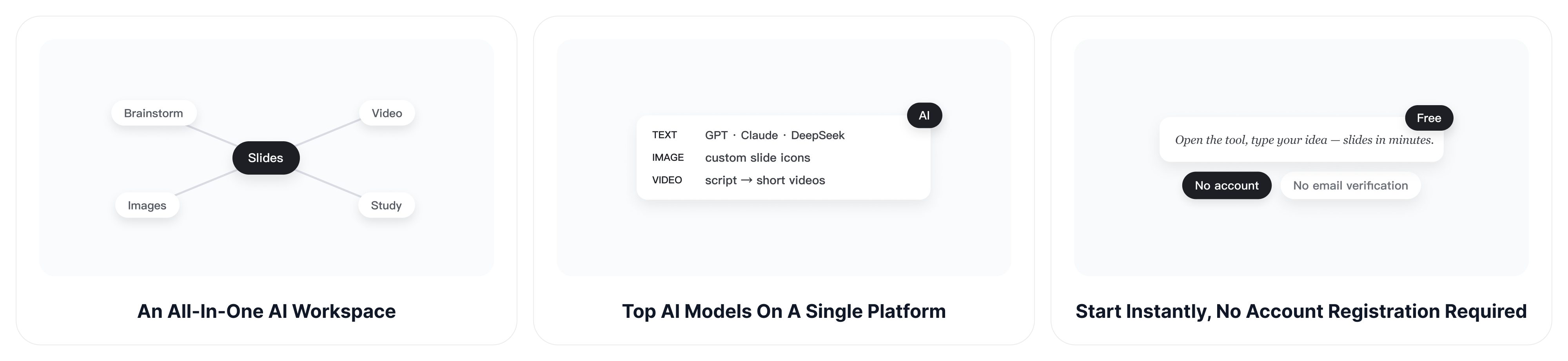
An All‑in‑One AI Workspace, Not Just a Slide Maker
Most AI slide tools only create slides. ChatGOAT is an all-in-one platform for work and study. Once your presentation is ready, you can stay here to brainstorm with AI, generate videos and images, write drafts or finish study tasks. No more switching between different websites.
Access Multiple Top AI Models on a Single Platform
We host many leading AI models in one place. Choose GPT 6 Astra, Claude Opus 5.5, and Gemini 4 Argon for text and chat. Generate custom images and icons for slides with our image models. Turn your presentation script into short AI videos directly on the platform.
Start Instantly, No Account Registration Required
Skip complicated sign-up and email verification. Just open the tool, enter your idea or upload a file, and generate slides immediately. Great for quick drafts when you do not want to make another account.
Strong Privacy Protection for All Your Content
We respect and protect your privacy. Your uploaded files and text will not be misused or passed to third parties. You can safely add internal notes and private study materials here.
FAQ
Do I Need Design Skills?
No. The AI takes care of structure, writing and visual design. All you need is a topic or raw content. You are still free to adjust any part of the slides manually.
What Files Can I Upload and Export?
You may upload PDF, DOCX, Excel and PPT files. Finished slides can be exported as editable PPTX, Google Slides, PDF or a shareable web link.
Is AI Slide Content Accurate?
It is usually reliable for general common knowledge. For specialized industry content, legal or medical materials, treat AI output as a rough draft. Use our fact-check helper and confirm key numbers before formal use.
Can I Edit Slides after Generation?
Yes. Every part of the slide deck can be changed. Modify text, images, colors and layouts, add logos, insert or delete slides as you need.
How Long Does Generation Take?
Simple decks are ready within seconds. Longer, research-heavy presentations may take a few minutes to finish.
Is My Uploaded Content Safe?
Your uploaded files are processed with security protections. Enterprise users get stricter data privacy terms. Avoid uploading highly confidential materials unless you have removed sensitive information first.
Can I Use AI‑Generated Slides for Commercial Work?
Pro and Enterprise plans allow watermark-free commercial use. Exports from the free tier have watermarks and are only meant for trial.
Create Your Next Presentation in Minutes
Turn a blank page into a clear, professional deck. Start with an idea, a document, or a PDF - and let our AI handle the first draft.