


Free Pictionary Word Generator
Generate random Pictionary words with ChatGOAT AI. Get drawable words and phrases for your next Pictionary game, party, classroom activity, or drawing challenge.
Free Pictionary Word Generator
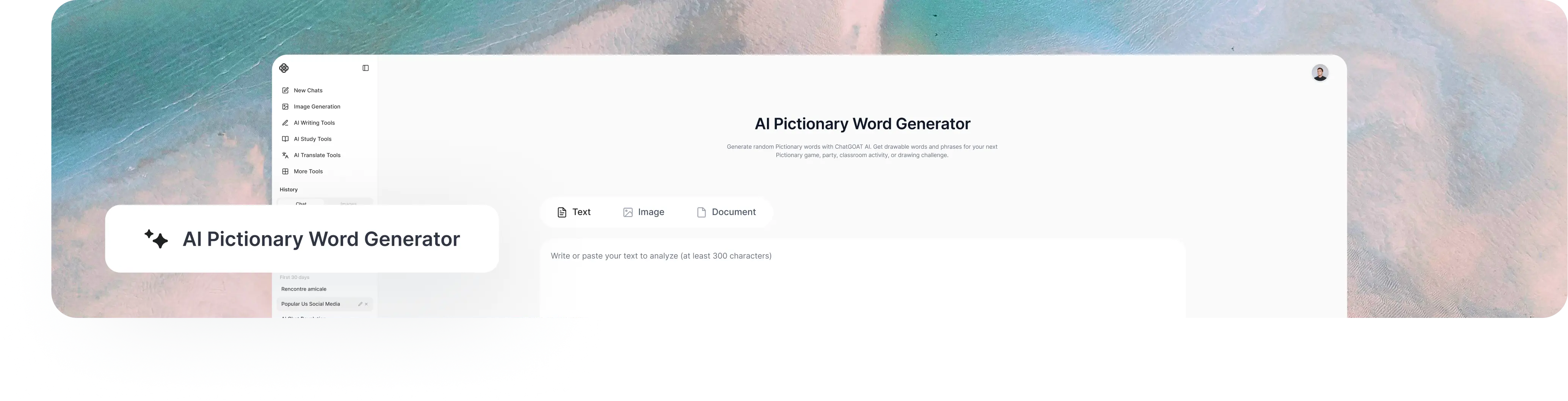
Need a word for the next round? ChatGOAT AI works as a Pictionary word generator online that gives you a drawable word based on what you ask for.
You can keep your request broad or specify what you need, such as easy words for kids, harder prompts for adults, a particular category, or multi-word Pictionary phrases. If the first result is not a good fit, generate another one and keep the game moving.
What Can a Pictionary Word Generator Do?
A Pictionary word generator gives you ready-to-draw ideas without making you search through word lists or come up with prompts yourself. You can use it to find Pictionary word ideas, explore different difficulty levels, or create themed drawing prompts for your game.
Generate Drawable Words
Get a random word that gives players something concrete to draw and guess. Use generated words as quick prompts for Pictionary games, drawing practice, or other draw-and-guess activities.
Choose Easy or Hard Prompts
Match the prompt to the players. Ask for easy Pictionary words for kids and beginners, or choose harder words when you want a greater challenge for adults and experienced players.
Generate Multiple Ideas
Need enough words for several rounds? Ask ChatGOAT AI to generate a list of Pictionary ideas at once. This gives you a ready selection to use throughout a party, classroom activity, game night, or drawing challenge.
Explore Different Themes
Choose a topic that fits your game, such as animals, food, sports, places, objects, or actions. You can also ask for more specific themes to make your Pictionary ideas more relevant to the group or activity.
How to Use the Pictionary Word Generator
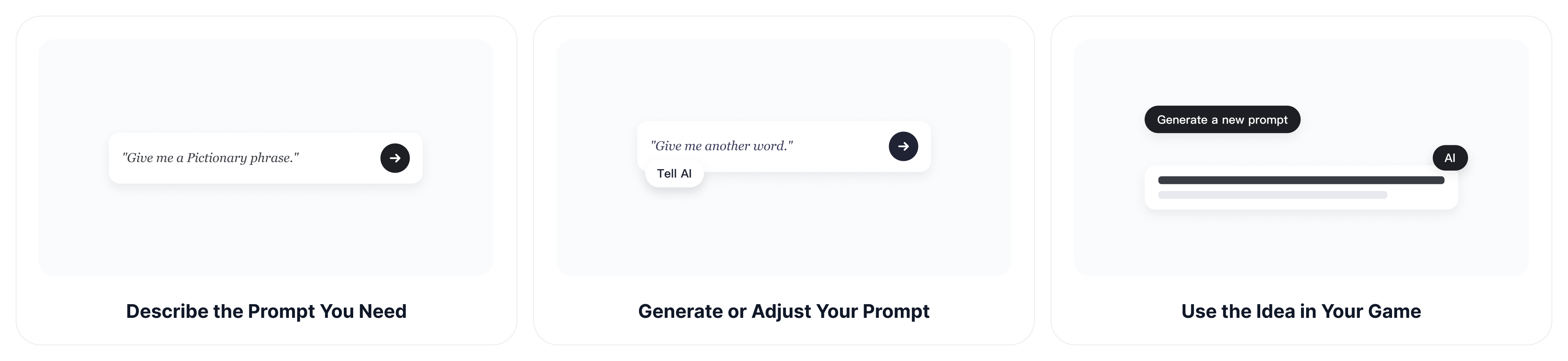
Step 1: Describe the Prompt You Need
Tell ChatGOAT AI what kind of Pictionary word you want.
For example:
- "Give me a random Pictionary word."
- "Give me an easy Pictionary word for kids."
- "Give me a hard Pictionary word for adults."
- "Give me a random animal for Pictionary."
- "Give me a Pictionary phrase."
Step 2: Generate or Adjust Your Prompt
Use the result for your next round. If it is not suitable, ask for another one or change your requirements.
For example:
- "Give me another word."
- "Make it easier."
- "Give me a harder one."
- "Give me another word related to food."
- "Give me a multi-word phrase instead."
Step 3: Use the Idea in Your Game
Once you have a word or phrase, give it to the player whose turn it is and start the round. The player can draw the idea while everyone else tries to guess it. Keep generating new ideas as you move from one round to the next.
How Does a Pictionary Word Generator Work?
A Pictionary word generator turns your game requirements into drawable ideas. With ChatGOAT AI, you can describe the kind of words or phrases you want in natural language, then refine the results instead of relying on a fixed list or preset filters.
Describe the Game You Have in Mind
Tell ChatGOAT AI what kind of Pictionary ideas you need. You can include details such as the players, difficulty, category, number of words, or whether you want single words or phrases.
For example:
- "Give me 10 easy Pictionary words for kids."
- "Give me challenging Pictionary ideas for adults."
- "Give me 20 animal-themed Pictionary words."
- "Give me some funny Pictionary phrases for a party."
Get Ideas That Match Your Request
ChatGOAT AI uses the details in your request to generate words or phrases that fit your game. Instead of pulling from a fixed category, you can combine requirements such as difficulty, audience, theme, and format in a single request.
Refine the Results Naturally
The first selection does not have to be final. Tell ChatGOAT AI what you want to change, such as making the ideas easier, more challenging, more specific, or better suited to a particular group.
Generate More When You Need Them
When you need another round, simply ask for more ideas or a new selection. You can also explore other types of random ideas with the AI random animal generator or random object generator.
Why Use a Pictionary Word Generator?
Coming up with good Pictionary ideas can be harder than it seems. A word may be familiar but difficult to draw, while searching through long lists takes time. A generator gives you a quick way to find suitable ideas and keep the game moving.
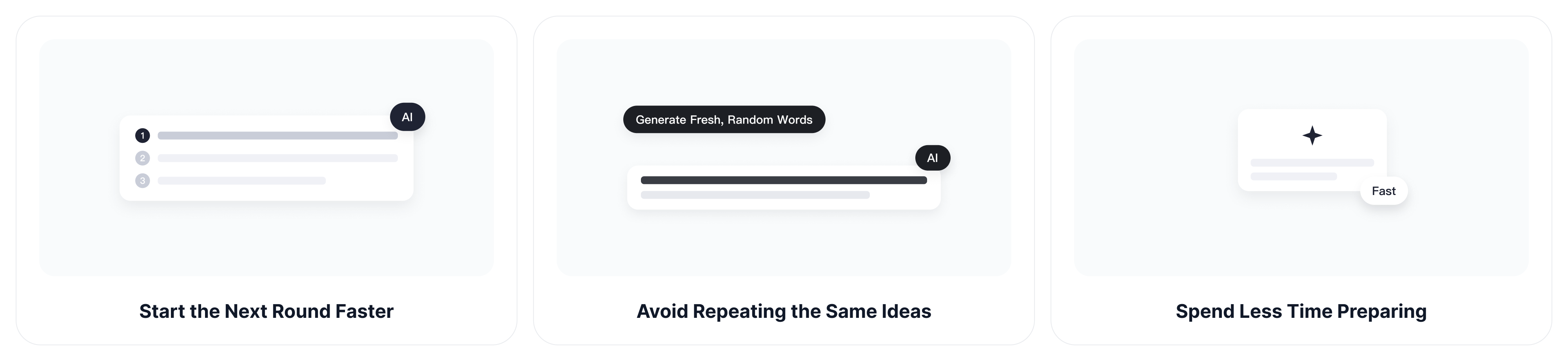
Start the Next Round Faster
You do not need to decide what word to use or search through a list between rounds. Generate a new idea in seconds and move straight into the next drawing round.
Avoid Repeating the Same Ideas
It is easy to fall back on familiar words such as "cat," "house," or "apple." Fresh random selections can introduce different subjects and keep players from seeing the same ideas over and over.
Match the Challenge to Your Group
Different players may need different levels of difficulty. Choose simple, familiar words for kids and beginners, or request more challenging ideas for adults and experienced players.
Spend Less Time Preparing
Whether you are hosting a party, running a classroom activity, or organizing a game night, you may need dozens of ideas for multiple rounds. A generator can quickly give you enough words or phrases to prepare the game without building a list yourself.
Why Choose ChatGOAT AI Pictionary Word Generator
ChatGOAT AI is more than a static Pictionary word list. Instead of working within fixed categories or filters, you can describe the game you are planning in natural language and keep refining the results through conversation.
Make Natural-Language Requests
You do not have to work through preset categories or settings. Tell ChatGOAT AI what you need in your own words, such as "Give me 10 easy Pictionary words for kids" or "Give me challenging Pictionary phrases for adults."
Adapt Ideas to Your Game
Your requirements may change as the game goes on. Ask ChatGOAT AI to make the ideas easier, more challenging, more specific, or better suited to your players while keeping the context of your conversation.
Switch Between Words and Phrases
Different rounds may call for different types of ideas. Ask for simple single-word subjects when you want straightforward rounds, or switch to multi-word Pictionary phrases when you want players to combine several elements in one drawing.
Access More AI Tools in One Place
Pictionary can be just the beginning. ChatGOAT AI brings AI chat, image generation, writing, and other tools together in one platform, so you can continue working on related ideas without switching between separate services.
Common Types of Pictionary Words
Choose words based on your players and how challenging you want each round to be. ChatGOAT AI can generate simple, challenging, or multi-word ideas for different types of games.
Easy Pictionary Words
Simple, familiar subjects that are easy to recognize and draw. They work well as Pictionary words for kids, beginners, and mixed-age groups.
Examples: Apple, Cat, Bicycle, House, Sun
Medium Pictionary Words
Subjects that require a little more detail or creativity to communicate through a drawing. Good for family games and casual parties.
Examples: Lighthouse, Popcorn, Waterfall, Backpack, Firefighter
Hard Pictionary Words
More challenging subjects that may require multiple elements, creative interpretation, or a more detailed drawing. They are a good fit for Pictionary words for adults and experienced players.
Examples: Traffic Jam, Parallel Parking, Stage Fright, Chain Reaction, Time Travel
Pictionary Phrases
Multi-word ideas that give players several elements to represent in one drawing. They can make rounds more challenging and varied.
Examples: Ice Cream Truck, Roller Coaster, Birthday Party, Treasure Hunt, Camping Trip
Ready for Your Next Pictionary Word?
Need a quick prompt for your next drawing game? Use ChatGOAT AI to generate a Pictionary word or phrase and get your next round started. Try an easy word, request a harder challenge, or generate a themed prompt for your group.
FAQ
Everything you need to know about using ChatGOAT AI as a Pictionary word generator.
1. What is a Pictionary word generator?
A Pictionary word generator is a tool that gives you words or phrases to draw during a Pictionary game or other drawing-based activity. Instead of choosing an idea yourself, you can generate one and use it for the next round.
2. What makes a good Pictionary word?
A good Pictionary word should be recognizable enough to draw and guess without being too obvious. Concrete objects, animals, places, actions, and familiar situations often work well because they can be communicated visually.
3. Can I generate random Pictionary words?
Yes. You can ask ChatGOAT AI for random Pictionary words whenever you need new ideas. You can also request several words at once or generate another selection if the first result does not fit your game.
4. Can I choose the difficulty of Pictionary words?
Yes. You can ask for easy, medium, or hard Pictionary words depending on your players and the type of game you are running. For example, easy words can work well for kids and beginners, while harder ideas can challenge experienced players.
5. Can I generate Pictionary words for kids or adults?
Yes. You can describe your group when making a request. Ask for simple, familiar words for kids and beginners, or more challenging words and phrases for adults and experienced players.
6. Can I choose a category for my Pictionary words?
Yes. You can request categories such as animals, food, sports, places, objects, jobs, or actions. You can also describe a more specific theme in your own words.
7. Can I use ChatGOAT AI as a Pictionary phrase generator?
Yes. Ask ChatGOAT AI to generate multi-word Pictionary phrases instead of single-word ideas. Phrases can make a round more challenging because the player needs to communicate multiple elements through one drawing.
8. Can I generate multiple Pictionary words at once?
Yes. You can ask ChatGOAT AI for a list of Pictionary words instead of generating them one at a time. For example, you can request 10 easy words for a classroom activity or 20 mixed-difficulty ideas for a party.
9. What can I use Pictionary words for?
Pictionary words can be used for drawing games, classroom activities, vocabulary practice, family game nights, parties, team activities, and other draw-and-guess games. You can also use them for drawing challenges or other creative activities.
10. Can I generate another Pictionary word if I do not like the first one?
Yes. If an idea is too easy, too difficult, difficult to draw, or simply not right for your group, ask ChatGOAT AI for another one or change your requirements to get a better match.
11. Is ChatGOAT AI Pictionary Word Generator free?
You can try ChatGOAT AI's AI-powered tools to generate Pictionary words and explore different creative ideas. Available features, usage limits, and access may vary depending on your account or plan.