


AI Writer
Make long, dense, or technical sentences easier to understand without rewriting every line by hand. Paste your text into ChatGOAT AI, explain the reading level or tone you want, and refine the result until it fits your audience.
What Is an AI Sentence Simplifier?
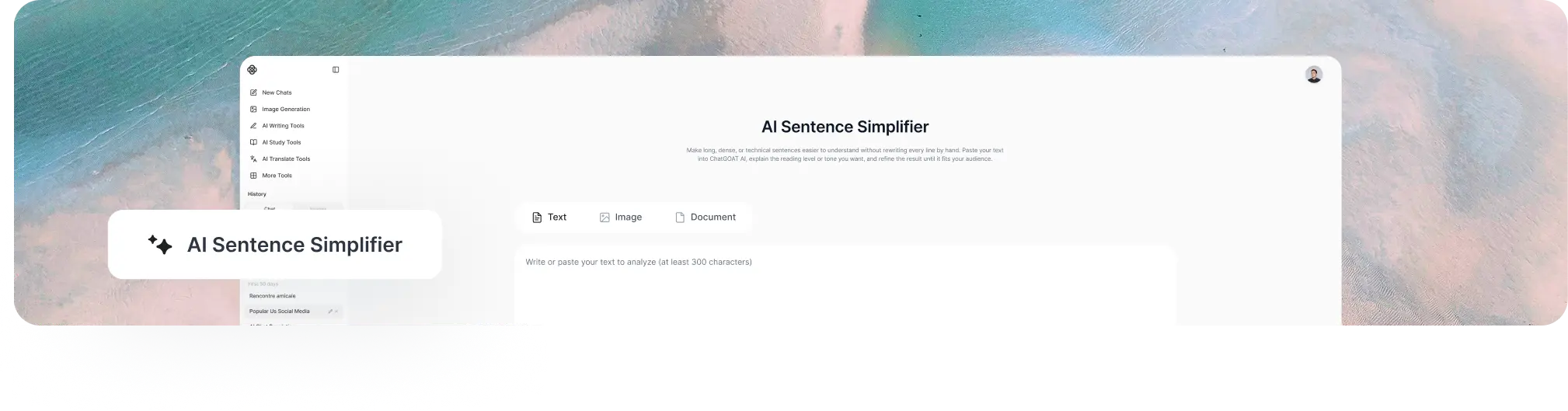
An AI sentence simplifier is a writing tool that rewrites complicated language in a clearer, more direct form. It can shorten overloaded sentence structures, replace difficult vocabulary, separate several ideas, and remove unnecessary wording while aiming to preserve the original message.
This differs from summarizing. A summary may omit supporting details to reduce the overall length, whereas a sentence simplifier focuses on making the existing information easier to follow. It also differs from a grammar checker, which primarily looks for errors, and from a humanizer, which focuses more on natural tone and phrasing.
Simplified text still needs review. Names, figures, quotations, legal terms, medical wording, technical definitions, and other precise details should be checked against the source because a clearer sentence is useful only when it remains accurate.
How to Use ChatGOAT AI’s AI Sentence Simplifier
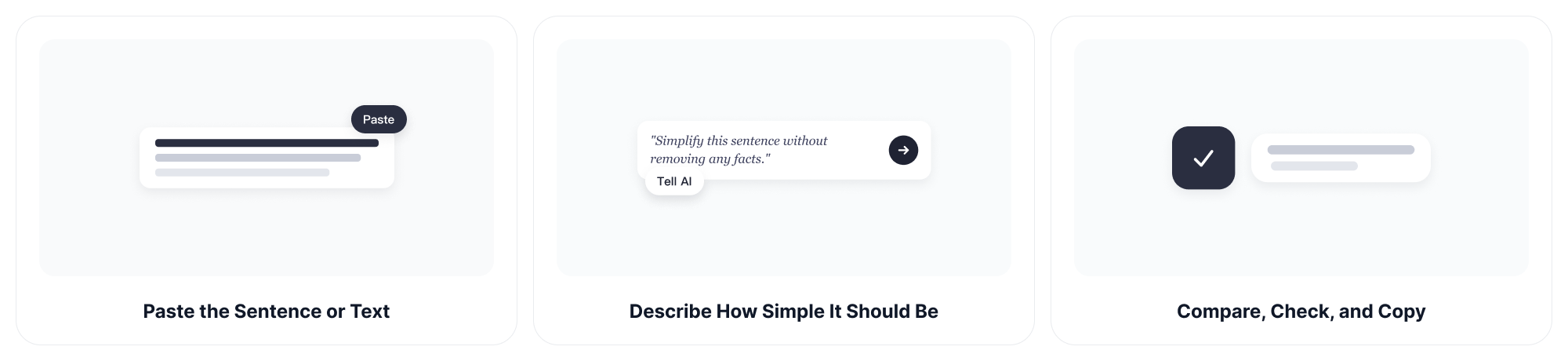
Step 1: Paste the Sentence or Text
Add one difficult sentence, several paragraphs, an email, a study passage, or another piece of writing. Include enough surrounding context when a sentence contains pronouns, specialist terms, or references that would be unclear on their own.
Step 2: Describe How Simple It Should Be
Tell ChatGOAT AI who will read the result and what must stay unchanged. You can request plain English, shorter sentences, simpler vocabulary, a specific reading level, or a professional tone.
Example prompts include: "Simplify this sentence without removing any facts." "Rewrite this paragraph for a general audience." "Use shorter sentences but keep the technical terms." "Explain this passage for an English learner."
Step 3: Compare, Check, and Copy
Read the simplified version beside the original. Confirm that the meaning, facts, emphasis, and important terms remain correct. If the result is too basic or still too dense, ask for another version with more precise instructions before copying it.
What Can an AI Text Simplifier Do?
Break Up Long and Overloaded Sentences
A sentence may become difficult when it contains several clauses, interruptions, qualifications, or ideas. The AI text simplifier can separate those parts into shorter statements and make the relationship between them easier to see.
Replace Difficult Words with Clearer Language
Turn uncommon, formal, or needlessly abstract wording into familiar language when the specialist term is not essential. You can also ask the tool to retain defined vocabulary and explain it instead of replacing it.
Simplify Academic and Technical Text
Make textbook passages, research explanations, workplace policies, instructions, and technical notes easier to read. For high-stakes material, treat the result as a reading aid and verify it against the original source rather than relying on the rewrite alone.
Clarify Emails, Articles, and Instructions
Reduce wordiness in messages, reports, website copy, lesson materials, and step-by-step directions. After improving clarity, the AI grammar checker can help review punctuation, agreement, spelling, and sentence-level errors.
Create Versions for Different Readers
Ask for a child-friendly explanation, plain English for a broad audience, accessible wording for new learners, or a concise professional version. Specifying the reader helps prevent the output from becoming either too technical or overly basic.
Preserve Key Terms and Original Meaning
Tell ChatGOAT AI which names, quotations, numbers, product terms, or subject-specific phrases must remain unchanged. Clear constraints make it easier to simplify the surrounding language without losing important information.
Why Choose ChatGOAT AI’s AI Sentence Simplifier?
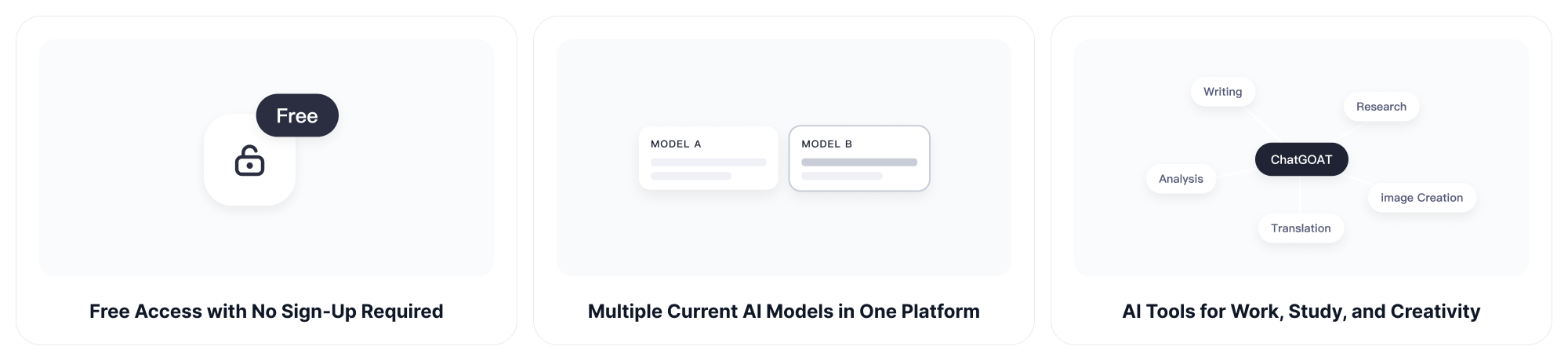
Free Access with No Sign-Up Required
ChatGOAT AI makes its AI tools easy to try without an upfront payment or mandatory account registration. Users can access the platform with fewer steps and explore its capabilities before deciding how extensively they want to use it.
Multiple Current AI Models in One Platform
ChatGOAT AI provides access to multiple AI models without requiring users to switch between separate websites. This makes it easier to compare different responses, reasoning styles, and creative approaches. Gemini 3.8 Flash is one of the current model options available on the platform.
Support for Text, Images, and Documents
The platform supports different types of input across its tools, including written prompts, readable images, and documents. Users can handle tasks involving different source formats without manually transferring all the information into plain text first.
AI Tools for Work, Study, and Creativity
ChatGOAT AI brings writing, research, analysis, translation, image creation, study, and productivity tools together in one place. Users can move between different tasks while staying within the same AI platform.
Who Can Use an AI Sentence Simplifier?
Students and Researchers
Break down difficult readings, lecture notes, assignment instructions, and research passages before studying or explaining them. Academic claims and citations should always be checked against the original source.
Teachers and Tutors
Adapt explanations for different reading levels, create clearer classroom instructions, and produce alternative versions for learners who need additional support without changing the lesson’s central idea.
Professionals and Teams
Clarify emails, reports, procedures, presentations, customer messages, and internal documentation. Simpler wording can make decisions and next steps easier to understand across teams.
English Learners
Use familiar vocabulary and shorter sentence structures to understand difficult English. You can ask for definitions, examples, or an explanation of why the revised sentence is easier to follow.
Writers and Content Creators
Make articles, guides, scripts, and web copy more accessible while preserving the intended voice. If a simplified draft sounds mechanical, the AI humanizer can help refine its flow and naturalness.
AI Sentence Simplifier FAQs
What Does an AI Sentence Simplifier Do?
It rewrites complex sentences in clearer language by shortening structures, replacing difficult wording, separating ideas, and reducing unnecessary phrases while aiming to keep the original meaning.
Can I Simplify a Sentence without Changing Its Meaning?
You can ask the tool to preserve the meaning and all key details, but every rewrite should be checked. Pay particular attention to negatives, conditions, comparisons, quantities, dates, and specialist terms.
Can an AI Text Simplifier Handle Paragraphs?
Yes. You can submit several sentences or a longer paragraph. Breaking a very long passage into smaller sections may make it easier to compare each simplified part with the source.
Is Simplifying the Same as Summarizing?
No. Simplifying changes how information is expressed so it is easier to understand. Summarizing reduces a text to its main points and may leave out examples or supporting details.
Can It Simplify Academic or Technical Writing?
Yes, but state which technical terms must remain and review the result for accuracy. Do not use a simplified version as a substitute for the original when exact legal, medical, scientific, or financial wording matters.
How Do I Simplify a Sentence for a Specific Reading Level?
Name the intended reader or level in your request, such as a middle-school student, a first-time learner, or a general audience. You can also request shorter sentences and common vocabulary.
Can It Keep My Tone and Key Terms?
Yes. Tell ChatGOAT AI whether the result should remain formal, friendly, academic, persuasive, or neutral, and list any names or terms that must stay exactly as written.
Can It Help Non-Native English Speakers?
Yes. It can replace unfamiliar wording, shorten complex structures, and explain a sentence in more direct English. Learners should compare both versions to understand what changed.
Should I Check the Simplified Result?
Yes. Review it for missing details, altered meaning, incorrect facts, and wording that is too vague. A second prompt can restore information or make the rewrite more or less simple.
Can I Use It for Emails and Workplace Documents?
Yes. It can clarify messages, procedures, reports, and presentation text. Remove confidential information before pasting workplace material into any online tool, and follow your organization’s data policies.
What Is the Best Prompt to Simplify a Sentence?
Include the text, intended audience, preferred tone, desired length, and anything that must not change. For example: "Simplify this for a general audience, use short sentences, and keep every number and technical term."