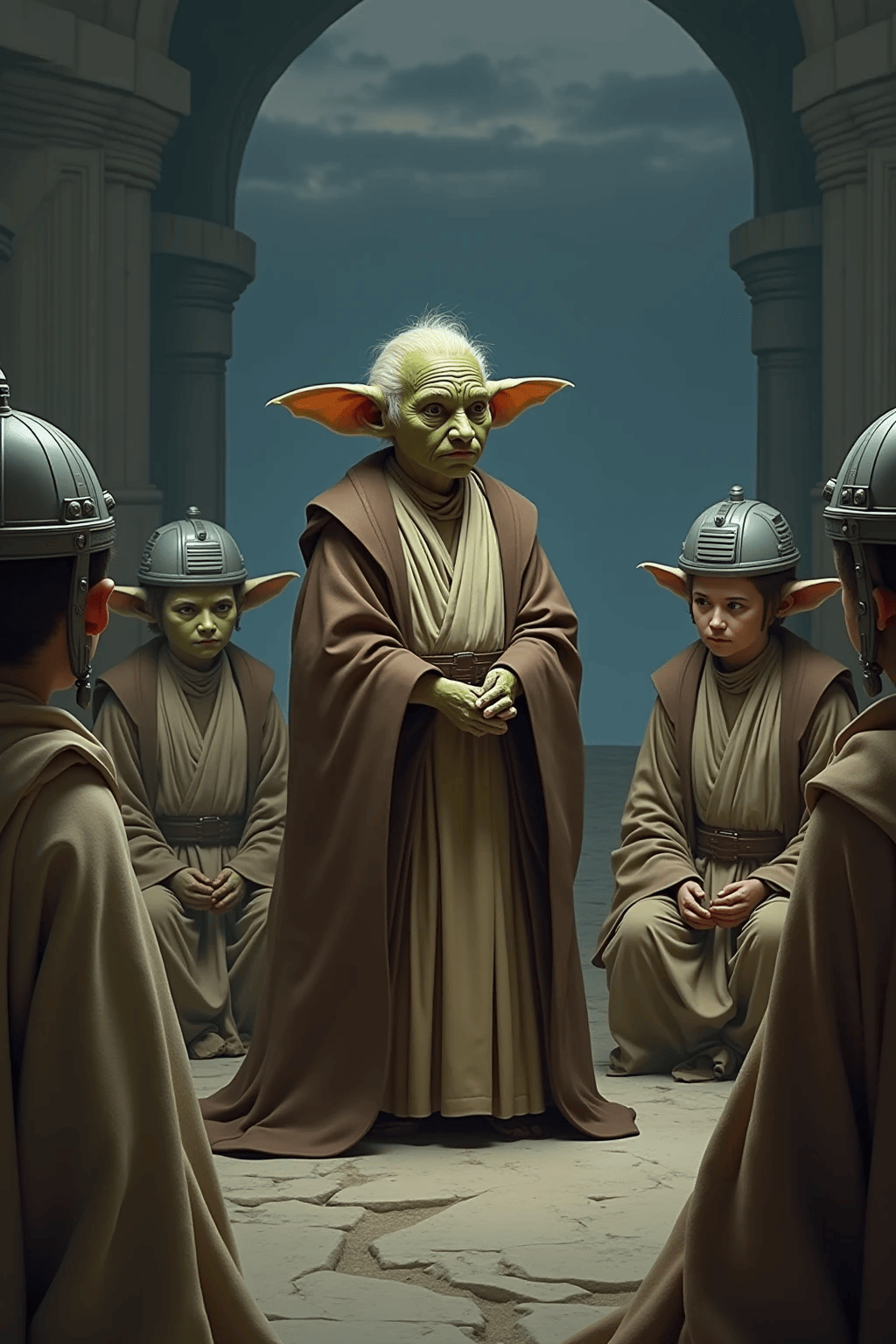
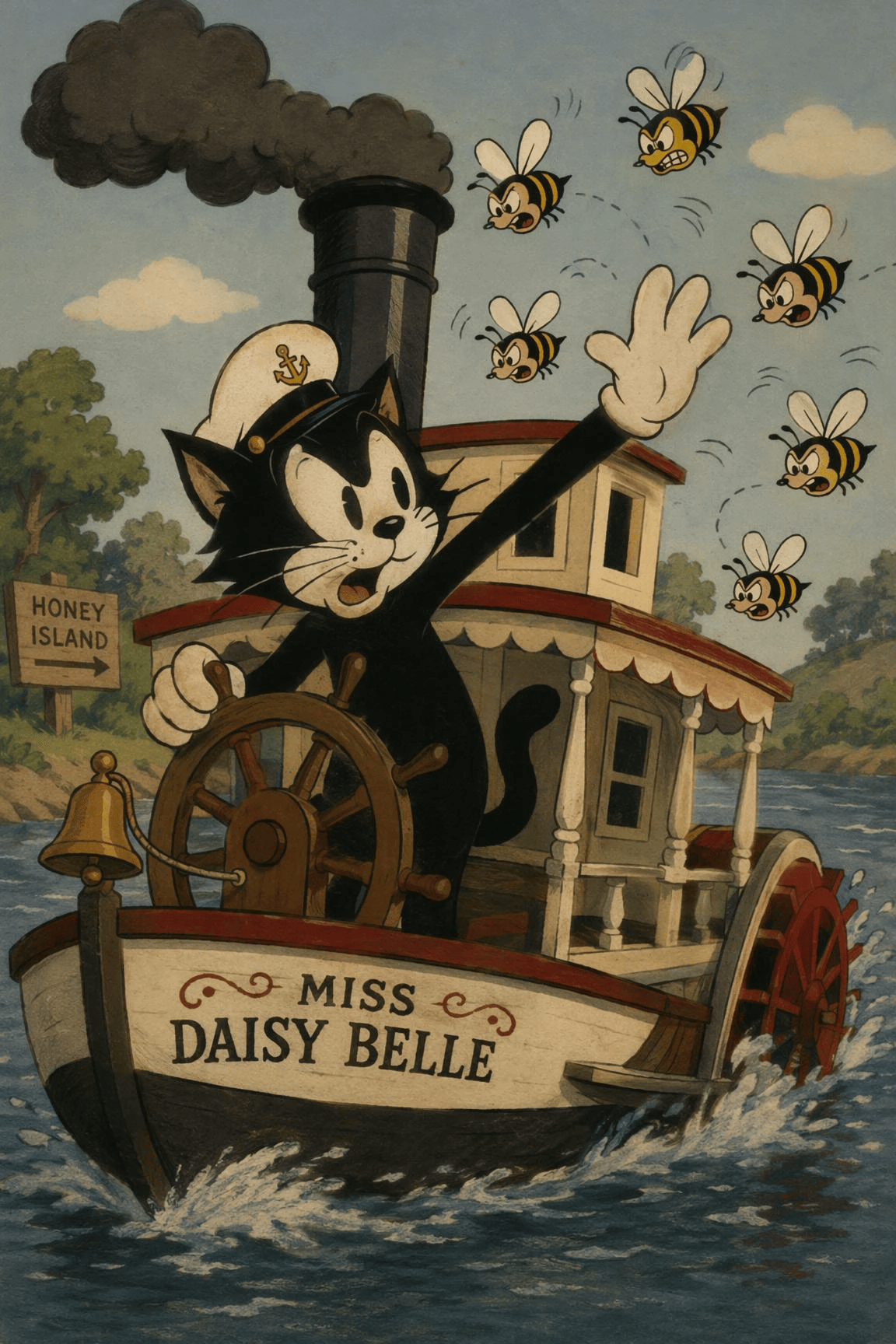

Text to Video: From Prompt to Motion
Describe the scene, subject, mood, and style you have in mind. ChatGOAT AI turns your prompt into a video draft, helping you explore ideas, test visual directions, and create content from scratch.
 ChatGOAT
 0
0
No video models available yet
Bring your ideas to life with AI video creation in one place. Start with a text prompt, an image, or an existing clip, then shape the result for your creative project. ChatGOAT AI helps creators, marketers, and teams turn concepts into video drafts without a traditional filming setup.
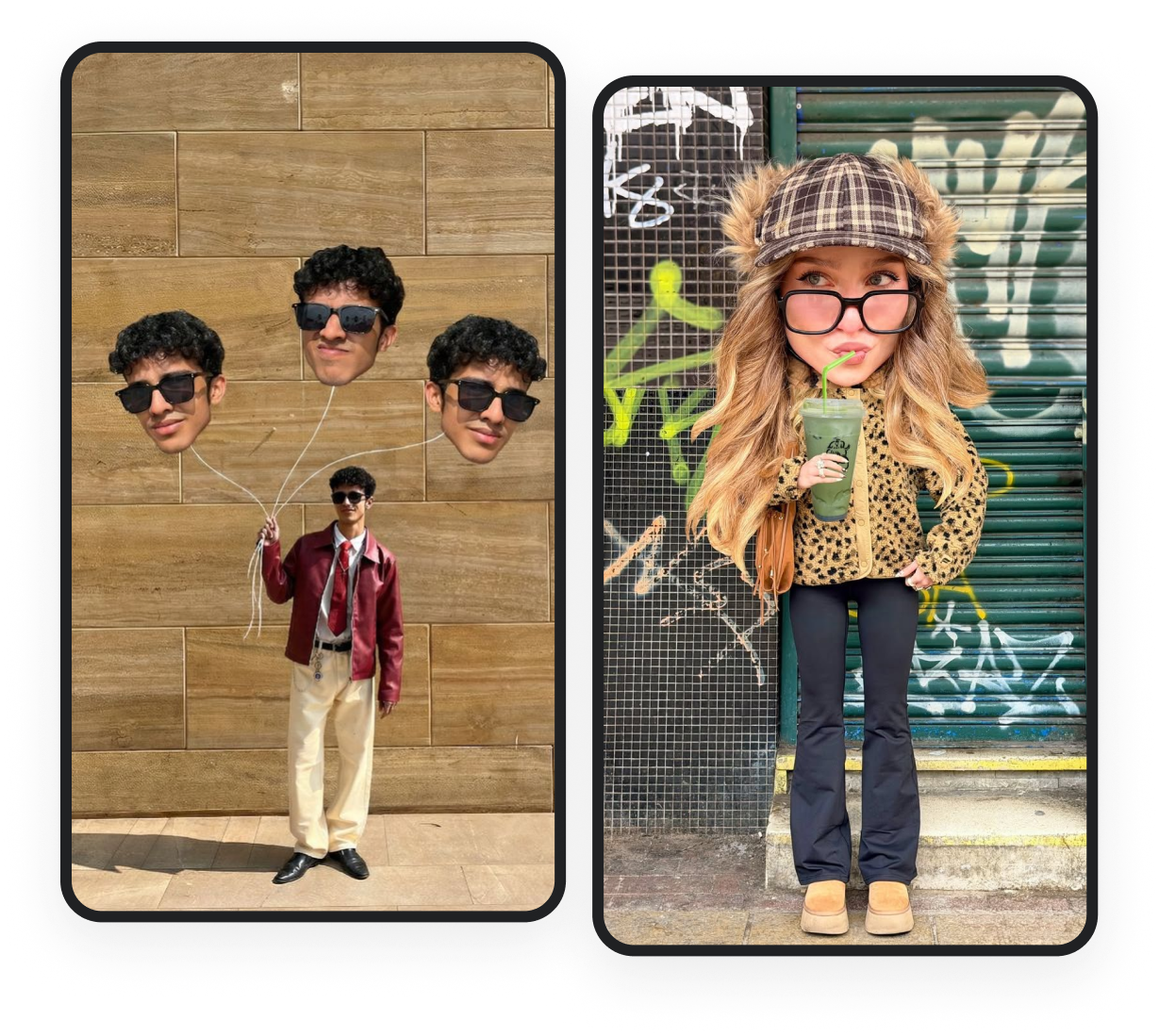
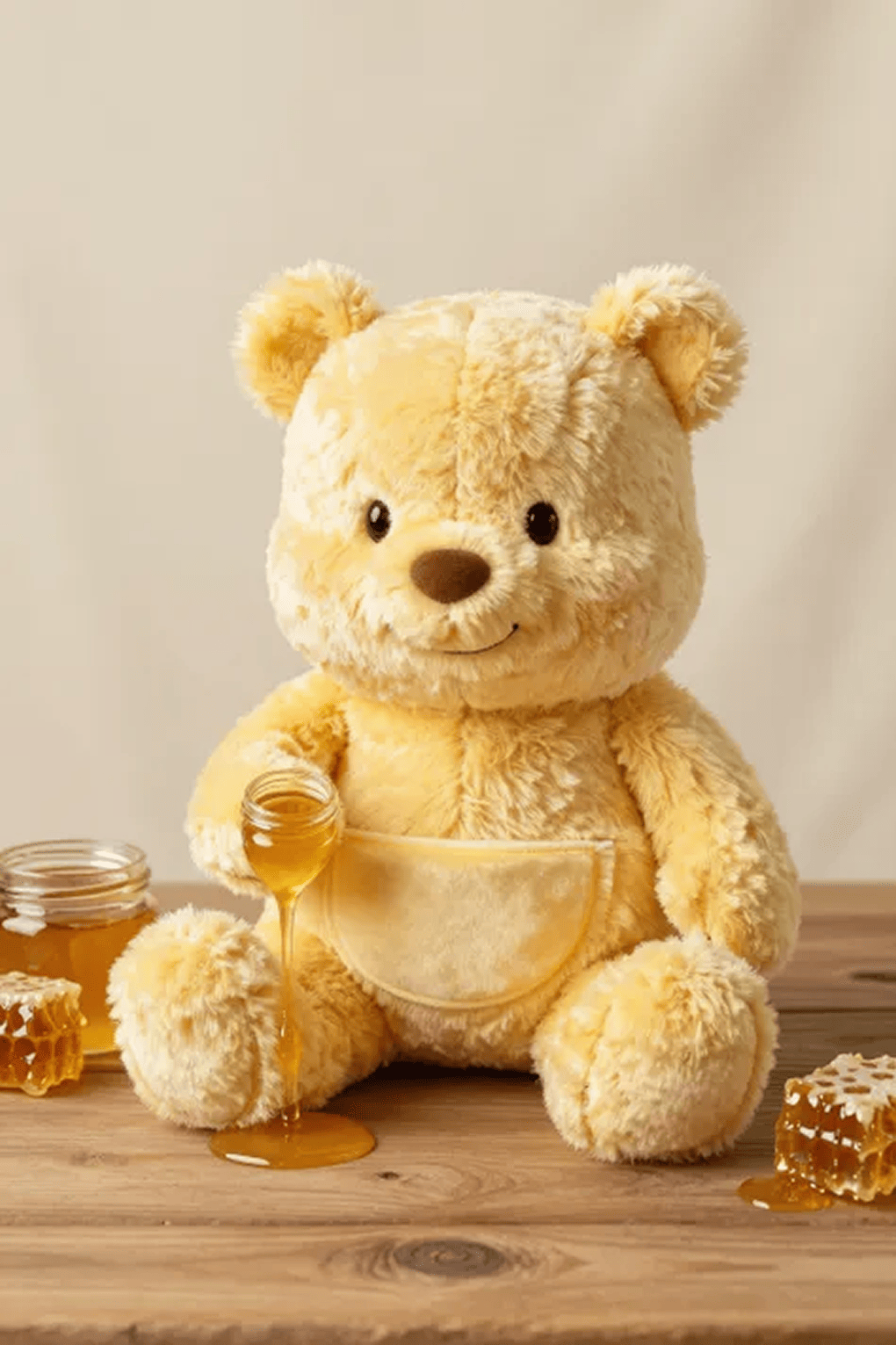
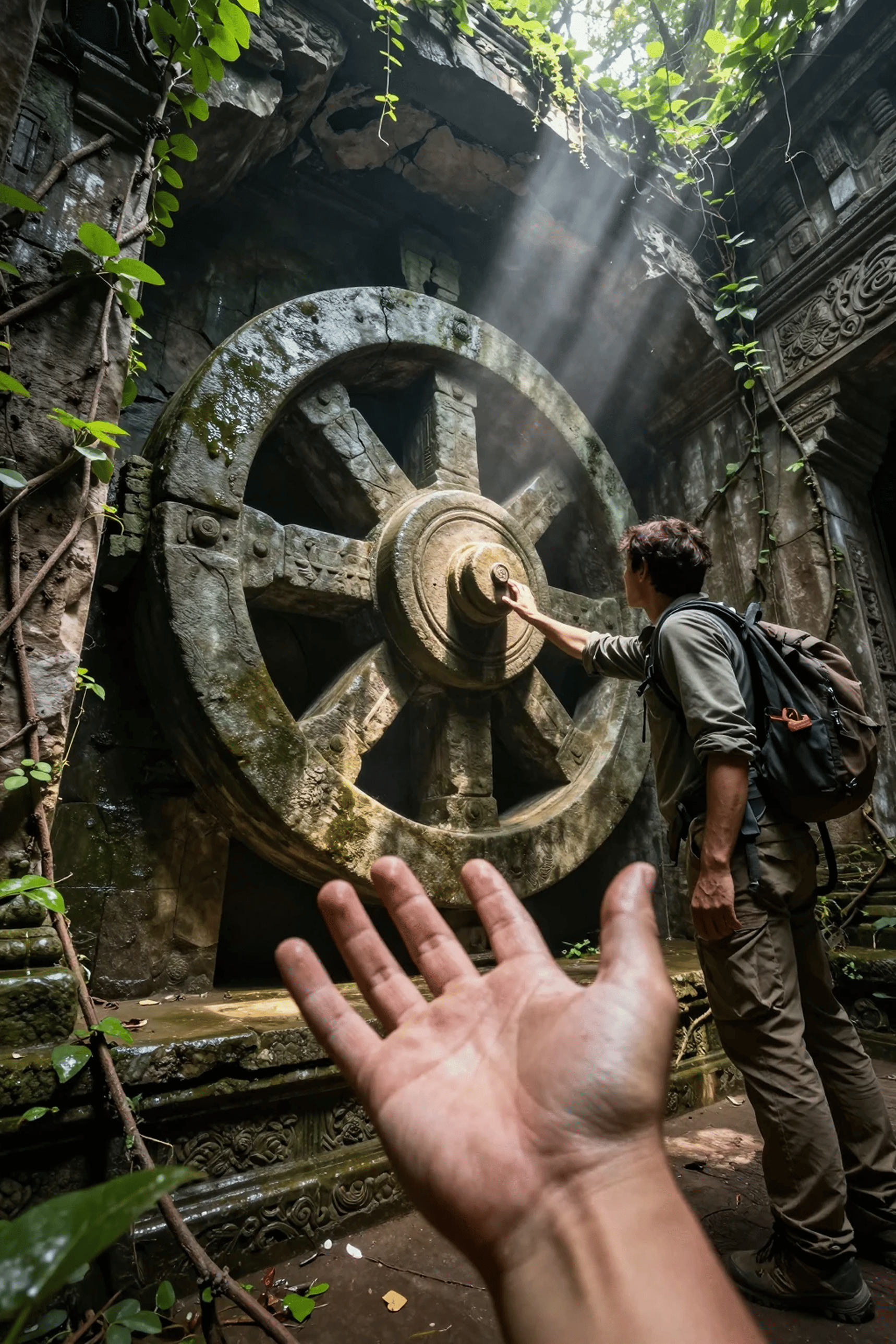
Add motion to a still image and create a more dynamic visual. Use image-to-video to animate product photos, illustrations, portraits, or concept art for social posts, presentations, and creative projects.
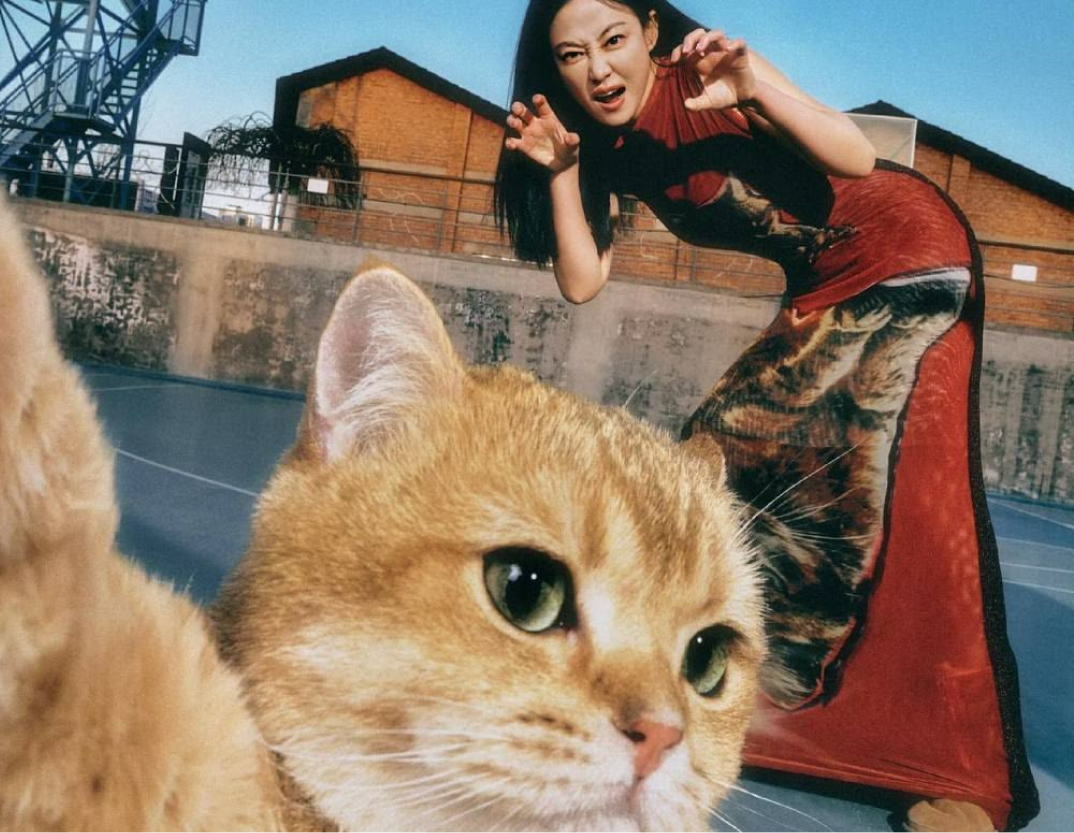
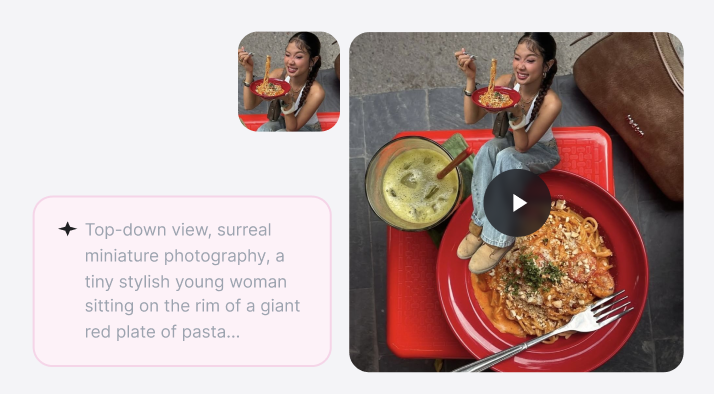
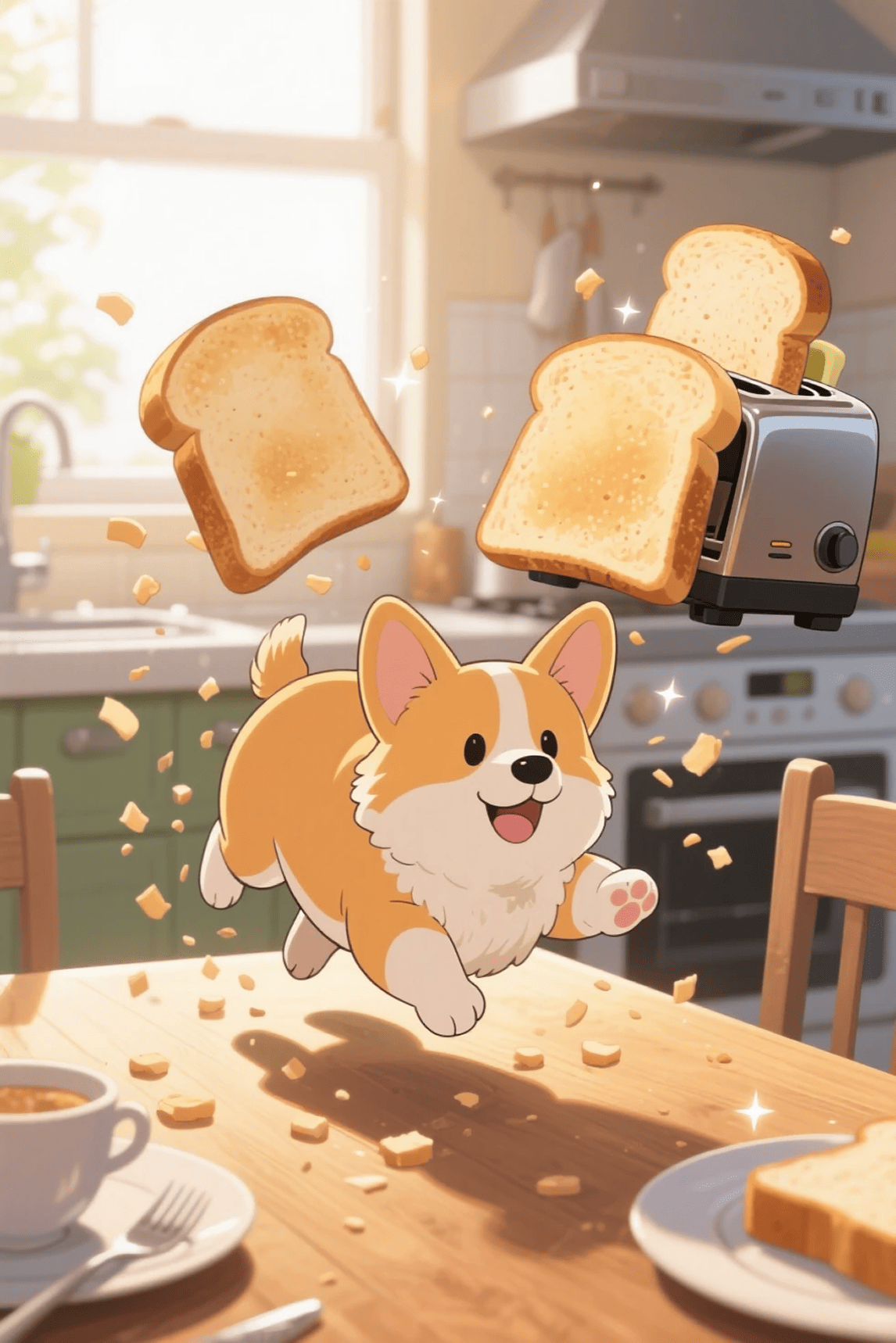
Describe the scene, subject, mood, and style you have in mind. ChatGOAT AI turns your prompt into a video draft, helping you explore ideas, test visual directions, and create content from scratch.

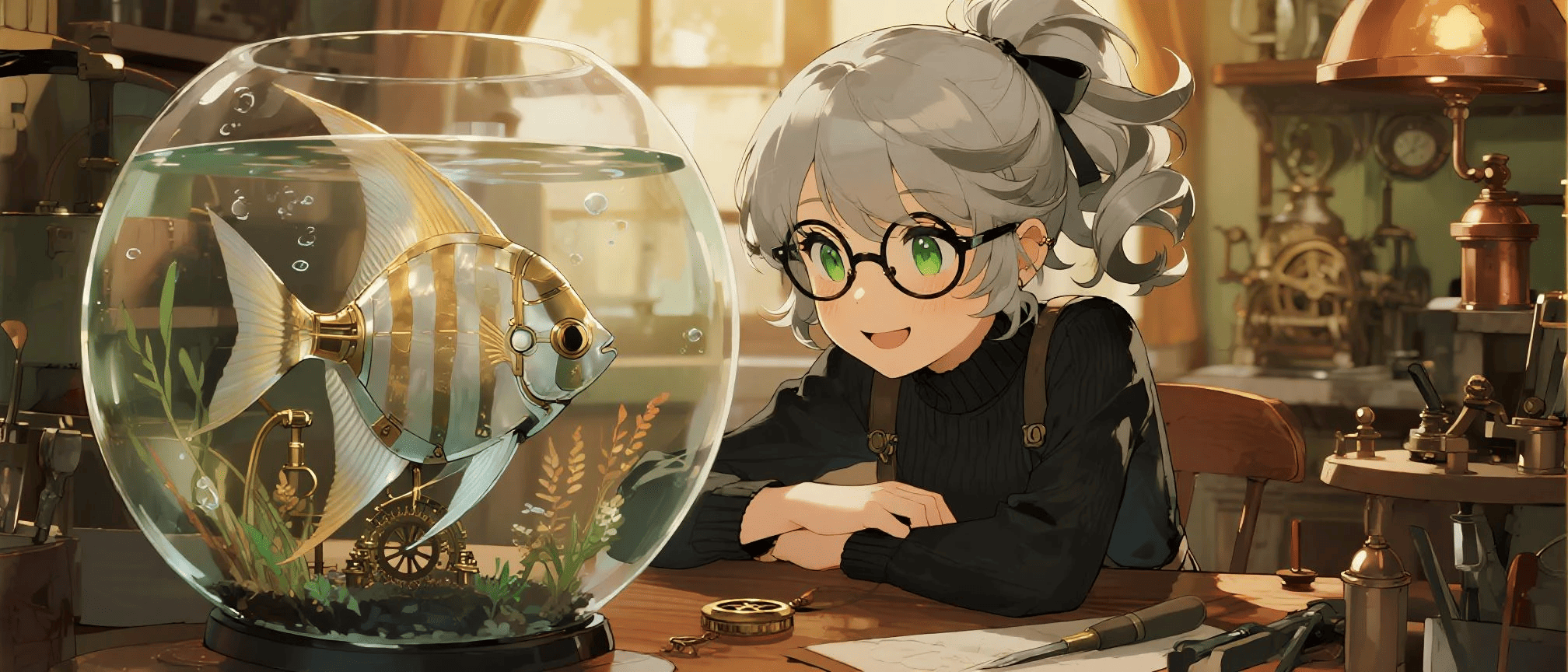
Use an existing clip as a starting point and explore a new visual direction. Video-to-video can help you rework footage into a different style or create variations while retaining elements of the original.

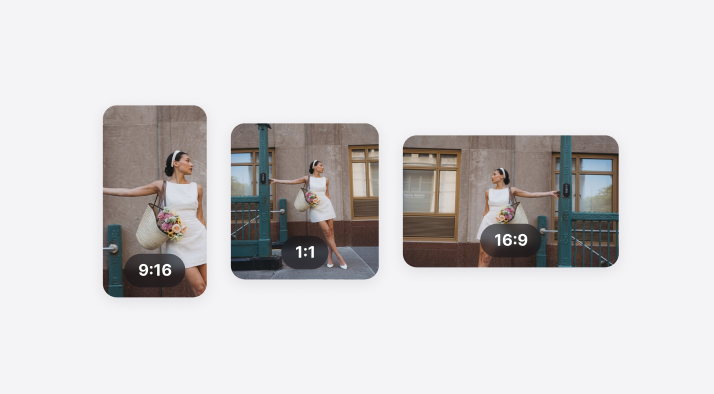
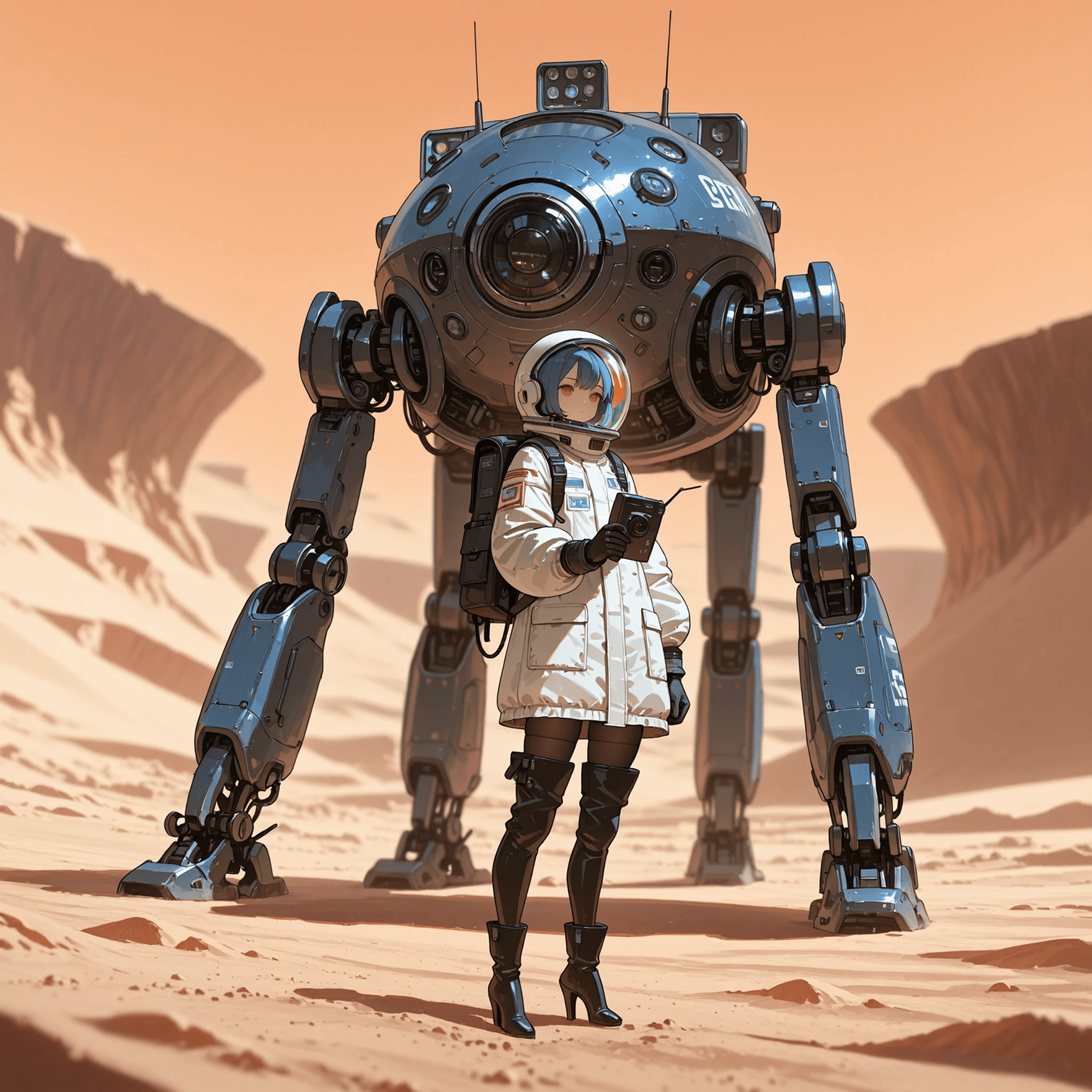
Create videos for different platforms and viewing formats. Choose from available output sizes and aspect ratios - such as 4:3, 3: 4, 16: 9, 9: 16, etc. - to prepare content for social feeds, websites, and presentations.
Make Short-Form Videos for Social Platforms
Turn a prompt, image, or clip into content ideas for Reels, Shorts, TikTok, and other social channels. Create visual variations to keep your content fresh.
Start with a written prompt, a still image, or an existing video clip, depending on the tools available in your workspace.
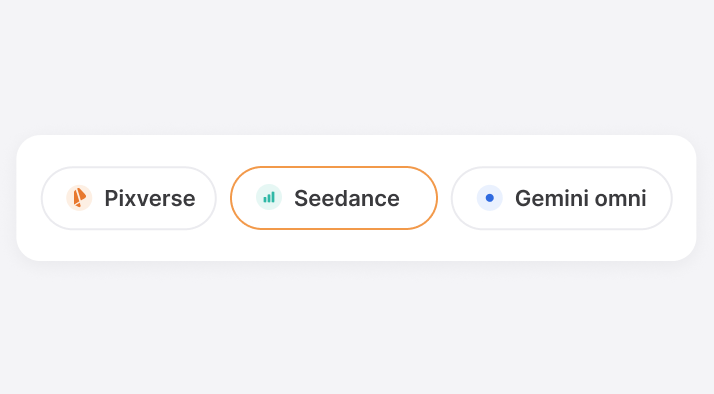
Explore the available AI video models in ChatGOAT AI and choose one that fits your creative goal. List specific model names here only if they are currently supported.
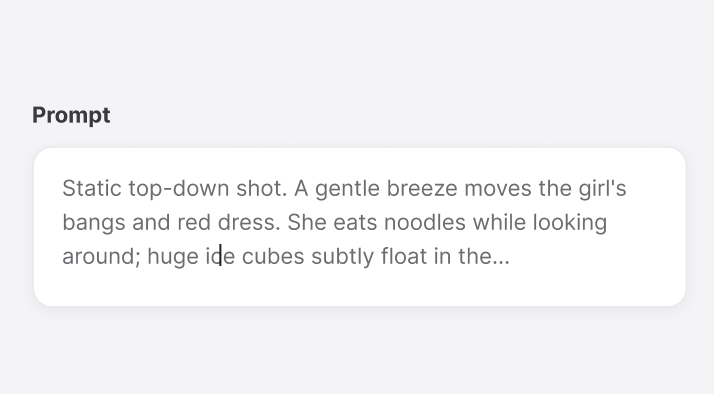
Describe the subject, setting, movement, and visual style to guide your result. Clear prompts make it easier to explore the direction you want.
Prepare videos in suitable aspect ratios for vertical, square, and landscape placements, based on the formats supported by the selected model.
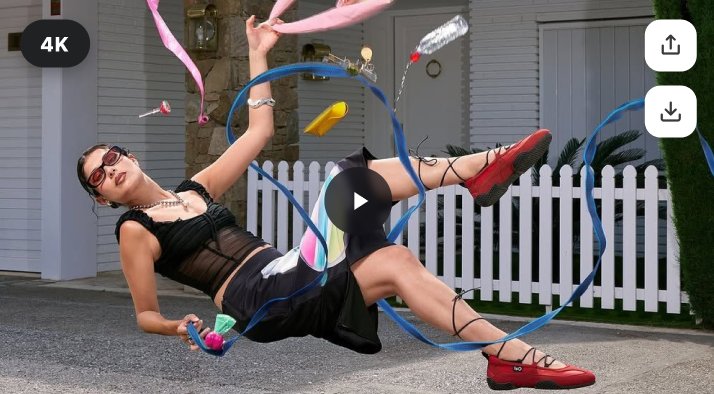
Generate and export video at the quality levels available for your selected model and plan. Add exact resolution claims, such as 4K, only if they are confirmed.
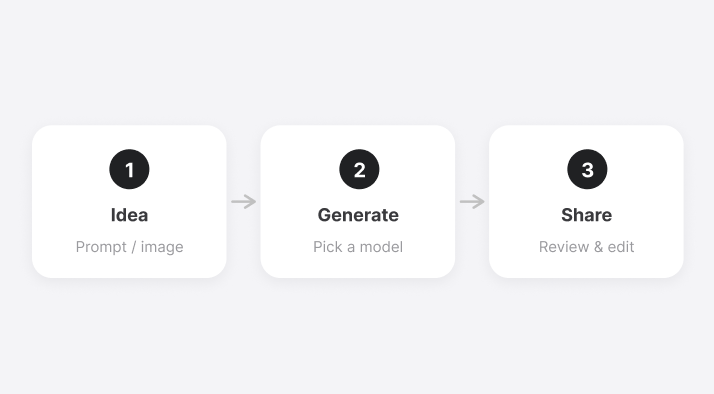
Move from idea to video draft in a few steps. Use the generated result as a starting point for sharing, review, or further editing.
Creator stories and creative possibilities.
“ChatGOAT AI helps us turn product ideas into video concepts quickly. We can test different scenes, camera movements, and formats before moving into production.”

“I can start with a simple image or prompt and create several visual directions in minutes. It makes social content planning much faster and more flexible.”

“It’s a helpful tool for visualizing scenes before filming. I can explore different styles and moods early, then use the best direction as a reference for production.”