


Upload Your Image


Powerful AI Video Models, One-Stop Video Creation
Generate videos from text prompts, static images or reference clips effortlessly. Access various AI video models and fully customize every part of your video content. Bring dynamic creative ideas to life on this all-in-one platform.



Trusted by millions of users worldwide




Free Online Image to Video AI Generator
Turn a still photo, illustration, or AI-generated image into a short video with ChatGOAT AI. Describe the subject’s movement, camera direction, and scene changes, then review and refine the generated clip.
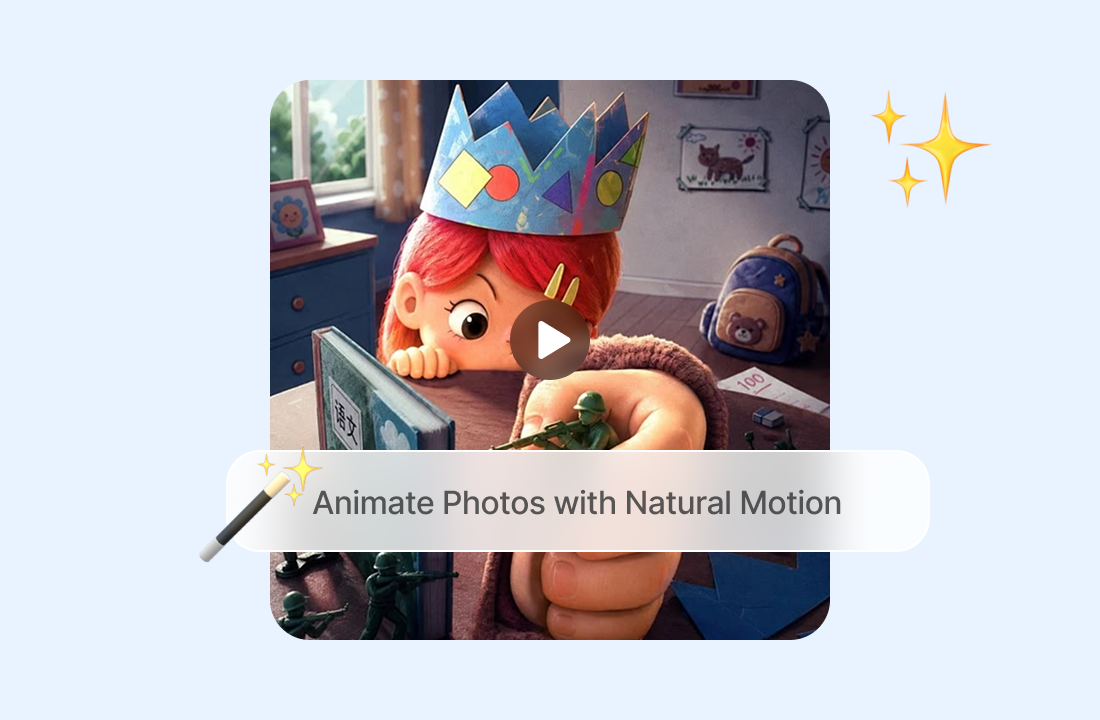
Animate Photos with Natural Motion
Add movement that fits the subject and composition, such as a person turning toward the camera, fabric moving in the wind, a product rotating, or clouds drifting across a landscape. Starting with a clean subject can reduce distracting motion; AI background remover can help prepare a simpler source image.
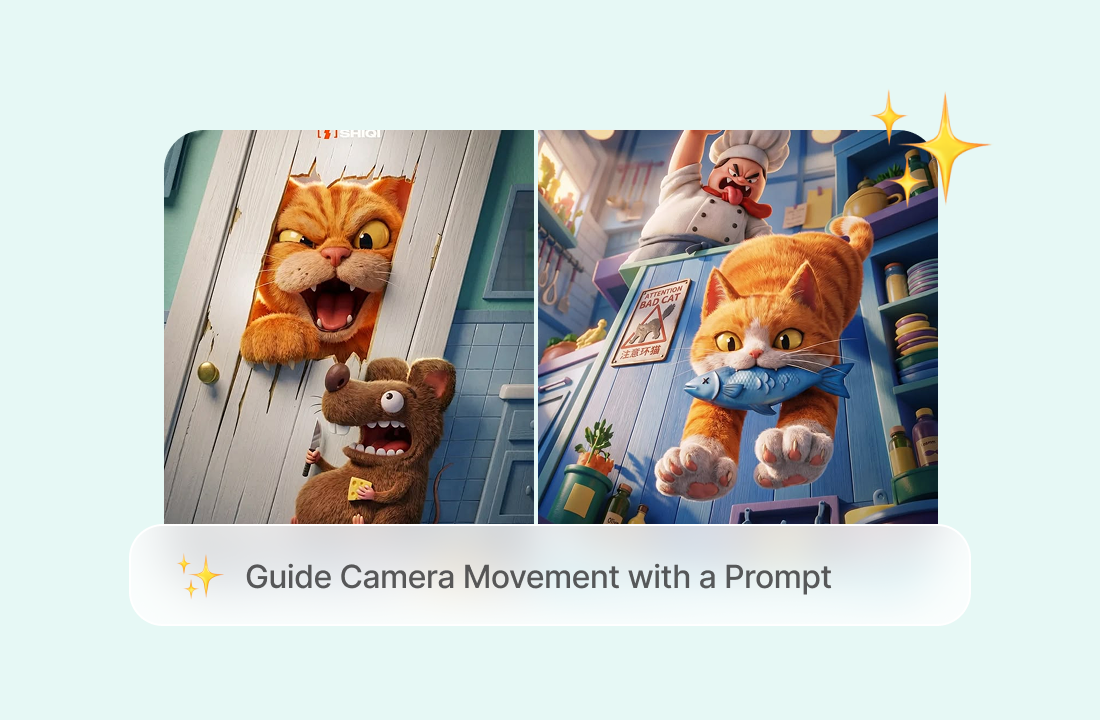
Guide Camera Movement with a Prompt
Describe how the shot should move as well as what the subject should do. Ask for a slow zoom, gentle pan, close-up, wide shot, orbit, or subtle handheld feel, and keep the instructions focused so the AI can interpret the scene clearly.
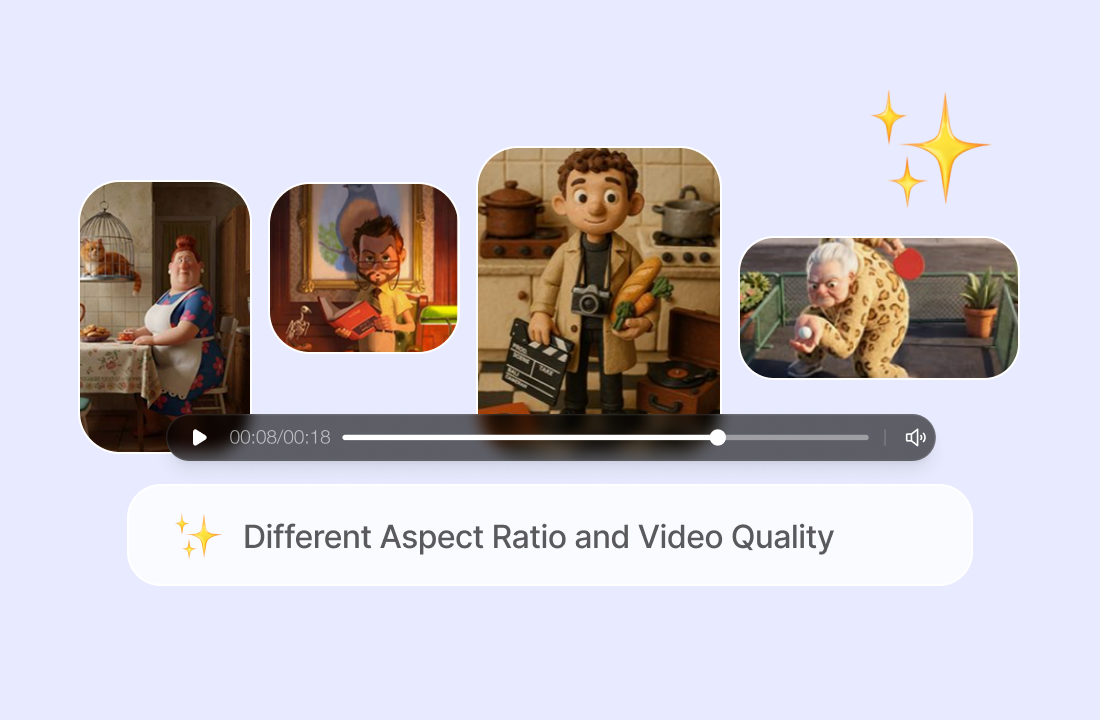
Different Aspect Ratio and Video Quality
Choose an aspect ratio that fits where you plan to share your video, whether it's a social media post, presentation, or personal project. You can also select from different video resolutions to get the level of detail you need.
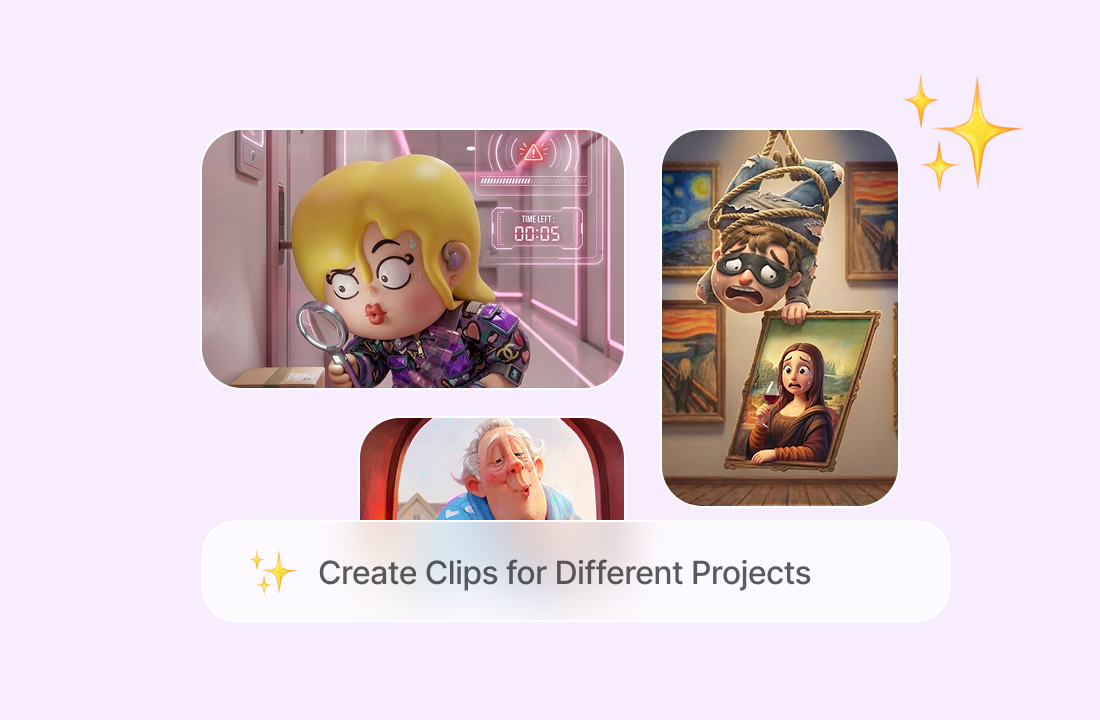
Create Clips for Different Projects
Use photo-to-video AI for social posts, product showcases, visual concepts, presentation inserts, character scenes, or short B-roll. If captions, timestamps, or unwanted labels appear in the source, remove text from the image before generating the video.
Why ChatGOAT AI Is a Flexible AI Image to Video Platform
Why ChatGOAT AI Is a Flexible AI Image to Video Platform

Compare Results across Current Video Models
A single prompt can produce different motion, framing, and visual detail across models. ChatGOAT AI lets you try current video options in one place, making it easier to compare interpretations and choose the direction that best fits the image.

Refine the Direction through Conversation
Explain what looks wrong instead of rebuilding the idea from the beginning. You can request calmer movement, a steadier camera, a different mood, or a more focused action while preserving the useful parts of the original concept.

Prepare Supporting Visuals in One Workflow
Create or improve supporting images before animation, then continue with writing, analysis, and other creative work in the same platform. For portrait-led clips, AI headshot generator can provide a polished visual starting point when an appropriate original photo is not available.

Create without Traditional Animation Skills
You do not need to place keyframes or animate every element manually. Describe the intended movement in ordinary language, generate the clip, and revise the prompt when the subject, camera, or background needs a clearer direction.
How to Turn an Image into a Video with AI
How to Turn an Image into a Video with AI
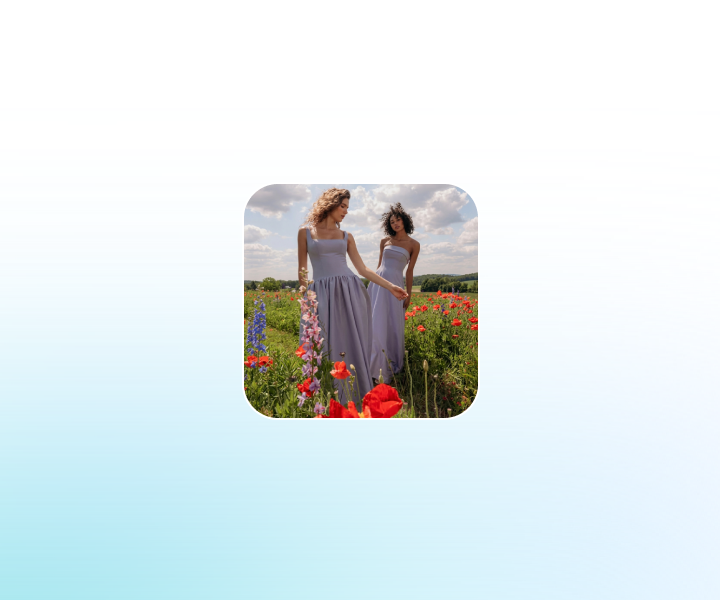
Step 1: Upload a Clear Source Image
Choose a photo, illustration, product image, or AI-generated visual with a clear subject and readable composition. Use an image you own or have permission to animate, and avoid blurry details or heavy obstructions that may confuse the motion.
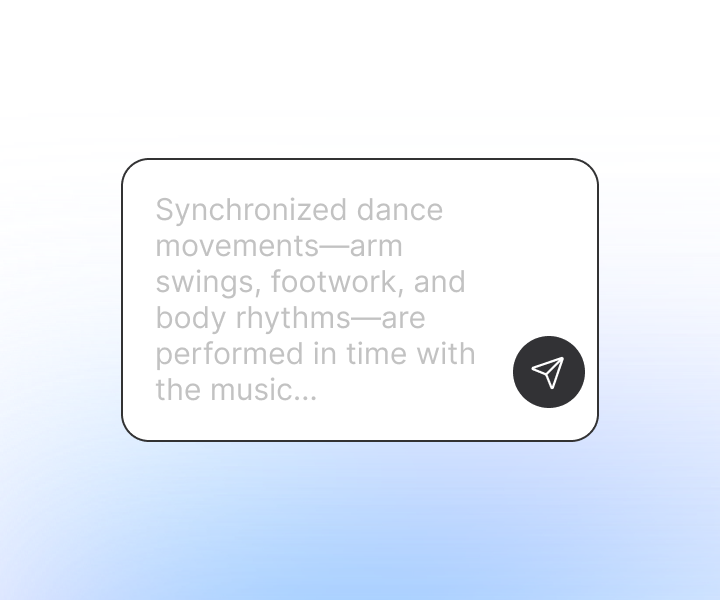
Step 2: Enter Your Prompt
Tell ChatGOAT AI what you want to see in the video, including any actions, visual details, or changes you have in mind. Then choose a video model that suits your needs.
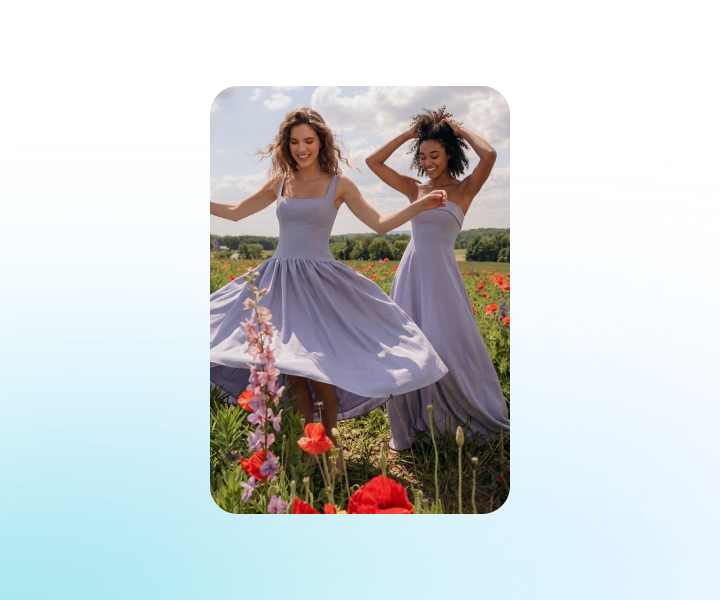
Step 3: Generate, Review, and Download
Generate the clip and check the subject, face, hands, objects, background, and camera movement. Adjust the prompt or model if needed, then download the version that best matches the original idea.
Start Using Image to Video AI on ChatGOAT AI
Upload your still image, define motion and camera movement, pick a video model, then generate and adjust your animated clip on ChatGOAT AI. Start animating photos into dynamic videos now.
See Why Users Love Our Image to Video AI Generator
See Why Users Love Our Image to Video AI Generator
I animated a product photo for a social post and only needed a short prompt to explain the camera movement. The result gave me a much stronger starting point than a static image.
I animated a product photo for a social post and only needed a short prompt to explain the camera movement. The result gave me a much stronger starting point than a static image.
Turning an illustration into a moving character scene was straightforward. I could revise the motion without learning a traditional animation timeline.

Turning an illustration into a moving character scene was straightforward. I could revise the motion without learning a traditional animation timeline.
I used the same landscape image with different video models and compared the pacing. That made it easier to find a calmer, more cinematic version.

I used the same landscape image with different video models and compared the pacing. That made it easier to find a calmer, more cinematic version.
The three-step workflow was easy to follow. I uploaded a portrait, described a subtle head turn and camera push, and refined the clip after reviewing it.
The three-step workflow was easy to follow. I uploaded a portrait, described a subtle head turn and camera push, and refined the clip after reviewing it.
I turned an old family photo into a short video just to see how it would look. Watching the people in the picture come to life was a really fun experience.

I turned an old family photo into a short video just to see how it would look. Watching the people in the picture come to life was a really fun experience.
I used a travel photo to create a short animated clip for Instagram. The process was simple, and I liked that I could get a video without spending hours editing.
I used a travel photo to create a short animated clip for Instagram. The process was simple, and I liked that I could get a video without spending hours editing.
Image to Video AI FAQs
Image to Video AI FAQs
What Is Image to Video AI?

How Does an AI Video Generator from Image Work?
What Images Work Best?
How Should I Write the Motion Prompt?
Can I Control the Camera Movement?
Can I Use an AI Video Maker from Photo for Product Content?
Can I Use AI Image to Video for People and Characters?
Why Does the Generated Motion Look Unnatural?
Can I Turn Image into Video AI Content for Social Media?
Can I Use Generated Videos Commercially?