


Powerful AI Video Models, One-Stop Video Creation
Generate videos from text prompts, static images or reference clips effortlessly. Access various AI video models and fully customize every part of your video content. Bring dynamic creative ideas to life on this all-in-one platform.



Trusted by millions of users worldwide




Create Videos with Text to Video AI
Describe a scene in ordinary language and turn it into a short video without filming every shot. ChatGOAT AI helps you shape the subject, setting, action, mood, and camera direction, then generate and refine the result in one creative workflow.
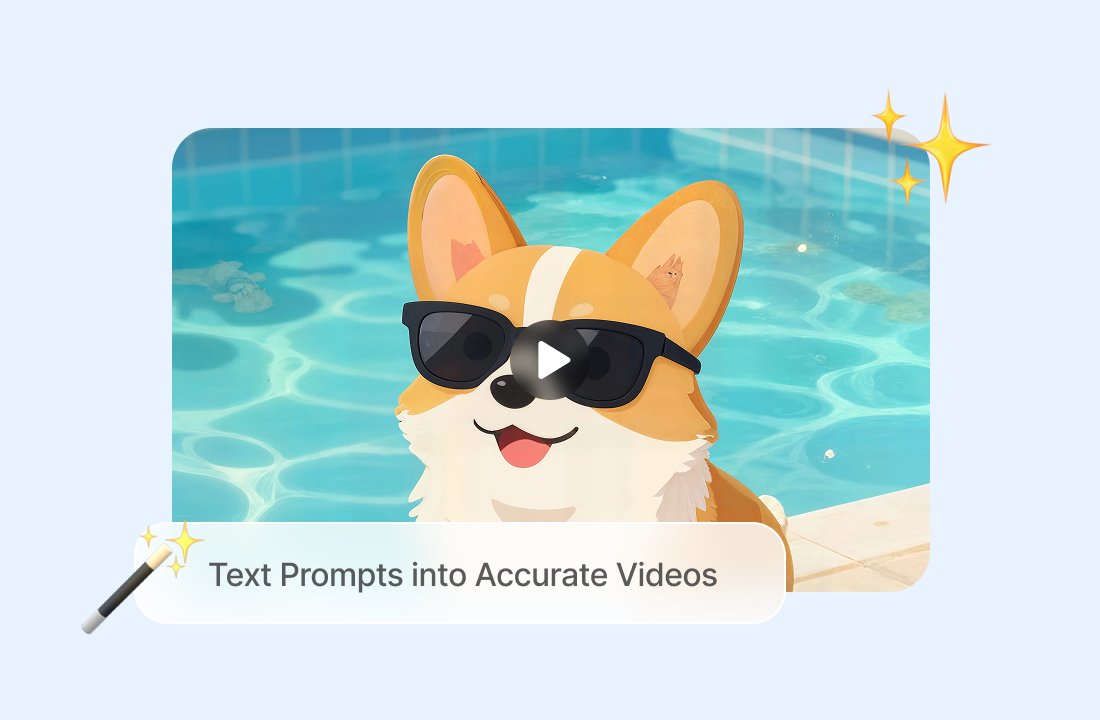
Turn Detailed Text Prompts into Accurate Videos
ChatGOAT AI understands your descriptions and turns them into videos that closely match your ideas. From characters and actions to backgrounds, lighting, and atmosphere, AI brings the details in your prompt together to create a scene that follows your creative vision. For branded content, you can also use the AI logo generator to explore logo ideas before planning your video.
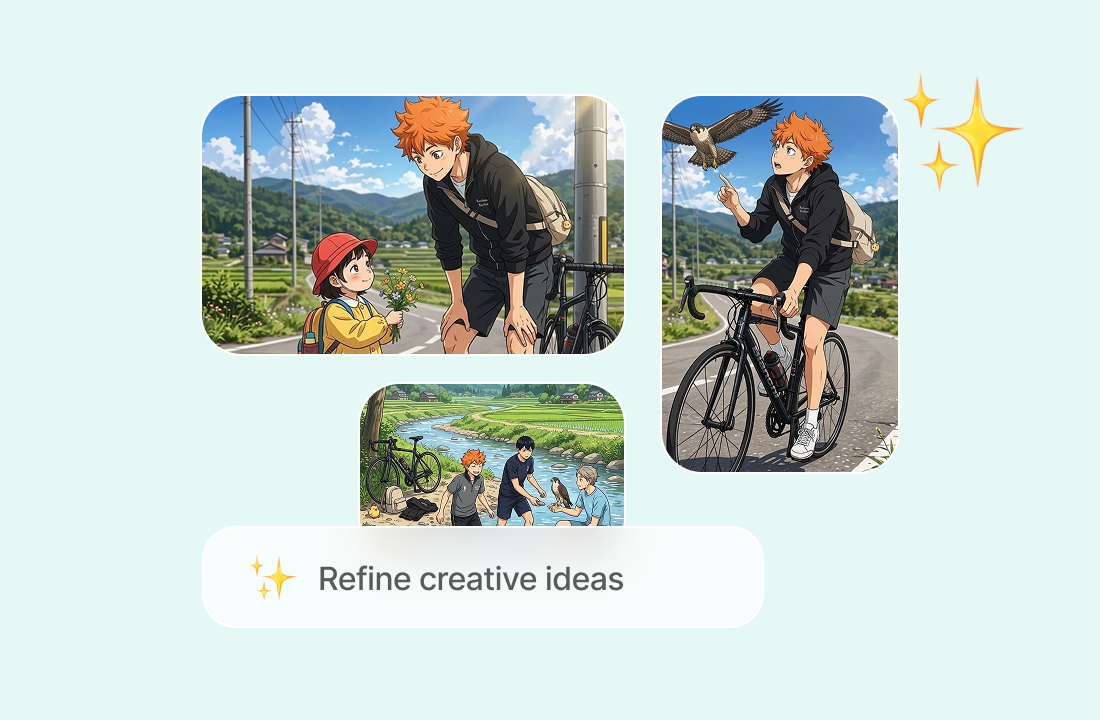
Keep Characters Consistent Across Scenes
Keep your characters recognizable as the story unfolds. ChatGOAT AI helps maintain consistent facial features, hairstyles, clothing, and other visual details across different movements and scenes, so your video feels more natural and connected.
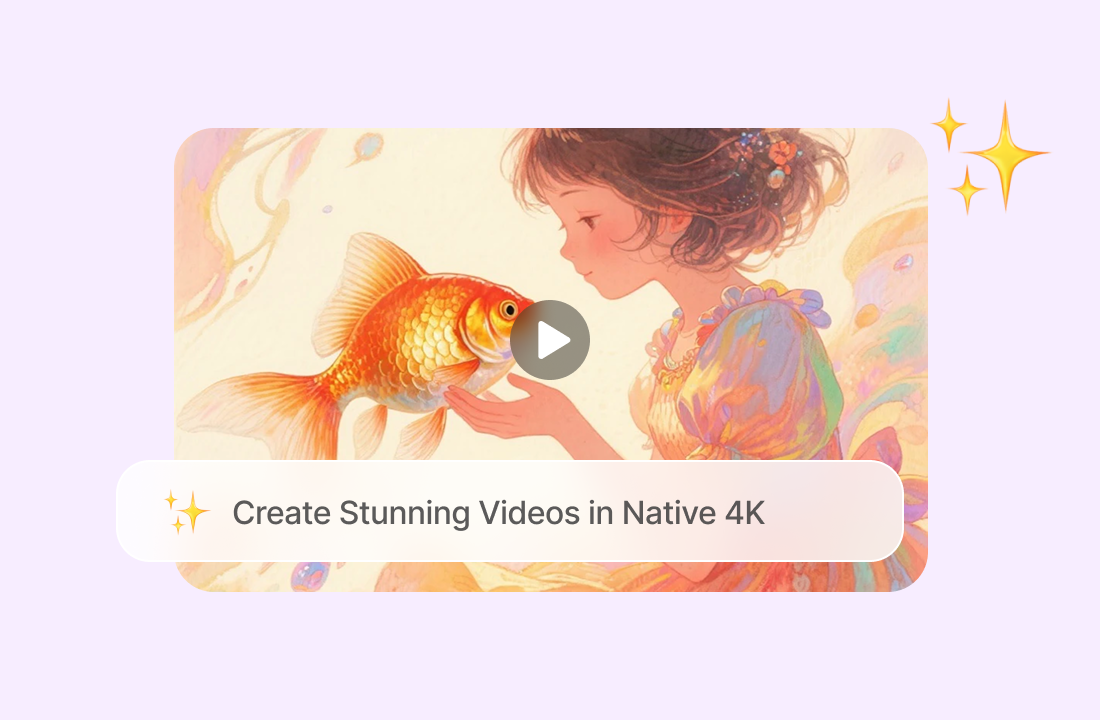
Create Stunning Videos in Native 4K
Generate videos in native 4K resolution with sharp details, rich textures, and clear visuals. From facial expressions to background details, enjoy high-quality results without relying on upscaling to achieve 4K.
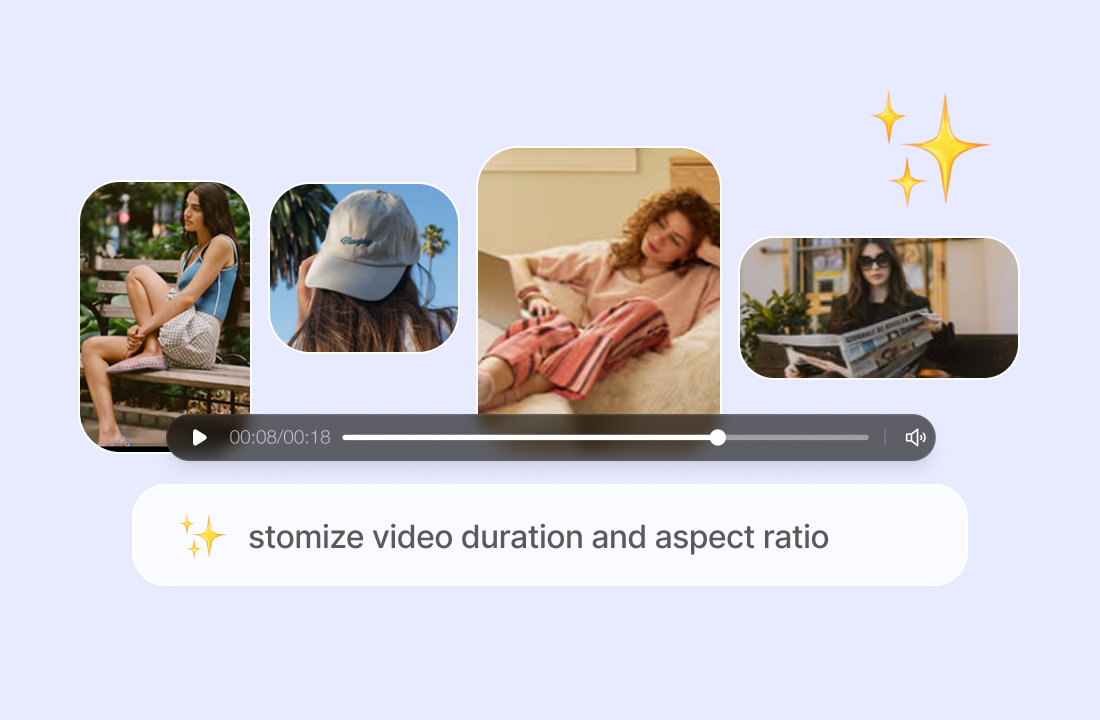
Customize Video Duration and Aspect Ratio
Choose how long your video should be and select an aspect ratio that fits your needs. Whether you're creating content for social media, presentations, or personal projects, ChatGOAT AI gives you the flexibility to generate videos in different lengths and formats.
Why ChatGOAT AI Stands Out among Text to Video Platforms
Why ChatGOAT AI Stands Out among Text to Video Platforms

Match the Video Model to the Brief
A realistic product shot, an illustrated story scene, and a fast social clip do not always benefit from the same generation approach. ChatGOAT AI lets you compare available video models and select the interpretation that best matches the brief.

Turn Feedback into a Clearer Prompt
Review the first clip as practical feedback on the prompt. Tell ChatGOAT AI which action, camera move, visual detail, or pacing choice missed the brief, then revise only those instructions instead of rebuilding the full concept.

Develop the Story before You Generate
Video generation works better when the scene has a clear purpose. The AI story continuer can help explore what happens next, strengthen a story beat, or test alternate directions before you reduce the idea to a focused video prompt.

Prepare Supporting Visuals in the Same Workspace
A video project may need more than a moving clip. Use the AI art generator to explore a visual direction, then continue shaping the wider campaign without splitting every task across unrelated services.
How to Use a Text to Video Maker
How to Use a Text to Video Maker
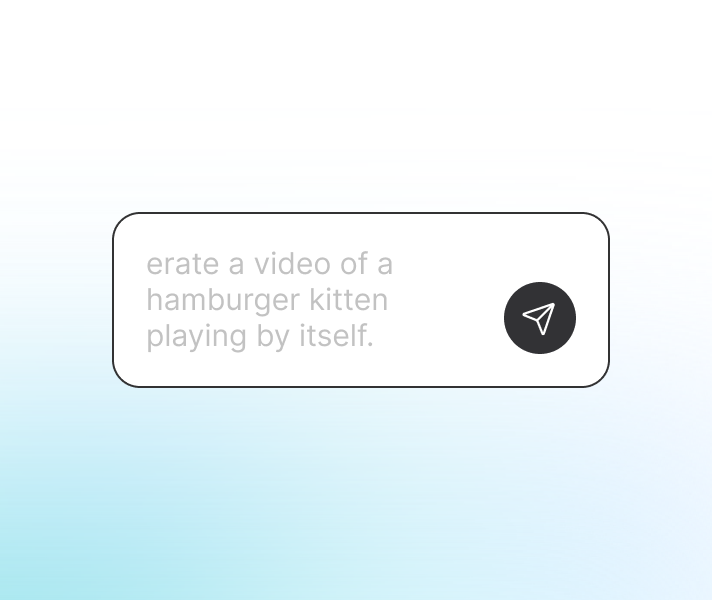
Step 1: Describe the Scene
Write what the video should show, including the subject, setting, action, mood, lighting, and visual style. Keep the main action clear, and mention important details that must remain visible.
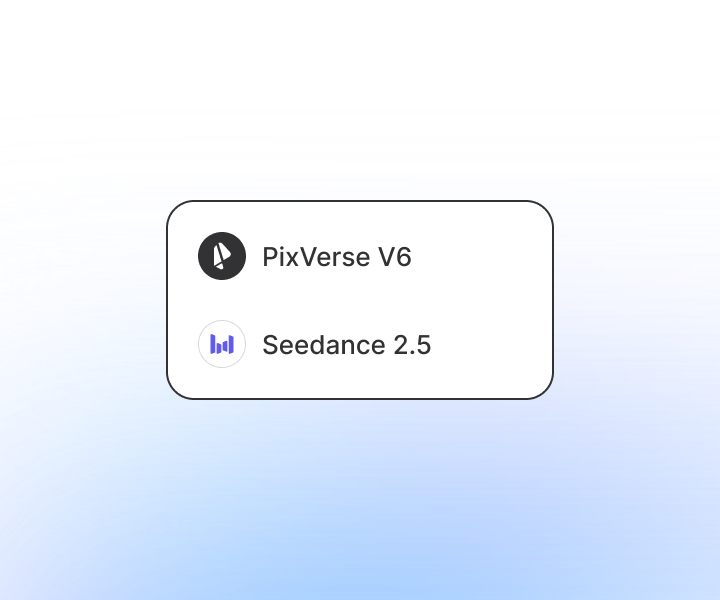
Step 2: Add Motion and Choose a Model
Specify the camera direction, pace, and movement, then choose an available model such as PixVerse V6, Seedance 2.5, or Seedance 2.0. Match the model and prompt detail to the type of clip you want to generate.
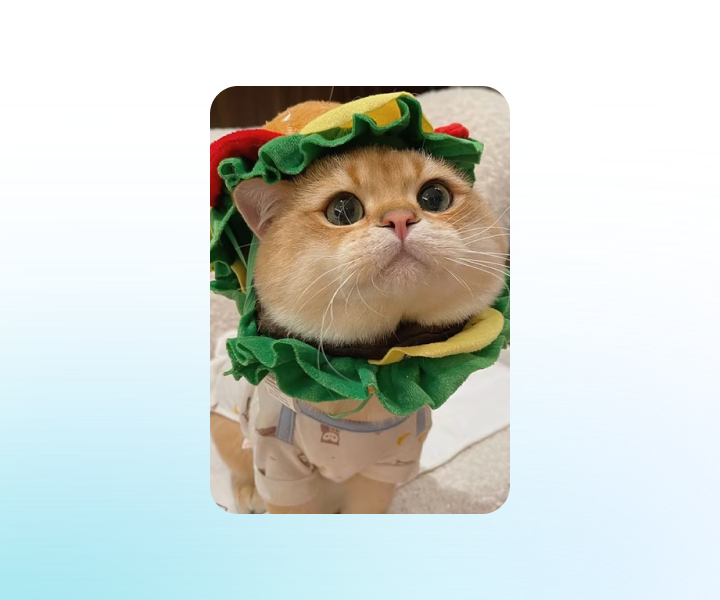
Step 3: Generate, Review, and Refine
Generate the video, then check the action, timing, framing, subject consistency, and background. Revise the prompt when needed and create another version until the result is suitable for your project.
Start Creating Text to Video Clips on ChatGOAT AI
Describe your scene, set motion and camera parameters, pick a video model, then generate and tweak your AI video within ChatGOAT AI’s creative workspace. Start turning text prompts into short video clips now.
See Why Users Choose Our Text to Video Generator
See Why Users Choose Our Text to Video Generator
I described a quiet night market scene with a slow camera move, and the first result gave me a useful visual direction. Changing two lines in the prompt helped me make the second version much closer to the mood I wanted.
I described a quiet night market scene with a slow camera move, and the first result gave me a useful visual direction. Changing two lines in the prompt helped me make the second version much closer to the mood I wanted.
The model options made it easier to compare how the same idea handled motion. I kept the prompt consistent, tried another model, and quickly saw which version suited the product concept better.

The model options made it easier to compare how the same idea handled motion. I kept the prompt consistent, tried another model, and quickly saw which version suited the product concept better.
I use it to turn short story beats into visual tests before planning a longer sequence. Keeping each prompt to one clear shot has made my results easier to review and refine.

I use it to turn short story beats into visual tests before planning a longer sequence. Keeping each prompt to one clear shot has made my results easier to review and refine.
I did not need to learn a full editing timeline just to test a social video idea. I could describe the subject, camera movement, and tone, generate the clip, and revise the wording in the same workflow.

I did not need to learn a full editing timeline just to test a social video idea. I could describe the subject, camera movement, and tone, generate the clip, and revise the wording in the same workflow.
I typed a description of a futuristic city and watched it turn into a short video. It was fun seeing an idea from my imagination come to life without needing any footage.

I typed a description of a futuristic city and watched it turn into a short video. It was fun seeing an idea from my imagination come to life without needing any footage.
I needed a quick video for a presentation but didn't have any images or clips to start with. I just described what I wanted, and the result saved me a lot of time.

I needed a quick video for a presentation but didn't have any images or clips to start with. I just described what I wanted, and the result saved me a lot of time.
Text to Video AI FAQs
Text to Video AI FAQs
What Is Text to Video AI?

How Does an AI Text to Video Generator Work?
What Should I Include in a Text to Video Prompt?
Can I Choose a Different Video Model?
What Can I Create with a Text to Video Generator?
Do I Need Video Editing Experience?
Can I Use Generated Videos Commercially?