


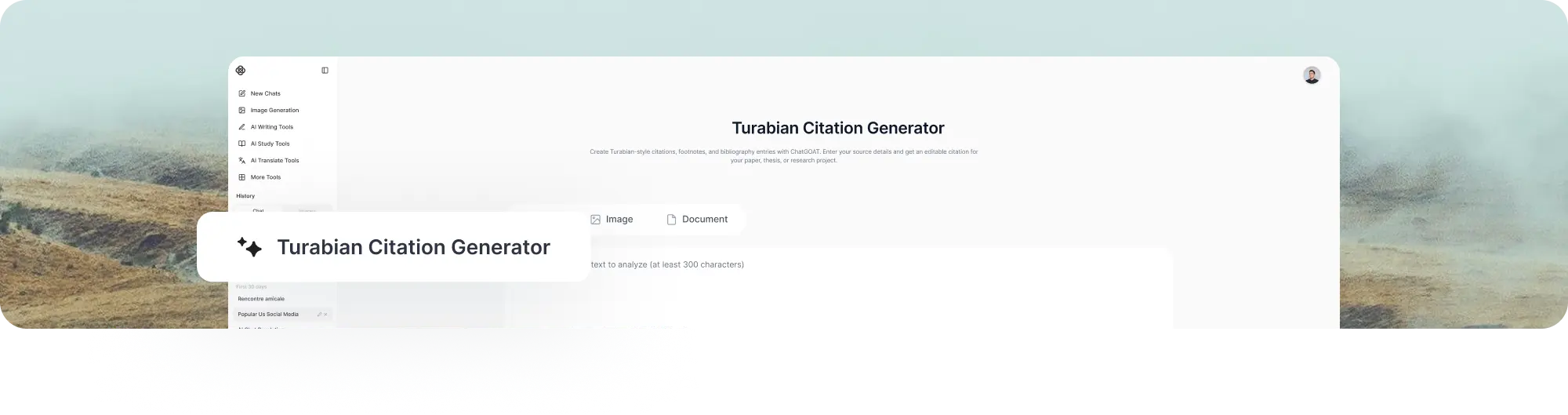
Turabian Citation Generator
Create Turabian-style citations, footnotes, and bibliography entries with ChatGOAT AI. Enter your source details and get an editable citation for your paper, thesis, or research project.
Create Turabian Citations Without Formatting Every Source by Hand
Formatting citations manually can become tedious when your research includes dozens of books, journal articles, websites, and other sources.
ChatGOAT AI helps turn the source information you already have into a structured Turabian citation. Start with a DOI, URL, title, ISBN, author information, or other publication details instead of rebuilding every reference from scratch.
Create a Turabian citation, footnote, bibliography entry, or Author-Date reference, then review and edit the result before using it in your paper.
Whether you are writing a history paper, humanities essay, thesis, dissertation, or research project, ChatGOAT gives you a faster starting point for citation formatting.
Choose the Turabian Citation System You Need
Before creating a Turabian citation, check which citation system your assignment requires. Turabian uses two main systems: Notes and Bibliography and Author-Date.
Notes and Bibliography
The Notes and Bibliography system uses numbered footnotes or endnotes to connect sources to your paper, with a bibliography at the end.
It is commonly used in:
- History
- Literature
- Arts and humanities
- Religious studies
A source may appear as a full note the first time you cite it, followed by a shortened note when you cite the same source again.
Author-Date
The Author-Date system uses the author's last name and publication year in the text, with full source information provided in a reference list.
For example:
(Kitamura 2017, 25)
This system is more common in scientific and social science writing, although the requirements can vary by department or institution.
Not sure which system to use? Check your instructor's guidelines before generating your citations.
From Source Details to a Ready-to-Review Citation
Once you know which system to use, ChatGOAT helps turn the source information you already have into a structured citation.
Start with the Information You Have
You do not need to reconstruct a complete reference before getting started.
Enter a DOI, URL, title, ISBN, author information, or publication details. ChatGOAT works from the information available and helps organize it into a Turabian-style citation.
Choose the Format Your Paper Requires
Depending on your assignment, you can work with:
- Full footnotes
- Shortened footnotes
- Bibliography entries
- Author-Date citations
- Reference list entries
This makes ChatGOAT useful as both a Turabian footnote generator and a Turabian bibliography generator, rather than limiting you to a single citation format.
Review and Refine
Generated citations should be treated as an editable starting point.
Compare the result with the original source and check author names, titles, publication information, page numbers, URLs, and other details before submitting your paper.
Example: Create a Turabian Citation from a Book
Books are common sources in Turabian-style academic writing and are useful for seeing how the same source changes across citation formats.
Source
The Making of the Modern Middle East
Jeremy Bowen
Vintage, 2023
Turabian Full Footnote
Jeremy Bowen, The Making of the Modern Middle East (New York: Vintage, 2023), 45.
Turabian Bibliography Entry
Bowen, Jeremy. The Making of the Modern Middle East. New York: Vintage, 2023.
Author-Date Reference
Bowen, Jeremy. 2023. The Making of the Modern Middle East. New York: Vintage.
The appropriate format depends on whether your paper uses Notes and Bibliography or Author-Date.
Cite Books, Articles, Websites, and More
A Turabian citation changes depending on the source you are documenting. ChatGOAT AI can help organize information for common academic and research sources.
Books and Ebooks
Format authors, titles, publication information, editions, and other relevant details.
Journal Articles
Organize article titles, journal names, volume and issue numbers, publication dates, page ranges, DOI, or URL.
Websites and Online Sources
Create citations using information such as the author, page title, website name, publication date, access date, and URL when required.
Book Chapters
Format chapter authors, chapter titles, editors, book information, and page ranges.
Academic and Research Sources
Work with dissertations, theses, reports, conference materials, and other scholarly references using the information available for each source.
See the Difference in Turabian Formatting
Manually formatted references can easily lose punctuation, author order, publication details, or other style elements.
Before
Bowen Jeremy The Making of the Modern Middle East Vintage 2023
After
Bowen, Jeremy. The Making of the Modern Middle East. New York: Vintage, 2023.
A Turabian citation is more than a list of source details. The style uses specific conventions for author names, titles, publication information, notes, and bibliography entries.
ChatGOAT helps structure the information you provide into an editable citation that you can review and refine before using it.
Why Use ChatGOAT AI for Turabian Citations?

Start with the Source Details You Already Have
Use a DOI, URL, title, ISBN, author, or other available information instead of manually reconstructing the entire citation.
Create Different Citation Forms
A single source may need a full footnote, shortened note, bibliography entry, or Author-Date reference. ChatGOAT helps you work with the format your paper requires.
Keep Your Citations Editable
You stay in control of the final reference. Review the generated information, correct source details, and make adjustments when your assignment has specific requirements.
Support the Rest of Your Research Workflow
Citation formatting is only one part of an academic project. ChatGOAT can also help you research topics, organize ideas, and develop longer assignments.
For larger projects, use the AI schedule maker to plan research tasks, organize deadlines, and keep your academic work on track.
How to Create a Turabian Citation with ChatGOAT

Step 1: Add Your Source
Enter a DOI, URL, title, ISBN, author information, or other available source details.
Step 2: Select Your Citation System
Determine whether your assignment requires Notes and Bibliography or Author-Date.
Step 3: Generate Your Citation
Let ChatGOAT organize the available source information into the format you need.
Step 4: Review and Use
Compare the result with the original source, make any necessary corrections, and add the citation to your paper.
When to Use a Turabian Citation Generator
History Papers
Create footnotes and bibliography entries for books, archival materials, journal articles, and other historical sources.
Humanities Research
Format sources for literature, philosophy, religious studies, arts, and other humanities assignments.
College Research Papers
Reduce repetitive citation formatting when working with multiple sources in a research paper.
Theses and Dissertations
Manage citations across long academic projects with multiple chapters and extensive bibliographies.
Academic Writing and Research
Use Turabian-style citations when your instructor or institution requires the Turabian manual for research papers and scholarly work.
Make Research and Writing Easier with ChatGOAT AI
Citation formatting is only one step in completing an academic project.
You may also need to research a topic, compare information, organize your ideas, draft sections, and turn your notes into a complete paper.
Use AI chat to explore research questions, clarify ideas, and work through academic content.
For larger projects, the AI report generator can help turn your notes and research into a structured report.
FAQ
1. What is a Turabian citation generator?
A Turabian citation generator is a tool that formats source information according to Turabian citation conventions. It can help create notes, bibliography entries, and Author-Date citations for academic writing.
2. What are the two Turabian citation systems?
Turabian has two main citation systems: Notes and Bibliography and Author-Date. Notes and Bibliography uses numbered footnotes or endnotes with a bibliography, while Author-Date uses parenthetical author-year citations with a reference list.
3. Which Turabian citation system should I use?
The right system depends on your course, field, and instructor's requirements. Notes and Bibliography is commonly used in the humanities, while Author-Date is more common in sciences and social sciences. Always follow the requirements provided for your assignment.
4. Can ChatGOAT generate Turabian footnotes and bibliography entries?
Yes. ChatGOAT can help create full footnotes, shortened notes, and bibliography entries for the Notes and Bibliography system. You can review and edit the result before using it in your paper.
5. Can I create a Turabian citation from a DOI or URL?
Yes. You can start with a DOI, URL, title, ISBN, author information, or other available source details. The information required depends on the source type and citation system.
6. What types of sources can I cite in Turabian style?
Turabian can be used for many sources, including books, journal articles, book chapters, websites, reports, theses, dissertations, and conference materials. Different source types require different citation details.
7. What is the difference between a Turabian footnote and a bibliography entry?
A footnote identifies a source where it is cited in your paper and can include a specific page number. A bibliography entry provides fuller publication information and is generally listed alphabetically. The two formats use different author and publication conventions.
8. Is Turabian the same as Chicago style?
Turabian and Chicago are closely related. Turabian is designed specifically for student research papers, theses, and dissertations, while The Chicago Manual of Style is broader in scope. Their citation systems are closely aligned.
9. What is the current edition of Turabian?
The current edition of A Manual for Writers of Research Papers, Theses, and Dissertations is the 9th edition, published in 2018. Always check whether your institution or instructor has additional requirements.
10. Can ChatGOAT check an existing Turabian citation?
Yes. You can provide an existing citation and ask ChatGOAT to review its structure, formatting, and available source information. You should still compare the result with the original source and your required Turabian guidelines.
11. Is ChatGOAT's Turabian citation generator free?
You can try ChatGOAT's Turabian Citation Generator for free to create and review citations. Usage limits and additional features may vary depending on your account or plan.