


AI Mind Map Generator
Turn a topic, rough idea, or set of notes into a clear hierarchy of connected points. ChatGOAT AI helps you build and refine mind maps for brainstorming, learning, planning, research, and everyday problem-solving.
What Is an AI Mind Map Generator?
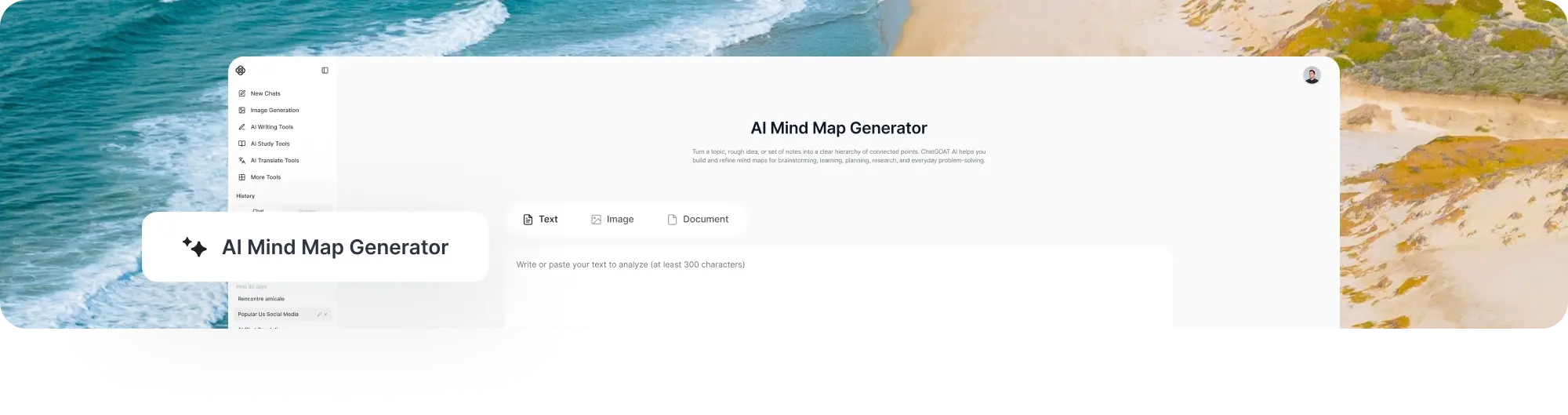
An AI mind map generator is a tool that organizes information around a central topic and divides it into related branches and subtopics. Instead of deciding every category and connection manually, you can describe what you are working on and receive a structured starting point.
A mind map usually begins with one central idea. Main branches represent the most important themes, while smaller branches add explanations, examples, tasks, questions, or supporting details. This visual hierarchy can make a complicated subject easier to understand than a long, unstructured list.
An AI mind map maker can also help expand an incomplete idea, reorganize confusing notes, or reduce a large topic to its essential parts. The suggested structure should still be reviewed because AI may misunderstand relationships, leave out important information, or give too much attention to a minor point.
How to Use ChatGOAT AI’s AI Mind Map Generator
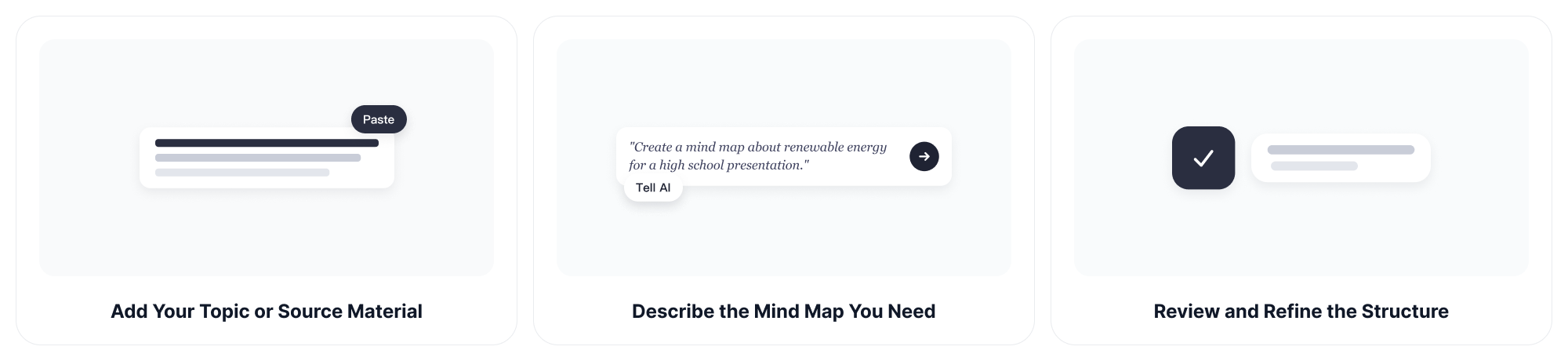
Step 1: Add Your Topic or Source Material
Enter a topic, question, project, lesson, or problem you want to organize. You can paste notes directly or provide readable source material when more context is needed.
Useful starting points include:
- A research question
- Lecture or meeting notes
- A product idea
- A project brief
- A book chapter
- A content plan
- A travel itinerary
- A list of scattered thoughts
Step 2: Describe the Mind Map You Need
Tell ChatGOAT AI the purpose, audience, desired depth, and any branches that must be included. A specific prompt usually produces a more useful structure than a single broad keyword.
Example prompts:
- "Create a mind map about renewable energy for a high school presentation."
- "Organize these meeting notes into goals, decisions, tasks, owners, and deadlines."
- "Build a concept map showing the relationships between photosynthesis, cellular respiration, energy, and carbon dioxide."
- "Turn this product launch idea into research, positioning, content, promotion, budget, and measurement branches."
- "Create a three-level mind map from these study notes."
- "Keep each node short enough to scan quickly."
Step 3: Review and Refine the Structure
Check whether the main branches are distinct, logically arranged, and relevant to your goal. Remove repeated points, rename vague nodes, and verify facts against the original material.
You can then ask ChatGOAT AI to expand one branch, shorten every node, change the hierarchy, add missing connections, or turn the map into another format. Refining one section at a time is often easier than regenerating the entire structure.
What Can an AI Mind Map Maker Create?
Brainstorming Mind Maps
Start with an early idea and explore possible directions without forcing everything into a linear outline. Branches can cover goals, audiences, opportunities, risks, questions, resources, and next steps.
For example, a mind map for a new podcast could include audience, themes, episode ideas, guests, equipment, promotion, and publishing schedule.
Study and Revision Maps
Turn class notes, reading material, or a difficult topic into a layered study map. Begin with the main subject, separate it into major concepts, and add definitions, examples, formulas, dates, or questions beneath each branch.
When you need a more linear exam-preparation resource after mapping the topic, the AI study guide maker can help turn the same material into organized review sections.
Concept Maps
A concept map focuses on relationships between ideas rather than only placing information into categories. It can show causes, effects, dependencies, contrasts, sequences, and shared characteristics.
For example, a climate-change concept map may connect greenhouse gases with energy use, land-use change, temperature increases, ecosystem effects, policy responses, and individual actions.
If you want to create a concept map online for free, explain the relationships you want to show instead of listing terms without context. Clear relationship instructions help ChatGOAT AI organize the concepts more accurately.
Project Planning Maps
Break a project into scope, deliverables, people, deadlines, dependencies, risks, and communication. A mind map is useful during the early planning stage because it reveals missing areas before the details are moved into a schedule or task tracker.
Example branches for a website launch could include research, content, design, development, testing, analytics, promotion, and post-launch maintenance.
Research Maps
Organize a broad research subject into questions, themes, sources, evidence, competing arguments, gaps, and possible conclusions. This can help researchers see where different pieces of information belong before writing a report.
AI-generated relationships are suggestions, not evidence. Check quotations, statistics, publication details, and academic claims against reliable sources.
Meeting and Workshop Maps
Convert discussion notes into topics, decisions, unresolved questions, action items, owners, and follow-up dates. Separating decisions from ideas prevents important tasks from disappearing inside a long transcript.
Do not upload confidential meeting material unless its use complies with your organization’s privacy and AI policies.
Content Planning Maps
Plan an article, video series, course, campaign, or social content calendar. A central theme can branch into audience needs, keywords, formats, examples, distribution channels, and calls to action.
For an article about remote work, branches might cover productivity, communication, home-office setup, management, employee well-being, security, and future trends.
Comparison Maps
Compare products, strategies, theories, destinations, or decisions using the same criteria. Create one branch for shared evaluation factors and separate branches for the available options.
A software comparison map might include price, ease of use, integrations, security, support, limitations, and best-fit users.
Personal Planning Maps
Use a mind map for career planning, travel, event preparation, goal setting, decision-making, or learning a new skill. For a trip, branches could include transport, accommodation, daily activities, budget, food, documents, and packing.
Hierarchical Outlines
Ask the AI mind map generator to present the map as an indented text hierarchy when you need something easy to copy into a document. The same structure can later become an article outline, presentation plan, task list, or study guide.
Why Choose ChatGOAT AI’s AI Mind Map Generator?
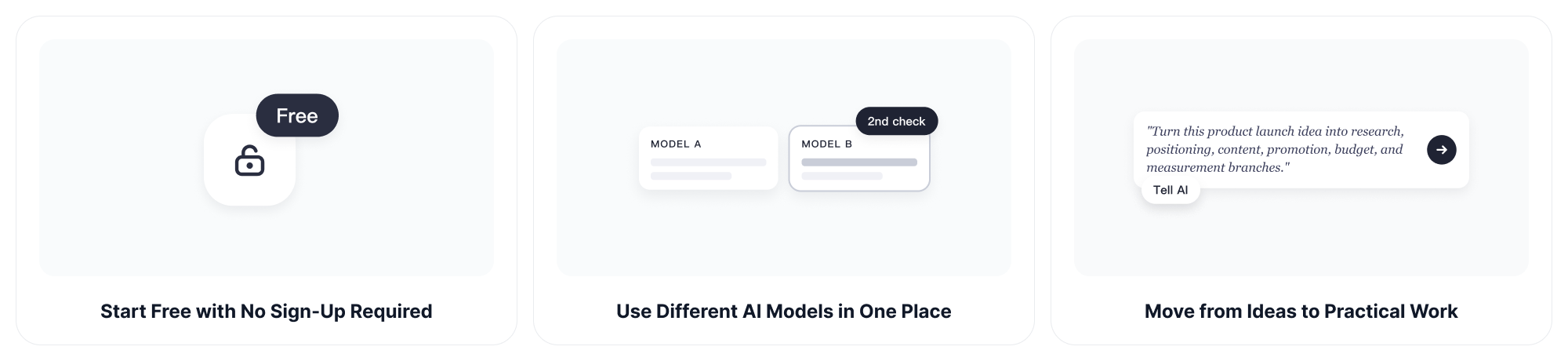
Start Free with No Sign-Up Required
ChatGOAT AI offers a free way to begin working online. You can start organizing an idea without creating an account first, making it convenient for quick planning and everyday tasks.
Work without Distracting Ads
ChatGOAT AI provides an ad-free experience, so you can focus on the topic, ask follow-up questions, and refine the structure without advertising interrupting the workflow.
Use Different AI Models in One Place
Different models may organize the same topic in different ways. ChatGOAT AI gives you access to multiple AI models in one platform, allowing you to try another approach when the first hierarchy is too broad, too detailed, or missing an important perspective.
For a complex plan or long source document that requires careful multi-step reasoning, GPT-5.6 Sol can help analyze the material before you finalize the map.
Move from Ideas to Practical Work
ChatGOAT AI combines tools for work, study, writing, images, translation, and analysis. After organizing the initial idea, you can continue developing the same project instead of treating the mind map as the final step.
Refine the Result through Conversation
You are not limited to accepting one static output. Ask ChatGOAT AI to explain a connection, expand a branch, reduce the number of levels, rewrite node labels, or reorganize the map for a different audience.
Who Can Use an AI Mind Map Generator?
Students
Organize lessons, reading assignments, exam topics, essay ideas, and group projects. A mind map can reveal how definitions, examples, dates, formulas, and arguments relate to the main subject.
Teachers and Tutors
Create lesson overviews, discussion plans, concept explanations, revision materials, and classroom activities. Review the structure and facts before sharing the map with students.
Researchers
Map research questions, literature themes, evidence, methods, disagreements, and gaps. The structure can support early exploration, but it does not replace reading or citing the original sources.
Writers and Content Creators
Develop article outlines, story ideas, video plans, course modules, and campaign themes. Branching makes it easier to see whether a topic has enough depth before drafting begins.
Project Managers and Teams
Explore scope, stakeholders, tasks, dependencies, risks, and deliverables during early planning. Once the structure is approved, the AI spreadsheet generator can help convert tasks and deadlines into a more detailed tracker.
Business Owners and Marketers
Plan products, customer journeys, marketing campaigns, sales processes, competitor research, and operational improvements. Use separate branches to keep strategy, execution, budget, and measurement connected.
Designers and Product Teams
Organize user needs, feature ideas, navigation, feedback, research findings, and possible solutions before moving into design or development.
Anyone with Too Many Scattered Ideas
Use an AI mind map generator when a blank page feels difficult or a list has become too long to understand. You do not need professional diagramming experience to create a useful first structure.
AI Mind Map Generator FAQs
What Is an AI Mind Map Generator?
An AI mind map generator turns a topic, prompt, or set of notes into a structured hierarchy with a central idea, main branches, and supporting subtopics.
How Does an AI Mind Map Maker Work?
It analyzes the meaning of the input, identifies important themes, groups related information, and proposes a branch structure. You can then review and refine the organization.
Can I Create a Free Mind Map with ChatGOAT AI?
Yes. ChatGOAT AI offers free access for getting started with everyday AI tasks. Usage availability may depend on the selected feature or model.
Do I Need to Sign Up First?
No. You can begin using ChatGOAT AI without signing up. An account or paid plan may be needed for certain advanced features or additional usage.
What Should I Include in a Mind Map Prompt?
Include the central topic, purpose, intended audience, required branches, preferred depth, and any source information that the map must follow.
Can I Turn Notes into a Mind Map?
Yes. Paste the notes and ask ChatGOAT AI to group them into a central topic, main categories, and supporting details. Check the result against the original notes for omissions.
Can I Create a Concept Map Online for Free?
Yes. Describe the concepts and explain the relationships you want to show, such as causes, effects, dependencies, similarities, or contrasts. ChatGOAT AI can help organize them into a concept-map structure.
What Is the Difference Between a Mind Map and a Concept Map?
A mind map usually starts with one central topic and expands outward through a hierarchy. A concept map may connect several ideas through labeled relationships and does not always follow a single radial structure.
Can an AI Mind Map Generator Summarize a Long Text?
It can identify important themes and organize them into branches. Important facts, quotations, and conclusions should still be checked against the source text.
Can It Expand One Branch without Changing the Rest?
Yes. Specify the branch you want to develop and ask for additional subtopics, examples, questions, or action items while keeping the remaining structure unchanged.
Can I Use It for Project Planning?
Yes. Create branches for objectives, scope, deliverables, stakeholders, tasks, deadlines, dependencies, risks, and resources. Move confirmed tasks into a dedicated project tracker afterward.
Can I Use It for Studying?
Yes. Mind maps can organize key concepts, definitions, examples, dates, formulas, and relationships into a format that is easier to review.
Does the AI Mind Map Generator Verify Facts?
No. It helps organize information but may produce inaccurate or incomplete content. Verify important facts, statistics, citations, and technical claims independently.
Is an AI Mind Map Better than a Manual Mind Map?
AI is useful for creating a fast first structure and suggesting missing branches. Manual editing is still important when the map depends on personal priorities, specialist knowledge, or precise relationships.