


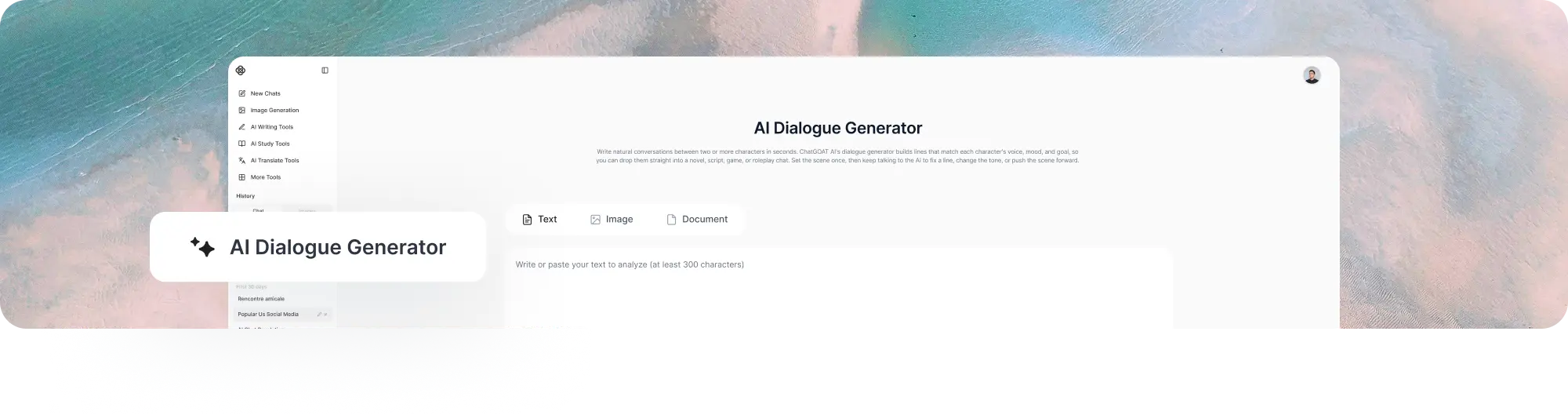
AI Dialogue Generator
Write natural conversations between two or more characters in seconds. ChatGOAT AI's dialogue generator builds lines that match each character's voice, mood, and goal, so you can drop them straight into a novel, script, game, or roleplay chat. Set the scene once, then keep talking to the AI to fix a line, change the tone, or push the scene forward.
What Is an AI Dialogue Generator?
An AI dialogue generator is a tool that writes back-and-forth conversation between characters based on the details you give it, such as who is speaking, what they want, and how the scene should feel. Instead of staring at a blank page trying to make two characters sound different from each other, you describe the scene and let the AI write a first draft.
Dialogue is one of the hardest parts of writing. It has to sound like real speech, carry the plot forward, and still sound different for every character. ChatGOAT AI handles the first draft so you can focus on shaping it into the voice you want.
Example:
Scene | Speaker A | Speaker B Job interview gone wrong | "So, tell me about your greatest weakness." | "Honestly? I'm listening to this question right now." Two spies who used to date | "You're late." | "I was never on your side of the clock." Parent catching a kid sneaking in | "Where were you?" | "Studying. At a friend's house. That has a nightclub inside it, apparently."
How to Use ChatGOAT AI Dialogue Generator
Step 1: Describe the Scene
Give a short setup: where the conversation happens, what just happened, and what each character wants from it.
Step 2: Add Your Characters
Type in two or more names. Add a short personality note for each one, such as "sarcastic detective" or "nervous new employee," so the AI keeps their voices apart.
Step 3: Pick a Tone and Format
Choose a tone like dramatic, funny, tense, romantic, or professional. Pick a format too: screenplay style, novel-style prose with dialogue tags, or a plain chat-style exchange.
Step 4: Generate and Refine
Select generate to get your first draft, then keep the conversation going with follow-up requests:
What Can ChatGOAT AI Dialogue Generator Create?
Screenplay and Script Dialogue
Generate dialogue formatted with character names, parentheticals, and stage directions, ready to paste into a script or shooting draft.
Novel and Short Story Dialogue
Create dialogue written as prose, with dialogue tags and small actions between lines, so it reads like part of a finished chapter.
Game and NPC Dialogue
Write branching or single-path conversation lines for non-player characters, quest givers, or in-game companions. Give a character a personality once, and the AI keeps that voice consistent across every new line you generate.
Roleplay and Chat-Style
Dialogue Build message-style exchanges for roleplay threads, chatbot testing, or practicing how a conversation between two personas might go.
Multilingual Dialogue
Generate a conversation in one language, then ask ChatGOAT AI to rewrite the same scene in another language while keeping the same tone and meaning.
Training and Practice
Dialogue Create sample conversations for language practice, customer service training, interview prep, or testing how a chatbot should respond in different situations.
Dialogue Formats ChatGOAT AI Supports
Most dialogue tools only give you one output style. ChatGOAT AI can switch between formats on request, so the same scene can fit whatever project you're working on:
● Script format, with character names in caps and dialogue below each name
● Prose format, with quotation marks, dialogue tags, and short action beats
● Chat format, styled like a text message or messaging app thread
● Branching format, with two or more reply options for a character at a decision point
Why Choose ChatGOAT AI?
Many dialogue generators are single-purpose scripts: enter a topic, get one result, start over if it misses the mark. ChatGOAT AI is a full AI platform, and the dialogue generator is one part of it. That changes how the tool actually works for you.
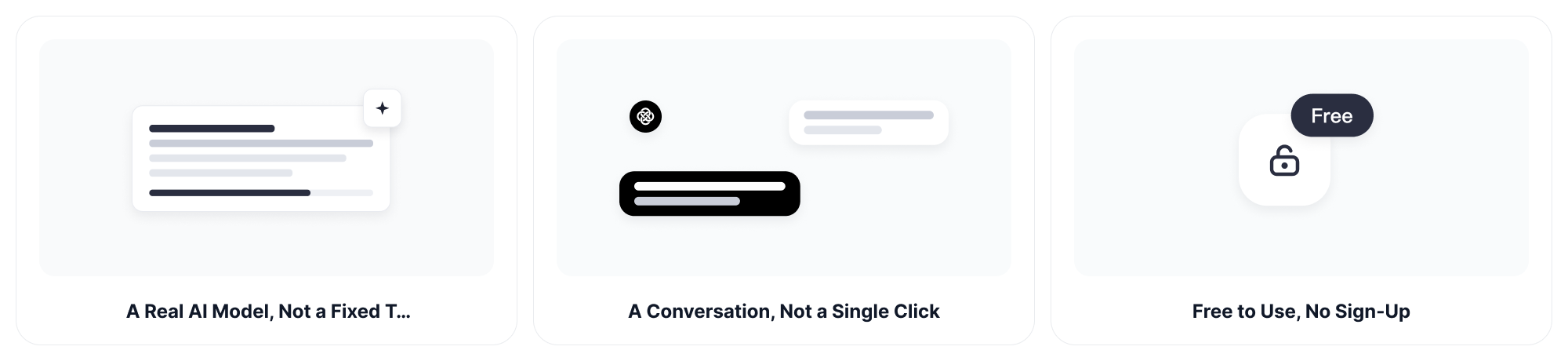
A Real AI Model, Not a Fixed Template
Many tools pull from a set list of stock phrases, so similar setups produce similar lines. ChatGOAT AI runs on real language models, so it can write dialogue for situations, character pairs, and tones it has never seen before, instead of reshuffling stored text.
A Conversation, Not a Single Click
Most generators give you one result and stop. With ChatGOAT AI, that result is the start of a conversation. Ask it to rewrite a line, explain a character's motivation, add subtext, or continue the scene from where it left off.
Built-In Language Switching
Ask for the same scene in another language without starting over. This is useful for bilingual projects, translated scripts, or language learners practicing conversation.
One Account, Every Writing Tool You Need
The same ChatGOAT AI account also gives you AI writing, editing, and roleplay tools. A dialogue exchange that works can grow into a full scene, a story chapter, or a roleplay thread without switching sites or losing your context.
Free to Use, No Sign-Up
Required Generate dialogue right away without creating an account or entering payment details.
Tips for Getting Better AI-Generated Dialogue
Give Each Character a Goal A character who wants something specific, like getting out of trouble or getting an answer, produces more natural dialogue than a character with no clear motivation.
’
1. Describe Voice, Not Just Personality
"Talks in short sentences and avoids eye contact" gives the AI more to work with than just "shy."
2. Ask for Subtext
If a line feels too on-the-nose, ask the AI to write it so the character says less than they mean, and let the tension carry the scene instead.
3. Regenerate in Small Pieces
Instead of regenerating an entire scene, ask for a rewrite of just one line or one exchange. This keeps the parts that are already working.
4. Read It Out Loud
AI-written dialogue, like any dialogue, should sound natural when spoken. If a line is hard to say out loud, ask the AI to shorten it or break it into two lines.
Who Can Use an AI Dialogue Generator?
Novelists and Short Story Writers
Draft a rough exchange to test how two characters sound together before writing the full scene. Once a scene idea clicks, move to the AI story writer to build it into a full chapter.
Screenwriters
Generate a first pass at a scene in proper script format, then rewrite it in your own voice.
Game Writers and Designers
Write NPC lines, quest dialogue, or branching conversation trees without hand-writing every possible reply.
Roleplayers
Test how a character pairing might talk before starting a longer roleplay thread. Continue a strong opening line with AI roleplay chat.
Language Learners and Teachers
Generate sample conversations at a chosen difficulty level to practice reading, speaking, or listening in a new language.
Content Creators
Build short, dialogue-driven skits, memes, or social posts without writing every line from scratch.
AI Dialogue Generator FAQ
What Is an AI Dialogue Generator?
It is a tool that writes conversation between two or more speakers based on a scene, character details, and a tone you choose. It gives you a first draft you can use as-is or edit further.
Is AI-Generated Dialogue Good Enough to Use Directly?
It depends on the project. Many people use AI dialogue as a fast first draft, then edit it to match their own style. For quick content like memes or practice conversations, the raw output is often good enough on its own.
Can I Control How Each Character Sounds?
Yes. Add a short personality or speaking-style note for each character, and ChatGOAT AI will keep that voice consistent through the scene.
Can I Generate Dialogue in a Specific Format, Like a Screenplay?
Yes. Ask for script format, novel-style prose, or chat-style messages, and the AI will format the output to match.
Can I Write Dialogue in a Language Other Than English?
Yes. You can generate dialogue directly in another language, or generate it in English first and ask for a version in a different language.
Does the Tool Remember My Characters for Later Scenes?
Within the same conversation, yes. Keep describing the same characters, and ChatGOAT AI will keep their voices consistent across new scenes you generate.
Can I Use This for Chatbot or NPC Training Data?
Yes. You can generate sample exchanges to test how a chatbot or in-game character should respond in different situations.
Is ChatGOAT AI Dialogue Generator Free?
ChatGOAT AI may offer free access or usage options according to the current product experience. Check the tool page for the latest availability and account requirements.