





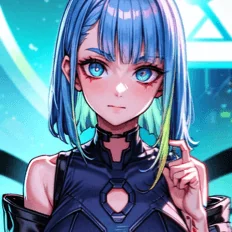
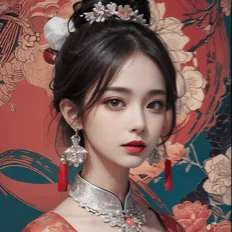
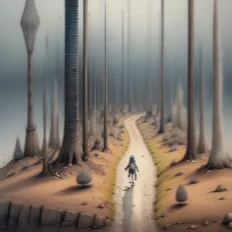
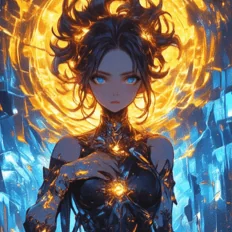
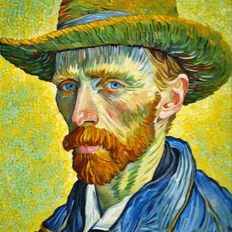
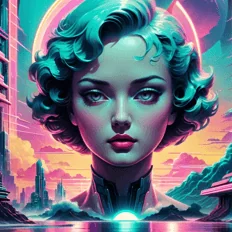
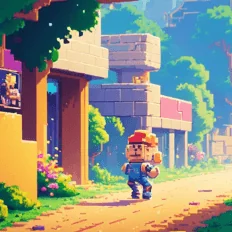
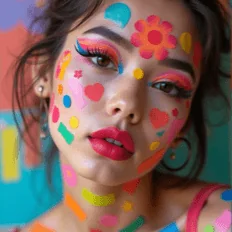
Top-tier AI models, one-stop drawing
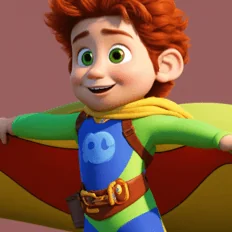
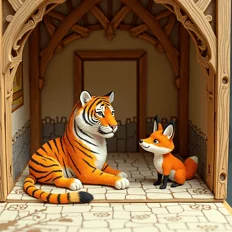
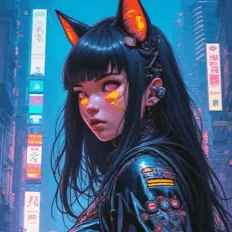
Seamlessly use cutting-edge models like Nano-Banana 2, Nano-Banana 2.1, Nano-Banana Pro 2 without switching applications. From initial sketches to final masterpieces, realize limitless creativity on one platform.



Trusted by millions of users worldwide



Create Polished AI Images with Nano Banana Pro 2
Try Nano Banana Pro 2 on ChatGOAT AI. Create polished AI images from a clear idea, a photo reference, or a detailed creative brief. With Nano Banana Pro 2 on ChatGOAT AI, you can generate new visuals, edit existing images, and combine references into one cohesive result.
Context-Aware Visuals
A strong image needs a setting that makes sense. Nano Banana Pro 2 helps connect a subject with its environment, objects, materials, and visual relationships, so a travel scene, product setup, or educational illustration can feel more intentional.
Try It for Free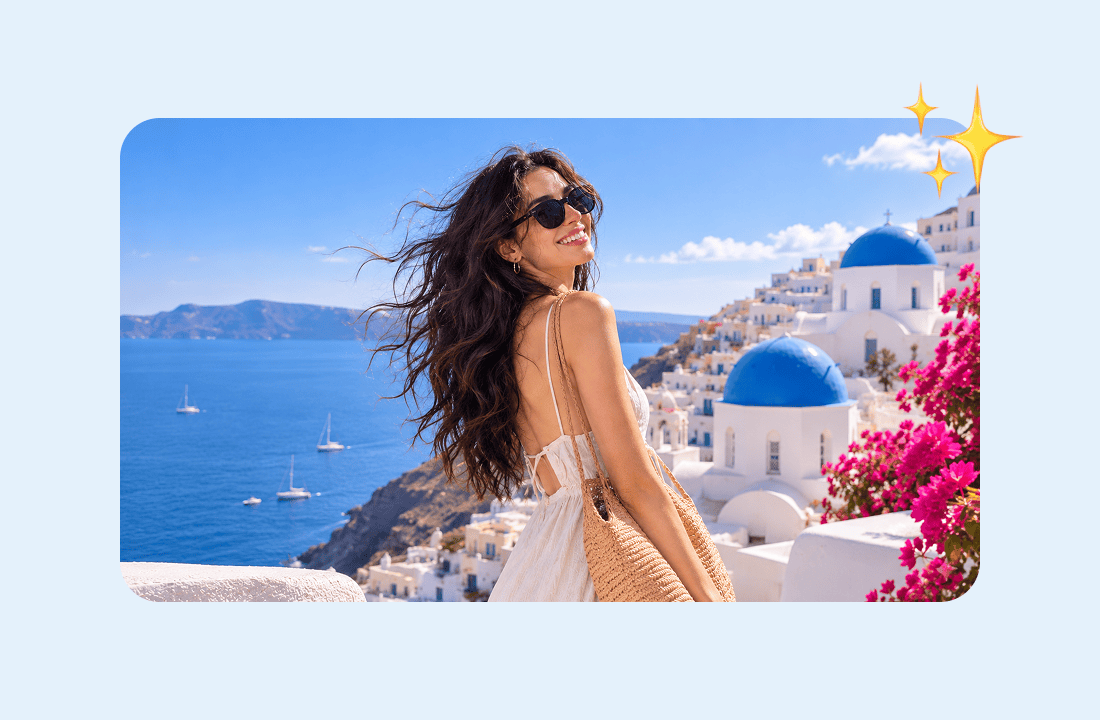
Clear In-Image Text
Add headlines, labels, signage, or short supporting copy directly into the image. Quote the exact wording, identify the language and placement, and describe the visual hierarchy you want; always review spelling, accents, and small text before publishing.
Try It for Free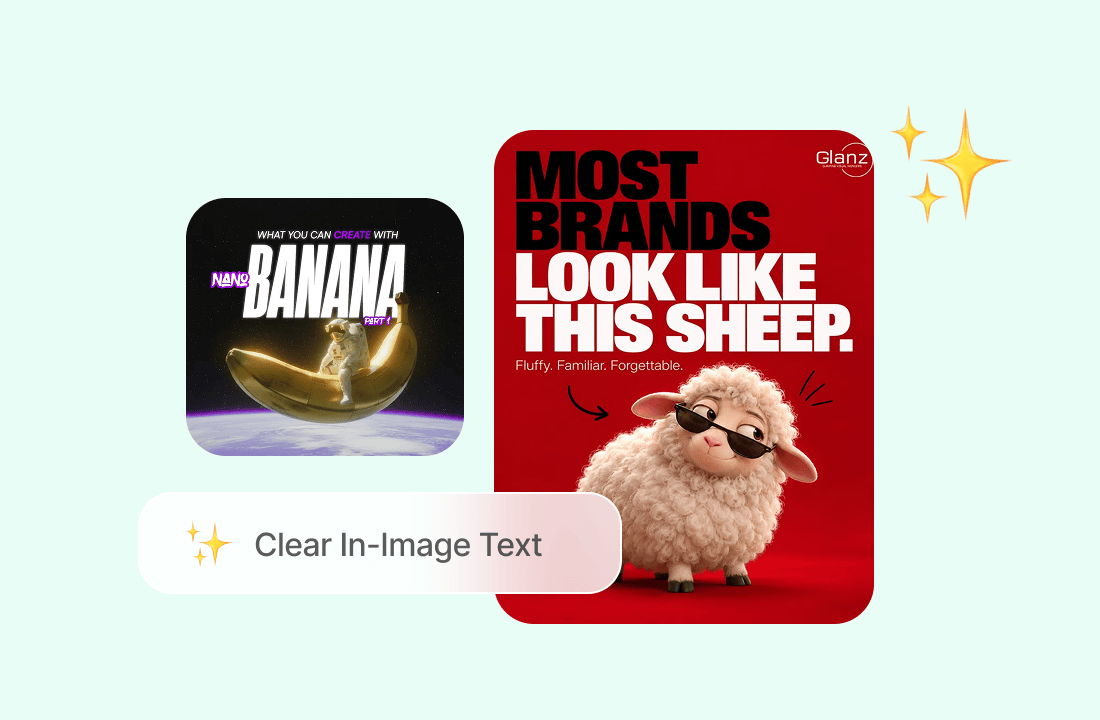
Consistent Characters and Products
Keep a recurring character, product, or visual identity recognizable across a series. Upload references and name the details that should remain consistent—such as facial features, clothing, packaging shape, colors, or logo placement—as the scene, angle, or lighting changes.
Try It for Free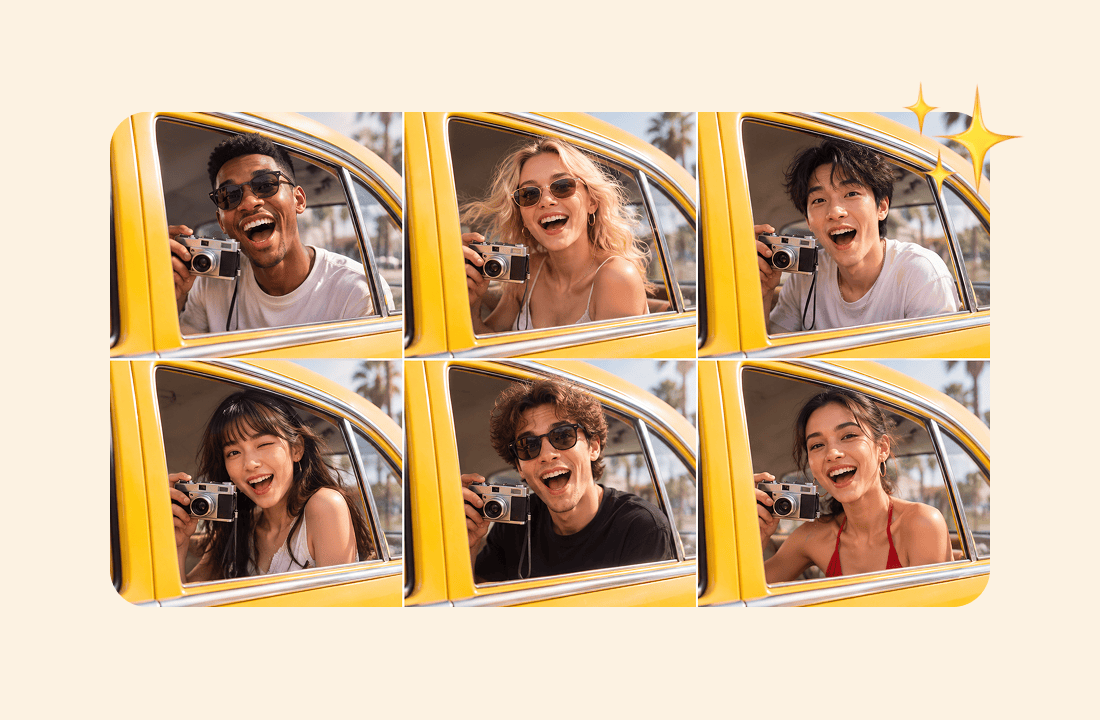
Detailed Creative Direction
Control the choices that shape the final image. Specify camera angle, subject placement, background treatment, materials, lighting direction, and the elements that must stay unchanged. You can also make focused edits without rebuilding the entire visual from scratch.
Try It for Free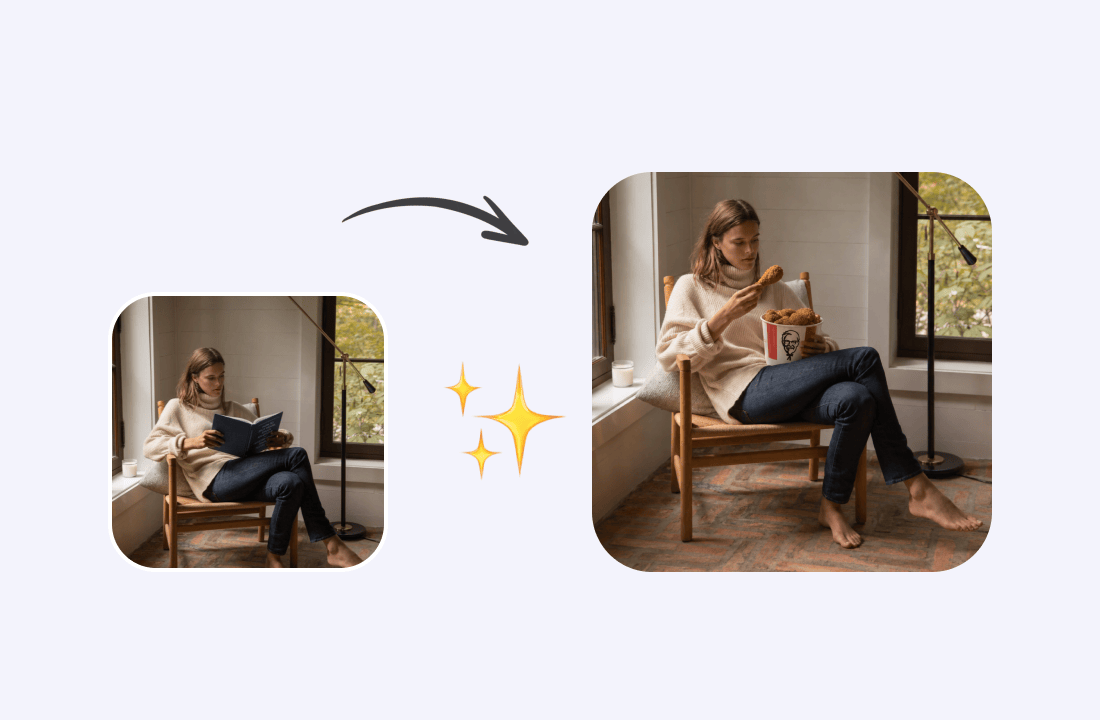
Prompts for Nano Banana Pro 2
Prompts for Nano Banana Pro 2

Product Photography
Create a premium skincare serum bottle on a polished stone countertop, with soft morning light from the upper left and a blurred green plant in the background. Keep the bottle label readable, leave clean negative space on the right for a headline, and use a realistic commercial-product photography style.

Character Storyboard
Create a consistent young explorer wearing a mustard-yellow jacket, brown boots, and a small leather satchel. Show her standing on a rainy Tokyo street at night, lit by neon signs. Preserve the same face, hairstyle, clothing, and accessories from the reference image, and use a cinematic 16:9 composition.

Multilingual Poster
Design a modern travel poster for Kyoto in English and Japanese. Include the exact headline “Discover Kyoto” at the top and “京都を探索しよう” beneath it. Use a traditional wooden machiya street, warm lantern light, and a minimal layout with clear space around the text.

Image Editing
Edit this product photo: replace the background with a clean beige studio backdrop, soften the shadows, and make the label sharper. Keep the bottle shape, label wording, camera angle, and product color exactly the same.
How to Use Nano Banana Pro 2 on ChatGOAT AI
How to Use Nano Banana Pro 2 on ChatGOAT AI
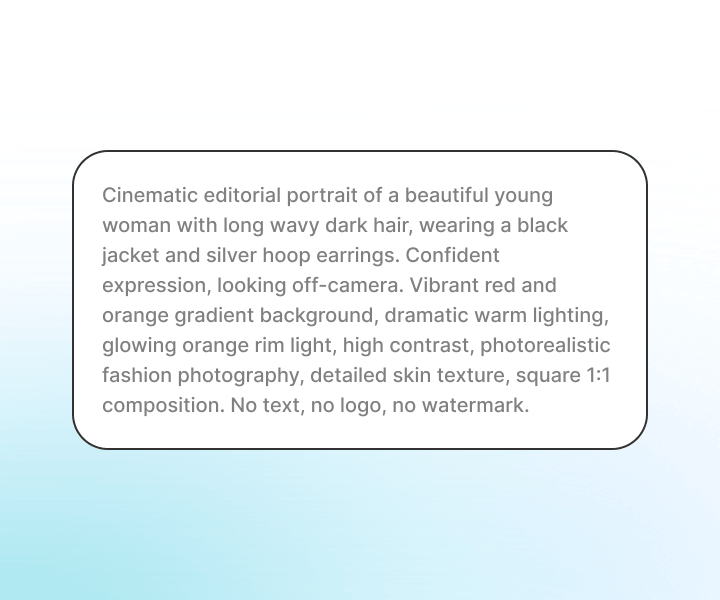
Step 1: Write Your Prompt
Open the image generator, select Nano Banana Pro 2, and describe the subject, setting, style, lighting, composition, and any text you want in the image.
Step 2: Add References and Generate
Upload reference photos if needed to guide a character, product, room, or existing composition. Choose an aspect ratio and resolution, then generate the first version.
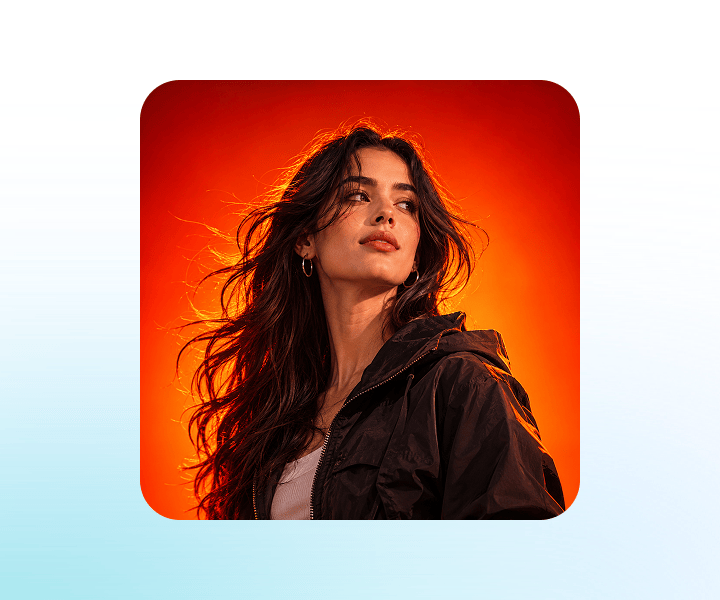
Step 3: Refine and Download
Review the subject, text, details, and overall composition. Use a focused follow-up edit to improve only what needs changing, then download the final image.
Create Your Next Visual with Nano Banana Pro 2
Turn a simple idea into a polished image with Nano Banana Pro 2 on ChatGOAT AI. Describe the scene, upload references, add in-image text, and refine the result until it matches your creative direction.
Nano Banana Pro 2 Reviews
Nano Banana Pro 2 Reviews
I used Nano Banana Pro 2 to create a set of product visuals for a small skincare brand. The bottle stayed recognizable across different backgrounds, and the label text was much easier to control than I expected.

I used Nano Banana Pro 2 to create a set of product visuals for a small skincare brand. The bottle stayed recognizable across different backgrounds, and the label text was much easier to control than I expected.
I needed a character to appear in three different locations for a short story concept. I uploaded one reference photo, described the wardrobe details, and the results felt like part of the same series.

I needed a character to appear in three different locations for a short story concept. I uploaded one reference photo, described the wardrobe details, and the results felt like part of the same series.
The multilingual poster prompt was the most useful part for me. I could specify the exact English and Japanese wording and ask for a clean layout without losing the overall campaign style.

The multilingual poster prompt was the most useful part for me. I could specify the exact English and Japanese wording and ask for a clean layout without losing the overall campaign style.
I started with a rough sketch and asked for a polished interior concept. Being able to keep the room layout while changing the lighting and materials made the revision process much faster.

I started with a rough sketch and asked for a polished interior concept. Being able to keep the room layout while changing the lighting and materials made the revision process much faster.
I used it for a travel editorial image. Instead of simply naming a city, I described the architecture, street details, and atmosphere I wanted, and the result felt much more grounded.
)
I used it for a travel editorial image. Instead of simply naming a city, I described the architecture, street details, and atmosphere I wanted, and the result felt much more grounded.
The 4K output was helpful for a presentation slide. I generated a smaller draft first, refined the composition, then created the final version at a larger size.

The 4K output was helpful for a presentation slide. I generated a smaller draft first, refined the composition, then created the final version at a larger size.
Nano Banana Pro 2 FAQs
Everything you need to know about Nano Banana Pro 2 AI Image Generator & Editor
What is Nano Banana Pro 2?

Can I generate images from text only?
Can I upload reference images?
Can it edit an existing photo?
What resolution can I generate?
Which aspect ratios are supported?
Can I add text inside an image?
How do I keep a character consistent?
What is the difference between Nano Banana Pro and Nano Banana Pro 2?
Can I try Nano Banana Pro 2 for free on ChatGOAT AI?