





Top-tier AI models, one-stop drawing
Seamlessly use cutting-edge models like Nano-Banana 2, Nano-Banana 2.1, Seedream 5.0 Flash without switching applications. From initial sketches to final masterpieces, realize limitless creativity on one platform.



Trusted by millions of users worldwide



Remove Red Eye in Photos - Fix Red-Eye Effects Online
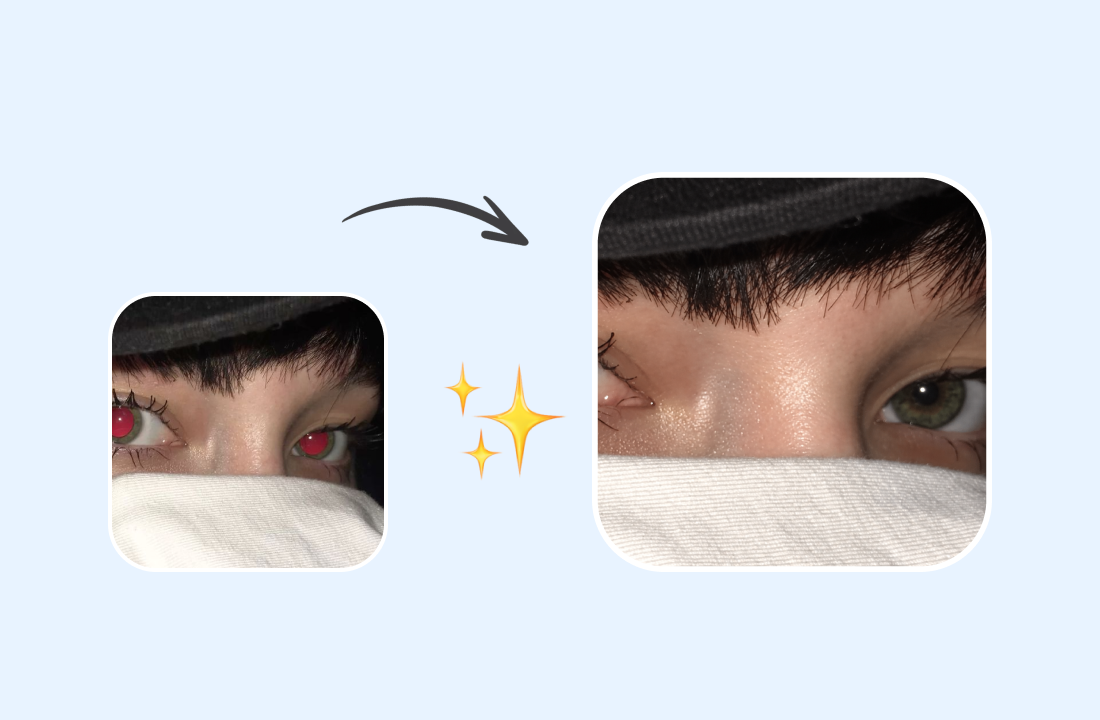
Red eyes can distract from an otherwise great photo, especially in portraits and flash photography. Use ChatGOAT AI to explore AI-powered image editing for red eye removal online and create a more natural-looking result. Whether you're fixing a family snapshot, a party photo, or a favorite portrait, make red-eye correction part of a simpler photo-editing workflow.
Enhance Individual Portraits
Red pupils can distract from facial expressions and make an otherwise great portrait look less natural. If you want to remove red eye from portrait photos, focus on restoring a natural appearance while preserving recognizable facial features. This is especially useful when preparing profile pictures or professional headshots.
Polish Group and Family Photos
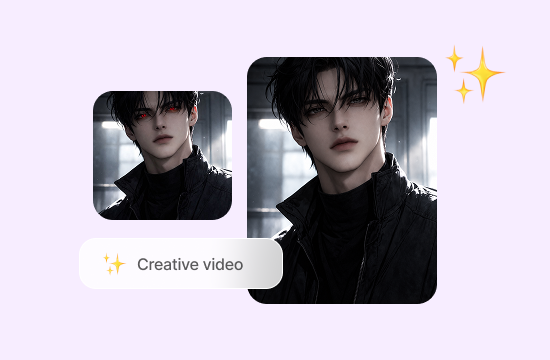
When several people appear in one photo, even a few red eyes can stand out. If you need to remove red eyes from pictures of family gatherings, holiday celebrations, or group events, check each person's eyes carefully to help maintain a consistent, natural-looking result.
Fix Red Eyes in Pet Photos
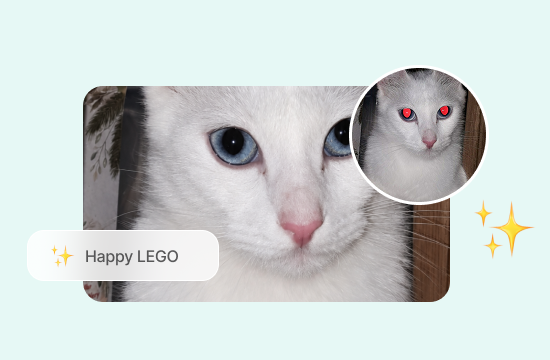
Flash photography can make pets' eyes appear red or unusually bright. Correcting these reflections can help pet portraits look more natural while preserving your furry companion's recognizable features. If you want to take your pet photos further, try the AI pet portrait to turn your favorite pet photos into personalized artwork.
Refresh Scanned and Older Photos
Red-eye effects are common in pictures taken with older cameras. If you're digitizing printed photographs or organizing a family album, correcting the red pupils can help restore a more natural appearance while keeping the original memory intact.
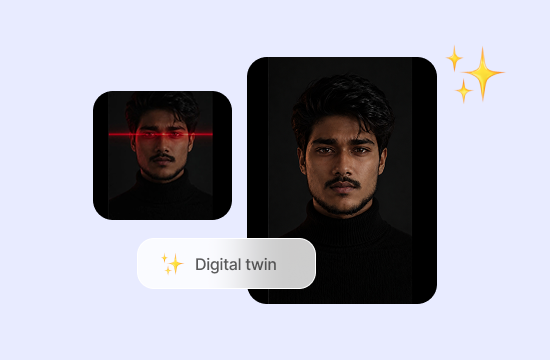
Why Choose ChatGOAT AI for Red Eye Removal?
Removing red eye in photos can be just the beginning. ChatGOAT AI works as a versatile red eye photo editor for broader image-editing needs, letting you explore text-based edits, refine image details, and discover more creative possibilities in one place.

Edit Photos with Simple Text Prompts
You don't need to master complex editing software to describe the change you want. With ChatGOAT AI's image editor, you can use everyday language to request photo adjustments, making it easier to move from a specific problem to your desired result.

Make Targeted Changes to Image Details
Sometimes, only one small area needs attention. ChatGOAT AI supports editing selected regions, so you can work on specific details instead of reworking the entire image. This approach is useful when refining portraits or cleaning up distracting elements.

Do More Than Correct Red Eyes
Photo editing often involves more than one fix. If you want to fix red eyes in photos and make other adjustments, use the AI image editor to add or remove objects, change clothing, restore faces, and adjust other image elements with text prompts.

Explore More Creative AI Tools
Once your photo looks the way you want, you can keep creating beyond basic corrections. Explore AI image to discover more ways to generate, transform, and customize visuals for personal projects or creative work. You can also visit more tools to explore additional AI capabilities.
How to Remove Red Eye from a Photo
Follow these steps to get started.
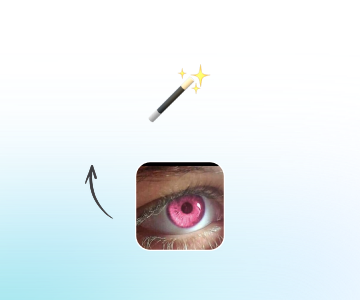
Step 1: Upload Your Photo
Upload the photo you want to edit. For best results, choose a clear image with visible eyes.
Step 2: Remove Red Eye
Use the available editing features for red eye correction. Review each eye carefully, especially in group photos where faces may appear small, and check that the result looks natural before moving on.
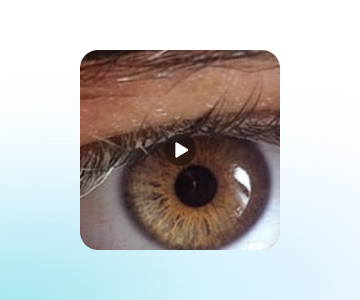
Step 3: Review and Save the Result
Check that the eyes look natural, then download your edited photo.
Enhance Your Photos with AI
Give your photos a fresh look with AI-powered tools. Explore new creative possibilities and refine your images to match your vision, all in one streamlined experience.
See Why Users Love ChatGOAT's Red Eye Removal Feature
What our users are saying
A flash ruined an otherwise lovely portrait before a job application. A quick edit helped make it ready to share.

A flash ruined an otherwise lovely portrait before a job application. A quick edit helped make it ready to share.
As a family photographer, I sometimes spot red eyes in group shots after an event. Fixing small distractions saves me extra editing time.

As a family photographer, I sometimes spot red eyes in group shots after an event. Fixing small distractions saves me extra editing time.
My cat's eyes looked odd in a nighttime photo. I wanted to tidy up the picture without changing her expression.

My cat's eyes looked odd in a nighttime photo. I wanted to tidy up the picture without changing her expression.
I was scanning old prints for a family album, and the red pupils stood out immediately. A small correction made the photos look more natural.

I was scanning old prints for a family album, and the red pupils stood out immediately. A small correction made the photos look more natural.
For my travel blog, I often take photos indoors where flash can cause red eyes. It's useful to have another way to polish a shot before posting.

For my travel blog, I often take photos indoors where flash can cause red eyes. It's useful to have another way to polish a shot before posting.
I needed a clean headshot for my portfolio but didn't want to learn complicated editing software. Using a simple text prompt felt much more approachable.

I needed a clean headshot for my portfolio but didn't want to learn complicated editing software. Using a simple text prompt felt much more approachable.
Red Eye Removal FAQ
Find answers to common questions about removing red eyes from photos, correcting flash reflections, and editing images online.
How do I remove red eye in photos?

Why do eyes look red in photos?
Can I remove red eye from a photo online?
Can I fix red eyes in pet photos?
Can I remove red eyes from multiple people in one picture?
Will red-eye removal change the rest of my photo?
Can I remove red eye from photos on my phone?
Will red-eye removal reduce image quality?
Is ChatGOAT AI red eye removal free?