


AI Flowchart Generator Online
Create flowcharts with ChatGOAT AI, powered by an intelligent AI Agent. Describe your goal, enter a process, or provide text. ChatGOAT AI Agent analyzes your instructions, identifies key actions and decision points, and organizes them into connected flowchart structures.

 Fast

Turn Text and Ideas into Flowcharts with AI
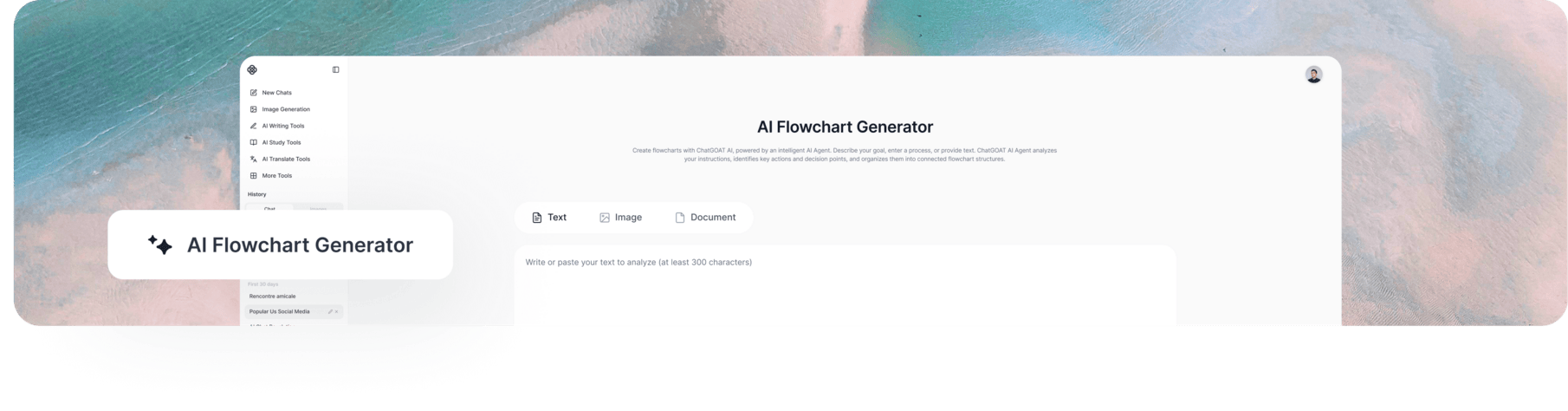
Creating a flowchart manually can take time, especially when a process involves multiple stages, decision points, or alternative paths. You need to identify the key steps, determine how they connect, and arrange everything into a logical structure.
ChatGOAT AI simplifies this process with AI-powered flowchart generation. As an AI flowchart maker, it lets you describe the process you want to visualize and turns your instructions into a structured flowchart. This text to flowchart approach helps organize steps, clarify connections, and identify decision points. You can also continue the conversation to add missing branches or refine the diagram to better match your requirements.
How to Generate a Flowchart with AI in 3 Steps
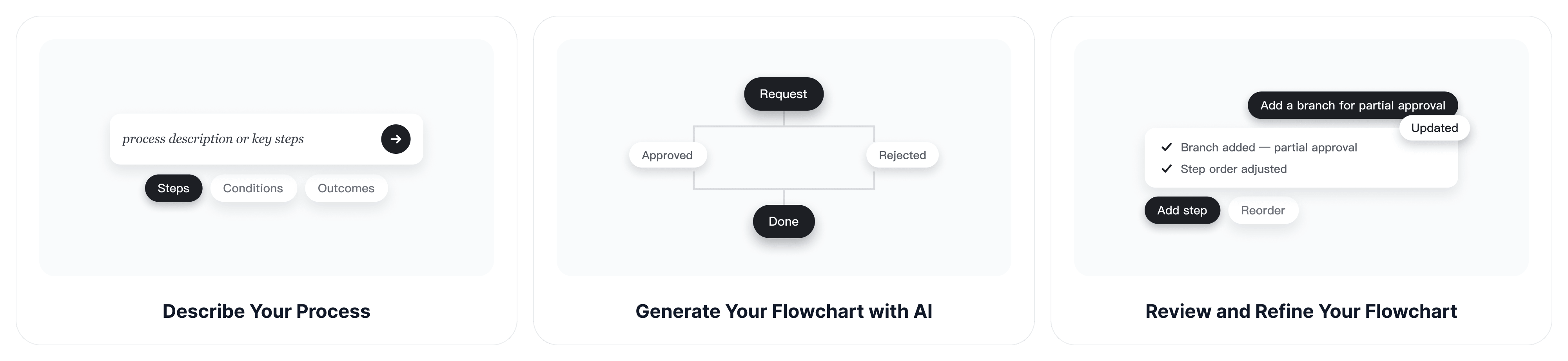
Step 1: Describe Your Process
Tell ChatGOAT AI what you want to visualize. Enter a process description, list the key steps, or paste existing notes. Include important conditions and possible outcomes.
Step 2: Generate Your Flowchart with AI
ChatGOAT AI Agent analyzes your input, organizes the steps, and identifies decision points and alternative paths to create a clear flowchart structure.
Step 3: Review and Refine Your Flowchart
Check the generated flowchart and make sure it matches your needs. Use follow-up prompts to add missing steps, adjust branches, or reorganize the workflow.
Core Features of ChatGOAT AI Flowchart Generator
Turn Text into Flowcharts Instantly
Skip the manual setup and start with a simple description. Enter your ideas, instructions, or process notes. ChatGOAT AI Agent turns your text into a structured flowchart, making it easier to visualize information with an AI-powered flowchart creator.
Organize Complex Processes into Clear Steps
Complex workflows involve multiple stages and connected activities. As an AI workflow diagram generator, ChatGOAT AI Agent breaks down your instructions and organizes related steps into a clear sequence for business procedures, projects, and other operations.
Map Decision Points and Multiple Paths
Describe the conditions and possible outcomes, and ChatGOAT AI can map decision points and alternative paths. As an AI decision tree generator, it helps visualize approval workflows, troubleshooting guides, and other decision-making processes.
Support a Wide Range of Use Cases
Create flowcharts for business processes, project planning, algorithms, and user journeys. ChatGOAT AI turns complex information into clear visual structures. You can also use the AI slide generator to turn key ideas and organized information into presentation slides.
Improve Your Flowchart Through AI Conversations
As your ideas develop, ChatGOAT AI Agent uses conversation context to understand new requirements and update your flowchart. Ask it to add steps, simplify sections, or adjust process logic without repeating your instructions.
Who Uses Our AI Flowchart Generator?
Business Owners & Operations Teams
Visualize everyday business processes such as customer onboarding, order fulfillment, and approval workflows. Use ChatGOAT AI as a process flowchart generator to map each stage and identify bottlenecks or decision points, making procedures easier to understand and manage.
Students, Teachers & Researchers
Turn complex concepts, research methods, and scientific processes into easy-to-follow flowcharts. Use visual structures to explain ideas, organize information, and make learning materials clearer. When you need to present your findings in more detail, the AI report generator can help you prepare structured reports.
Developers & Technical Professionals
Break down algorithms, system logic, and troubleshooting procedures into clear sequences. Map conditions and possible outcomes to make technical processes easier to review, explain, and document.
Project Managers & Product Teams
Outline project stages, team workflows, and user journeys. Visualize task dependencies and process transitions to clarify how different activities fit together and keep project requirements organized. You can also use the AI schedule maker to organize project timelines and plan upcoming tasks.
Why Choose ChatGOAT AI for Flowchart Generation?
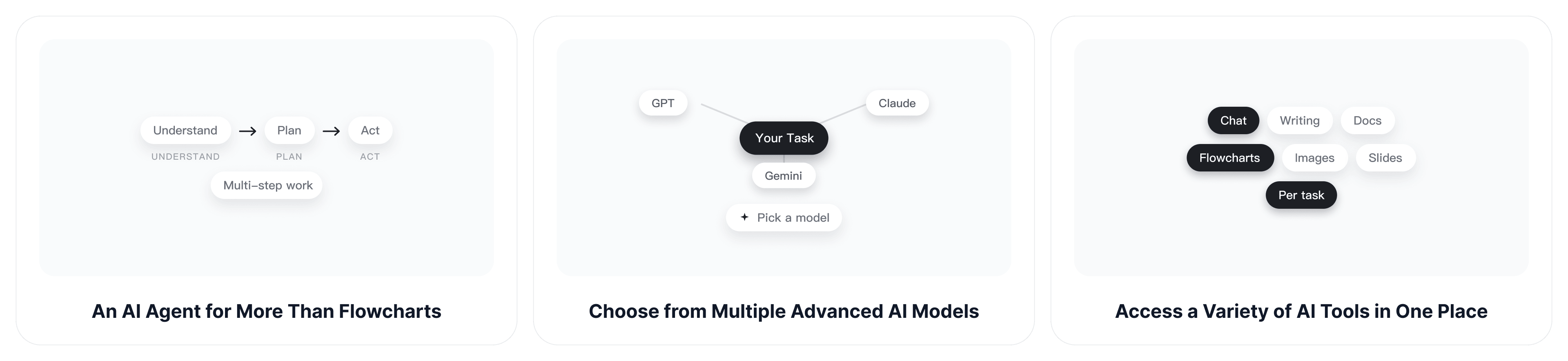
An AI Agent for More Than Flowcharts
ChatGOAT AI Agent goes beyond simple content generation. It can understand complex instructions, analyze information, plan multi-step tasks, and use available tools to help you work toward broader goals. This makes it useful not only for creating flowcharts but also for handling more involved projects.
Choose from Multiple Advanced AI Models
Different AI models offer different strengths in reasoning, content generation, and problem-solving. ChatGOAT AI provides access to models from GPT, Claude, and Gemini, giving you the flexibility to choose the model that best suits each task without switching between platforms.
Access a Variety of AI Tools in One Place
ChatGOAT AI combines AI chat, writing assistance, document generation, and creative tools on one platform. Create flowcharts, develop content, prepare documents, and generate visuals with the AI image generator without switching between multiple services.
Start Creating Online with Free Usage Credits
Access ChatGOAT AI directly in your browser without downloading or installing additional software. Free usage credits let you explore its AI models and tools before deciding whether to upgrade. Available features and usage limits may vary depending on your plan.
FAQ
What Is an AI Flowchart Generator?
An AI flowchart generator uses artificial intelligence to turn text descriptions, ideas, or process instructions into structured flowcharts. It helps organize steps, show how different activities connect, and identify decision points. ChatGOAT AI Agent makes it easier to create flowchart structures using natural language prompts.
How Do I Create a Flowchart with AI?
Enter a description of your process or paste your existing instructions into ChatGOAT AI. AI Agent analyzes your input, organizes the main steps, and identifies relevant decision points and alternative paths. You can then review the generated structure and provide additional instructions if needed.
Can I Generate a Flowchart from Text or Notes?
Yes. You can use written descriptions, rough notes, or step-by-step instructions as input. ChatGOAT AI Agent analyzes the content and organizes the key information into a flowchart structure, so you don't have to arrange every step manually.
What Types of Flowcharts Can I Create with AI?
You can create flowcharts for business processes, project workflows, algorithms, decision-making procedures, troubleshooting guides, and user journeys. Simply describe your intended use case and the process you want to visualize.
Can AI Create Workflow Diagrams and Decision Trees?
Yes. AI can help organize connected activities into workflow diagrams and map conditions and possible outcomes into decision trees. ChatGOAT AI Agent can identify key steps, decision points, and alternative paths based on your description, making it useful as an AI-powered workflow diagram maker.
Can I Edit or Refine an AI-Generated Flowchart?
You can provide follow-up prompts to add missing steps, clarify instructions, adjust decision conditions, or reorganize the flowchart structure. This allows you to refine the result as your requirements change.
Is ChatGOAT AI a Free AI Flowchart Generator?
ChatGOAT AI offers free usage credits, allowing you to try its AI capabilities without an upfront payment. Additional usage and available features may vary depending on your plan.
Do I Need to Install Software to Use ChatGOAT AI?
No. ChatGOAT AI works directly in your browser as an online flowchart maker, so you can access its AI capabilities without downloading or installing desktop software.
Create Clear Flowcharts Faster with ChatGOAT AI
Turn your ideas and process descriptions into organized flowcharts with ChatGOAT AI. Let AI Agent simplify complex workflows, map key decision points, and help you visualize processes with less manual effort. Get started online with free usage credits and bring your ideas to life.