





Top-tier AI models, one-stop drawing
Seamlessly use cutting-edge models like Nano-Banana 2, Nano-Banana 2.1, Seedream 5.0 Flash without switching applications. From initial sketches to final masterpieces, realize limitless creativity on one platform.



Trusted by millions of users worldwide


AI Image Combiner - Merge Photos Seamlessly Online
Turn separate photos into one creative composition with ChatGOAT AI. Combine two photos, combine two images with AI to explore new backgrounds, or bring product images and lifestyle scenes together to develop fresh visual ideas. Start with your source images and describe the result you want to create.
Create Shared Memories with Friends and Family
Bring people from separate photos into one shared scene to create a group-style picture. Whether you're making a family portrait, creating a couple photo, or bringing distant friends together in one frame, an AI image combiner helps you explore moments you may not have captured in a single shot.
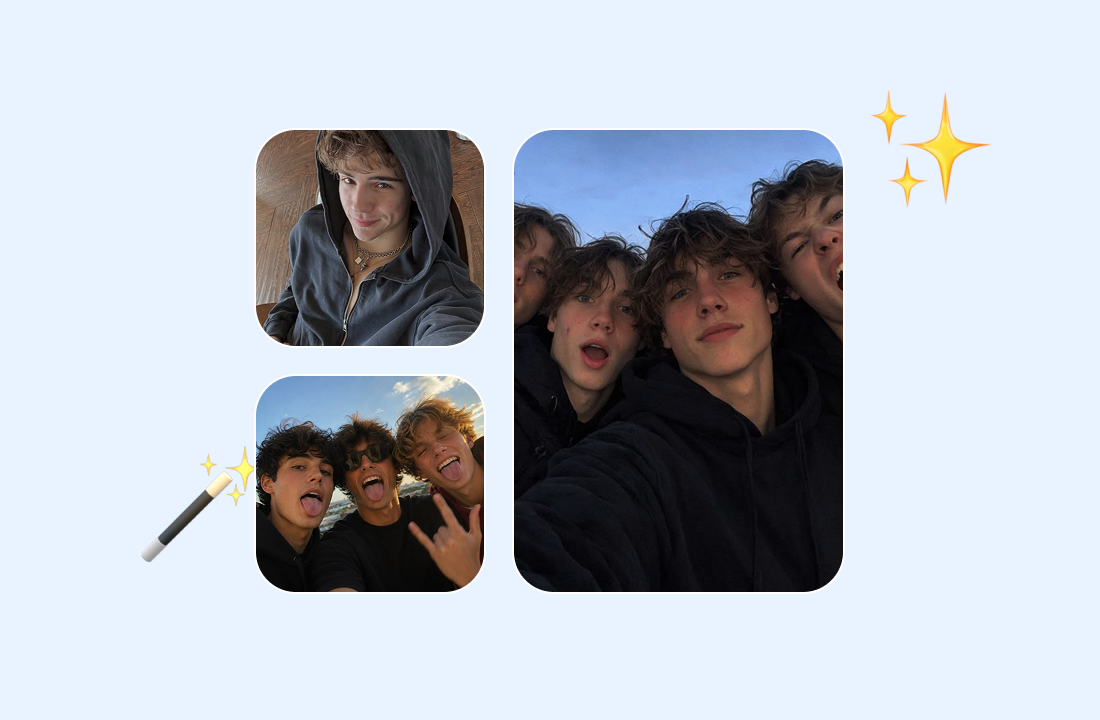
Make New Looks for Portraits and Profile Photos
Give portraits a fresh setting to suit different needs. Place a headshot against a professional studio backdrop, create a travel-inspired profile picture, or set a personal portrait in a scenic location for social media and other creative projects. For more control over the scene, try ChatGOAT's AI background changer to replace an existing background with one that better fits your vision.
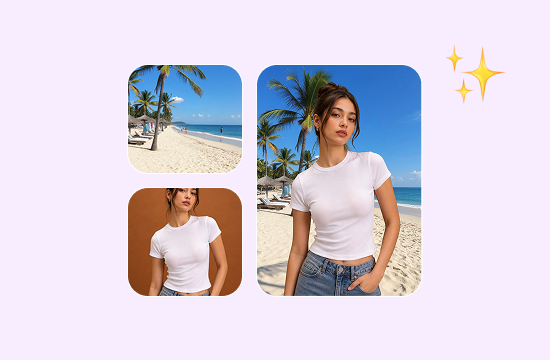
Combine Product Photos for Marketing
Create new visual concepts by bringing product images and lifestyle references together. An AI photo blender can help you explore different product settings, promotional graphics, social media posts, and e-commerce visuals without building every concept from scratch.
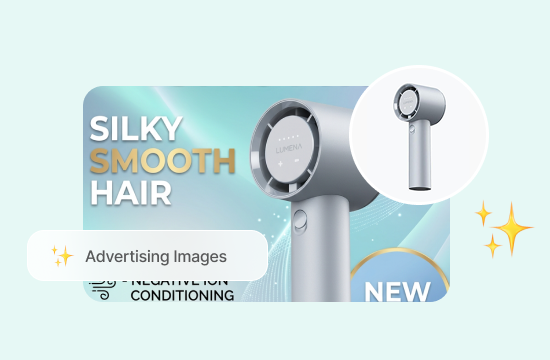
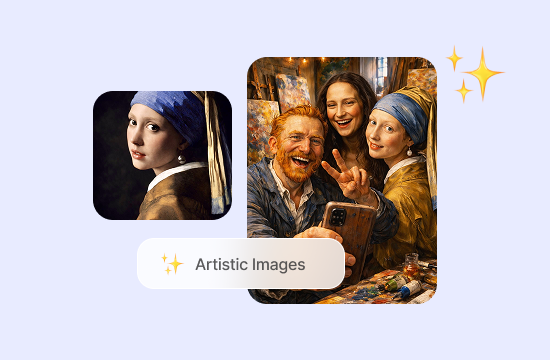
Mix Images to Create Artistic Compositions
Go beyond realistic photo combinations by experimenting with different subjects, textures, colors, and visual styles. Combine contrasting references to develop imaginative artwork, concept visuals, or distinctive social media content.
Why Choose ChatGOAT AI as Your Image Combiner?
Combining images can be the starting point for something bigger. ChatGOAT AI brings visual creation, image editing, video generation, and AI chat together in one platform, helping you turn a simple image idea into a wider creative project.

Generate New Images from Your Ideas
A combined image can inspire an entirely new visual. Use ChatGOAT's AI art generator to explore artistic styles and create original visuals for personal projects, social media, or creative concepts.

Transform Images and Refine Your Visuals
Give your combined-image concepts a more polished look with AI-powered editing. The AI image editor lets you use text prompts to add or replace elements, change details, and explore different visual directions. Refine your images as your creative ideas develop, without relying entirely on manual editing.

Bring Static Images to Life with AI Video
Take your visual ideas beyond still images. Explore ChatGOAT's AI video creation capabilities to develop more dynamic content for social media, creative projects, and visual storytelling. Turn an image-based concept into a starting point for motion and experiment with new ways to present your ideas.

Brainstorm and Create with AI Chat
Not sure how to combine your images or what to create next? Use AI chat to brainstorm concepts, develop prompts, explore different compositions, and work through creative ideas. ChatGOAT helps you move from the initial concept to the next step in your project, all within one AI platform.
How to Combine Two Photos with AI
Follow these steps to explore how to combine images online and create a composition that matches your idea.
Step 1: Upload Your Reference Images
Choose the photos you want to combine. Clear images with recognizable subjects can make it easier to communicate your intended result.
Step 2: Define Your Desired Composition
Describe how you want the images to work together. For example, you might want to place a person from one photo into the setting shown in another, or combine a product with a lifestyle background.
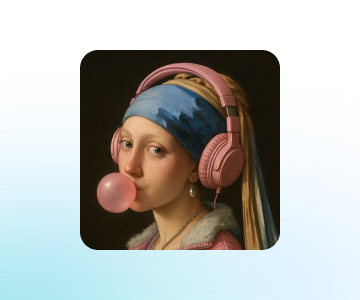
Step 3: Generate and Review Your Image
Review the generated result and check whether the subjects, proportions, lighting, and overall composition look right. Refine the result if needed, then save your finished image using the available options.
Bring Your Image Ideas Together
Turn your creative ideas into compelling visuals with AI-powered tools. Combine inspiration, explore new possibilities, and refine your images to match your vision, all in one streamlined experience.
See How Users Combine Images with ChatGOAT AI
What our users are saying
We wanted a nice photo for our anniversary, but most of our pictures were casual selfies. Combining our portraits gave us a more polished keepsake to share.

We wanted a nice photo for our anniversary, but most of our pictures were casual selfies. Combining our portraits gave us a more polished keepsake to share.
As a product designer, I need to test ideas before a photoshoot. Combining product shots with lifestyle references helps me visualize different setups.

As a product designer, I need to test ideas before a photoshoot. Combining product shots with lifestyle references helps me visualize different setups.
Two photos from my last trip captured different sides of the same city. Putting them together gave me a more interesting way to remember the visit.

Two photos from my last trip captured different sides of the same city. Putting them together gave me a more interesting way to remember the visit.
Running a small online shop means creating social posts almost every week. Combining product photos with lifestyle images helps me come up with fresh content.

Running a small online shop means creating social posts almost every week. Combining product photos with lifestyle images helps me come up with fresh content.
Some of my digital art starts with unrelated visual references. Bringing them together helps me find a direction for a new piece.

Some of my digital art starts with unrelated visual references. Bringing them together helps me find a direction for a new piece.
For a work presentation, I needed to show a concept with a specific subject and setting. Combining the images made the idea easier to communicate.

For a work presentation, I needed to show a concept with a specific subject and setting. Combining the images made the idea easier to communicate.
AI Image Combiner FAQ
Find answers to common questions about combining photos with AI and creating new image compositions.
What is an AI image combiner?

How do I combine two photos with AI?
Can I combine two pictures into one without Photoshop?
What's the difference between an AI image combiner and a photo collage maker?
Can I combine multiple images or change a photo's background?
How can I get better results when merging images with AI?
Can I edit the result after combining images?
Is ChatGOAT AI Image Combiner free?