


AI PowerPoint Generator Online
Create PowerPoint presentations with ChatGOAT AI. Powered by ChatGOAT AI agent, the platform turns topics, prompts, and documents into organized slides. From analyzing source material and structuring content to generating layouts and visuals, it helps you create and customize editable PPTX presentations.
Turn Your Ideas and Documents into PowerPoint Slides
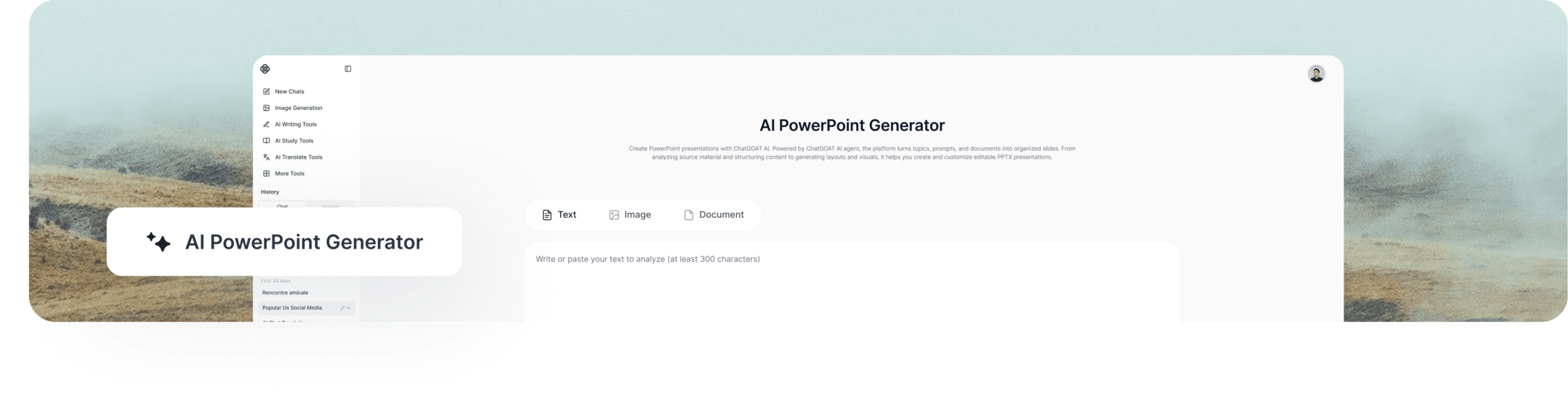
Creating a PowerPoint presentation involves more than adding text to slides. You need to structure your ideas, highlight important information, and present everything in a clear, engaging way. Working with lengthy documents or scattered notes can make the process even more time-consuming.
ChatGOAT AI helps simplify this process. As an AI-powered PowerPoint presentation generator, it turns your topic or source material into a structured slide deck. Review the generated slides, refine the content, and export your presentation as a PPTX file for further editing.
How to Generate a PowerPoint with AI in 3 Steps
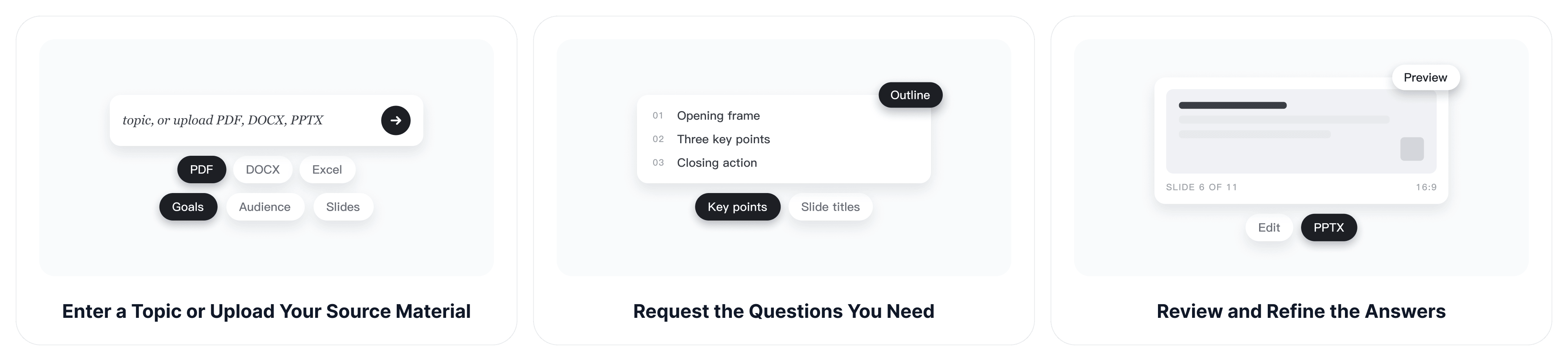
Step 1: Enter a Topic or Upload Your Source Material
Enter a presentation topic, paste your text, or upload a supported file such as PDF, DOCX, Excel, or PowerPoint. Add your goals, target audience, and preferred slide count to guide the results.
Step 2: Generate Your PowerPoint Slides
ChatGOAT AI agent analyzes your input, identifies key information, and organizes it into a structured slide outline. It coordinates content generation and visual design to turn your ideas or documents into PowerPoint slides.
Step 3: Edit and Export Your PPTX File
Refine the text, replace images, adjust layouts, or rearrange slides as needed. Export your finished presentation as an editable PPTX file or another available format.
Core Features of ChatGOAT AI PowerPoint Generator
Flexible Input Options
Start with a new idea or build on existing materials. As an AI PowerPoint maker, ChatGOAT AI lets you use a topic to create a presentation from scratch, paste notes for a quick draft, or provide a supported document to turn detailed information into slides.
Clear Content Structure
ChatGOAT AI agent identifies key information, groups related ideas, and organizes your source material into a logical slide sequence. It coordinates content planning and generation to create concise, presentation-ready slides without overwhelming your audience.
AI-Generated Layouts and Visuals
Enhance your slides with AI-generated layouts, images, icons, and charts. Consistent styling helps create a cohesive presentation, while the AI Image Generator lets you create additional visuals to support your content.
Customize Every Slide
Make your presentation your own after generation. Edit text, refine content, replace images, and adjust layouts to create slides that match your message and style.
Editable PPTX Export
As a PPTX generator, ChatGOAT AI lets you export your presentation as a PPTX file for further editing in Microsoft PowerPoint or compatible software. You can also choose other available formats, such as Google Slides or PDF.
Who Uses Our AI PowerPoint Generator?
Business & Consulting Teams
Create business proposals, quarterly reviews, client presentations, marketing campaign decks, and investor pitch decks. Turn reports and business information into organized slides that help communicate plans, results, and recommendations. You can also use the AI schedule maker to plan project timelines and organize team tasks.
Teachers, Trainers & Academic Researchers
Build lecture slides, workshop materials, training decks, and conference presentations. Convert research papers, study notes, and complex topics into presentation-ready slides.
Content Creators & Individuals
Prepare slides for events, personal portfolios, project updates, and speech outlines. Turn your ideas and written content into clear PowerPoint presentations with AI-generated layouts and visuals.
Why Choose ChatGOAT AI to Generate PowerPoint Presentations?
More Than a Basic PowerPoint Generator
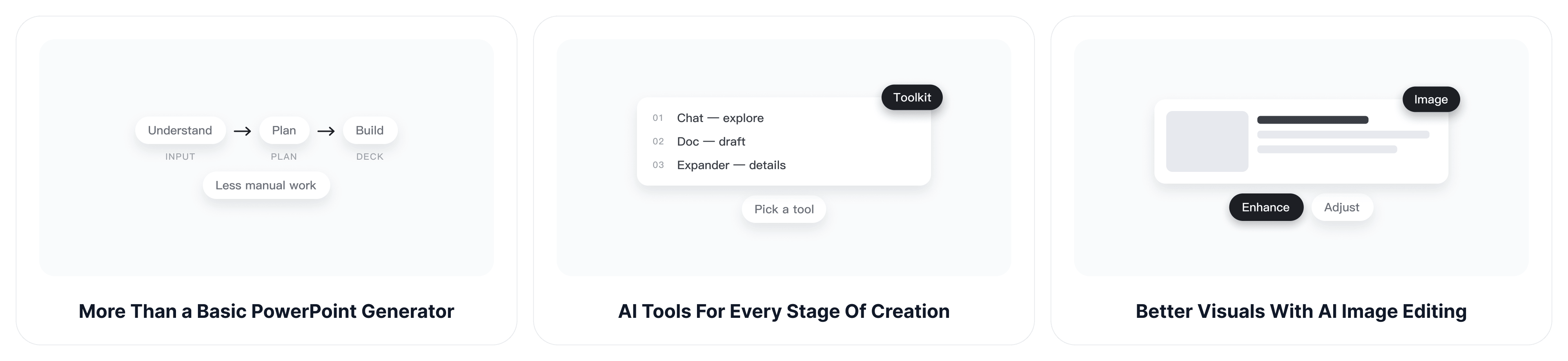
ChatGOAT AI agent goes beyond basic slide generation by coordinating multiple steps, from understanding your input and planning slide content to preparing layouts and visuals. It helps turn rough ideas and source documents into structured PowerPoint presentations with less manual work.
AI Tools for Every Stage of Creation
Use AI chat to explore ideas, brainstorm key points, and improve your presentation content. The AI doc generator can help you create structured documents, while the AI paragraph expander turns brief notes into more detailed explanations for your slides.
Better Visuals with AI Image Editing
Give your presentation a more polished look with relevant images and visual elements. Use AI image editor to enhance existing images and make visual adjustments that fit your slides.
Explore More AI Tools with Free Credits
Go beyond PowerPoint creation with ChatGOAT AI's range of tools for writing, research, and visual content. Start online with free usage credits and explore the available features before choosing a plan. Additional usage may depend on your plan.
FAQ
What Is an AI PowerPoint Generator?
An AI PowerPoint generator uses artificial intelligence to turn topics, prompts, or existing content into presentation slides. ChatGOAT AI Agent goes further by understanding your input and coordinating multiple steps, including content organization, slide generation, and visual design. It helps you create and customize PowerPoint presentations online.
How Do I Generate a PowerPoint with AI?
Enter a topic, paste your text, or upload a supported document. ChatGOAT AI generates a slide outline based on your input. Review the structure, create your slides, and customize the content and design before exporting your presentation.
Can AI Create a PowerPoint from a Prompt?
Yes. Simply describe your topic and presentation goals in a prompt. You can also include your target audience, preferred tone, key points, and slide count to help ChatGOAT AI generate a more relevant presentation.
Can I Convert a PDF or Word Document into PowerPoint Slides?
Yes. Upload a supported PDF or DOCX file to use its content as the basis for your presentation. ChatGOAT AI extracts the key information and organizes it into slides, helping you turn documents into presentation-ready content.
Can I Edit an AI-Generated PowerPoint?
Yes. You can refine text, replace images, adjust layouts, and rearrange slides after generation. This allows you to tailor the presentation to your audience and make changes before exporting.
Can I Download and Edit My Presentation in PowerPoint?
Yes. ChatGOAT AI works as an editable PowerPoint generator, allowing you to download your presentation as a PPTX file and continue editing it in Microsoft PowerPoint or compatible software. Other available export options include Google Slides and PDF.
Can I Use an AI PowerPoint Generator for Business Presentations?
Yes. ChatGOAT AI can help you create business proposals, project updates, financial summaries, sales presentations, and market research decks. Provide your source information and goals to generate a draft for your business needs.
Can I Create PowerPoint Presentations in Different Languages?
Yes. ChatGOAT AI supports multiple languages, including English, Chinese, Spanish, French, German, Japanese, and Korean. Specify your preferred language in the prompt to create presentations for different audiences.
Is ChatGOAT AI's PowerPoint Generator Free?
ChatGOAT AI provides free usage credits, allowing you to try its AI PowerPoint generator without an upfront payment. Additional usage and available features may depend on your plan.
Generate Your Next PowerPoint with AI
Turn a topic, document, or collection of notes into a PowerPoint presentation with ChatGOAT AI. Generate organized slides, refine the content and visuals, and export an editable PPTX file for your next meeting, class, or project. Get started with free usage credits and simplify your PowerPoint workflow.