


Upload Your Video


Powerful AI Video Models, One-Stop Video Creation
Generate videos from text prompts, static images or reference clips effortlessly. Access various AI video models and fully customize every part of your video content. Bring dynamic creative ideas to life on this all-in-one platform.



Trusted by millions of users worldwide



Free Online Video to Video Generator
Transform footage you already have instead of rebuilding the scene from scratch. Describe the new style or visual changes, choose a video model, and refine the result while using the original clip as the motion reference.
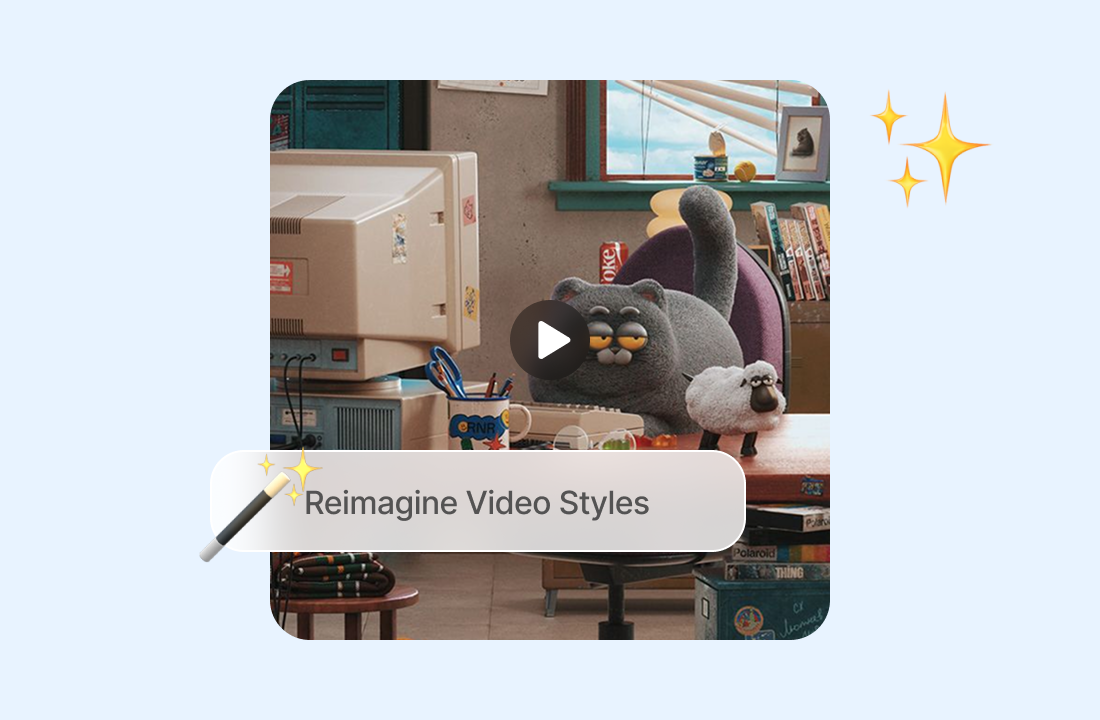
Restyle Footage while Keeping Its Movement
Change the visual treatment of a clip while using its timing, action, and composition as guidance. This makes video to video useful for testing anime, illustration, cinematic, retro, or other looks without recreating the performance shot by shot.
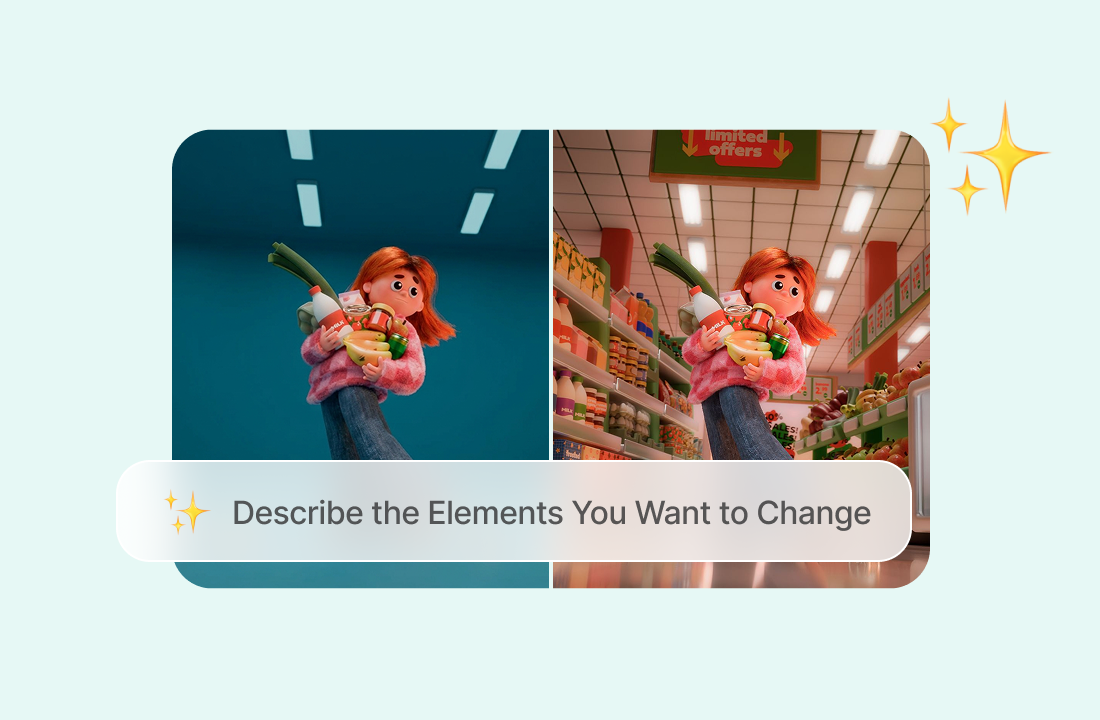
Describe the Elements You Want to Change
Use a focused prompt to guide the transformation. State whether you want a different environment, color treatment, wardrobe direction, subject appearance, lighting setup, or overall mood, and identify anything from the original clip that should remain recognizable.
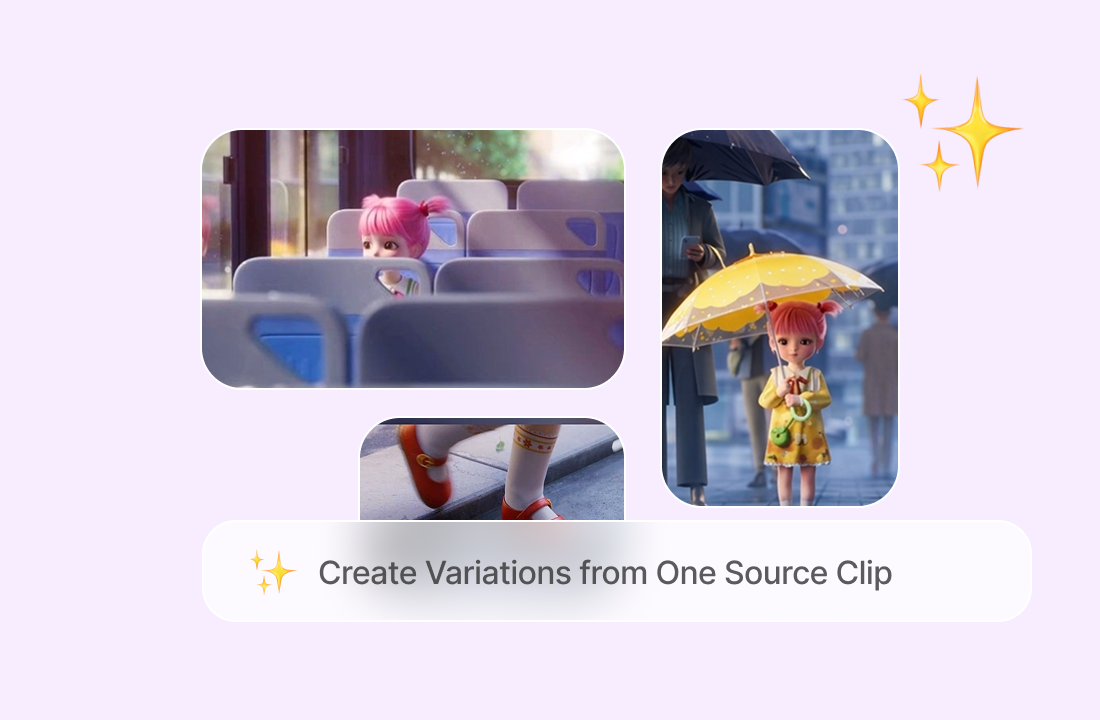
Create Variations from One Source Clip
Turn one piece of footage into several creative versions for a campaign, character concept, social post, or visual test. For an authorized character concept, head swap tool can help you prepare an alternate still reference before applying a new video direction.
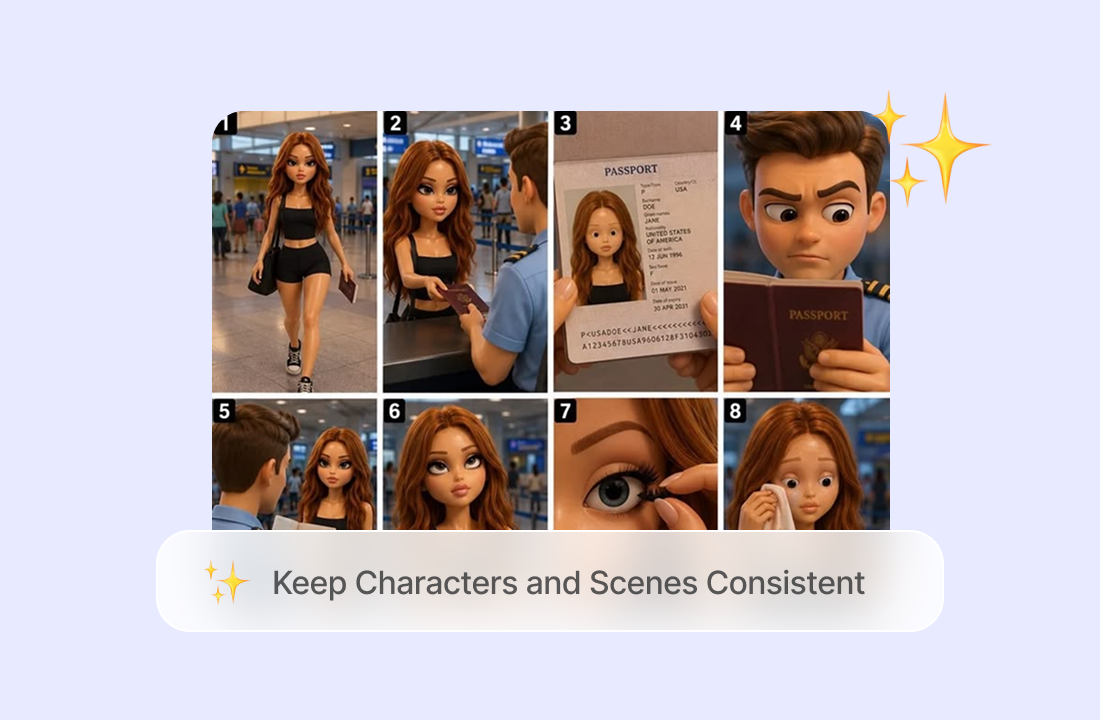
Keep Characters and Scenes Consistent
Transform your video into a new style while keeping the original characters, backgrounds, and scene details consistent. ChatGOAT AI helps preserve recognizable faces, movements, and scene composition, so your video maintains its original look and flow even after the transformation.
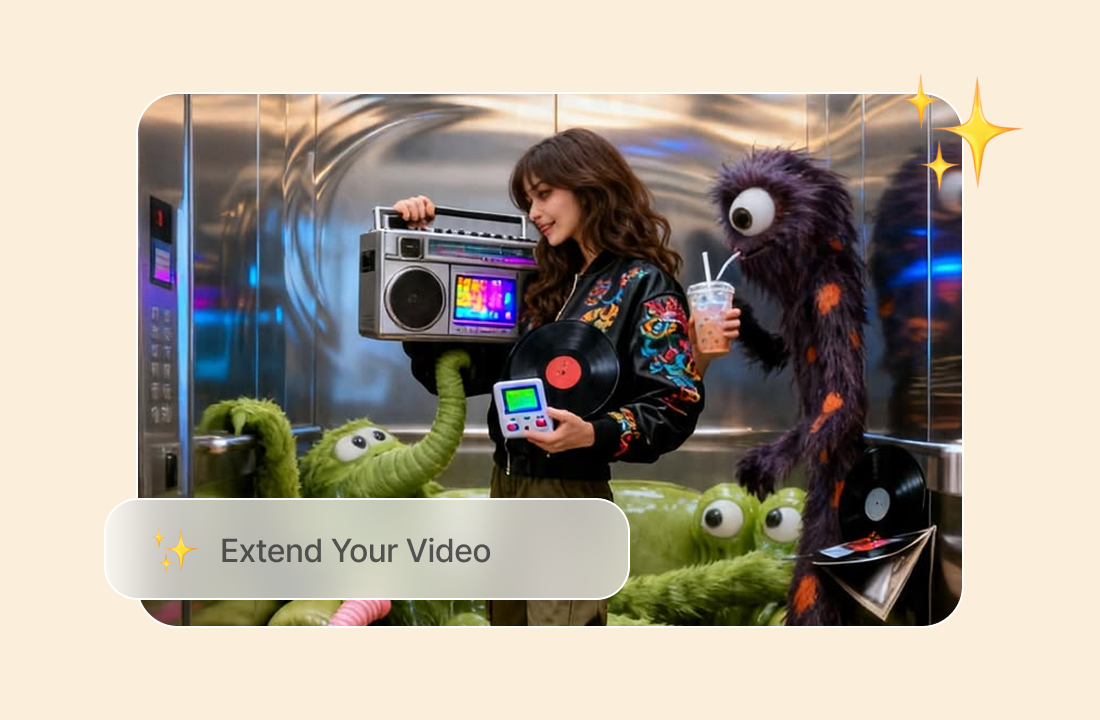
Extend Your Video
Make your video longer by generating additional footage that continues from the original clip. Extend the action or scene while keeping the characters, visual style, and movement consistent.
Why ChatGOAT AI Fits a Video to Video Workflow
Why ChatGOAT AI Fits a Video to Video Workflow

Turn Existing Work into New Creative Options
A useful source clip already contains timing, framing, and movement. ChatGOAT AI helps you build on that material, so you can explore a different art direction or audience-specific version without starting with a blank scene.

Prepare Cleaner Reference Frames
If the transformation concept depends on a character looking older or younger, the AI aging tool can help prepare an authorized visual reference before you restyle the source clip.

Compare Current Models in One Platform
Use the same source clip and prompt with another available video model to compare motion, scene detail, and style interpretation. This gives you a practical way to evaluate creative directions before selecting the version worth refining further.

Keep Related Visual Tasks Together
ChatGOAT AI also supports asset preparation. The https://www.chatgoat.ai/ai-watermark-remover can clean marks from a reference image you own or are authorized to edit before it becomes part of a wider video concept.
How to Use a Video to Video Converter
How to Use a Video to Video Converter
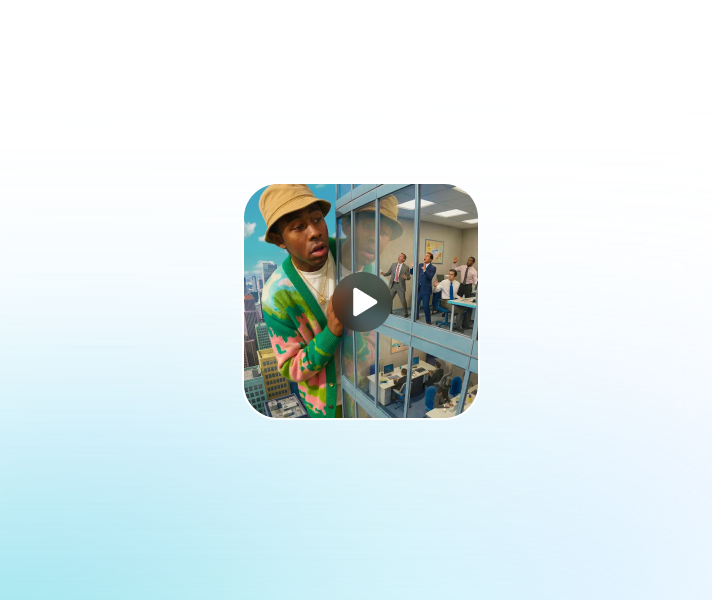
Step 1: Upload the Source Video
Choose a clear clip you own or have permission to transform. Short footage with visible subjects, stable framing, and readable movement gives the model a stronger reference than a dark, heavily compressed, or rapidly cut sequence.
Step 2: Set the Direction and Choose a Model
Describe the style, environment, subject changes, lighting, and details that should stay consistent, then select a video model such as PixVerse V6, Seedance 2.5, or Seedance 2.0. Keep the first prompt focused before adding smaller adjustments.
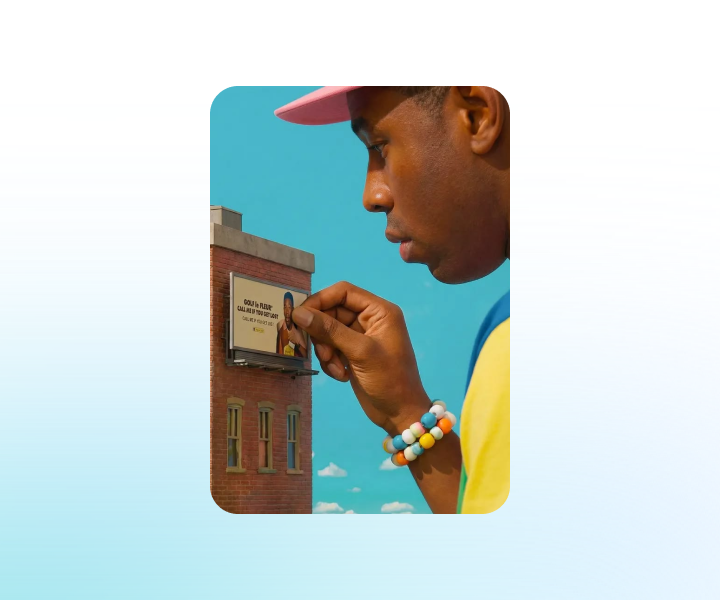
Step 3: Generate, Compare, and Download
Review the transformed clip for identity, motion, object shape, background stability, flicker, and unwanted changes. Revise the prompt or compare another model when needed, then download the version that best follows your source and creative direction.
Start Transforming Footage with Video to Video AI on ChatGOAT AI
Upload your source footage, define your new visual style, pick a video model, generate and polish restyled clips within ChatGOAT AI. Start transforming existing videos now.
See Why Users Love Our Video to Video Generator
See Why Users Love Our Video to Video Generator
I reused a short product clip and tested two different visual treatments without organizing another shoot. The original camera move stayed useful in both versions.
I reused a short product clip and tested two different visual treatments without organizing another shoot. The original camera move stayed useful in both versions.
A shorter prompt worked better for my anime restyle. Once I focused on the color palette and line style, the movement stayed much closer to the source footage.

A shorter prompt worked better for my anime restyle. Once I focused on the color palette and line style, the movement stayed much closer to the source footage.
Comparing the same clip with another video model showed me which result handled the background more consistently. That saved me from refining the weaker version.

Comparing the same clip with another video model showed me which result handled the background more consistently. That saved me from refining the weaker version.
I turned an older vertical clip into a new campaign concept while keeping the performance and pacing I had already filmed. It was a practical way to test a fresh direction.

I turned an older vertical clip into a new campaign concept while keeping the performance and pacing I had already filmed. It was a practical way to test a fresh direction.
I turned a regular video of my dog into a cartoon-style clip. It was fun seeing the same little movements in a completely different style, and I shared it with my friends.

I turned a regular video of my dog into a cartoon-style clip. It was fun seeing the same little movements in a completely different style, and I shared it with my friends.
Video to Video FAQs
Video to Video FAQs
What Is Video to Video AI?

How Is a Video to Video Generator Different from Text to Video?
Is an Online Video to Video Converter the Same as a Format Converter?
What Changes Can I Request?
Can Video to Video Preserve the Original Motion?
Which Source Videos Work Best?
Can I Choose a Different Video Model?
Why Does the Restyled Video Flicker?
Is the Video to Video Generator Free?
Can I Use the Transformed Video Commercially?