


Upload Your Image

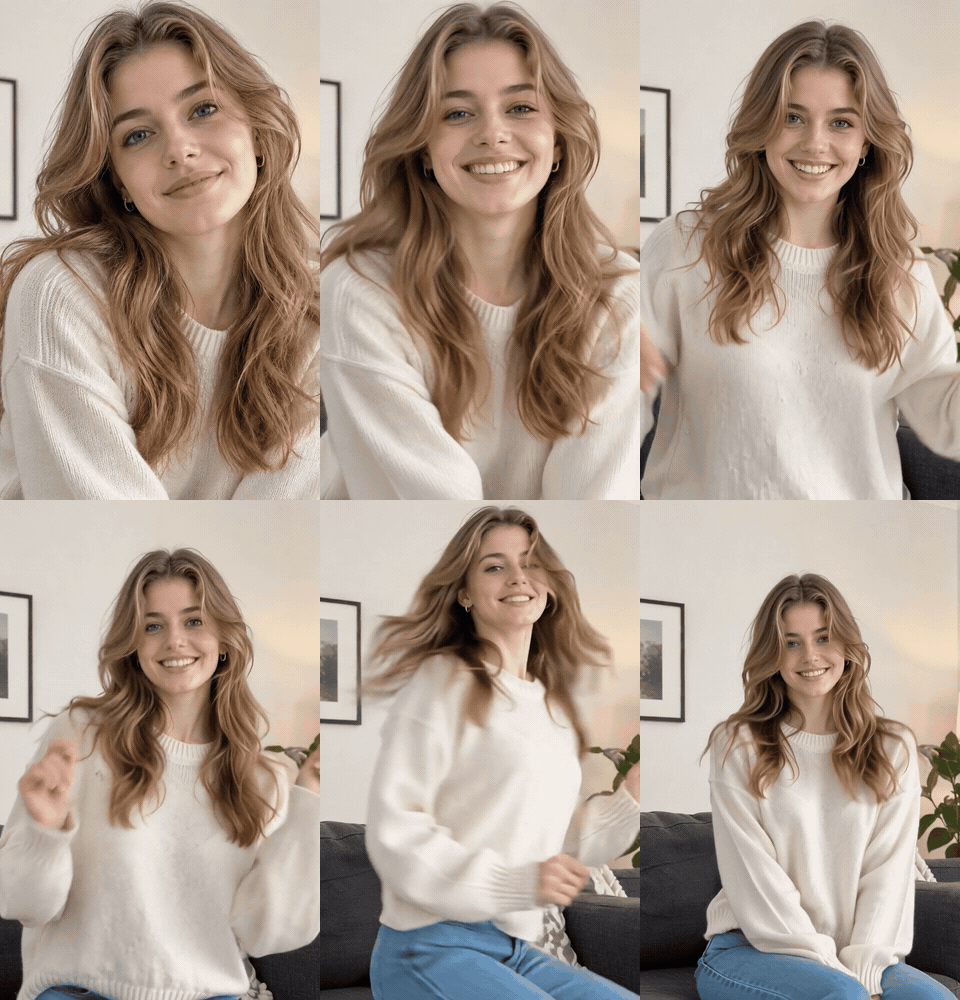 Template "Reference to Video" applied

Powerful AI Video Models, One-Stop Video Creation
Generate videos from text prompts, static images or reference clips effortlessly. Access various AI video models and fully customize every part of your video content. Bring dynamic creative ideas to life on this all-in-one platform.



Trusted by millions of users worldwide



Reference to Video AI Generator - Generate Consistent AI Videos Online
Use ChatGOAT AI as an AI reference to video generator to turn up to four reference images into a directed video without rebuilding the visual idea from scratch. Describe the scene, motion, and camera direction, then choose a video model. Use the visual details that matter most, then develop a new scene with clearer direction for the final video.
Use up to Four Reference Images
Upload up to four reference images to define the character, product, setting, or visual style you want to carry forward. Choose clear images that support the same direction, rather than four unrelated ideas.
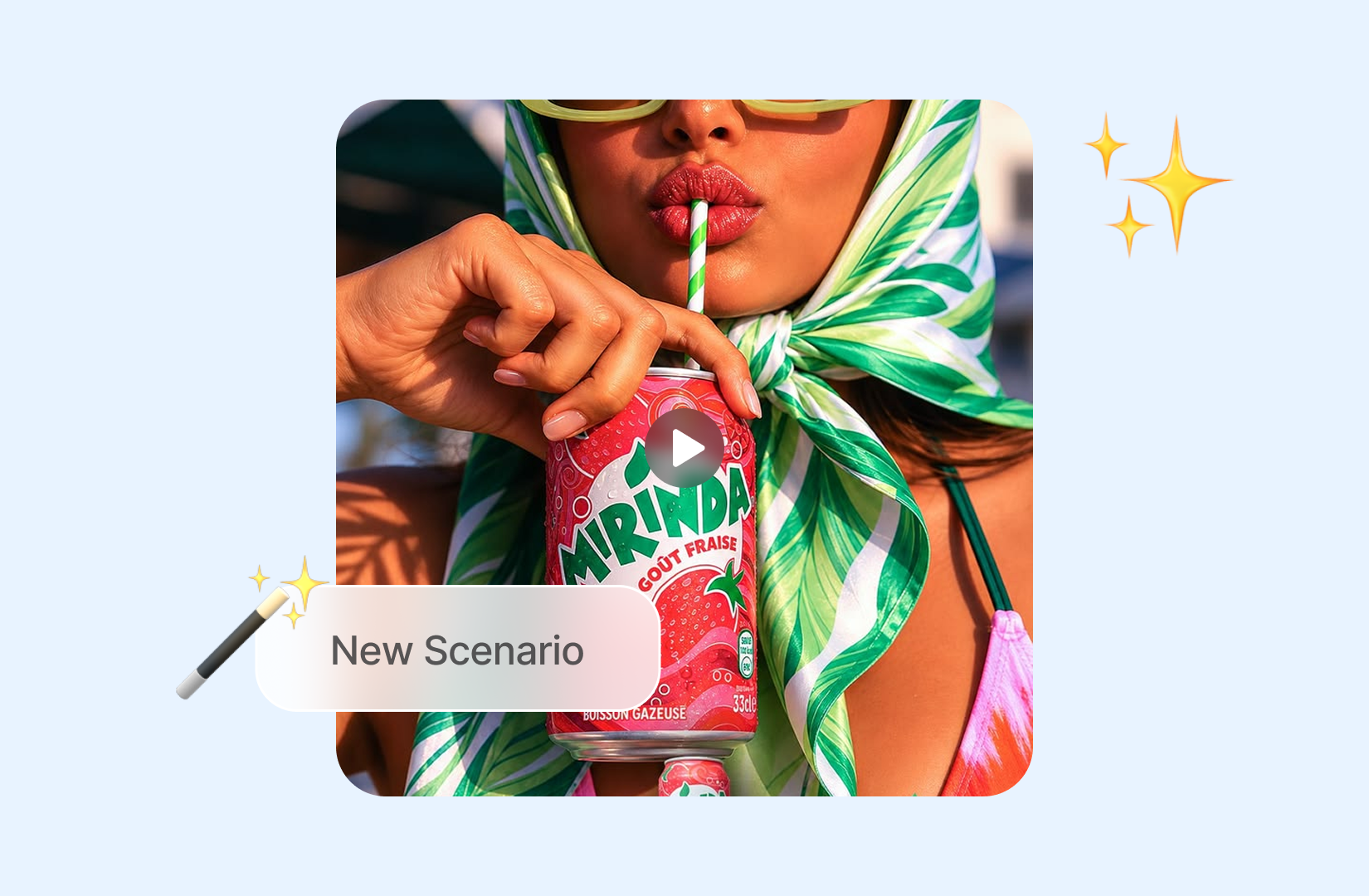
Bring References into One New Scene
Assign each image a purpose: one may establish a subject, another a setting, and another the preferred styling. Then describe the new action so the video has one focused visual concept.
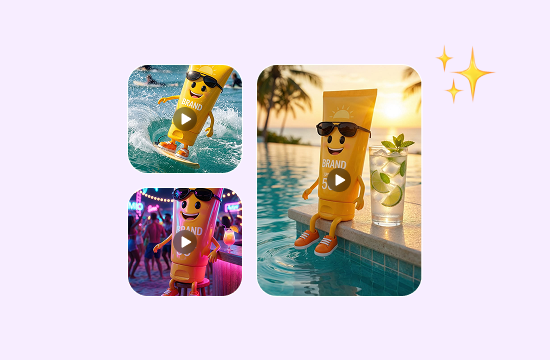
Keep Characters and Products Consistent
Use reference images to help maintain recognizable faces, outfits, product shapes, colors, and other important details throughout your video. Even when the action or setting changes, your characters and products can stay closer to their original appearance.
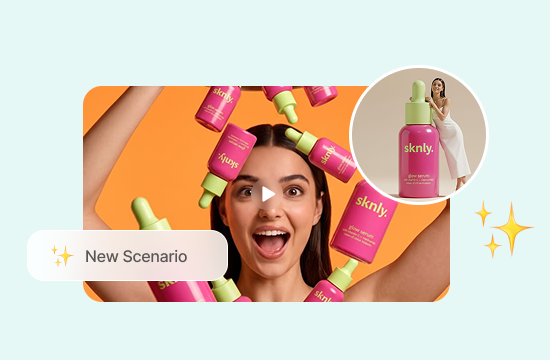
Create Different Scenes from the Same References
Reuse your reference images to place the same characters or products in new settings, actions, and storylines. Create short stories, product showcases, fashion videos, or social media clips without starting from scratch each time.
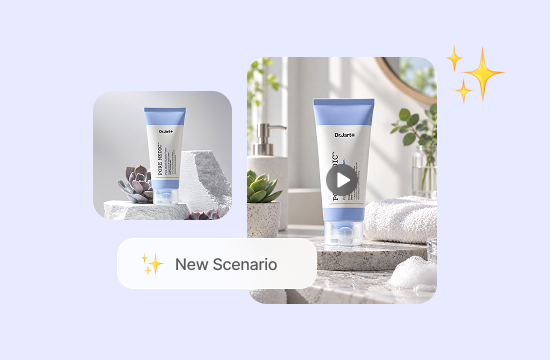
Why Choose Reference to Video on ChatGOAT AI?
Why Choose Reference to Video with ChatGOAT AI

Prepare Visual References Faster
A connected workflow reduces the need to move assets between unrelated services. GPT Image 2.5 Sunburst gives you another current model option for exploring a subject, setting, or visual direction before preparing the references for video.

Compare Multiple AI Models in One Place
Different models can interpret the same subject, style, or composition in different ways. ChatGOAT AI lets you explore alternatives in one workspace, while Nano Banana 2 Lite provides a fast option for testing another reference direction.

Continue the Full Creative Workflow
ChatGOAT AI supports visual creation, writing, analysis, and other creative tasks beyond a single generation. When the project also needs supporting descriptions, scripts, or campaign copy, the AI detection remover can help revise that written material in the same workspace.

Create without Specialist Video Skills
Plain-language prompts make the process accessible when you do not use professional animation or editing software. You can describe what each reference should contribute, review the result, and clarify the direction through continued conversation.
How to Use Reference to Video on ChatGOAT AI
How to Create a Reference to Video Project
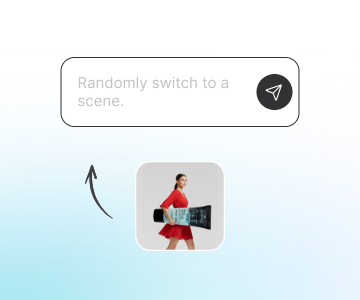
Step 1: Upload up to Four References
Add one to four clear images that show the important subject, setting, or stylistic details. Use a small, purposeful set so each reference has a clear role in the idea.
Step 2: Describe the New Scene and Choose a Model
State the action, environment, camera movement, and mood you want to create from the references. Then select the video model that best matches the creative direction you want to explore.
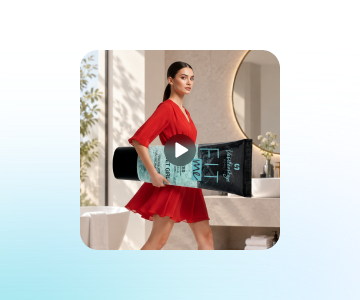
Step 3: Generate, Review, and Refine
Review the generated video for the subject details, scene, movement, and overall visual direction. For a product-focused concept, the text to CAD tool can help clarify the object's structure before you prepare the final visual references and generate another version.
Try Reference to Video on ChatGOAT AI Now
Test Reference to Video on your creative projects — character animations, product showcase clips, fashion reels and story-driven scenes. Start free in your browser.
See What Users Can Create with Reference to Video
See What Users Can Create with Reference to Video
I used separate references for the character, jacket, and café setting. The prompt let me turn them into one short scene instead of trying to describe every visual detail from memory.

I used separate references for the character, jacket, and café setting. The prompt let me turn them into one short scene instead of trying to describe every visual detail from memory.
Having several reference images made it easier to keep the concept focused. I could test a new motion idea while holding on to the visual direction I had already planned.

Having several reference images made it easier to keep the concept focused. I could test a new motion idea while holding on to the visual direction I had already planned.
I liked that I could revise the instruction after the first version. Tightening the camera movement and mood gave the next attempt a much clearer result.

I liked that I could revise the instruction after the first version. Tightening the camera movement and mood gave the next attempt a much clearer result.
I prepared a few product references first, then used them to explore a new setting for a concept video. It was a more practical starting point than beginning with a blank prompt.

I prepared a few product references first, then used them to explore a new setting for a concept video. It was a more practical starting point than beginning with a blank prompt.
I uploaded a few photos of my favorite outfits and used the Reference to Video Generator to create a short fashion video. It was fun seeing the clothes come together in a moving scene.

I uploaded a few photos of my favorite outfits and used the Reference to Video Generator to create a short fashion video. It was fun seeing the clothes come together in a moving scene.
I wanted to make a travel video using photos from different places. I added them as references and described the kind of scene I wanted. The result brought my ideas together without needing to film anything.

I wanted to make a travel video using photos from different places. I added them as references and described the kind of scene I wanted. The result brought my ideas together without needing to film anything.
FAQ
FAQ
What Is Reference to Video?

How Many Reference Images Can I Upload?
What Should I Include in the Prompt?
Can I Use References for Different Parts of a Scene?
Can I Choose a Video Model?
Is Reference to Video free?