


Upload Your Image

 Template "AI Kissing Generator" applied

Powerful AI Video Models, One-Stop Video Creation
Generate videos from text prompts, static images or reference clips effortlessly. Access various AI video models and fully customize every part of your video content. Bring dynamic creative ideas to life on this all-in-one platform.



Trusted by millions of users worldwide
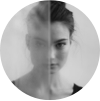



Free Online AI Kissing Video Generator
Create a kissing video from a written scene, a clear photo of consenting adults, or an existing clip you have permission to edit. Describe the interaction, mood, and camera direction, then refine the generated motion with ChatGOAT AI.
Create Kissing Videos from Different Inputs
Start with a text prompt, a clear photo of two consenting adults, separate portraits, or an existing video you are allowed to edit. A single image showing both people can give the model more information about their clothing, position, and shared background.
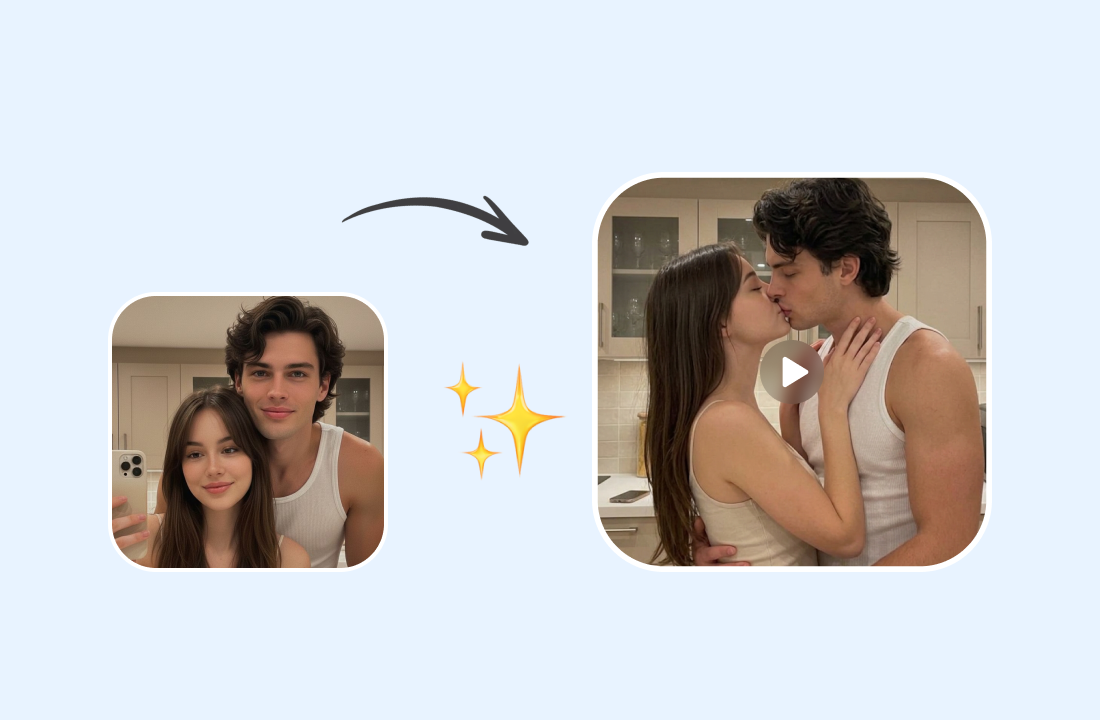
Prepare a Clearer Source Image
Simple composition and visible faces make the intended interaction easier to interpret. If the setting distracts from the subjects, the AI Background Changer can establish a cleaner or more suitable scene before animation.
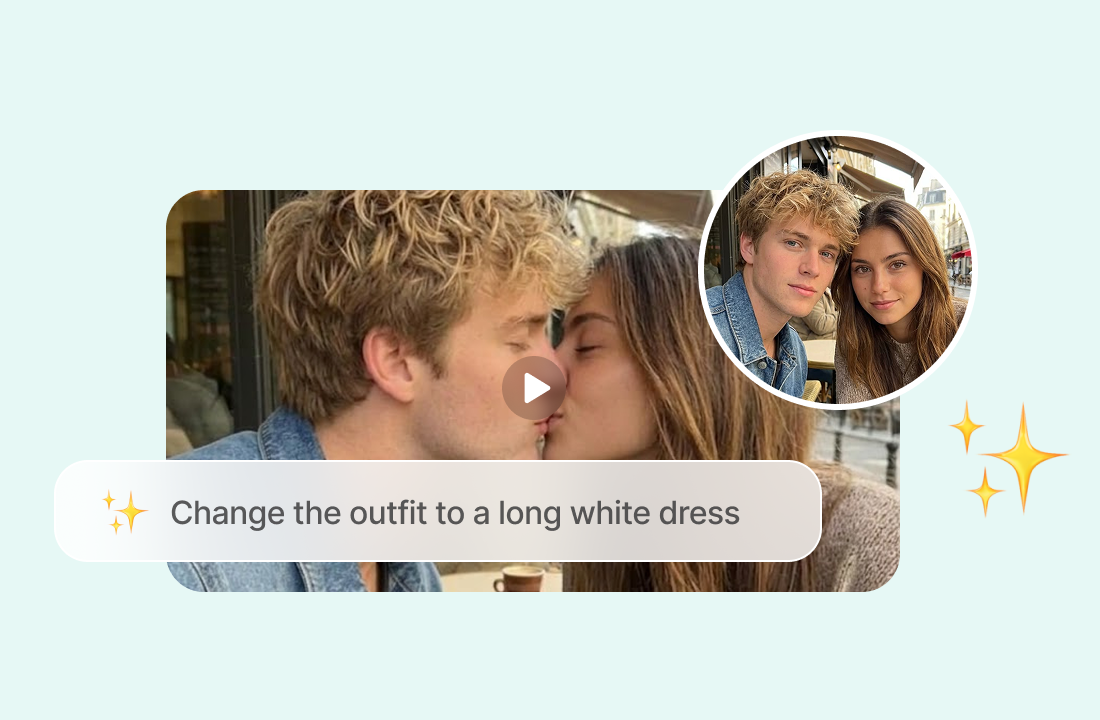
Direct the Kiss, Mood, and Camera
Describe whether the moment should feel tender, cinematic, playful, emotional, or stylized. Add only the details that matter, such as a slow approach, gentle head movement, a close-up, warm evening light, or subtle movement in the background.
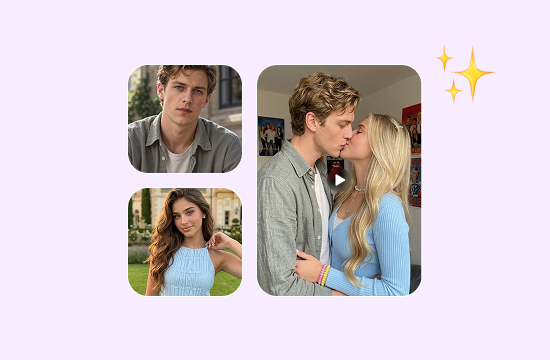
Create Videos for Different Occasions
Use ChatGOAT AI to create romantic anniversary videos, funny clips, face-swap kissing videos, and other creative content. Whether you want to celebrate a special moment, make someone laugh, or try a playful video idea, you can turn your photos into memorable short videos.
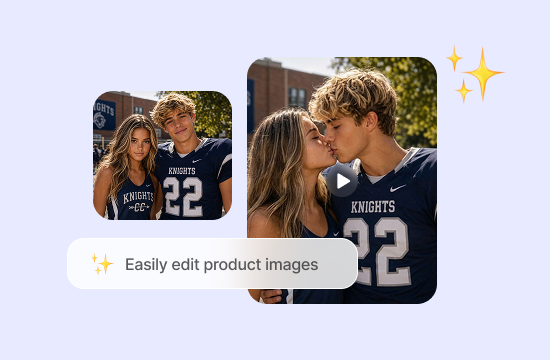
A More Connected Way to Use an AI Kiss Generator
A More Connected Way to Use an AI Kiss Generator

Adjust the Source before Animation
A source photo may need a small correction before it becomes a video. Use the AI Image Editor to remove a distracting object, simplify an unclear area, or refine the setting while keeping the core subjects recognizable.

Compare Motion across Current Video Models
Instead of relying on one interpretation, you can try another available model and compare how it handles the approach, expressions, framing, and background motion. This makes it easier to choose a direction before spending time on further refinements.

Build the Wider Scene in One Platform
A short kiss may be part of a story, skit, or character moment. The AI Dialogue Generator can help you draft the lines that lead into or follow the scene without moving the project to an unrelated writing tool.

Refine the Result with Clear Feedback
If the first clip feels rushed, stiff, or visually inconsistent, describe the problem directly. Ask for slower movement, steadier framing, softer expressions, or less background motion while keeping the parts of the original result that already work.
How to Create an AI Kissing Video
How to Create an AI Kissing Video
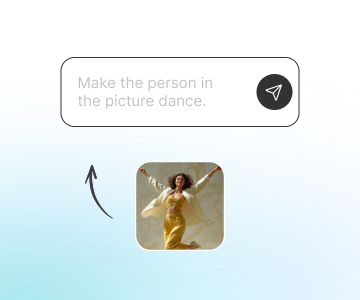
Step 1: Add Your Prompt, Photo, or Video
Enter a scene description, upload a clear image of consenting adults, or add a clip you have permission to transform. Confirm that every identifiable person has agreed to this type of edit before you continue.
Step 2: Describe the Motion and Select a Model
Set the mood, approach, camera angle, lighting, and background movement, then choose a video model such as PixVerse V6, Seedance 2.5, or Seedance 2.0. Keep the prompt focused on one short interaction so the direction remains clear.
Step 3: Generate, Review, and Refine
Generate the clip and check the faces, hands, proportions, expressions, contact, background, and camera movement. Revise the prompt or try another model when needed, then download the version that best matches your intended scene.
Start Creating AI Kissing Videos on ChatGOAT AI
Create kissing videos from prompts, photos or clips directly in ChatGOAT AI’s creative workspace. Set the mood and camera movement, pick your preferred video model, generate and tweak your AI kissing clips online.
See Why Users Love Our AI Kissing Video Generator
See Why Users Love Our AI Kissing Video Generator
I used one well-lit couple photo and asked for a quiet anniversary scene. Slowing the approach in the second prompt made the movement feel much more natural.

I used one well-lit couple photo and asked for a quiet anniversary scene. Slowing the approach in the second prompt made the movement feel much more natural.
Trying another video model gave the same source image a noticeably different pace. Comparing both clips helped me choose the softer, more cinematic version.

Trying another video model gave the same source image a noticeably different pace. Comparing both clips helped me choose the softer, more cinematic version.
I made a short anime-style kiss for two original characters. Keeping the prompt to one camera angle made the faces and framing easier to review.

I made a short anime-style kiss for two original characters. Keeping the prompt to one camera angle made the faces and framing easier to review.
The image editor helped me remove a distracting object before animation. The final scene stayed focused on the couple instead of the cluttered background.

The image editor helped me remove a distracting object before animation. The final scene stayed focused on the couple instead of the cluttered background.
I made a cute kissing video from a photo of me and my boyfriend for our anniversary. It was a fun little surprise, and he loved it!

I made a cute kissing video from a photo of me and my boyfriend for our anniversary. It was a fun little surprise, and he loved it!
I tried the AI kissing generator with two fictional characters just for fun. The result was adorable, and I ended up sharing it with my friends.

I tried the AI kissing generator with two fictional characters just for fun. The result was adorable, and I ended up sharing it with my friends.
AI Kissing Generator Free FAQs
AI Kissing Generator Free FAQs
What Is an AI Kissing Generator?

Can I Create Kissing Videos from Text?
Do I Need One Photo or Two?
What Kind of Photo Works Best?
Can I Choose a Different Video Model?
Why Does the Generated Kiss Look Unnatural?
Is the AI Kissing Generator Free?
Can I Use Photos of Other People?
Can I Share an AI-Generated Kissing Video?
Can I Use the Video Commercially?