


Upload Your Video

Upload Your Image

 Template "AI Video Face Swap" applied
Powerful AI Video Models, One-Stop Video Creation
Generate videos from text prompts, static images or reference clips effortlessly. Access various AI video models and fully customize every part of your video content. Bring dynamic creative ideas to life on this all-in-one platform.



Trusted by millions of users worldwide



Create Realistic Face Swap Videos with AI
Create an AI face swap video with ChatGOAT AI. Upload a source video and a photo of the face you want to use, then generate a new version of your clip. This online tool makes it easier to explore face swaps for memes, social media posts, reaction videos, and creative projects without complex manual editing.
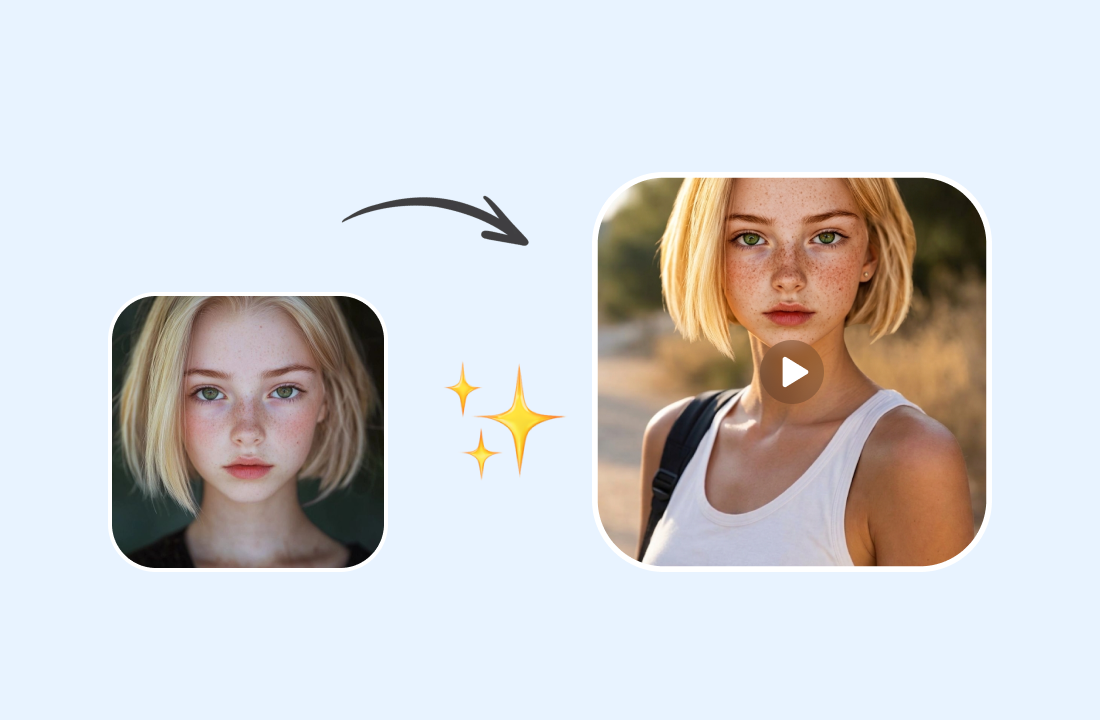
Create Personalized Social Videos
Give existing footage a new look by replacing a face with your chosen photo. Use AI face swap online to create personalized clips for TikTok, Instagram Reels, YouTube Shorts, and other social platforms without filming an entirely new scene.
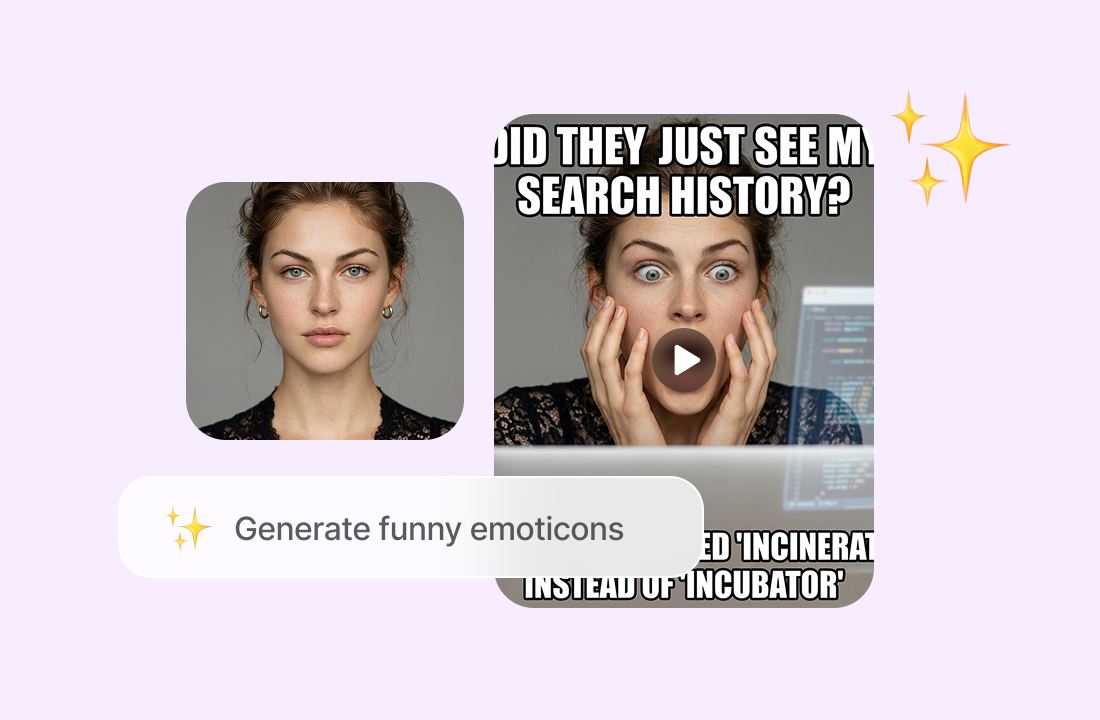
Make Funny Face Swap Memes
Turn familiar scenes and reaction clips into entertaining face swap videos. Experiment with different faces and scenarios using face swap video AI to create humorous content to share with friends or use in your own creative projects.
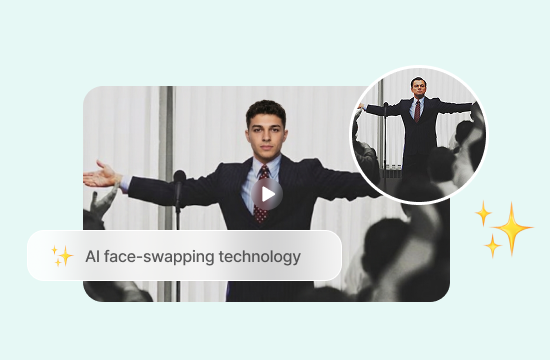
Reimagine Movie and Character Scenes
Explore how a different face might look in a movie-inspired scene or character clip. Use AI video face swap to create fan edits, character concepts, and creative variations while keeping the original footage as your starting point.
Make Memorable Personal Video Gifts
Make birthdays, anniversaries, and other special occasions more entertaining with personalized video edits. Place a friend's or family member's face into a suitable scene to create a playful surprise or a keepsake tailored to the occasion.
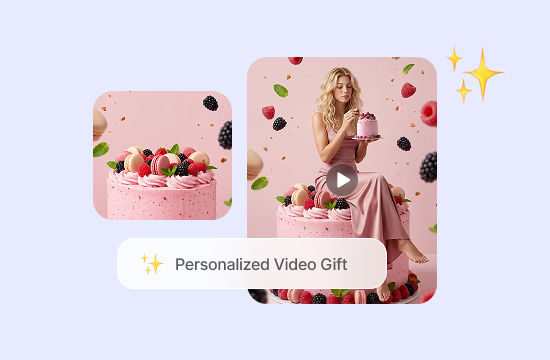
Why Choose AI Face Swap Video with ChatGOAT AI?
ChatGOAT AI brings together face swapping, AI image tools, and multiple AI models in one platform. You can work on a face swap project while exploring other tools for creating and refining visual content.

Explore More AI Creative Tools
Face swapping can be the starting point for a larger creative project. Refine your visuals, experiment with different styles, or develop new video concepts with ChatGOAT AI's AI video tools.

Prepare Visual Assets for Your Video Projects
The right visual details can help bring a video concept to life. Before working on your next project, use ChatGOAT AI's AI image editor to adjust image elements, change backgrounds, or refine character appearances. You can also use the AI image generator to develop visual ideas that complement your creative projects.

Explore Different AI Video Models
Different projects may call for different visual styles and generation approaches. Try PixVerse 6 for creative video generation or explore Gemini Omni to discover another AI video workflow.

Get AI Assistance Beyond Video Creation
ChatGOAT AI also supports everyday tasks beyond visual content. Use AI chat to brainstorm ideas, AI writing tools to develop copy, or AI translation to adapt content for different audiences, all within the same platform.
How to Use the AI Face Swap Video Generator
Create a face swap video in three simple steps.
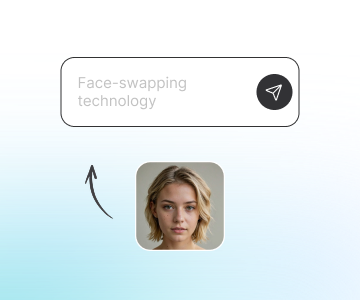
Step 1: Upload Your Video
Choose the video you want to edit and upload it to the AI face swap video tool. For better results, use a clear clip in which the face you want to replace is visible.
Step 2: Upload a Face Photo
Upload a clear photo of the face you want to use in the video. This face swap video from photo workflow uses your image as a reference for the AI face swap process. A well-lit image with visible facial features can help provide a better reference.
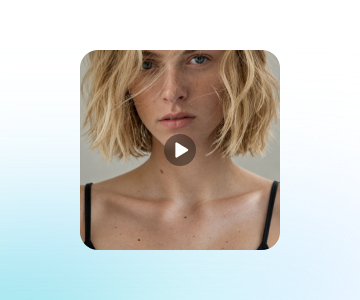
Step 3: Generate and Review Your Video
Start the generation process and review the resulting face swap video. If you want to explore another look, try a different face photo and generate a new version. Make sure you have permission to use the source footage and the person's likeness.
Explore New Creative Possibilities
Transform your video ideas with AI-powered tools. Experiment with different looks, create engaging content, and bring your imagination to life, all in one streamlined experience.
See What Users Can Create with AI Face Swap Video
What our users are saying.
Made a funny birthday clip for my best friend in minutes. It was much easier than editing everything by hand.

Made a funny birthday clip for my best friend in minutes. It was much easier than editing everything by hand.
As a social media manager, I'm always looking for fresh ways to repurpose footage. Face swapping gives me another creative option.

As a social media manager, I'm always looking for fresh ways to repurpose footage. Face swapping gives me another creative option.
Testing a movie-inspired fan edit was much easier with an existing clip. I could focus on the concept instead of complex editing.

Testing a movie-inspired fan edit was much easier with an existing clip. I could focus on the concept instead of complex editing.
Our group chat has a new favorite meme. Swapping faces into familiar reaction clips made everyone laugh.

Our group chat has a new favorite meme. Swapping faces into familiar reaction clips made everyone laugh.
For dance content, trying a different face in an existing video is a fun way to experiment before filming something new.

For dance content, trying a different face in an existing video is a fun way to experiment before filming something new.
I use short video edits to pitch creative ideas to clients. A quick face swap helps make a concept more tangible.

I use short video edits to pitch creative ideas to clients. A quick face swap helps make a concept more tangible.
AI Face Swap Video FAQ
Everything you need to know about creating AI face swap videos with ChatGOAT AI.
What is AI face swap video?

How do I swap a face in a video with AI?
What photos work best for AI video face swap?
Can AI face swap video turn a photo into a face-swapped video?
Will the original video stay the same after face swapping?
Can I use AI face swap videos for TikTok and Instagram Reels?