


上传您的图片

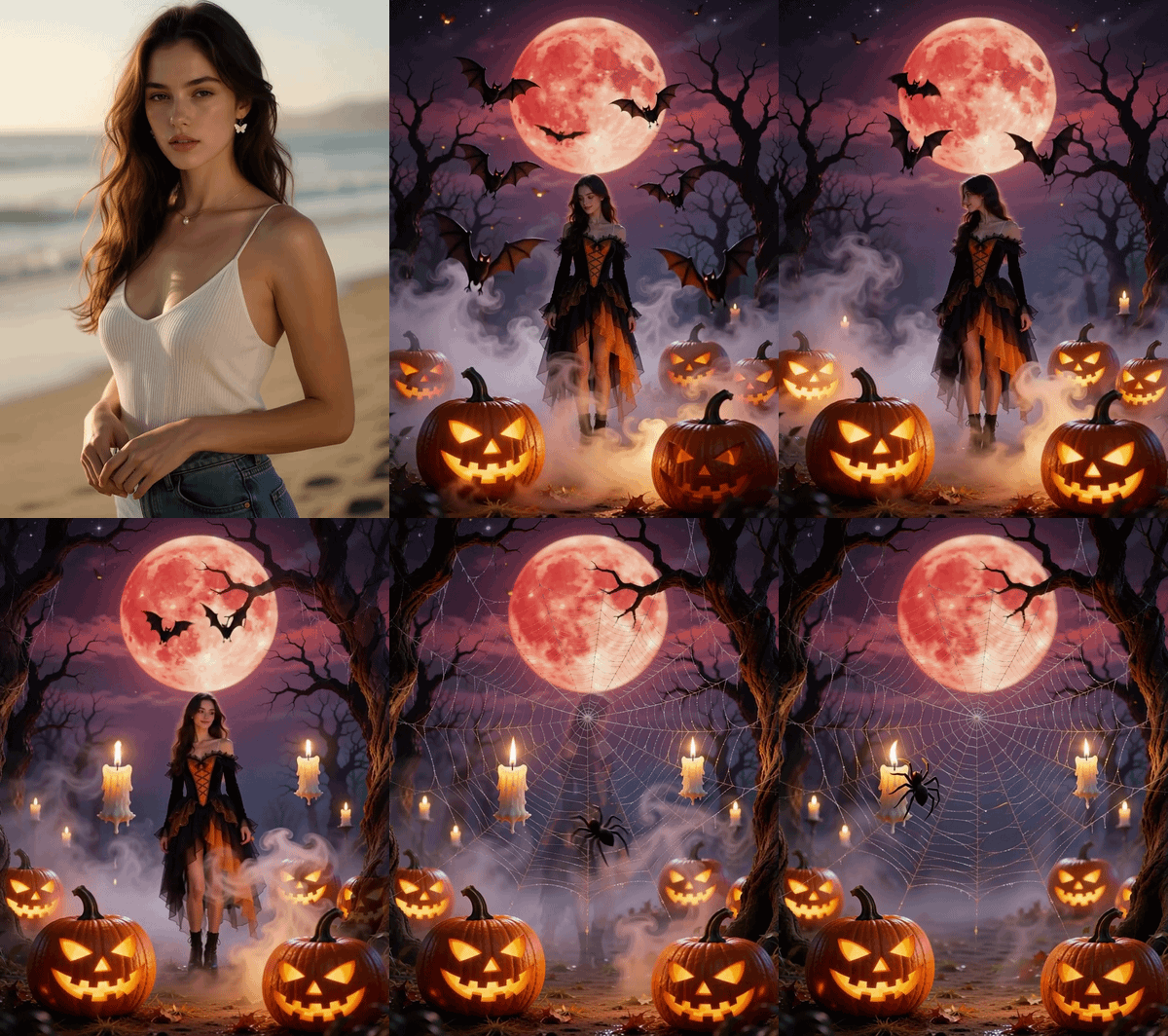 已应用模板 "Star of the Night"

强大的 AI 视频模型,一站式视频创作
轻松通过文本提示、静态图像或参考片段生成视频。访问各种 AI 视频模型,并完全自定义视频内容的每个部分。在这个全能平台上将动态创意变为现实。



深受全球数百万用户的信赖


Halloween Star of the Night AI Video Template
Upload your Halloween photo, choose the Star of the Night template, and let ChatGOAT AI turn a still image into a cinematic Halloween video. Add glowing atmosphere, dramatic motion, and a mysterious night-time mood - no camera, editing skills, or filming setup required.
Animate Any Halloween Photo
Turn portraits, costumes, party photos, illustrations, or character art into a moving Halloween scene. ChatGOAT’s image-to-video workflow adds motion to a still image while keeping your subject as the visual focus.
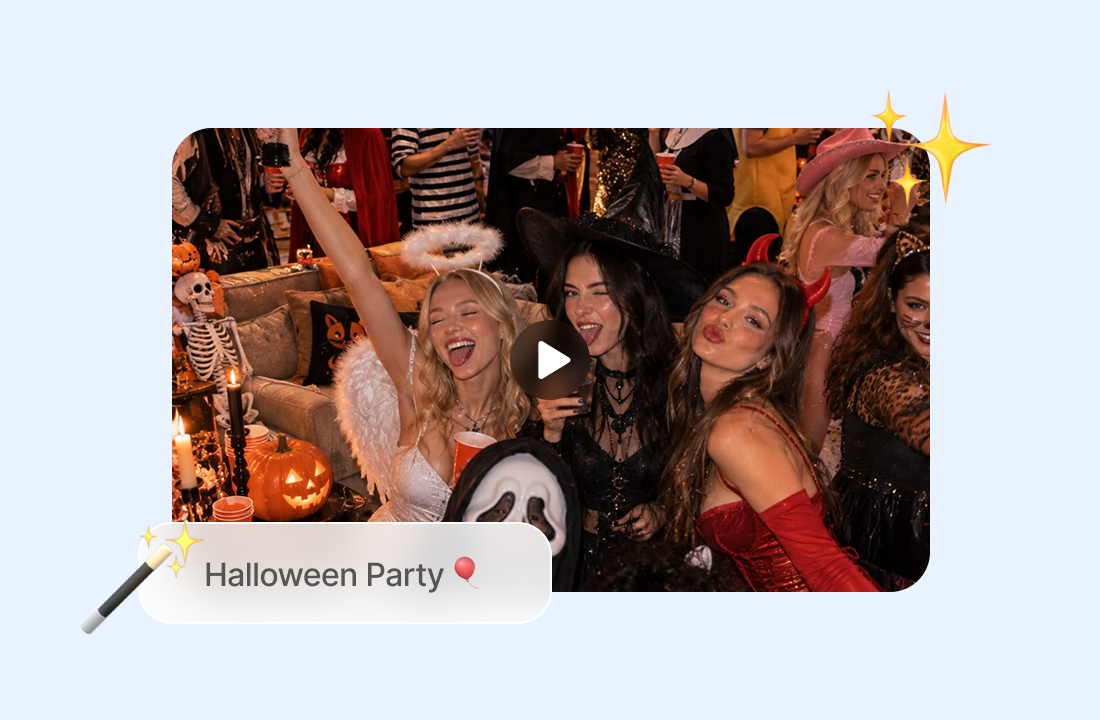
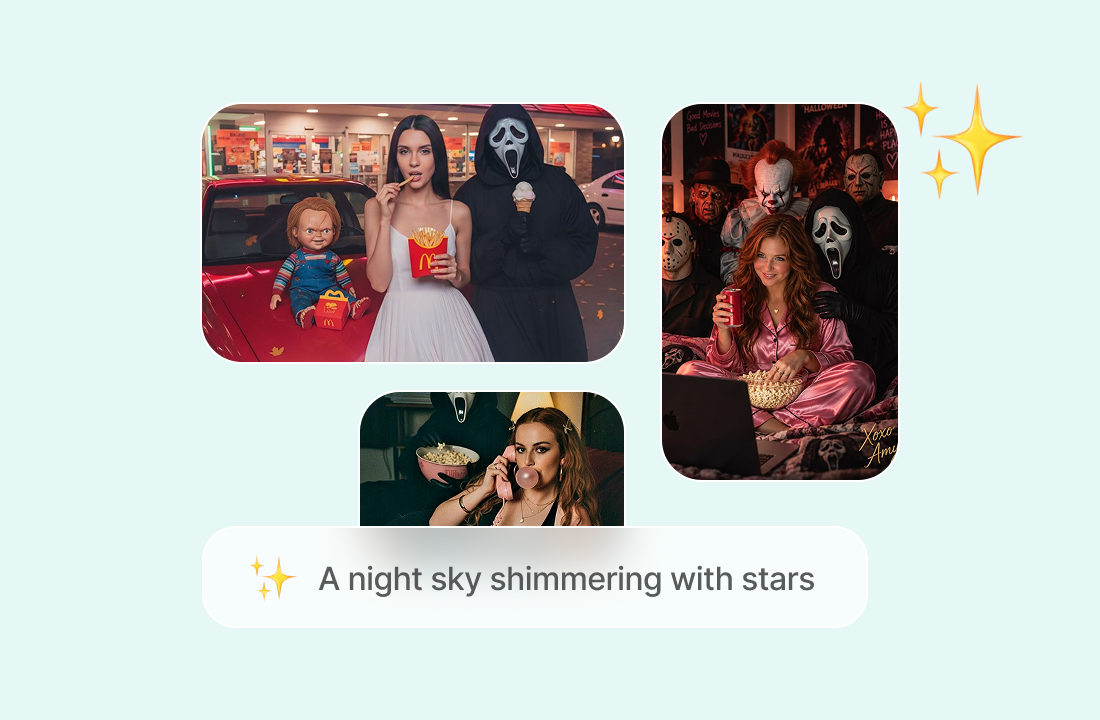
Star of the Night Aesthetic
Create a dark, glamorous Halloween look with a starlit night atmosphere, cinematic lighting, and subtle supernatural movement - perfect for a mysterious hero shot or social media reveal.
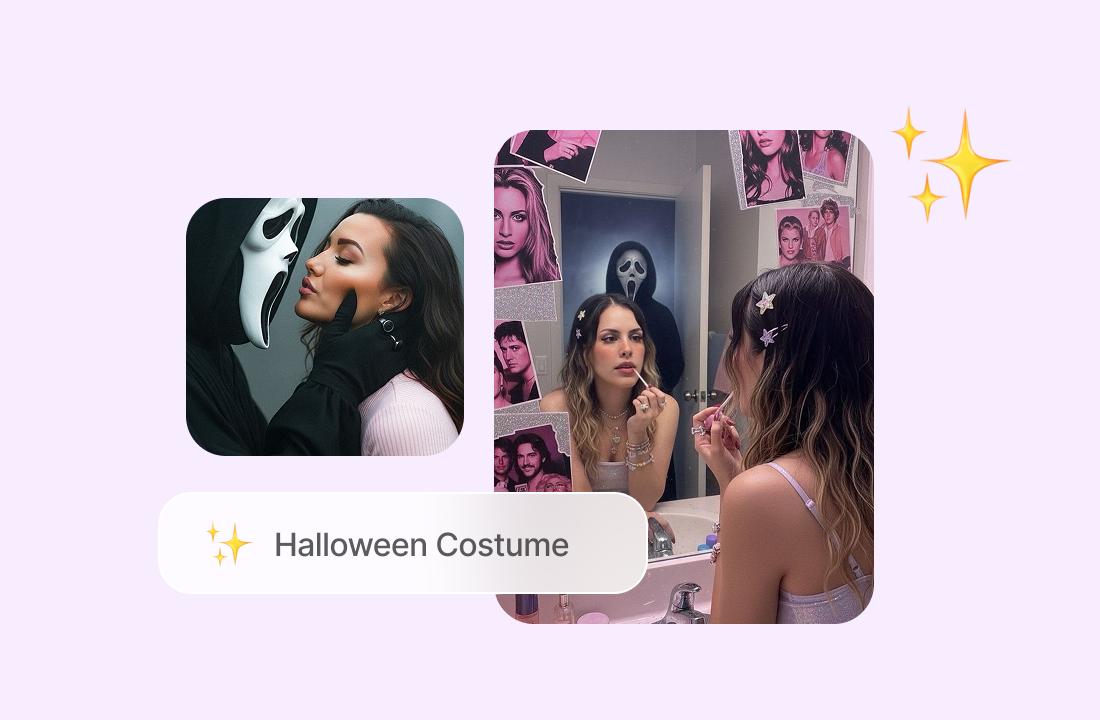
Fast, Simple Creation
Start with one image, apply the template, and generate a video draft in a few steps. You can refine the prompt or settings if you want a different mood, motion style, or visual direction.
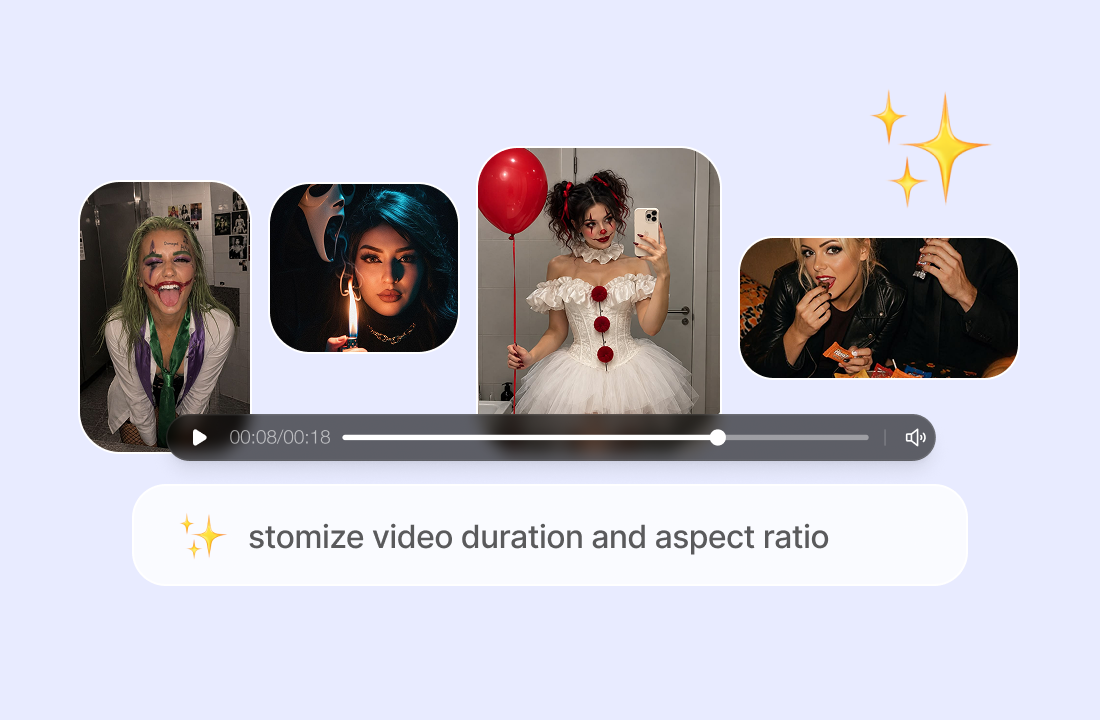
Ready for Social Platforms
Create vertical or widescreen videos for TikTok, Reels, Shorts, websites, and presentations. ChatGOAT supports multiple aspect ratios, including 9:16, 16:9, 3:4, and 4:3.
Why Choose ChatGOAT AI Video?
Why Choose ChatGOAT AI Video?

Image to Video, Made Simple
Upload an image and use it as the visual starting point for a moving video. This is ideal for animating product photos, portraits, illustrations, and creative artwork.

Prompt-Level Creative Control
Describe the subject, setting, movement, lighting, and visual style to guide the result. Clear prompts help you explore different directions before finalizing your video.

Multiple AI Video Workflows
Besides image-to-video, ChatGOAT also supports text-to-video and video-to-video workflows, so you can create from scratch, animate a photo, or transform existing footage.

One Platform for AI Creation
ChatGOAT brings together top-tier AI models and creative tools in one workspace, helping you move from idea to finished visual content without switching applications.
How to Create Your Halloween Video
How to Create Your Halloween Video
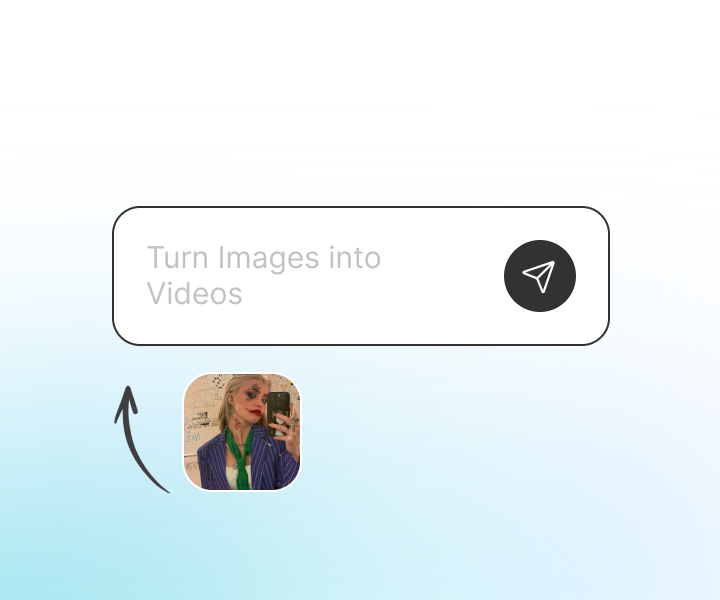
Step 1: Upload Your Image
Upload a Halloween portrait, costume photo, pet photo, illustration, or concept art as the starting frame.
Step 2: Apply the Template
Select Halloween Star of the Night and let the AI understand the scene, subject, and desired Halloween atmosphere.
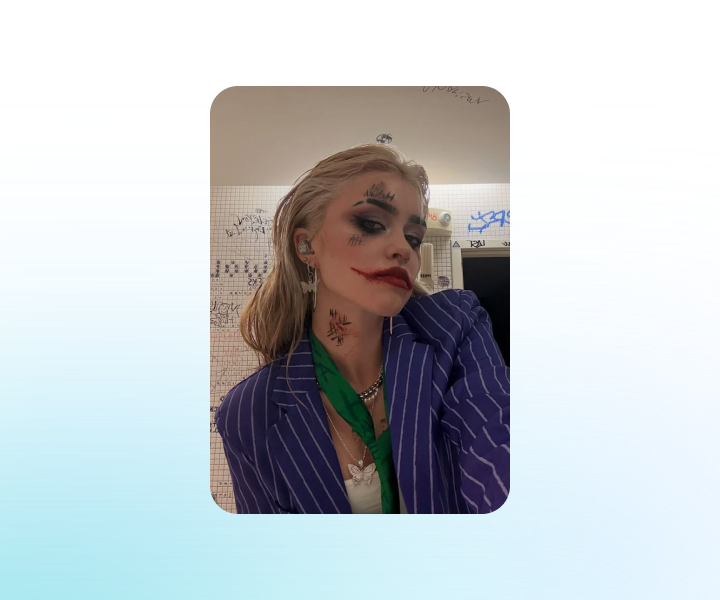
Step 3: Generate and Share
Click Generate to create your AI video. Preview the result, adjust the prompt if needed, then download or share it on your favorite platform.
Turn Your Halloween Photo into a Star of the Night
Upload one image, apply the Halloween Star of the Night template, and let ChatGOAT AI create a cinematic, spooky video in minutes. No filming or editing experience needed.
See Why Users Love Our Halloween Star of the Night AI Video Template
See Why Users Love Our Halloween Star of the Night AI Video Template
I uploaded a simple Halloween costume photo and got a dramatic, cinematic video in just a few minutes. The starry night mood made it perfect for my Instagram Reel.

I uploaded a simple Halloween costume photo and got a dramatic, cinematic video in just a few minutes. The starry night mood made it perfect for my Instagram Reel.
The template gave my pet’s Halloween photo a spooky but cute animated look. It was so easy that I made three videos for our party invitations.

The template gave my pet’s Halloween photo a spooky but cute animated look. It was so easy that I made three videos for our party invitations.
I love how ChatGOAT turns a single image into a moving scene. The Star of the Night template is ideal for costume reveals and short social videos.

I love how ChatGOAT turns a single image into a moving scene. The Star of the Night template is ideal for costume reveals and short social videos.
My cosplay portrait looked completely different after using this template. The lighting, motion, and Halloween atmosphere made it feel like a movie trailer.

My cosplay portrait looked completely different after using this template. The lighting, motion, and Halloween atmosphere made it feel like a movie trailer.
I’m not good at video editing, but this was incredibly simple. I uploaded one photo, picked the template, and had a shareable Halloween video right away.

I’m not good at video editing, but this was incredibly simple. I uploaded one photo, picked the template, and had a shareable Halloween video right away.
We used it for our Halloween campaign and saved so much time. The AI video helped us create seasonal content without hiring a videographer.

We used it for our Halloween campaign and saved so much time. The AI video helped us create seasonal content without hiring a videographer.
Halloween Star of the Night AI Video Template FAQs
Halloween Star of the Night AI Video Template FAQs
What is the Halloween Star of the Night template?

Do I need video editing experience?
What kinds of images work best?
Can I use the video on TikTok or Instagram?
Can I change the style after generating?