


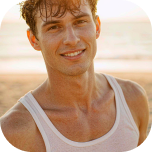
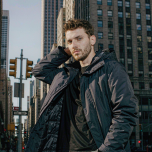
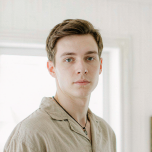
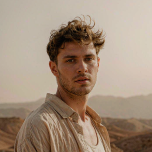
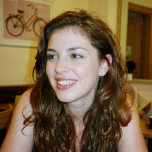
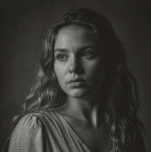
Top-tier AI models, one-stop drawing
Seamlessly use cutting-edge models like Nano-Banana 2, Nano-Banana 2.1, Seedream 5.0 Flash without switching applications. From initial sketches to final masterpieces, realize limitless creativity on one platform.

Zaufały nam miliony użytkowników na całym świecie


Turn One Photo into a Complete Photoshoot
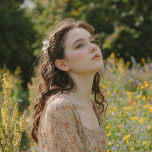
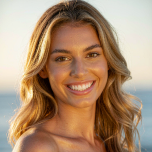
Create a professional photoshoot from a single image with ChatGOAT AI. Upload a product, clothing item, or other photo, then create multiple photos with different scenes, backgrounds, styles, and visual concepts without arranging a traditional photoshoot.
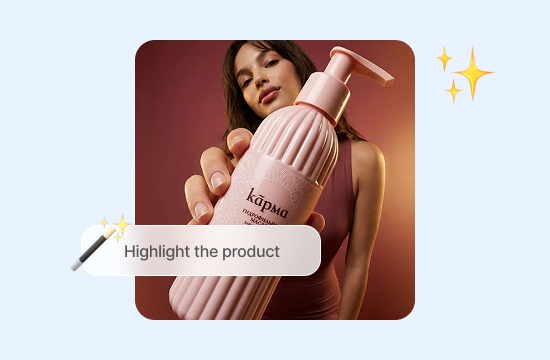
Create AI Product Photography
Turn simple product photos into polished visuals for online stores, product pages, and marketing campaigns. Create different backgrounds, settings, and compositions for AI photoshoot for products while keeping the product at the center of each image. For a complete brand identity, you can also create a logo with the AI logo generator.
Create AI Fashion Photos with Models
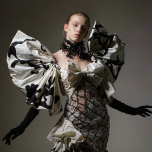
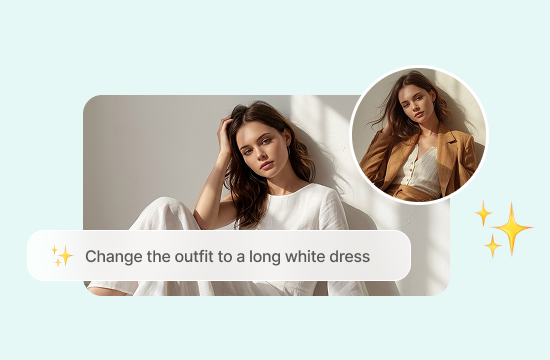
Turn clothing and fashion items into on-model visuals. Create different models, poses, and settings for an AI model photoshoot, catalogs, lookbooks, fashion collections, and online stores.
Build a Distinct Brand Look
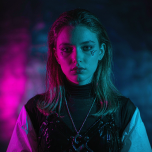
Develop a consistent visual style across your product photos, social media, campaigns, and other marketing materials. Use the same product or subject to create a cohesive collection of images. You can also explore different creative styles with the AI art generator.
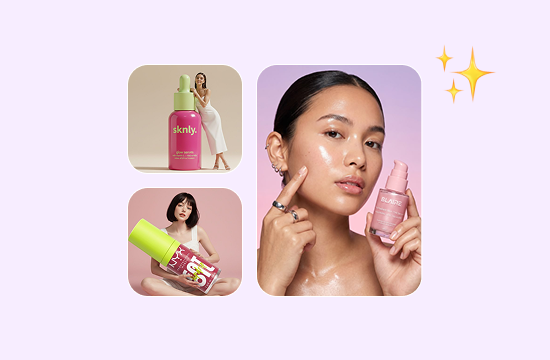
Produce More Marketing Content
Create additional visuals for social media, promotions, and advertising without starting a new photoshoot for every campaign. Repurpose existing images into fresh creative assets for different marketing needs.
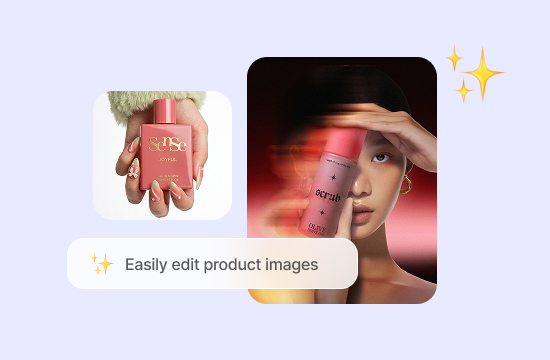
Why Choose ChatGOAT AI for Photoshoots
ChatGOAT AI helps you create photoshoot-quality visuals without the time, equipment, or production setup of a traditional shoot. Start with an image you already have and use ChatGOAT AI to turn your ideas into polished visual content.

No Studio or Photography Skills Required
Create professional-looking photos without setting up a studio, arranging equipment, or learning complex editing tools. ChatGOAT AI makes a virtual photoshoot easier to create while handling the visual generation so you can focus on the concept you want to create.

Turn Ideas into Visuals More Easily
Bring your creative direction to life with simple descriptions. You can also chat with AI models such as GPT 6 Luna and Claude Haiku 4.5 to brainstorm ideas, refine your descriptions, and develop a clearer visual concept before using ChatGOAT AI as an AI photography generator.

Keep Your Visuals Consistent
Build a collection of images around the same product or subject while maintaining a cohesive visual direction. Consistent imagery can make your product pages, social media, campaigns, and other marketing materials feel more polished and unified.

Create More Without Repeated Shoots
Expand your visual library without organizing a new photoshoot for every idea. Use ChatGOAT AI to generate additional concepts from existing images and create more content for different campaigns, platforms, and creative needs.
How to Use Photoshoot AI
Create an AI photoshoot in three simple steps.
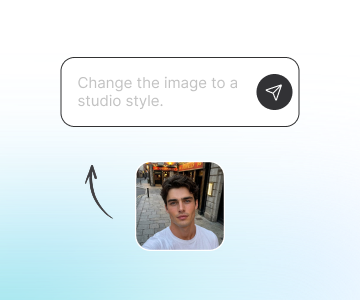
Step 1: Upload Your Image
Upload a clear photo of the product, clothing item, or subject you want to feature. A sharp, well-lit image with the main subject clearly visible gives ChatGOAT AI a strong reference for creating new photos.
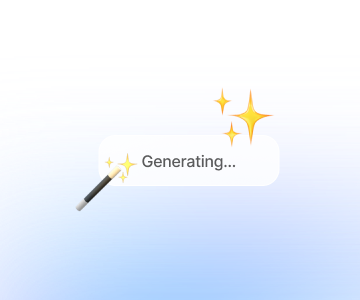
Step 2: Describe Your Photoshoot
Tell ChatGOAT AI how you want the finished image to look. Include details such as the setting, background, lighting, mood, composition, and visual style. You can describe anything from a clean studio setup to a lifestyle or fashion photoshoot.
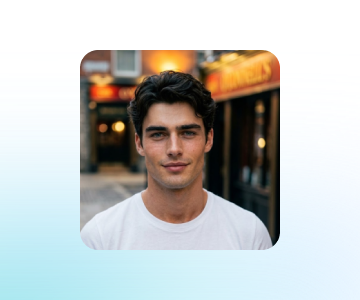
Step 3: Generate and Refine
Generate your AI photoshoot with ChatGOAT AI and review the results. If you want to explore another direction, adjust your prompt and generate a new version with different styling, lighting, or scenery until you find a look that works for your project.
See What Users Can Create with Photoshoot AI
Co mówią nasi użytkownicy
My product photos looked too basic, so I tried a few different settings. The new versions made my listings look much more put together.

My product photos looked too basic, so I tried a few different settings. The new versions made my listings look much more put together.
I had an outfit in mind but wasn't sure how I wanted the final shoot to look. Trying different poses and settings helped me narrow it down.

I had an outfit in mind but wasn't sure how I wanted the final shoot to look. Trying different poses and settings helped me narrow it down.
I only had one decent photo to work with, but I needed several versions for a campaign. Being able to create different scenes from it saved me a lot of time.

I only had one decent photo to work with, but I needed several versions for a campaign. Being able to create different scenes from it saved me a lot of time.
I wanted something more than a plain product photo for my new collection. A few AI-generated lifestyle shots gave me much more to work with.

I wanted something more than a plain product photo for my new collection. A few AI-generated lifestyle shots gave me much more to work with.
I was stuck between a few different visual styles. Creating several versions side by side made it much easier to pick one.

I was stuck between a few different visual styles. Creating several versions side by side made it much easier to pick one.
I needed some fresh images for an upcoming promotion, but there wasn't enough time for another shoot. AI gave me a few usable ideas in minutes.

I needed some fresh images for an upcoming promotion, but there wasn't enough time for another shoot. AI gave me a few usable ideas in minutes.
Photoshoot AI FAQ
Everything you need to know about creating photoshoots with AI.
What is Photoshoot AI?

How does an AI photoshoot generator work?
What can I create with Photoshoot AI?
What types of photoshoots can I create with ChatGOAT AI?
Can I create an AI product photoshoot?
Can I create an AI fashion photoshoot?
Can I create a photoshoot from one photo?
What images work best for an AI photoshoot?
Can I use Photoshoot AI for ecommerce?
Can I use AI photoshoot images for social media and ads?
Is there a free AI photoshoot generator?