


上传您的视频


强大的 AI 视频模型,一站式视频创作
轻松通过文本提示、静态图像或参考片段生成视频。访问各种 AI 视频模型,并完全自定义视频内容的每个部分。在这个全能平台上将动态创意变为现实。



深受全球数百万用户的信赖



免费在线视频到视频生成器
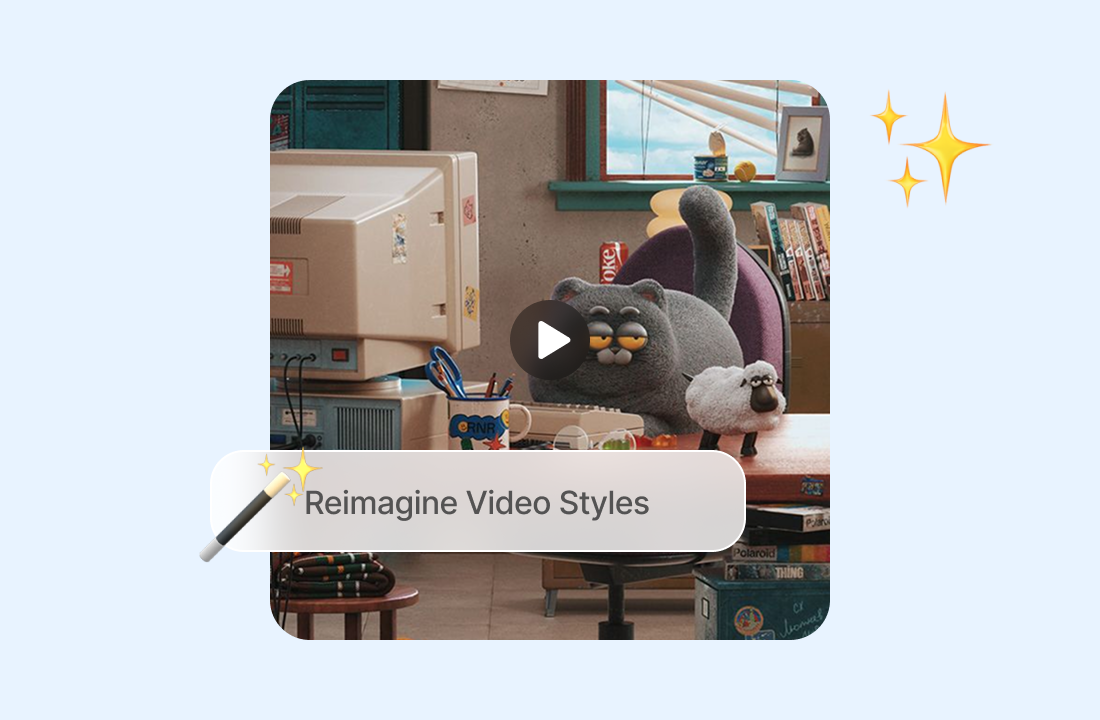
直接改造你手头已有的素材,无需从头重建场景。描述新的风格或视觉变化,选择一个视频模型,并以原始短片作为运动参考来精修结果。
在保持运动的同时重新设计素材风格
在保留剪辑的节奏、动作和构图作为参考的同时,改变剪辑的视觉效果。这使得视频到视频技术非常适合测试动漫、插画、电影感、复古或其他外观,而无需逐个镜头地重新拍摄表演。
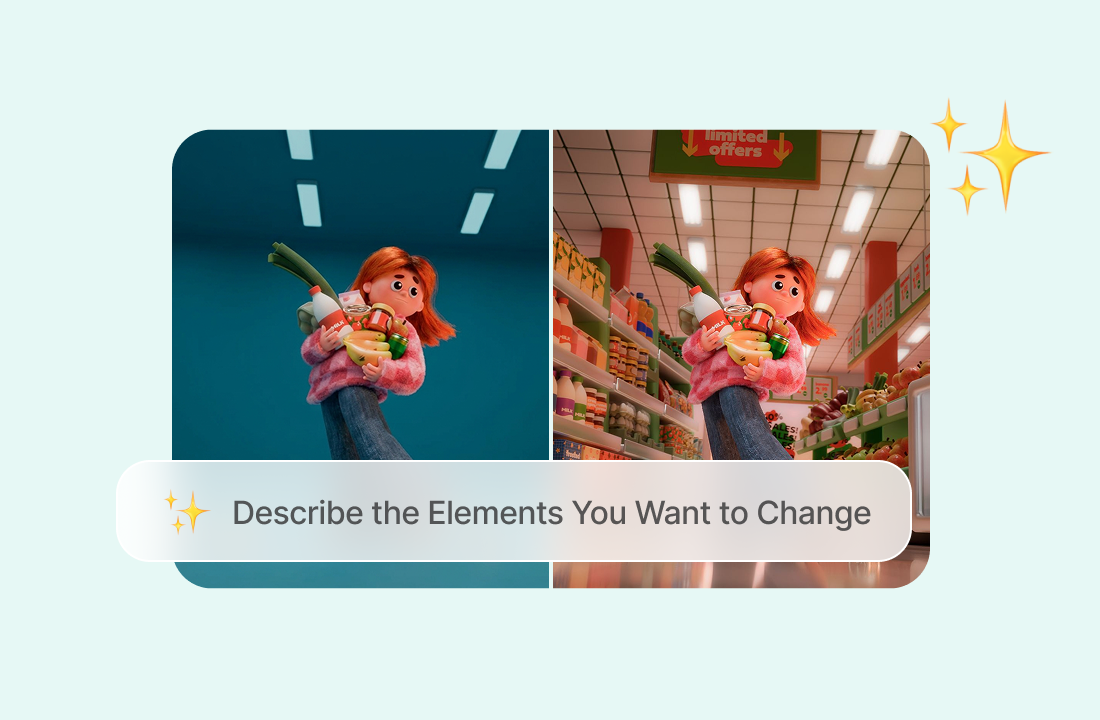
Describe the Elements You Want to Change
使用有针对性的提示词来指导转换。明确你想要不同的环境、色彩处理、服装方向、主体外观、灯光设置还是整体氛围,并指出原剪辑中应保持可识别的任何内容。
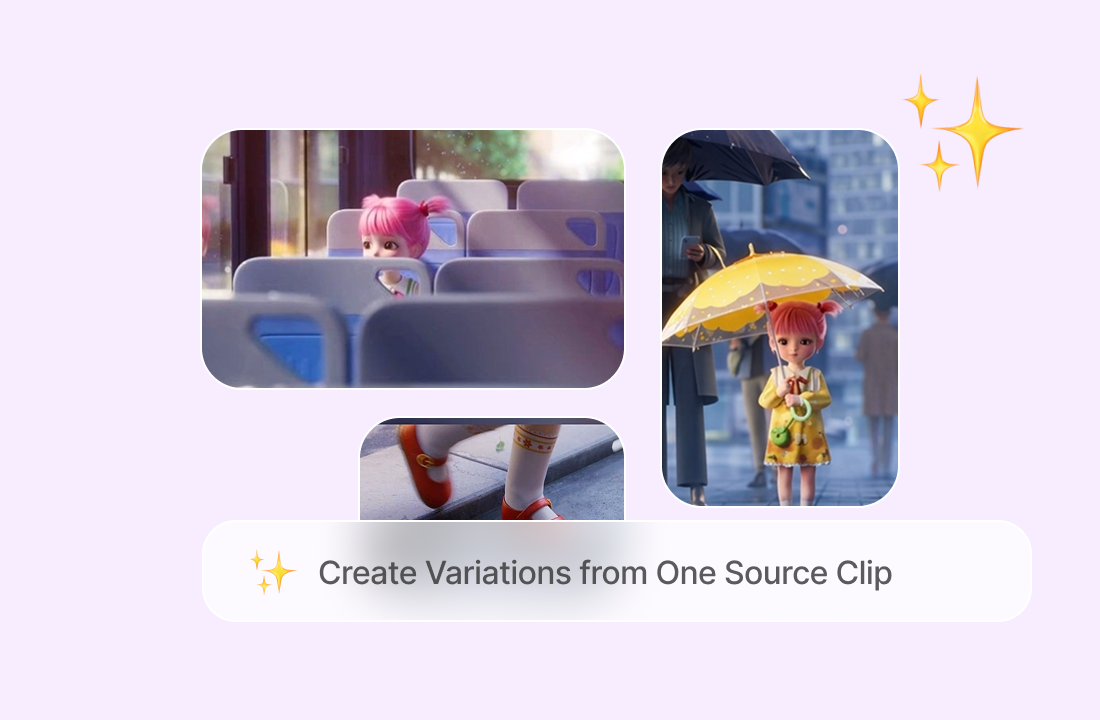
Create Variations from One Source Clip
将一段素材变成用于宣传活动、角色概念、社交发帖或视觉测试的多个创意版本。对于获得授权的角色概念,换脸工具可以帮助你在应用新的视频方向之前准备好备用的静态参考。
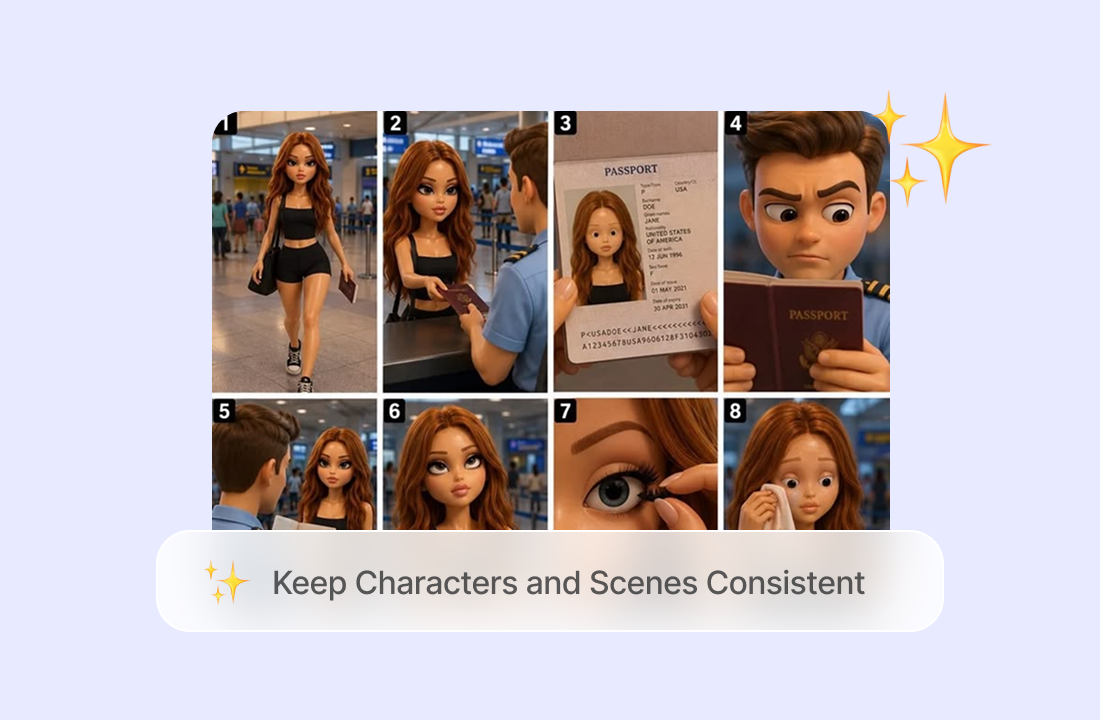
Keep Characters and Scenes Consistent
将你的视频转换为新风格,同时保持原始角色、背景和场景细节的一致性。ChatGOAT AI 有助于保留可识别的面孔、动作和场景构图,确保你的视频在转换后仍能保持原有的外观和流畅度。
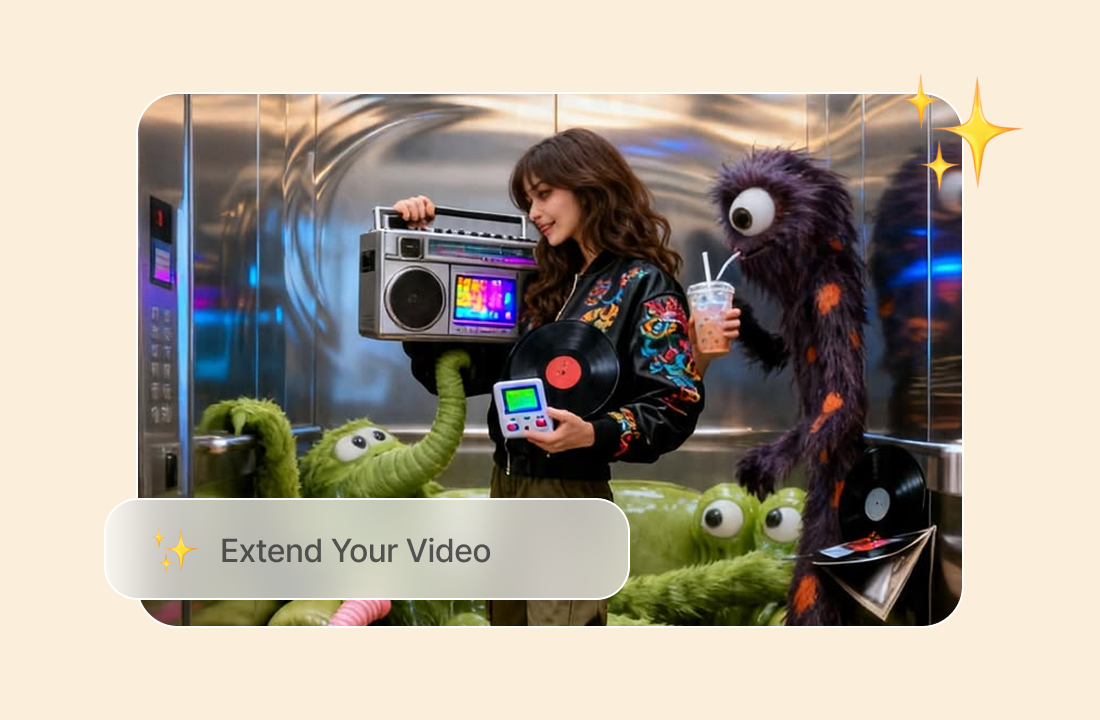
Extend Your Video
通过生成延续自原始剪辑的额外素材来延长视频。在保持角色、视觉风格和运动一致的同时,延伸动作或场景。
为什么 ChatGOAT AI 适合视频到视频工作流
为什么 ChatGOAT AI 适合视频到视频工作流

Turn Existing Work into New Creative Options
优质的源剪辑已经包含了节奏、取景和运动。ChatGOAT AI 帮你基于这些素材进行创作,让你无需从空白场景开始,就能探索不同的艺术方向或特定受众版本。

Prepare Cleaner Reference Frames
如果转换概念取决于角色看起来更老或更年轻,AI 老化工具可以在你重新设计源剪辑风格之前,帮你准备好经过授权的视觉参考。

Compare Current Models in One Platform
使用相同的源剪辑和提示词与其他可用的视频模型进行对比,以评估运动、场景细节和风格诠释。这为你提供了一种在选择值得进一步精修的版本之前评估创意方向的实用方法。

Keep Related Visual Tasks Together
ChatGOAT AI 还支持素材准备。在它成为更广泛的视频概念的一部分之前,https://www.chatgoat.ai/ai-watermark-remover 可以清除你拥有或获得编辑授权的参考图片中的标记。
如何使用视频到视频转换器
如何使用视频到视频转换器
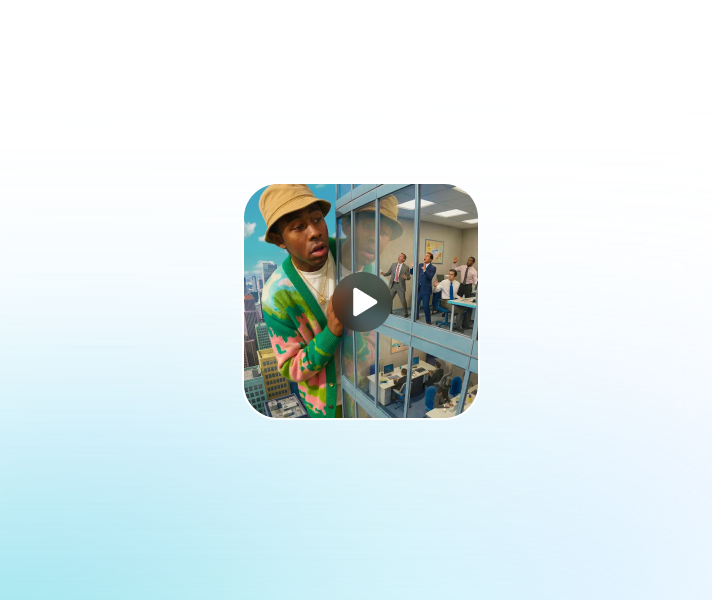
Step 1: Upload the Source Video
选择一个你拥有或有权转换的清晰剪辑。带有可见主体、稳定取景和清晰可辨运动的短素材,能为模型提供比黑暗、高压缩或快速剪辑序列更强的参考。
Step 2: Set the Direction and Choose a Model
描述应保持一致的风格、环境、主体变化、灯光和细节,然后选择一个视频模型,例如 PixVerse V6、Seedance 2.5 或 Seedance 2.0。在添加较小的调整之前,保持第一个提示词聚焦。
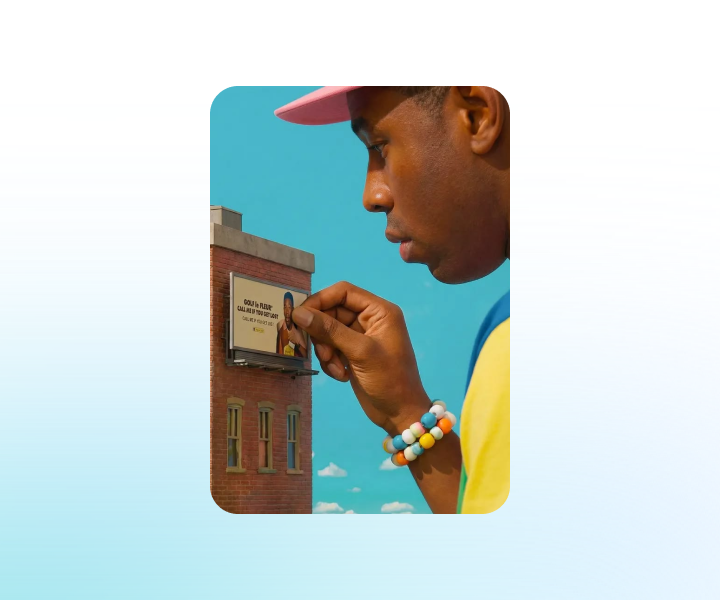
Step 3: Generate, Compare, and Download
检查转换后的剪辑的身份、运动、物体形状、背景稳定性、闪烁和不想要的更改。需要时修改提示词或对比其他模型,然后下载最符合你源素材和创意方向的版本。
在 ChatGOAT AI 上使用视频到视频 AI 开始转换素材
上传你的源素材,定义新的视觉风格,挑选视频模型,在 ChatGOAT AI 中生成并打磨重新设计风格的剪辑。立即开始转换现有视频。
See Why Users Love Our Video to Video Generator
看看为什么用户如此喜爱我们的视频到视频生成器
I reused a short product clip and tested two different visual treatments without organizing another shoot. The original camera move stayed useful in both versions.
I reused a short product clip and tested two different visual treatments without organizing another shoot. The original camera move stayed useful in both versions.
A shorter prompt worked better for my anime restyle. Once I focused on the color palette and line style, the movement stayed much closer to the source footage.

A shorter prompt worked better for my anime restyle. Once I focused on the color palette and line style, the movement stayed much closer to the source footage.
Comparing the same clip with another video model showed me which result handled the background more consistently. That saved me from refining the weaker version.

Comparing the same clip with another video model showed me which result handled the background more consistently. That saved me from refining the weaker version.
I turned an older vertical clip into a new campaign concept while keeping the performance and pacing I had already filmed. It was a practical way to test a fresh direction.

I turned an older vertical clip into a new campaign concept while keeping the performance and pacing I had already filmed. It was a practical way to test a fresh direction.
I turned a regular video of my dog into a cartoon-style clip. It was fun seeing the same little movements in a completely different style, and I shared it with my friends.
I turned a regular video of my dog into a cartoon-style clip. It was fun seeing the same little movements in a completely different style, and I shared it with my friends.
Video to Video FAQs
视频到视频常见问题
什么是视频到视频 AI?

视频到视频生成器与文本生成视频有何不同?
在线视频到视频转换器和格式转换器是一回事吗?
我可以请求哪些更改?
视频到视频能保留原始运动吗?
哪些源视频效果最好?
我可以选择不同的视频模型吗?
为什么重新设计风格的视频会闪烁?
视频到视频生成器是免费的吗?
我可以将转换后的视频用于商业用途吗?