


上傳您的圖片

 已套用範本「Tokyo Drift」

強大的 AI 影片模型,一站式影片創作
輕鬆透過文字提示、靜態圖像或參考短片生成影片。存取各種 AI 影片模型,並完全自訂影片內容的每個部分。在這個全方位平台上將動態創意變為現實。



受到全球數百萬使用者的信賴


From One Photo to a Street Racing Clip
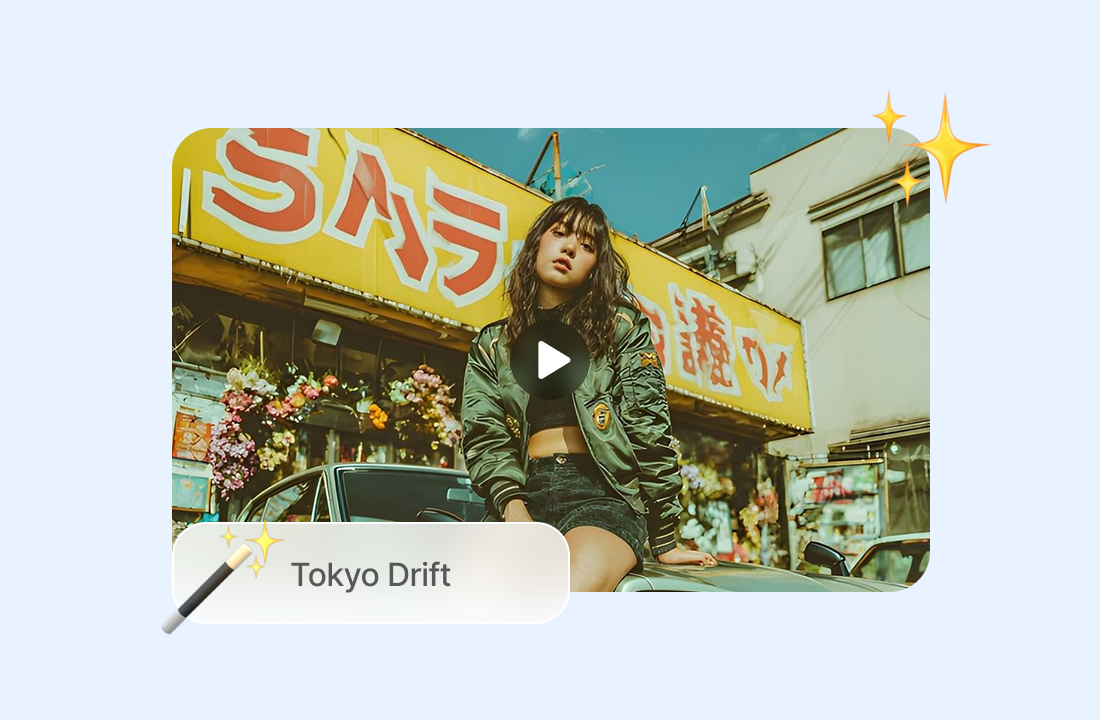
The Tokyo Drift AI Video Template gives your still image a bold new direction. Whether you start with a portrait, character, avatar, or vehicle photo, AI adds dynamic movement, dramatic lighting, and a high-energy racing mood for a finished short video.
Bring Motion to Any Image
A single photo becomes the starting point for a cinematic racing sequence. ChatGOAT AI interprets the Tokyo Drift style and animates your subject with fluid, high-impact movement.
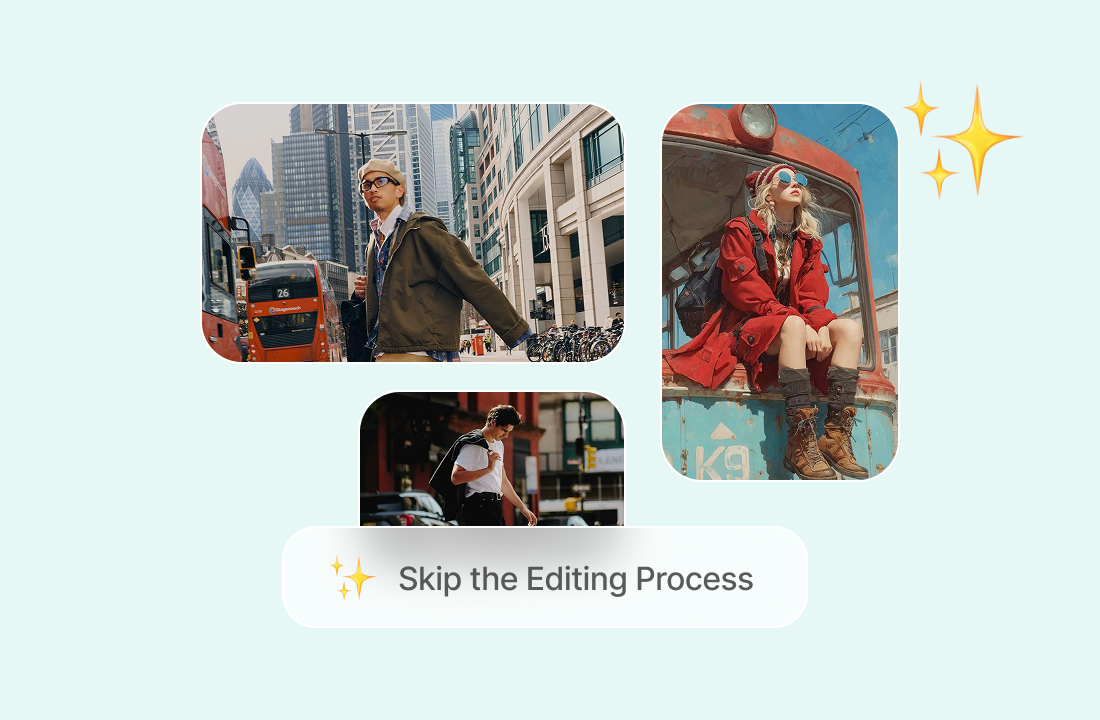
Skip the Editing Process
There is no need to build prompts, set camera paths, or learn animation software. Choose the template, upload your image, and generate a complete video in one workflow.
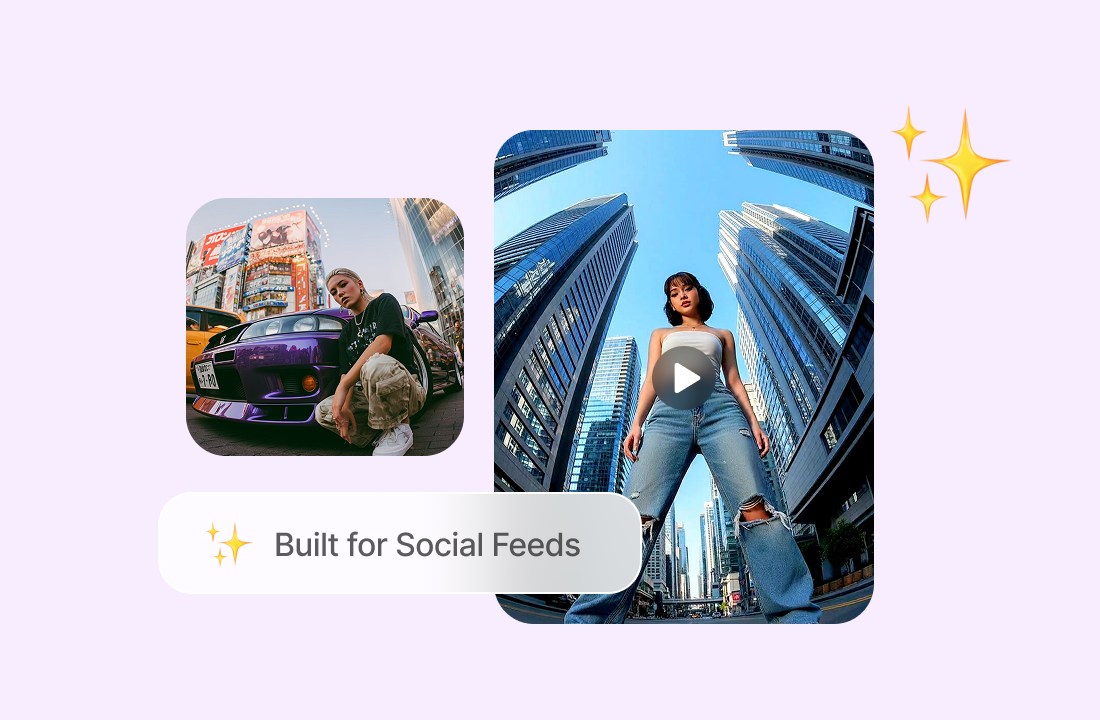
Built for Social Feeds
Create short, punchy clips that fit TikTok, Instagram Reels, YouTube Shorts, and more. The template’s fast pace and neon-inspired visuals help your content capture attention immediately.
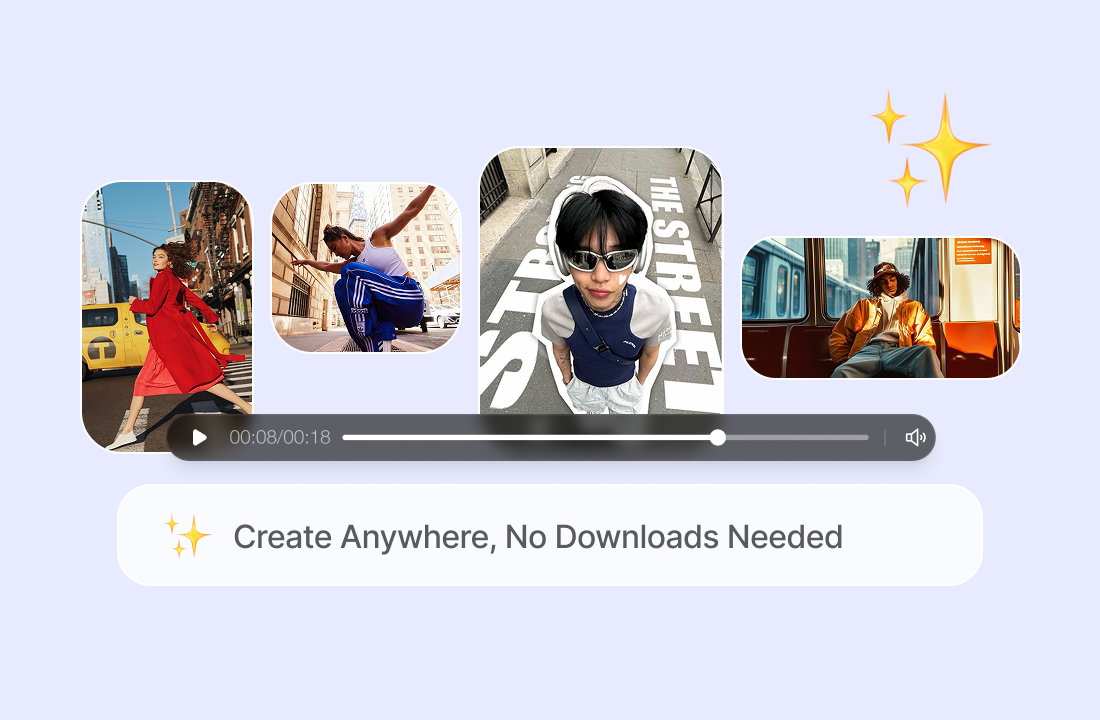
Create Anywhere, No Downloads Needed
Everything happens in your browser. Upload, generate, preview, and download your video without installing an app or using a complex editor.
What Makes This Template Stand Out
Designed to deliver a strong visual style while keeping the process quick and effortless.

Instant Results with One Click
The template applies a complete racing sequence automatically, so you can go from photo to finished video without manual animation work.

Bold, Cinematic Visual Energy
Expect dramatic motion, vivid lighting, and a street-racing atmosphere that gives ordinary photos a more memorable look.

Flexible for Many Image Types
Use photos of people, characters, avatars, cars, or original creative artwork - provided you have the rights to animate them.

Multiple AI Video Models Available
ChatGOAT AI lets you work with different image-to-video models, giving you more options for motion quality, visual style, and creative control.
Create Your Tokyo Drift Video in Three Steps
A simple workflow from upload to download.
Step 1: Select the Tokyo Drift Style
Choose the template to apply its racing motion, cinematic pacing, and neon city atmosphere.
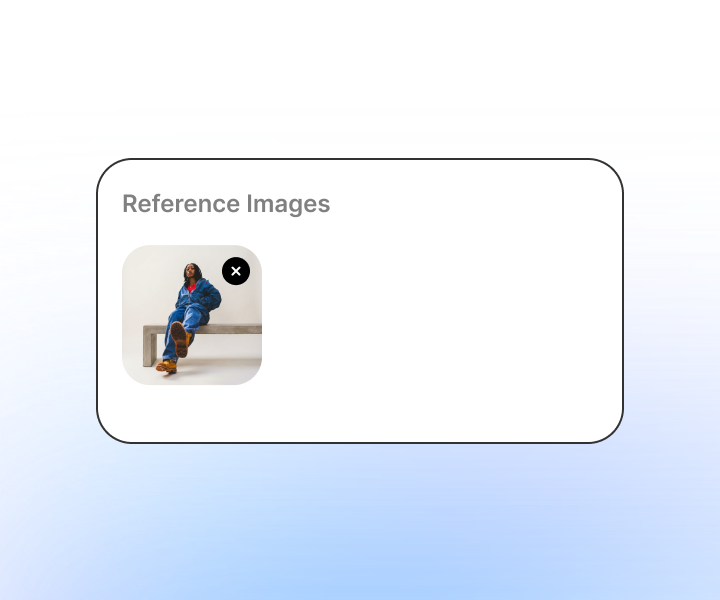
Step 2: Upload the Photo You Want to Animate
Select a sharp, well-lit image where your subject is clearly visible. The AI uses it as the foundation for your video.
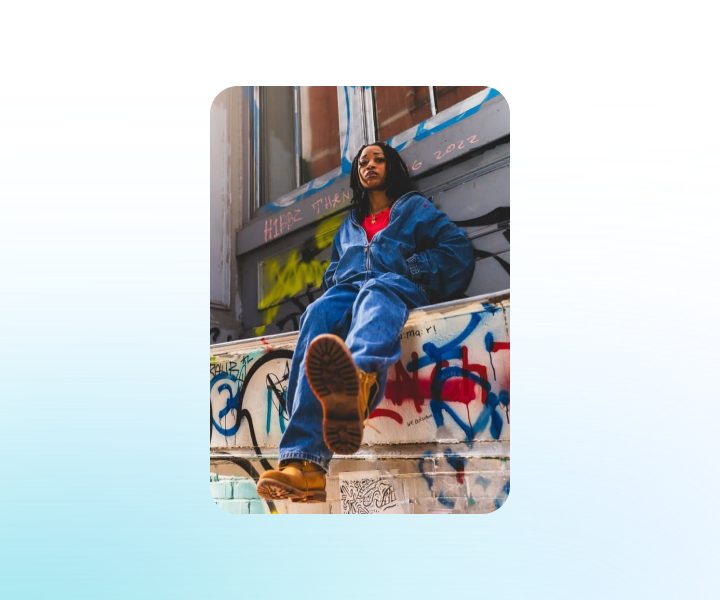
Step 3: Generate and Save Your Clip
Press Generate, check the preview, and download the final video for social media, messaging, or personal projects.
Try the Template with ChatGOAT AI Now
Animate photos, create videos from text, test different templates, and adjust your results - all in one online creative workspace.
What Creators Say About Tokyo Drift
Real feedback from people using the template for social content and creative projects.
My photo suddenly had a story.

My photo suddenly had a story.
I made a Reel without editing.
I made a Reel without editing.
Animation used to take me hours.

Animation used to take me hours.
Useful for brand visuals.

Useful for brand visuals.
Portraits still look like the original.

Portraits still look like the original.
I use it for everyday posts.

I use it for everyday posts.
Tokyo Drift Video Template FAQ
Quick answers before you start creating.
What does the Tokyo Drift template do?

Is any editing experience required?
Which photos produce the best results?
Can I animate a picture of myself?
When will my video be ready?
Can I change the output after generating?
Where can I post the finished video?
Do I need to install anything?
Can I use the output commercially?
What other video tools does ChatGOAT offer?