


上傳您的圖片

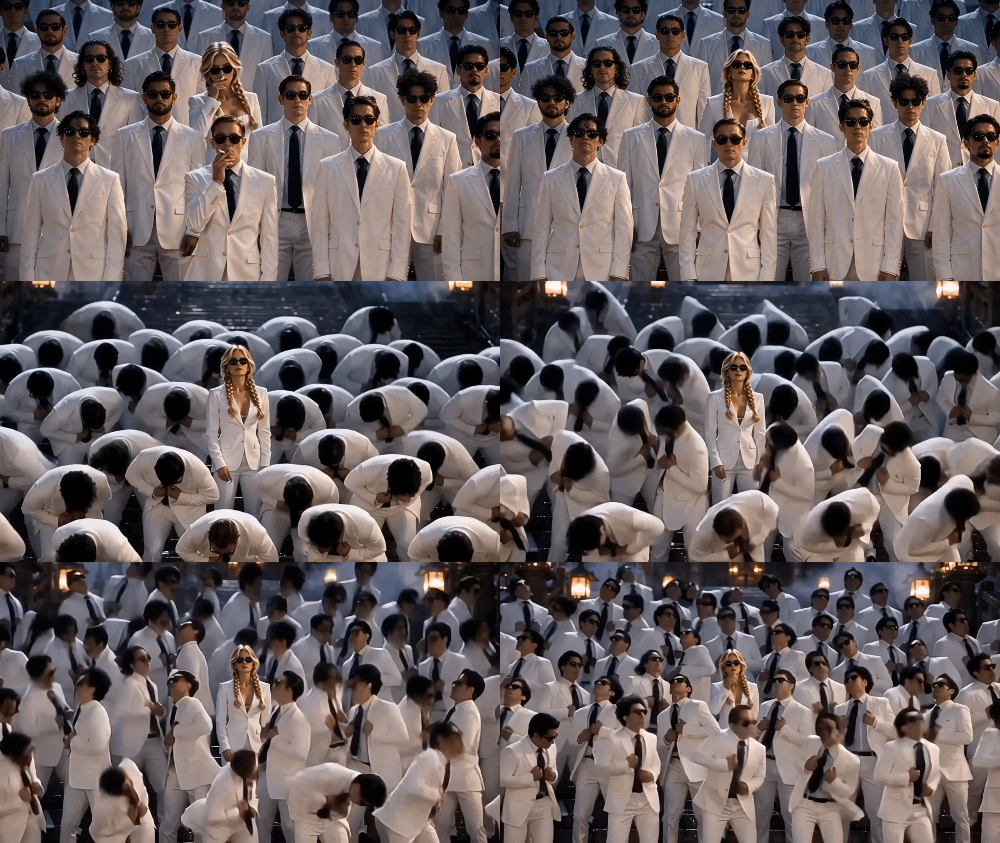 已套用範本「Storm II Dance Video」

強大的 AI 影片模型,一站式影片創作
輕鬆透過文字提示、靜態圖像或參考短片生成影片。存取各種 AI 影片模型,並完全自訂影片內容的每個部分。在這個全方位平台上將動態創意變為現實。



受到全球數百萬使用者的信賴



Try STORM II AI Dance Video Template
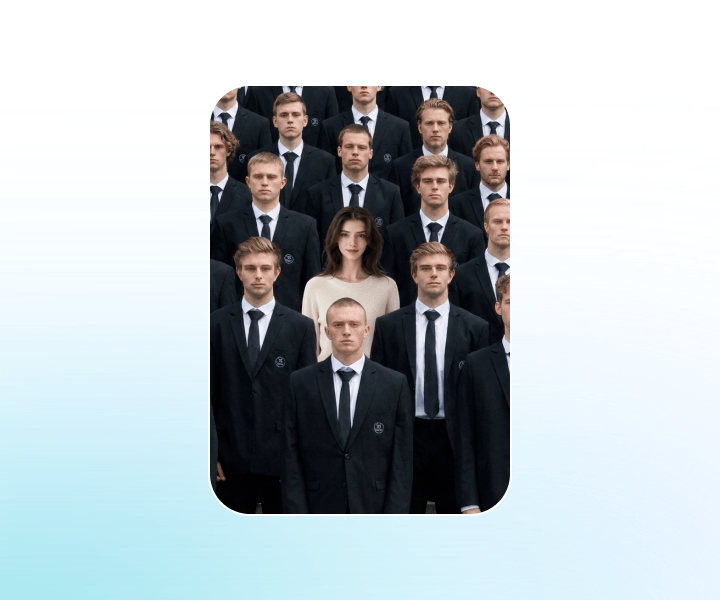
Turn your photo into a cinematic STORM II AI dance video in minutes. Upload one image, apply the ready-made STORM II AI dance video template, and let ChatGOAT AI place you at the center of a dramatic crowd-dance scene - no filming, dancing, editing skills, or sign-up required to start.
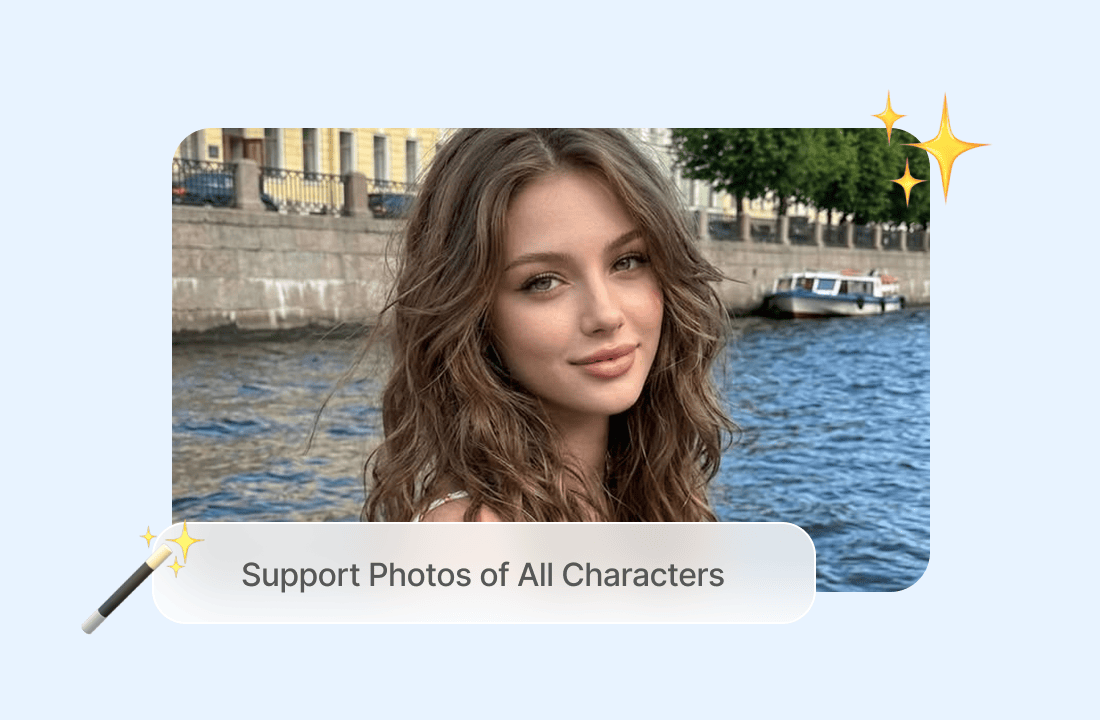
Support Photos of All Characters
Use a photo of yourself, a friend, a pet-friendly original character, an avatar, or another fictional persona as the lead. For the most recognizable result, choose a clear, front-facing image with good lighting and a visible face; full-body or upper-body photos can help the AI preserve your look more accurately.
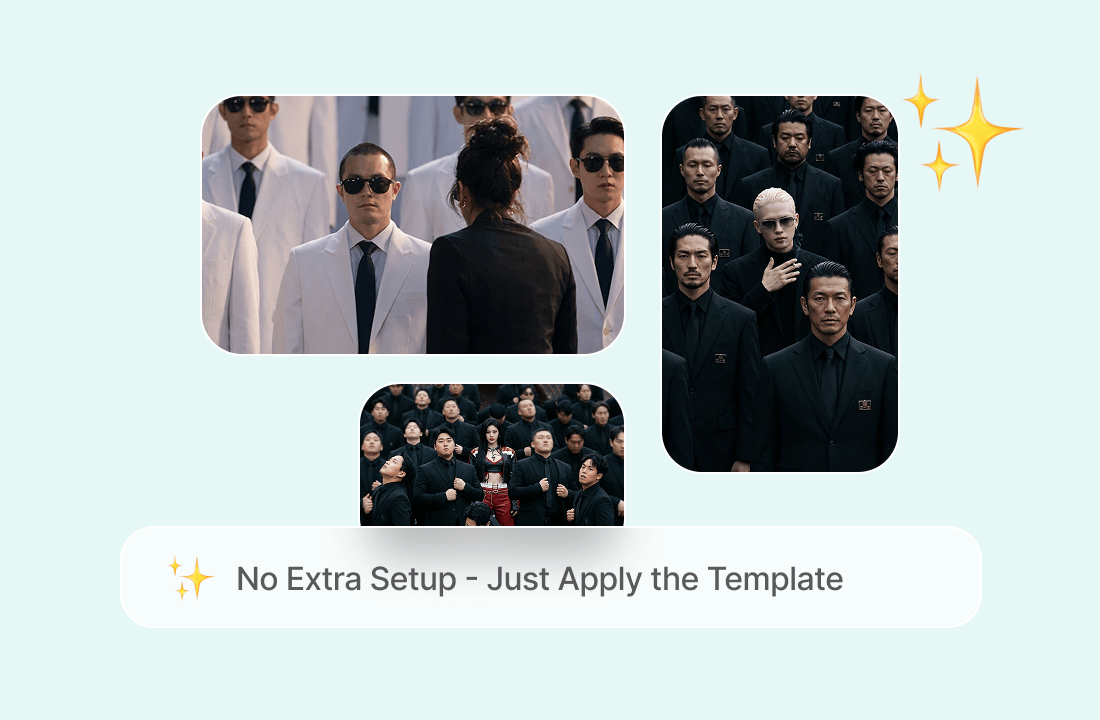
No Extra Setup - Just Apply the Template
You do not need to write a complex prompt, find a reference dance video, or learn video editing. The STORM II AI dance video template is preconfigured with the crowd formation, synchronized movements, dramatic atmosphere, and camera reveal, so you can go from photo to finished video with a few clicks.
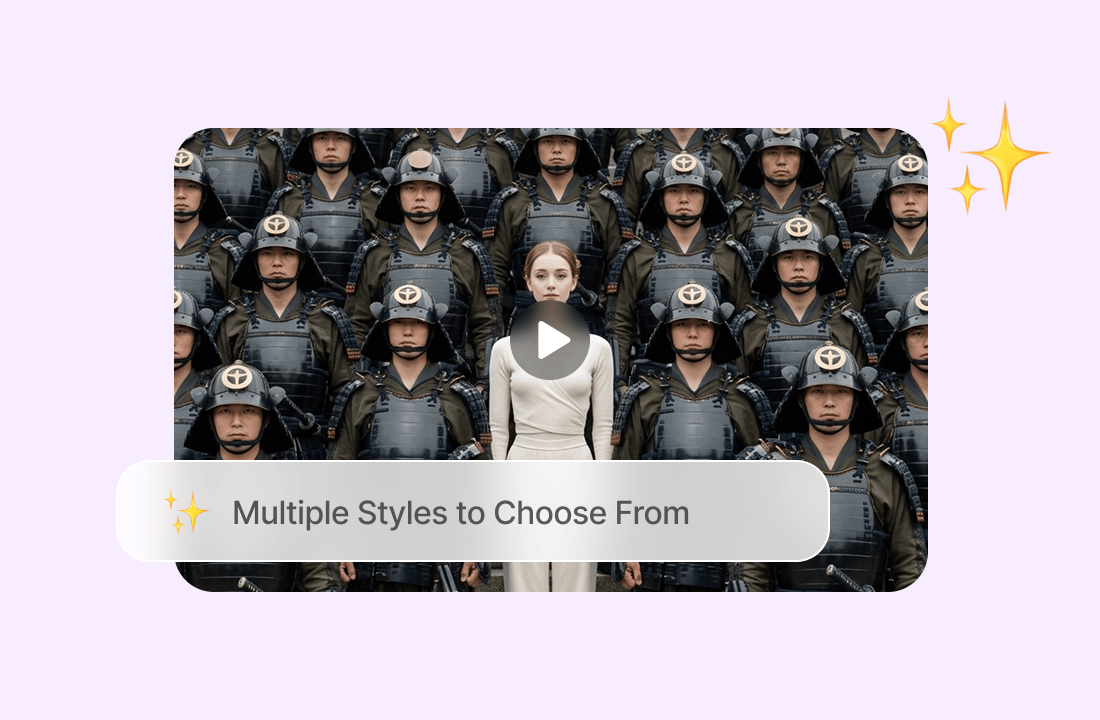
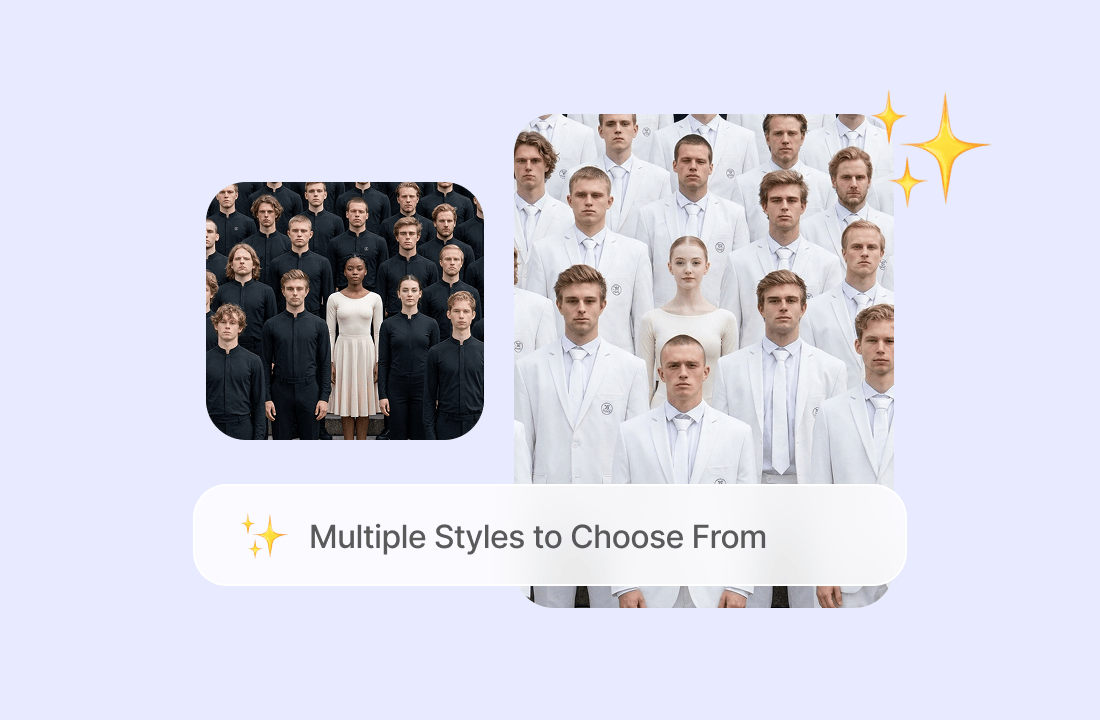
Multiple Styles to Choose From
Beyond the classic dark, cinematic crowd scene, you can explore variations such as suit squads, hoodie crews, colorful party crowds, tactical teams, or matching team-tee formations. Switching styles lets you create a STORM II AI dance video that matches your personality, brand, or social-media aesthetic.
Taking Social Media by Storm
The STORM II trend became popular because of its simple but powerful visual contrast: one calm person at the center while a huge crowd moves as one. That makes the format highly shareable on TikTok, Instagram Reels, and YouTube Shorts - especially when you post with hashtags such as #stormiitrend, #aicrowddance, and #aidancetrend.
Why Try the STORM II AI Dance Video Template on ChatGOAT AI?
Why Try the STORM II AI Dance Video Template on ChatGOAT AI?

Free to Start, No Sign-up Required
You can try the STORM II AI dance video template for free before committing to an account. Upload your photo, preview the template flow, and see how the AI dance video effect works - making it easy to test ideas without friction.

One Photo Is All You Need
Many crowd-dance workflows require a reference video plus separate lead and cast images. ChatGOAT AI simplifies the process: upload one clear photo and the template builds the lead role and surrounding dance scene around it.

Fast, Template-Based Generation
The choreography, crowd layout, camera movement, and visual mood are already built into the template. That means you can create a STORM II AI dance video without spending time designing prompts or editing clips frame by frame.

Share-Ready for TikTok, Reels, and Shorts
Your generated video is designed for social feeds: a bold opening, synchronized crowd motion, and a satisfying pull-back reveal. Download the finished clip and post it directly to TikTok, Instagram Reels, YouTube Shorts, or X.
How to Create a STORM II AI Dance Video in ChatGOAT AI
How to Create a STORM II AI Dance Video in ChatGOAT AI
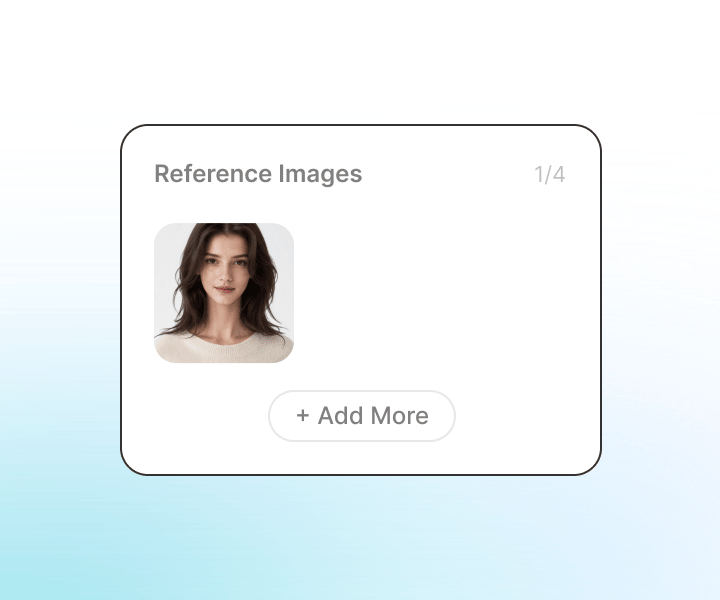
Step 1: Upload Your Photo
Choose a bright, sharp photo with one person clearly in focus. A front-facing image with a visible face and simple background usually produces the best identity consistency in the final STORM II AI dance video.
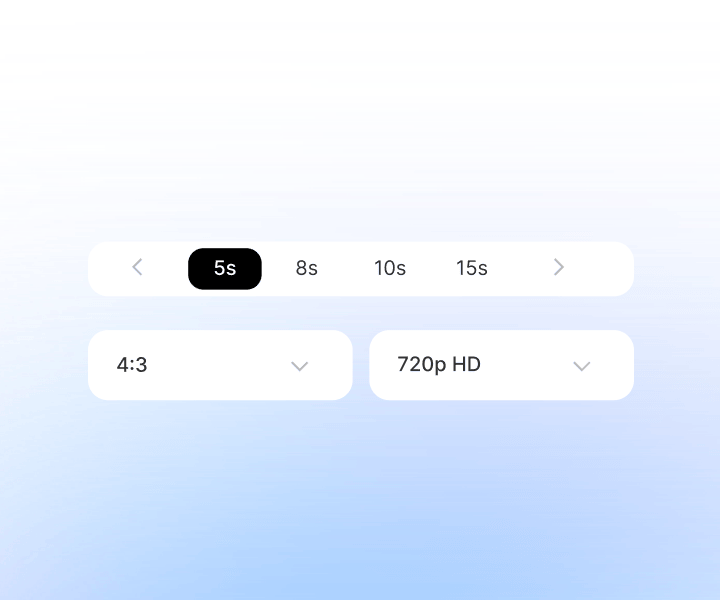
Step 2: Customize Your Settings
Select the STORM II AI dance video template and adjust available options, such as video orientation or style preferences if offered. The template’s crowd choreography and cinematic reveal are preset, so you can keep the setup simple.
Step 3: Generate Your Video
Click Generate and let ChatGOAT AI create your crowd-dance scene. Once the video is ready, preview it, regenerate if needed, and download the final clip to share on your favorite platform.
Try the STORM II AI Dance Video Template on ChatGOAT AI Now
Ready to become the calm center of a viral crowd-dance scene? Upload your photo, apply the STORM II AI dance video template, and create a cinematic AI dance video for free - no dance crew, camera, editing experience, or sign-up needed. Start your STORM II AI dance video trend moment now.
What Users Are Saying About the STORM II AI Dance Video Template
What Users Are Saying About the STORM II AI Dance Video Template
I uploaded one selfie and got a dramatic crowd-dance video that looked way more polished than I expected.
I uploaded one selfie and got a dramatic crowd-dance video that looked way more polished than I expected.
The synchronized crowd and camera pull-back are exactly what I wanted. It took me less than five minutes.

The synchronized crowd and camera pull-back are exactly what I wanted. It took me less than five minutes.
I made versions of myself and my original character. The template makes the whole trend feel effortless.

I made versions of myself and my original character. The template makes the whole trend feel effortless.
No editing, no prompt writing, no dance video reference. Just upload, generate, and post.

No editing, no prompt writing, no dance video reference. Just upload, generate, and post.
My STORM II AI dance video got way more engagement than my usual Reels. People kept asking how I made it.
My STORM II AI dance video got way more engagement than my usual Reels. People kept asking how I made it.
The free trial was enough to convince me. The crowd motion looks cinematic and the lead actually resembles my photo.

The free trial was enough to convince me. The crowd motion looks cinematic and the lead actually resembles my photo.
STORM II AI Dance Video Template FAQs
STORM II AI Dance Video Template FAQs
What is a STORM II AI dance video?

How do I create a STORM II AI dance video for free?
Do I need dance skills or video editing experience?
What kind of photo works best?
Can I use a photo of a fictional character or avatar?
Where can I share my STORM II AI dance video?