


上傳您的圖片

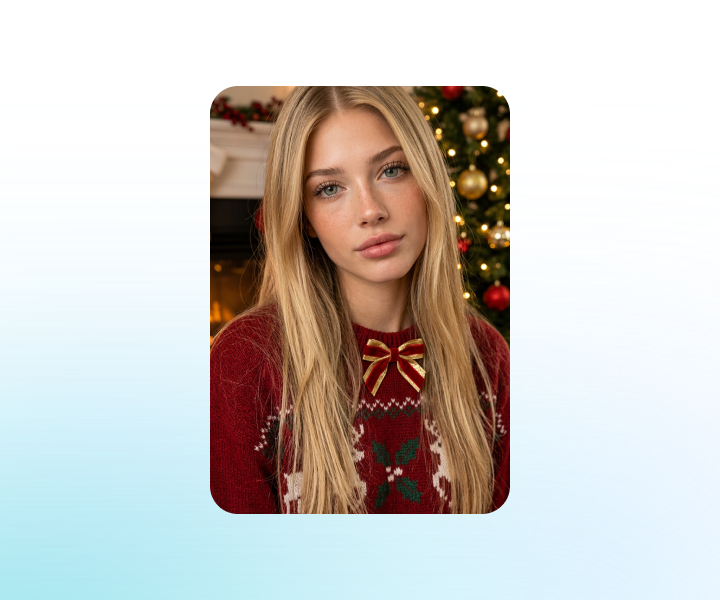
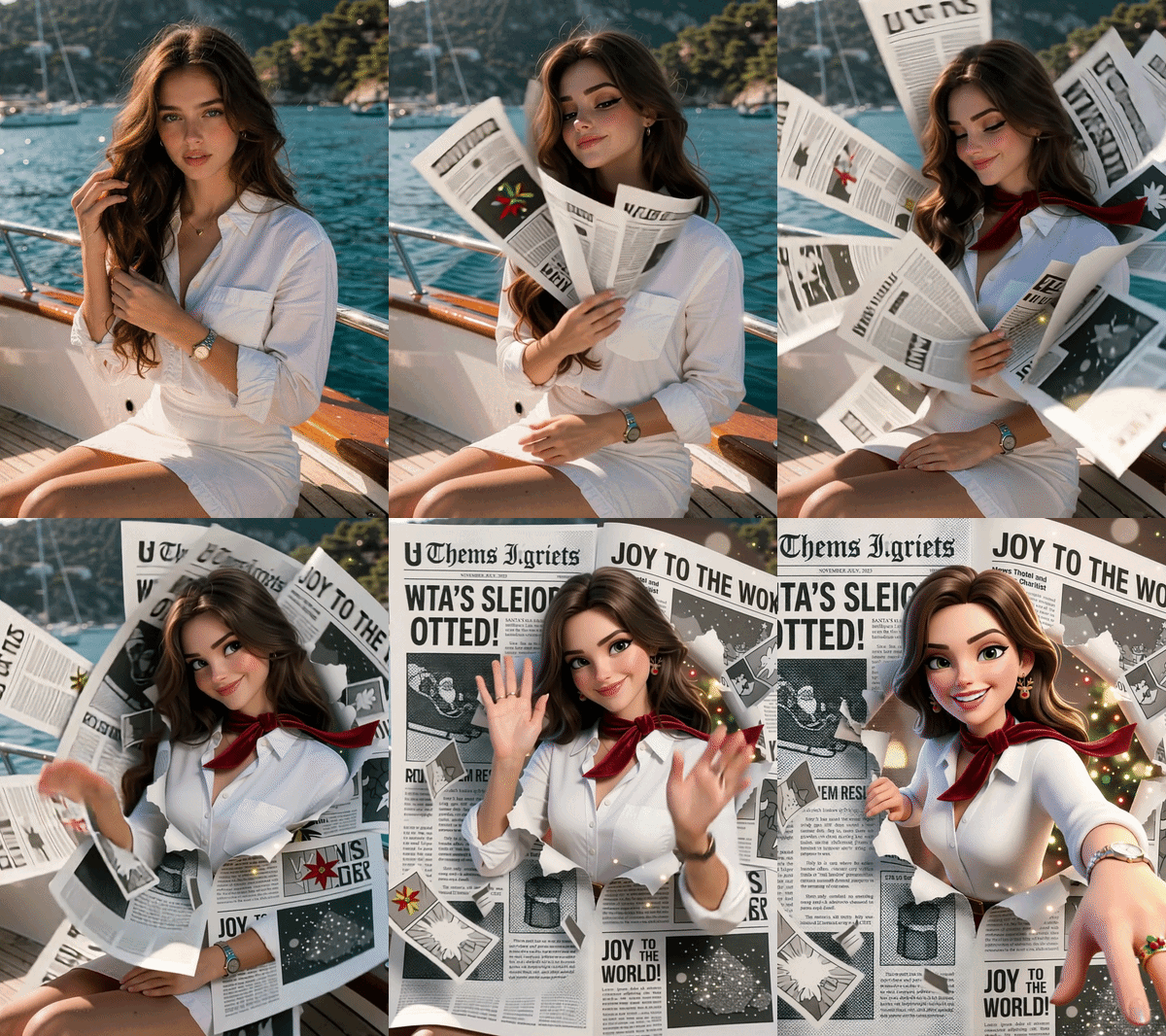 已套用範本「Christmas Season」

強大的 AI 影片模型,一站式影片創作
輕鬆透過文字提示、靜態圖像或參考短片生成影片。存取各種 AI 影片模型,並完全自訂影片內容的每個部分。在這個全方位平台上將動態創意變為現實。



受到全球數百萬使用者的信賴



Christmas Season Video Template: Turn Photos into Holiday Stories
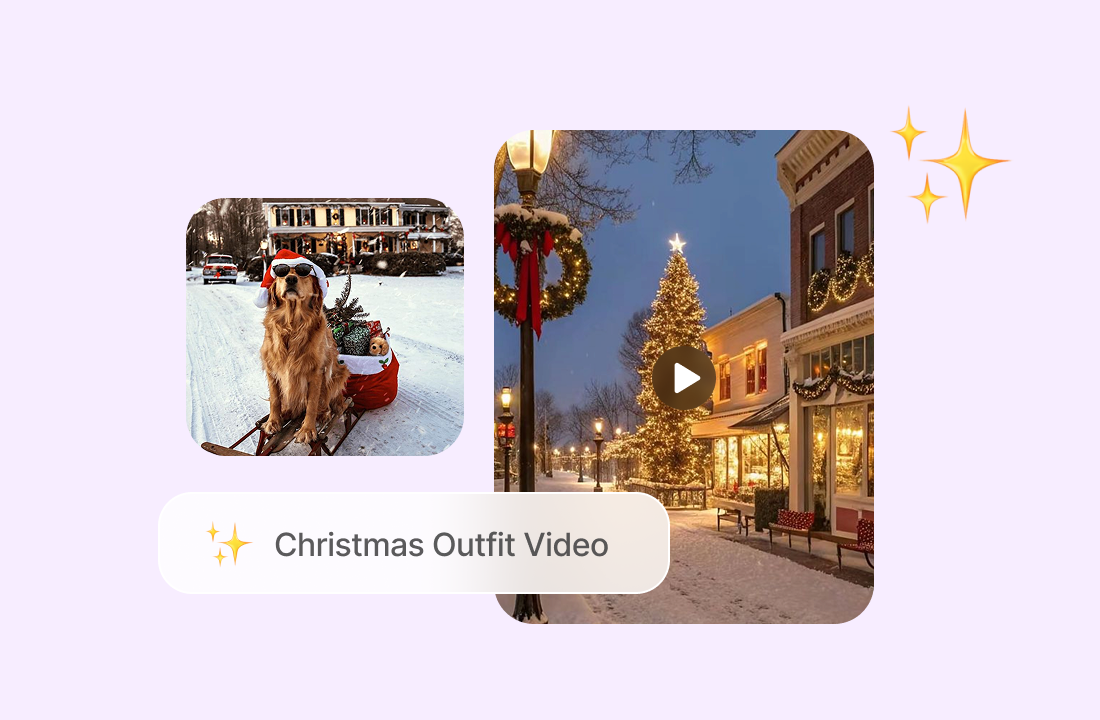
Transform your photos into beautiful Christmas season videos with AI. Upload an image, apply the template, and generate cinematic holiday motion, cozy winter lighting, and festive atmosphere - perfect for greetings, social media, e-commerce, and seasonal campaigns.
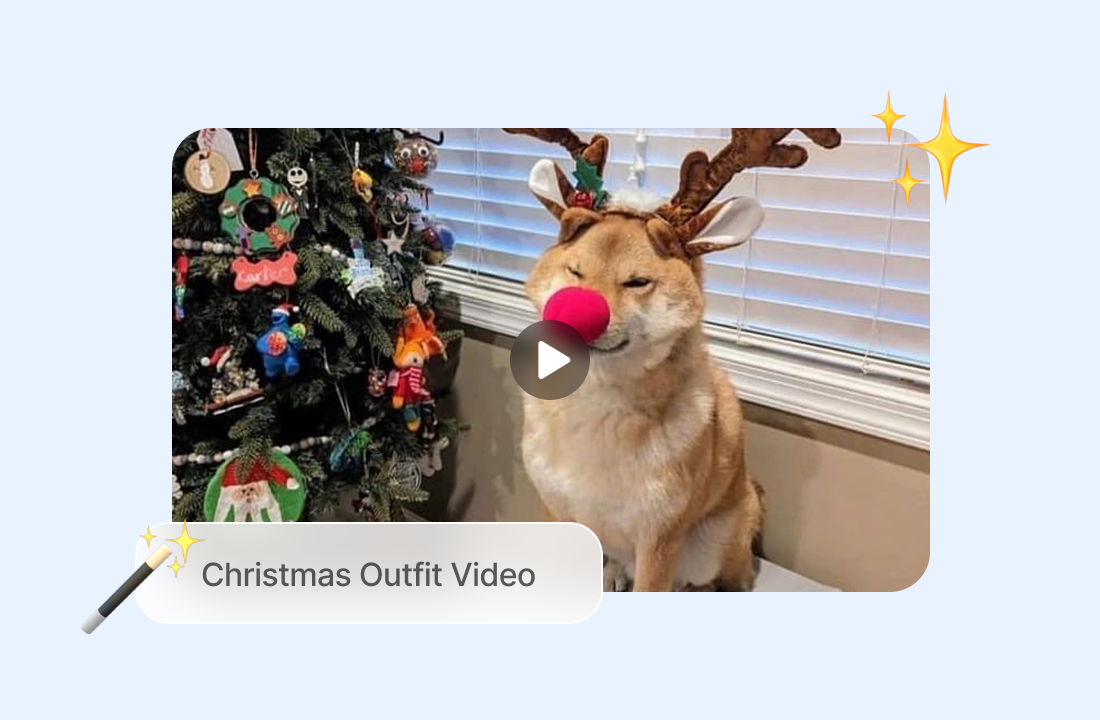
Turn Any Photo into a Holiday Video
Upload a photo of a person, pet, product, family moment, or winter scene, and AI brings it to life with natural motion and cinematic camera movement. The Christmas Season Video Template adds a warm festive mood while keeping the original subject clear and consistent.
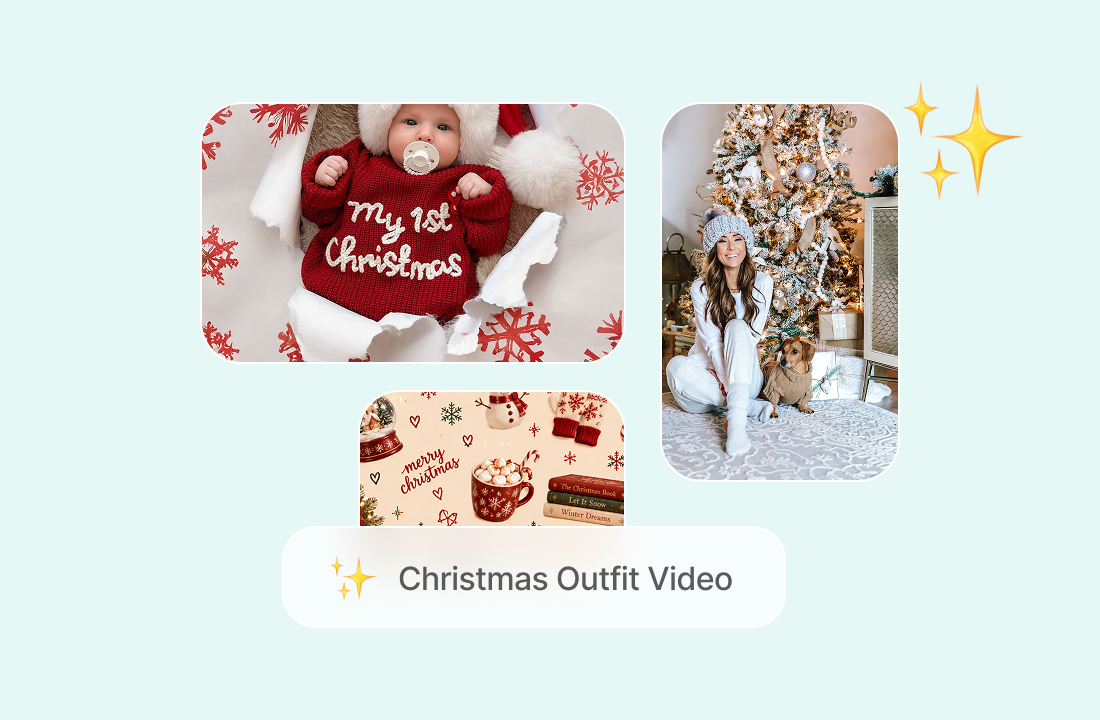
Create Christmas Videos without Filming
No camera crew, holiday set, or complex editing software needed. Generate ready-to-share Christmas videos directly from your photos, making it easy to create seasonal content for personal greetings or professional marketing.
Add a Warm, Cinematic Holiday Mood
The template enhances your image with soft winter lighting, gentle motion, and festive visual pacing. From snowy scenes to cozy indoor moments, your video feels polished, emotional, and ready for the holiday season.
Ready for Social Media and Campaigns
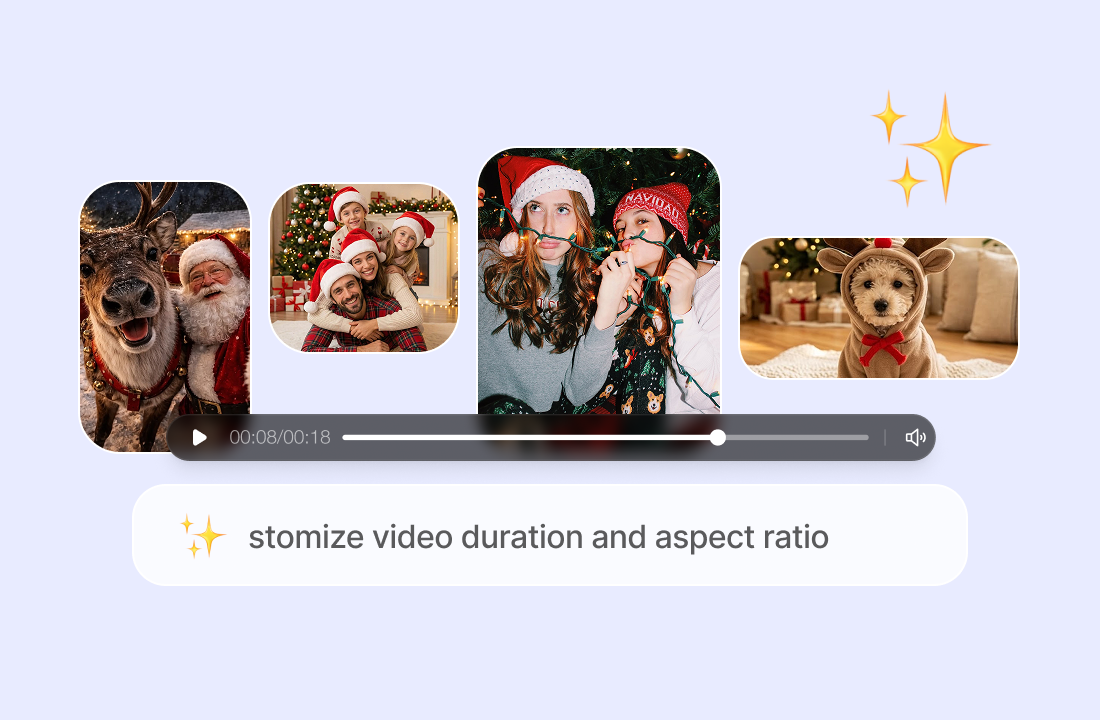
Export vertical or widescreen videos for TikTok, Instagram Reels, YouTube Shorts, Facebook, and holiday email campaigns. Use the template to create greetings, lookbooks, product showcases, and branded seasonal content in seconds.
Why Choose Our Christmas Season Video Template
Built for realistic motion, festive atmosphere, and fast holiday content creation across personal and business scenarios.

One-Photo Video Generation
Turn a single photo into a dynamic Christmas video without multiple images, video footage, or complicated prompts.

Cinematic Holiday Motion
AI adds smooth camera movement, seasonal lighting, and polished transitions to make simple photos feel like professionally filmed holiday clips.

Consistent Subject and Details
Advanced AI preserves faces, pets, products, clothing, and scene details, so your final video remains natural and recognizable.

Fast, Web-Based Workflow
No downloads or installation required. Upload your photo, generate the video, preview the result, and download it within minutes.
How to Create a Christmas Season Video
Create a festive AI video in just a few simple steps.
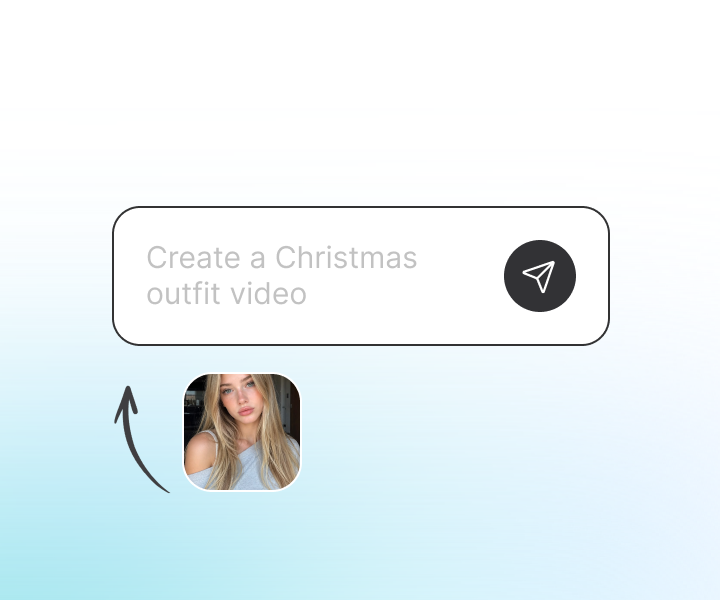
Step 1: Upload Your Photo
Choose a clear photo you want to turn into a Christmas video. The AI analyzes the subject, background, and visual details to prepare the animation.
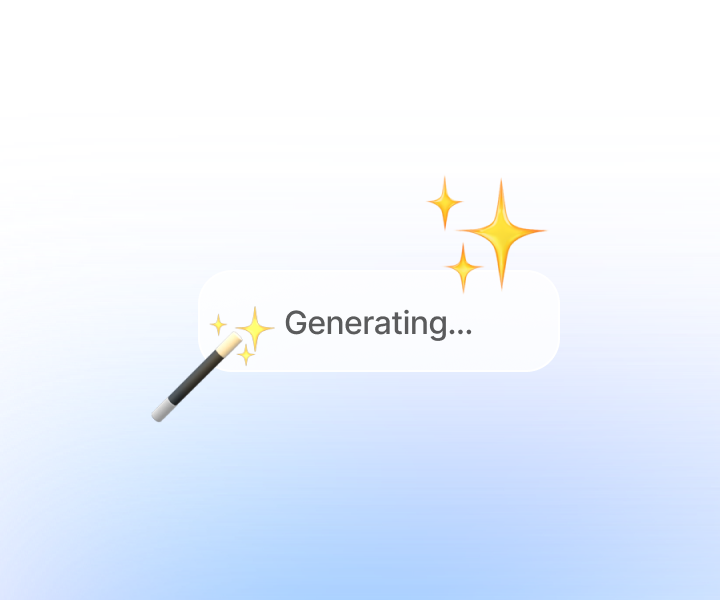
Step 2: Apply the Christmas Template
Select the Christmas Season Video Template. AI adds holiday-inspired motion, cinematic framing, and a warm seasonal atmosphere automatically.
Step 3: Generate and Download
Preview your AI-generated video, adjust the result if needed, and download a high-quality video ready for social media, ads, or holiday greetings.
Enhance Your Holiday Content Workflow
Use ChatGOAT’s AI video tools to create Christmas greetings, seasonal ads, product videos, avatar videos, and social media content - all within one streamlined online workspace.
See Why Users Love Christmas Season Video Template
用戶評價
Perfect for holiday greetings.

Perfect for holiday greetings.
Great for our seasonal campaigns.
Great for our seasonal campaigns.
Much faster than manual editing.

Much faster than manual editing.
Ideal for social media content.

Ideal for social media content.
Easy enough for anyone to use.

Easy enough for anyone to use.
Reliable for business content.

Reliable for business content.
Christmas Season Video Template FAQ
Everything you need to know about creating Christmas season videos with AI.
What is the Christmas Season Video Template used for?

Do I need video editing skills?
Can I use one photo to create the video?
Will my photo look the same in the video?
Can I use the videos for commercial purposes?
How long does it take to generate a video?
Which platforms are the videos suitable for?
What kind of photo works best?
Can I create videos for multiple photos?