


Envie seu vídeo

 Modelo "AI Video Extender" aplicado

Modelos de Vídeo de IA Poderosos, Criação de Vídeo em um Só Lugar
Gere vídeos a partir de comandos de texto, imagens estáticas ou clipes de referência sem esforço. Acesse vários modelos de vídeo de IA e personalize totalmente cada parte do seu conteúdo de vídeo. Dê vida a ideias criativas dinâmicas nesta plataforma completa.



Confiado por milhões de usuários em todo o mundo




Extend Short Videos with AI
Extend a short video when it ends too early, needs more room for an edit, or needs a more natural ending. Describe what should happen next, select a video model, and continue developing the clip with ChatGOAT AI.
Continue a Scene Instead of Repeating a Frame
An AI video extender can generate new movement after the last moment of a clip, giving a subject, camera, lighting, and environment a more natural continuation than a basic loop, freeze frame, or sudden cut.
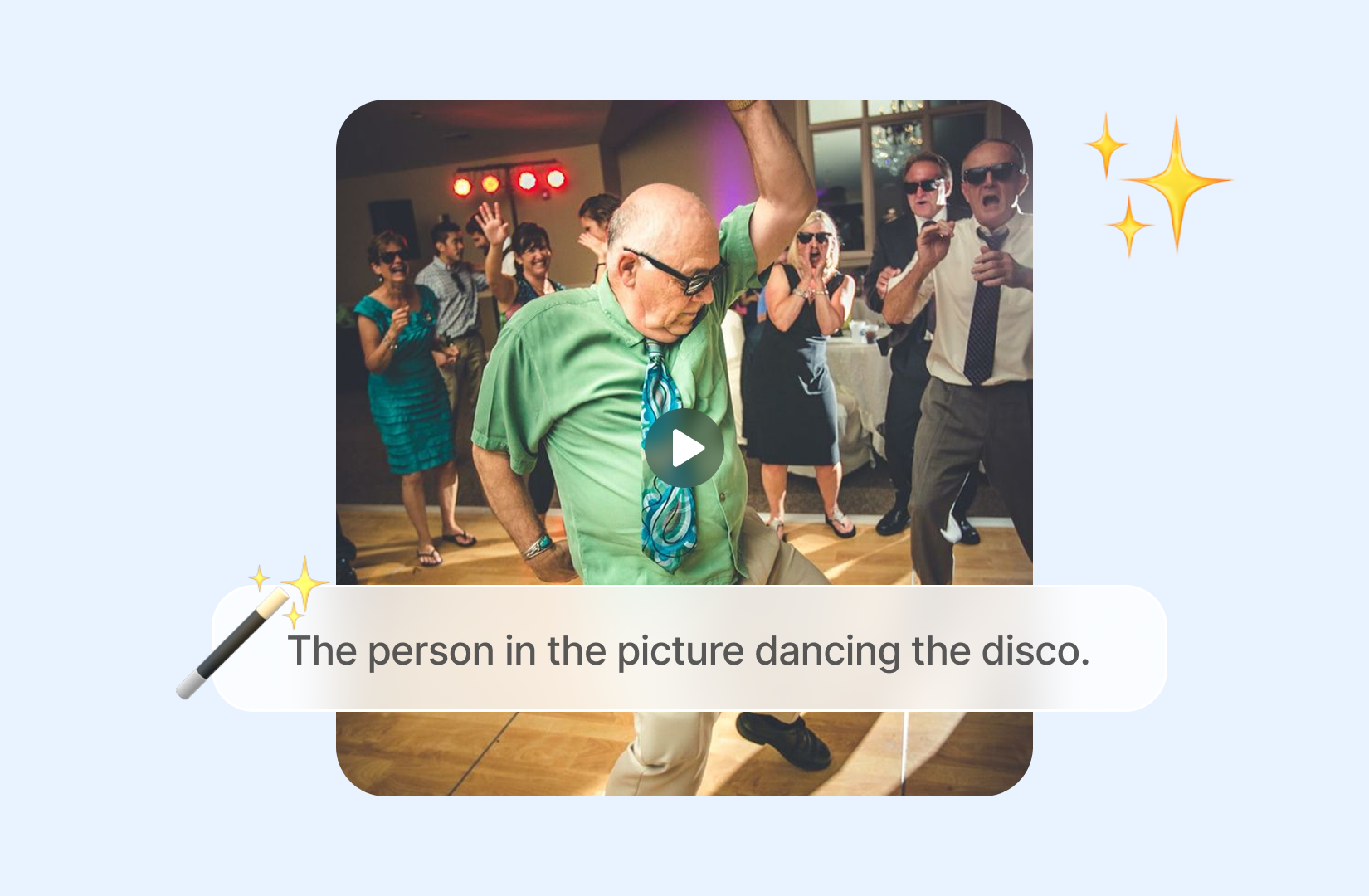
Make Video Longer for Edits and Social Content
Use the extra footage to create room for a title, end card, transition, reaction, product reveal, or a more complete closing shot. A short extension can make video longer without changing the direction of the original edit. When a portrait-led extension needs a cleaner subject reference, the AI headshot generator can help prepare a polished source image.
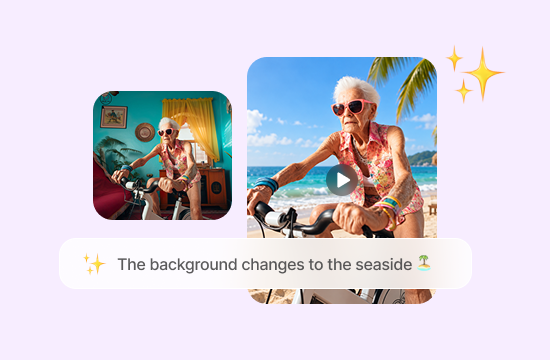
Guide What Happens in the Next Moments
Describe the next action, pace, camera movement, or environmental change. Keeping the request focused helps the tool continue the scene with a clearer purpose, whether you need a subtle pause or a new visual beat.
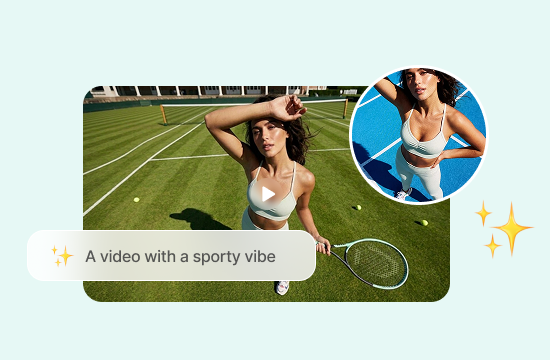
Extend AI-Generated Videos
Don't stop when your AI-generated video ends too soon. Continue a short AI clip to develop longer scenes, add more action, or explore what happens next without starting the entire video from scratch.
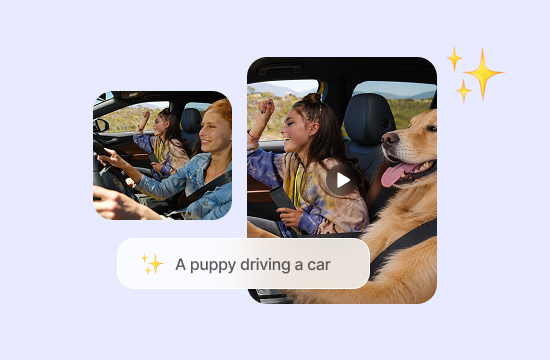
Why ChatGOAT AI Is a Flexible AI Video Extender
Why ChatGOAT AI Is a Flexible AI Video Extender

Latest AI Models in One Platform
ChatGOAT AI gives you access to current video and image models from one workspace, making it easier to compare creative approaches without moving between separate services. GPT Image 2 is one available option for preparing supporting visual concepts alongside a video project.

Fast and Flexible Creation
Move from an initial idea to another creative direction without setting up a complicated production stack. ChatGOAT AI keeps prompting, model selection, generation, and further refinement within a streamlined online workflow.

Smart AI for the Wider Creative Workflow
Video creation is only one part of the platform. ChatGOAT AI also supports image generation and editing, writing, analysis, research, and other everyday creative tasks, so related work can continue in the same place.

No Advanced Editing Skills Required
Use clear, everyday instructions instead of learning complex editing software or a technical animation process. The simple prompt-based experience makes AI-assisted video creation more approachable for beginners as well as experienced creators.
How to Extend a Video with AI
How to Extend a Video with AI
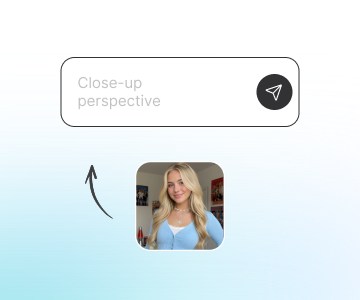
Step 1: Upload the Video You Want to Continue
Start with the clip that needs more footage. A clear ending frame, readable subject, and consistent lighting make it easier to describe how the scene should continue. If the clip uses a stylized cutout character, the South Park person creator can help prepare a consistent supporting reference before animation.
Step 2: Describe the Next Action and Select a Model
State what should happen next, such as a camera move, gesture, background motion, or slower ending. Then choose the available video model that best suits the intended style and movement.
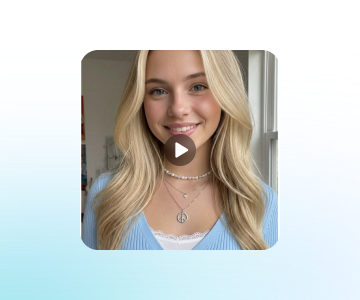
Step 3: Generate, Review, and Download
Generate the extension, check the transition from the original footage into the new section, and revise the prompt or model if needed. Download the result or continue improving the project with ChatGOAT AI.
Start Extending Videos with ChatGOAT AI
Upload your existing clip, tell ChatGOAT AI what should happen next, pick a video model, and generate natural continuations to make your video longer. Adjust motion, camera work and scene details, then refine and export your extended video online.
See Why Users Love Our AI Video Extender
See Why Users Love Our AI Video Extender
I had a product clip that stopped just before the final reveal. Adding a few more seconds gave the ending more space without forcing me to re-shoot the whole scene.

I had a product clip that stopped just before the final reveal. Adding a few more seconds gave the ending more space without forcing me to re-shoot the whole scene.
I used a simple continuation prompt for a landscape shot and focused only on drifting clouds and a slower camera move. The result was much easier to fit into my edit.

I used a simple continuation prompt for a landscape shot and focused only on drifting clouds and a slower camera move. The result was much easier to fit into my edit.
Trying another model changed the pacing of the extended section in a useful way. It helped me find a direction that felt closer to the original footage.

Trying another model changed the pacing of the extended section in a useful way. It helped me find a direction that felt closer to the original footage.
The workflow was useful for a short social clip that needed room for text at the end. I could extend the moment and keep refining the surrounding visual idea in one place.

The workflow was useful for a short social clip that needed room for text at the end. I could extend the moment and keep refining the surrounding visual idea in one place.
I had a short video of my dog running toward the camera, but it ended too soon. The AI Video Extender added a few more seconds of movement, and I loved being able to see the moment continue.

I had a short video of my dog running toward the camera, but it ended too soon. The AI Video Extender added a few more seconds of movement, and I loved being able to see the moment continue.
I extended a short birthday video so I could include more of the celebration. It was nice to make the clip longer without having to record anything again.

I extended a short birthday video so I could include more of the celebration. It was nice to make the clip longer without having to record anything again.
AI Video Extender FAQs
AI Video Extender FAQs
What Is an AI Video Extender?

How Do I Make a Video Longer with AI?
Can I Extend Video with AI for Transitions?
What Should I Describe in the Prompt?
Can I Choose a Video Model?
Can I Edit the Result After Extending It?