


Envie seu vídeo

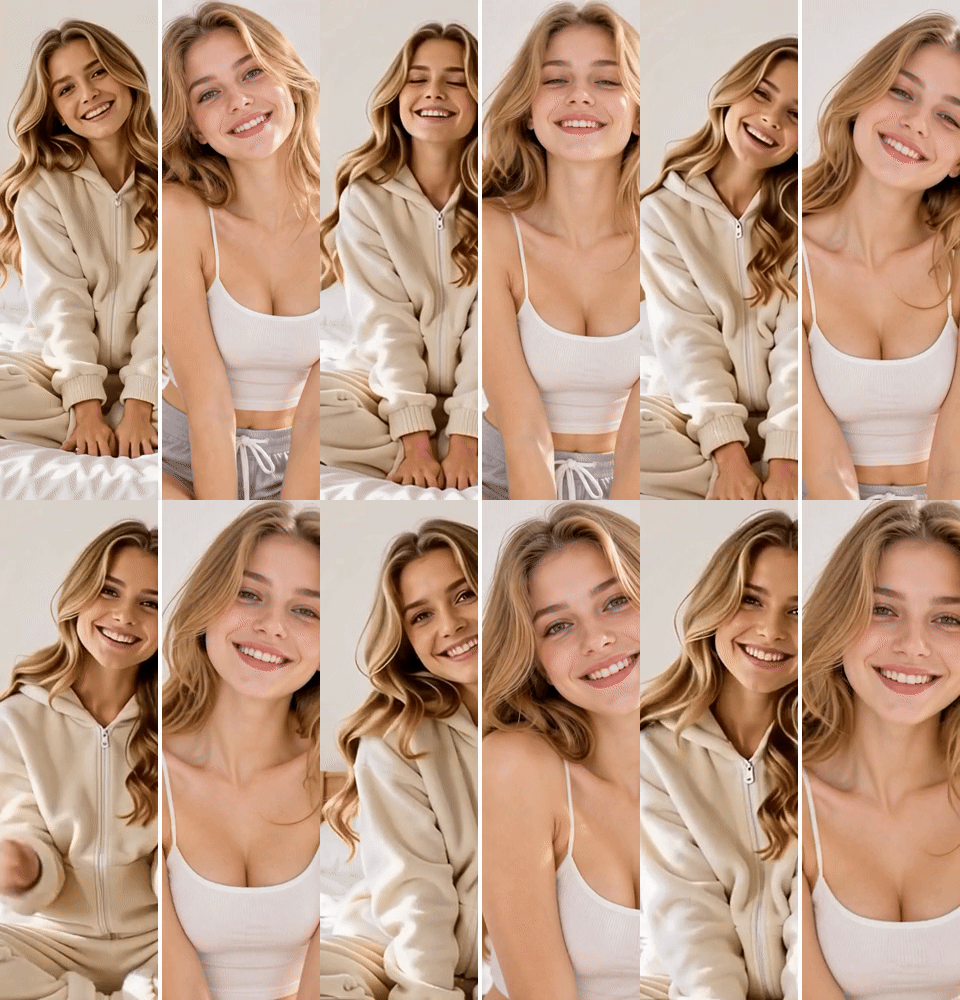 Modelo "AI Video Editor" aplicado

Modelos de Vídeo de IA Poderosos, Criação de Vídeo em um Só Lugar
Gere vídeos a partir de comandos de texto, imagens estáticas ou clipes de referência sem esforço. Acesse vários modelos de vídeo de IA e personalize totalmente cada parte do seu conteúdo de vídeo. Dê vida a ideias criativas dinâmicas nesta plataforma completa.



Confiado por milhões de usuários em todo o mundo



Edit Videos with AI for Free
Edit existing footage with clear instructions instead of rebuilding every change by hand. Upload a video, describe the result you want, choose a model, and review the generated version before downloading.
Edit Existing Footage with Plain-Language Instructions
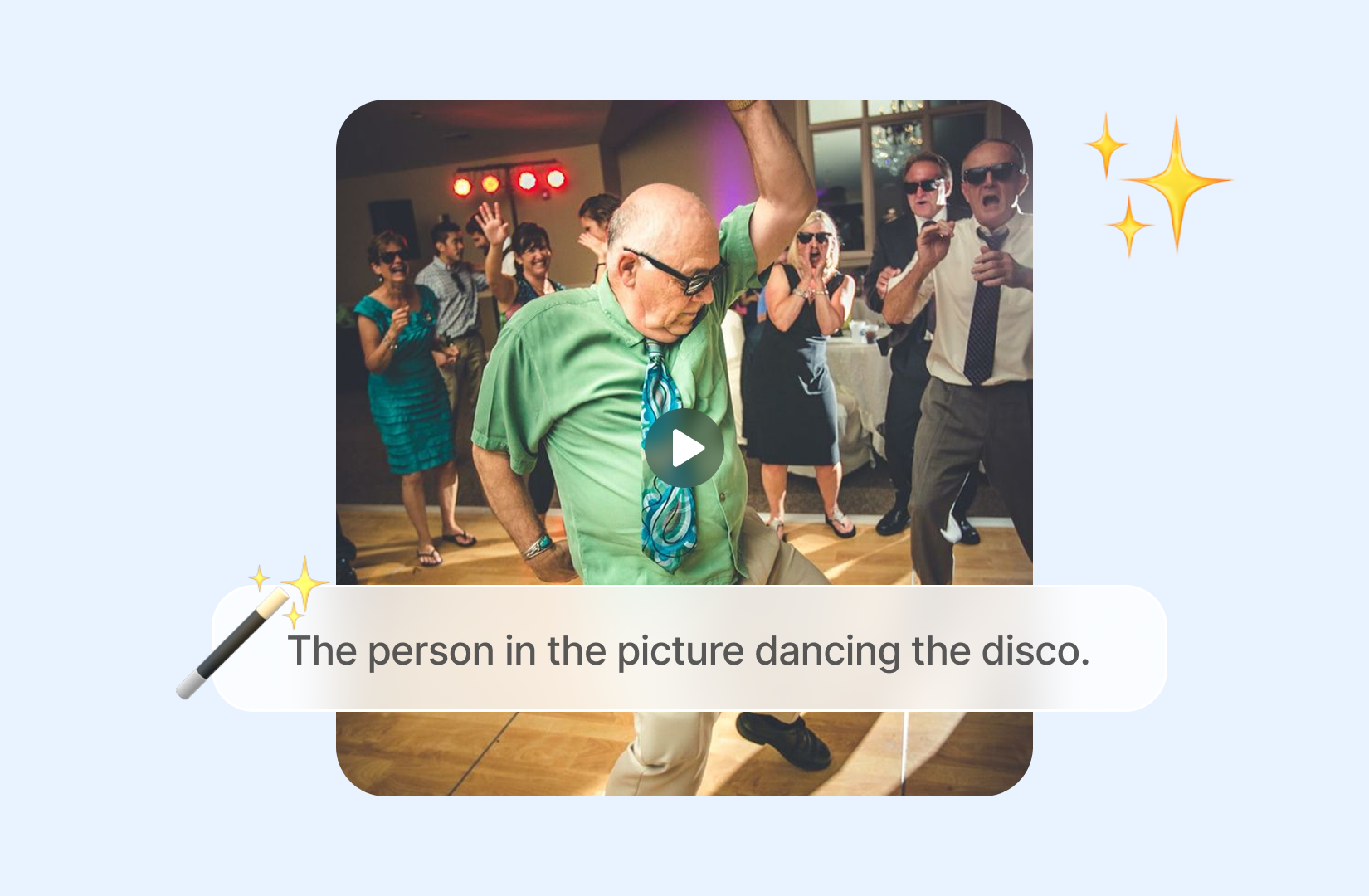
Tell ChatGOAT AI what should change instead of working through every frame manually. You can edit videos with AI by describing the intended look, subject update, setting, or visual direction in ordinary language.
Change the Look without Rebuilding Every Shot
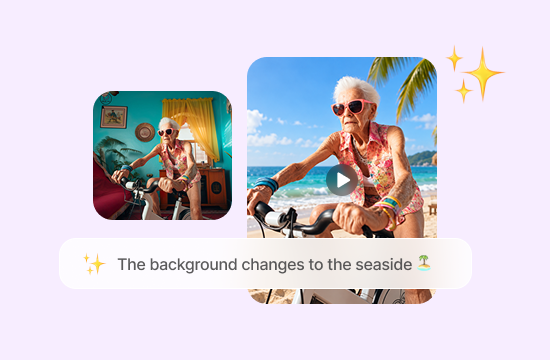
Ask for targeted visual changes such as a different background, lighting mood, color treatment, object, or overall style. A focused instruction helps the AI video editor understand what should change and what should remain close to the source.
Create New Versions from One Source Video
Reuse a suitable clip to explore several campaign, social, or creative directions. This can reduce the need to record the same action again whenever you want to test a new atmosphere, theme, or visual concept.
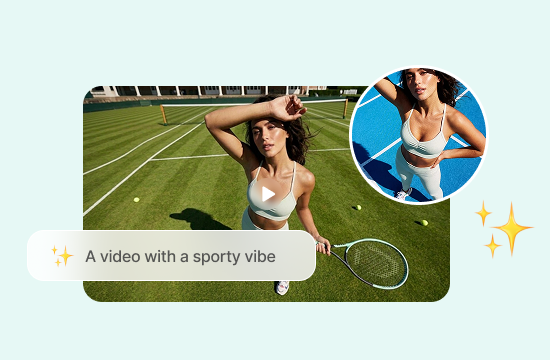
Combine Editing with AI Video Making
ChatGOAT AI supports text-to-video, image-to-video, and video editing workflows. Use it as an AI video maker when you need to start from an idea or reference, then continue with an existing clip when motion and timing are already available.
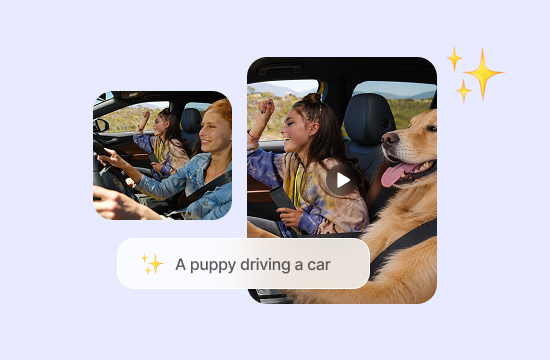
Why ChatGOAT AI Makes AI Video Editing More Flexible
Why ChatGOAT AI Makes AI Video Editing More Flexible

Compare Current Video Models
ChatGOAT AI brings multiple creative models into one platform. For video work, choose from available options such as PixVerse V6, Seedance 2.5, and Seedance 2.0, then compare how each interprets motion, pacing, and scene detail.

Edit with Simple Instructions
You do not need a traditional frame-by-frame workflow for every change. Use the AI image editor to revise a supporting still with plain-language prompts before carrying the visual direction into the video edit.

Prepare Cleaner Assets in One Workspace
The AI background remover can isolate a subject or create a cleaner reference image before editing begins, helping you keep preparation and video development inside the same ChatGOAT AI workspace.

Polish Supporting Visuals Faster
When a reference image contains an unwanted mark, the AI watermark remover can help clean an authorized asset before you use it to guide the edited clip.
How to Edit Videos with AI
How to Edit Videos with AI
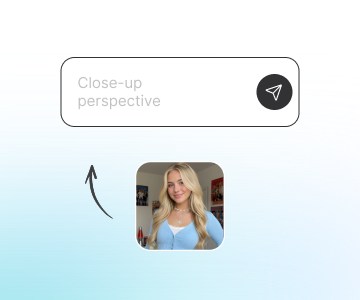
Step 1: Upload the Video You Want to Edit
Choose a clear clip you own or have permission to use. Footage with visible subjects, stable framing, readable movement, and consistent lighting gives the editor a stronger starting point.
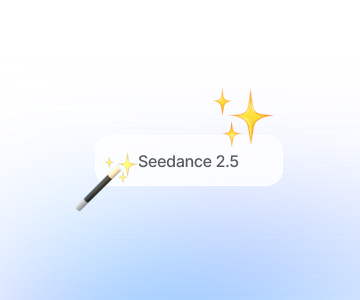
Step 2: Describe the Changes and Choose a Model
State what should change, what must remain recognizable, and the style or mood you want. Select an available video model, then keep the first instruction focused instead of requesting too many unrelated changes at once.
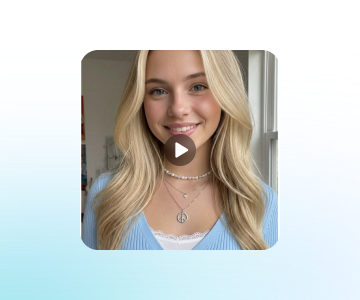
Step 3: Generate, Review, and Download
Generate the edited version and check motion, faces, objects, backgrounds, lighting, and unwanted changes. Refine the instruction or test another model when needed, then download the result that best follows your brief.
Start Editing Videos with ChatGOAT AI
Upload your existing footage, tell ChatGOAT AI the visual adjustments you want, pick a video model, and reimagine your clip with prompt-based edits. Tweak styles, backgrounds and lighting, then review and export your AI edited video online.
See Why Users Love Our AI Video Editor
See Why Users Love Our AI Video Editor
I used one product clip to test a brighter setting and a darker campaign look. Comparing both directions before choosing one saved me from arranging another shoot.

I used one product clip to test a brighter setting and a darker campaign look. Comparing both directions before choosing one saved me from arranging another shoot.
I liked being able to describe the visual change in normal language. Keeping the prompt focused on the background made the result much easier to review.

I liked being able to describe the visual change in normal language. Keeping the prompt focused on the background made the result much easier to review.
Choosing another video model gave me a noticeably different interpretation of the same source clip. That helped me find a version with steadier motion.

Choosing another video model gave me a noticeably different interpretation of the same source clip. That helped me find a version with steadier motion.
I prepared the reference image first, then used it to guide the video direction. The workflow felt more organized than jumping between separate tools.

I prepared the reference image first, then used it to guide the video direction. The workflow felt more organized than jumping between separate tools.
I had a short vacation video with some distracting objects in the background. I used the AI editor to clean up the scene, and the result looked much better without having to film it again.

I had a short vacation video with some distracting objects in the background. I used the AI editor to clean up the scene, and the result looked much better without having to film it again.
I wanted to give an old video a fresh look for Instagram. I described the style I had in mind, and it was nice to see the changes without spending hours editing everything manually.

I wanted to give an old video a fresh look for Instagram. I described the style I had in mind, and it was nice to see the changes without spending hours editing everything manually.
AI Video Editor FAQs
AI Video Editor FAQs
What Is an AI Video Editor?

Can I Edit My Own Footage with ChatGOAT AI?
Is Free AI Video Editing Available?
What Is the Difference Between an AI Video Maker and an AI Video Editor?
Can I Choose a Different AI Video Model?
What Should I Include in an AI Video Editing Prompt?
Will the Edited Video Preserve Everything from the Source?
Can I Use an AI-Edited Video Commercially?