


Faça o upload da sua imagem

-84ae3551-33bc-4bb8-909b-db22d4a1695f.gif) Modelo " AI Image Animator" aplicado

Modelos de Vídeo de IA Poderosos, Criação de Vídeo em um Só Lugar
Gere vídeos a partir de comandos de texto, imagens estáticas ou clipes de referência sem esforço. Acesse vários modelos de vídeo de IA e personalize totalmente cada parte do seu conteúdo de vídeo. Dê vida a ideias criativas dinâmicas nesta plataforma completa.



Confiado por milhões de usuários em todo o mundo



AI Image Animator – Animate Still Photos Free Online
Bring a still photo, illustration, or AI-made visual into motion with ChatGOAT AI. Describe the movement you want, choose a video model, and turn your starting image into a short clip for a story, product idea, social post, or creative experiment. Use a clear image and a focused motion prompt to create a short video. ChatGOAT AI supports image-to-video creation, text-to-video generation, and video editing so you can develop the idea from first visual to final clip in one place.
Animate Photo with Prompt-Guided Motion
Upload a portrait, landscape, product shot, old photo, illustration, or character image, then explain what should move. This AI animation generator can follow a concise prompt describing subject motion, facial expression, hair or fabric movement, environmental details, and camera direction while keeping the visual idea clear.
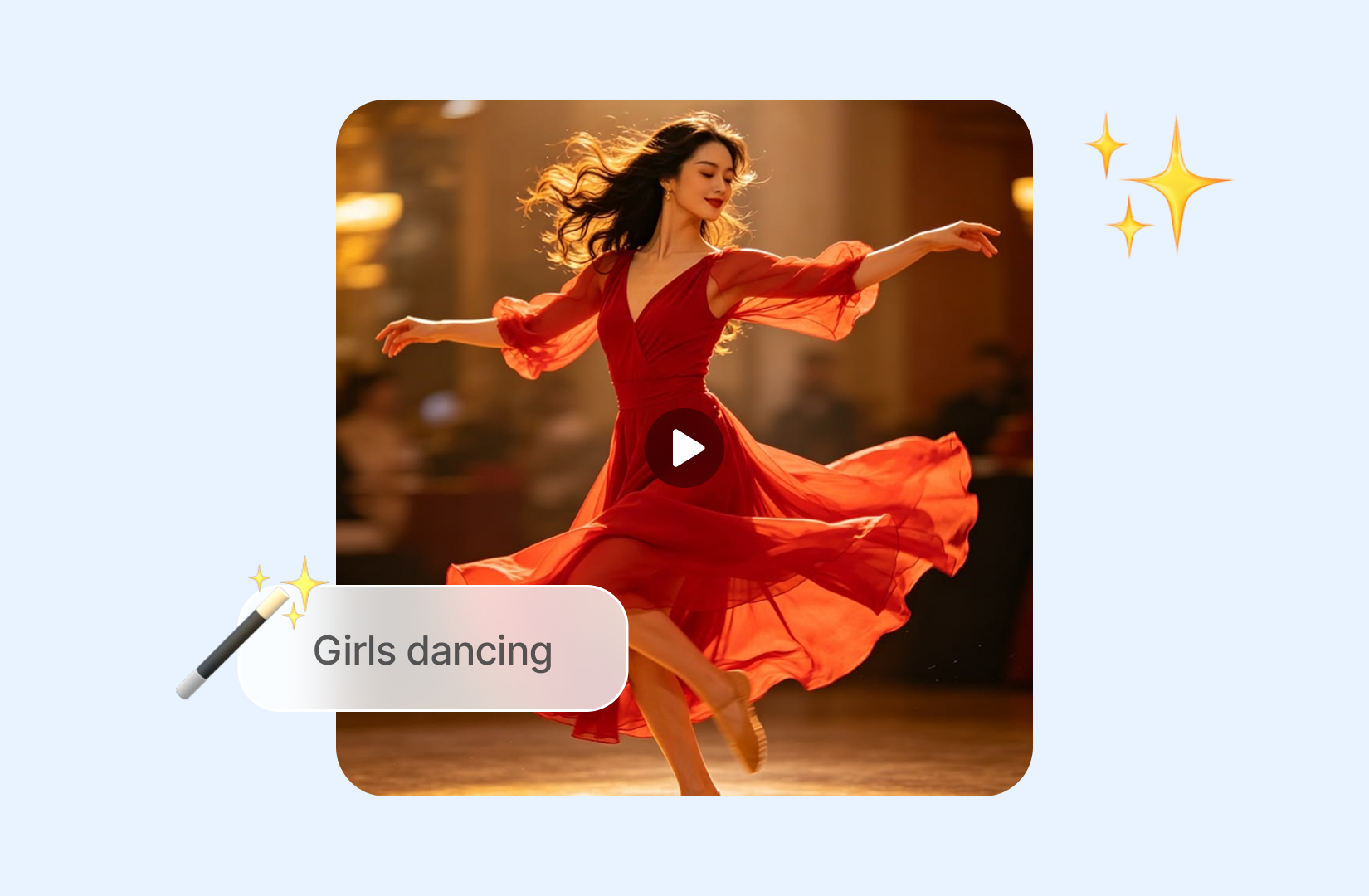
Create Short Videos from Images, Text, or Existing Clips
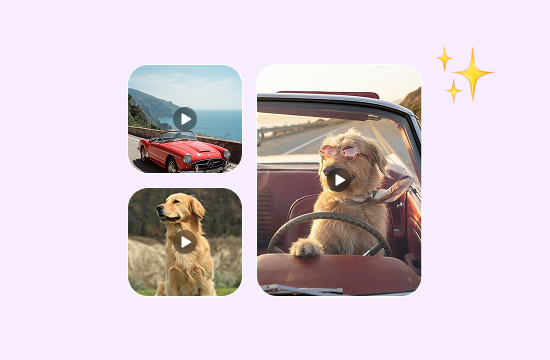
Start with the source that fits your project. Use an image when you want to animate photo content, a text prompt when you need to create a scene from scratch, or an existing clip when you want to edit and refine video material you already have permission to use.
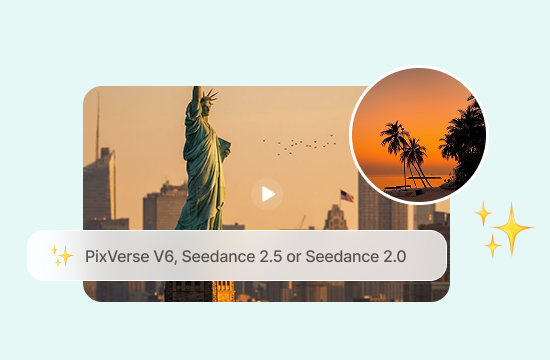
Choose a Video Model for the Look You Need
Select a video model such as PixVerse V6, Seedance 2.5, or Seedance 2.0, then compare how each approach interprets motion, atmosphere, and camera direction. This gives you more room to test a subtle animation, a cinematic moment, or a more expressive visual treatment.
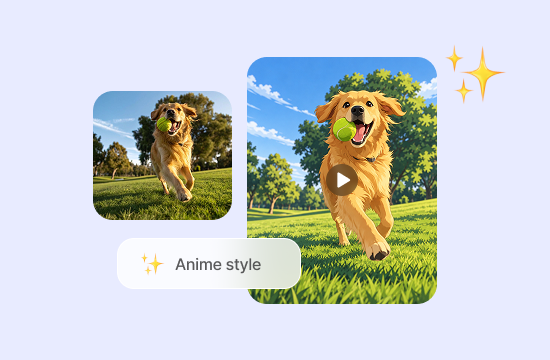
Turn a Single Image into an Anime-Style Scene
Use image to anime ideas as a starting point for animated characters, illustrated settings, fantasy scenes, and stylized social clips. State the intended style and movement so the generated video has a clearer creative direction.
Why Choose AI Image Animator on ChatGOAT AI?
Why Choose AI Image Animator with ChatGOAT AI

Explore Current Image Models
Use Seedream 5.0 Lite to explore a polished source image or a new visual direction before animation. Different models can interpret style and detail differently, giving you more than one creative route.

Create a Distinctive Source Image
For a floral title card or decorative scene, Name into Flowers can turn a word or name into a visual reference before you decide how it should move on screen.

Build Distinctive Subjects in One Platform
For animal-led scenes, the AI Animal Generator can help develop a character reference before you decide how the subject should move, react, or interact with the setting.

Animate without Specialist Skills
Describe the motion, camera behavior, and elements that should remain stable. ChatGOAT AI handles the generation workflow, so you can focus on the visual idea and refine it through follow-up instructions.
How to Use AI Image Animator on ChatGOAT AI
How to Animate an Image with ChatGOAT AI
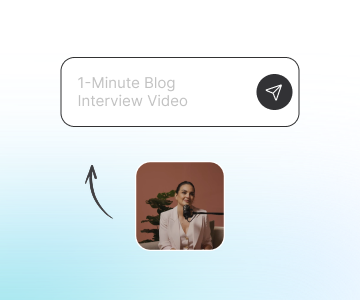
Step 1: Upload an Image or Start with a Text Idea
Choose an image-to-video input when you already have a photo, artwork, product visual, or character design. If you are beginning from an idea instead, write a text prompt to create the starting scene before developing it into motion.
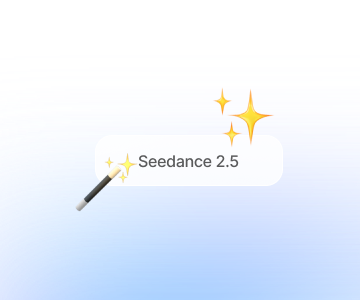
Step 2: Describe the Motion and Select a Video Model
Name the subject movement, scene details, camera direction, pace, and style. Then choose the video model that best suits the kind of motion and visual direction you want to explore.
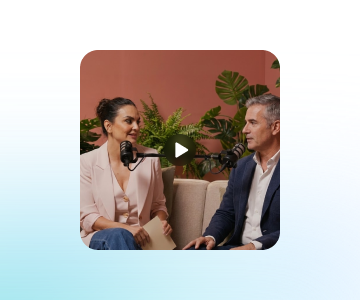
Step 3: Generate, Review, and Continue Editing
Generate the clip, check whether the motion, visual details, and overall direction match your brief, then refine the prompt or choose another model if needed. Download the result or continue working with video editing tools in ChatGOAT AI.
Try AI Image Animator on ChatGOAT AI Now
Test AI Image Animator for portraits, product shots, illustrations, old photos and anime-style clips. Bring static visuals alive and make short social videos for TikTok, Reels and Shorts. Start free in your browser.
See What Users Can Create with AI Image Animator
See What Users Can Create with AI Image Animator
I used one illustration for a character teaser and kept the prompt focused on a slow camera move and flowing fabric. It gave me a useful short clip without having to animate every detail myself.

I used one illustration for a character teaser and kept the prompt focused on a slow camera move and flowing fabric. It gave me a useful short clip without having to animate every detail myself.
Being able to try more than one model helped me find a movement style that matched the original photo. The first version was too dramatic, but the next direction felt much closer to what I had in mind.

Being able to try more than one model helped me find a movement style that matched the original photo. The first version was too dramatic, but the next direction felt much closer to what I had in mind.
I started with a product image and described only a few small motions around it. The workflow was simple to follow, and I liked that I could keep developing other visuals in the same place.

I started with a product image and described only a few small motions around it. The workflow was simple to follow, and I liked that I could keep developing other visuals in the same place.
For an old family photo, I asked for very subtle movement instead of a big effect. That made the result feel more respectful and gave me a good starting point for a short personal video.

For an old family photo, I asked for very subtle movement instead of a big effect. That made the result feel more respectful and gave me a good starting point for a short personal video.
I uploaded a photo of my cat and used the AI Image Animator to make her blink and turn her head. It was so fun seeing a still picture come to life, especially since I didn't need any animation skills.

I uploaded a photo of my cat and used the AI Image Animator to make her blink and turn her head. It was so fun seeing a still picture come to life, especially since I didn't need any animation skills.
I had a beautiful sunset photo from my vacation and wanted to make it move. The AI added gentle waves and drifting clouds, turning an ordinary picture into a short animated scene.

I had a beautiful sunset photo from my vacation and wanted to make it move. The AI added gentle waves and drifting clouds, turning an ordinary picture into a short animated scene.
FAQ
FAQ
What is an AI image animator?

How can I animate a photo with AI?
Can I use this for image to anime ideas?
What kinds of images can I animate?
Can I choose a video model?
Can I keep refining the video after generation?